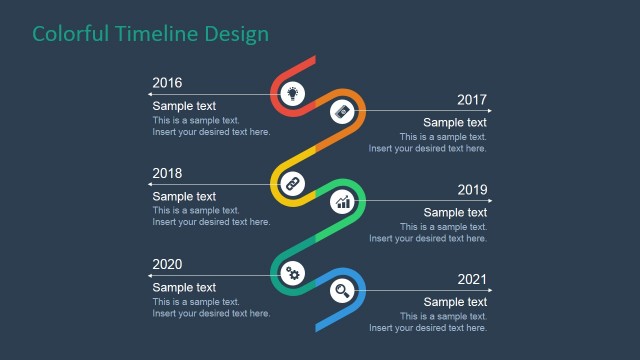
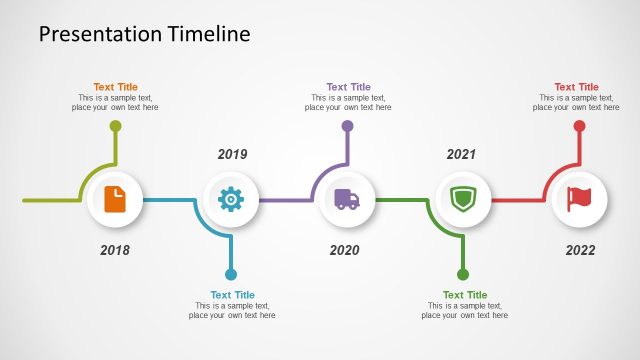
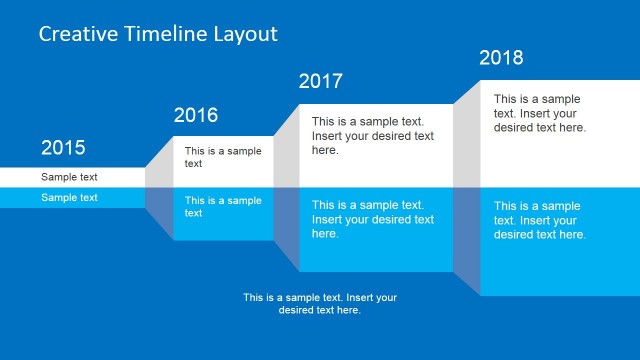
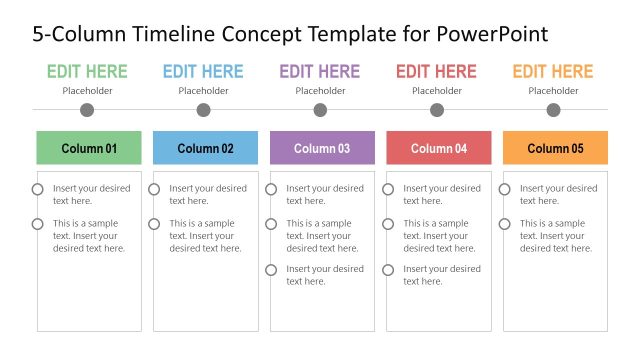
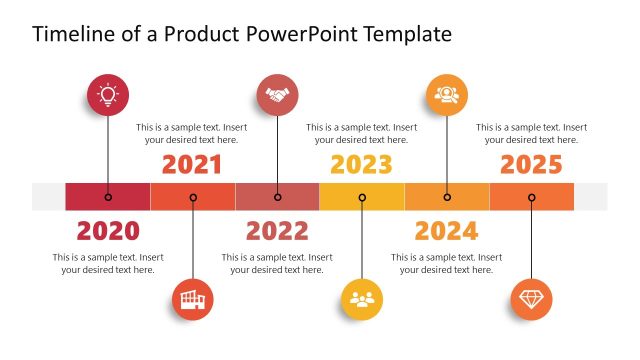
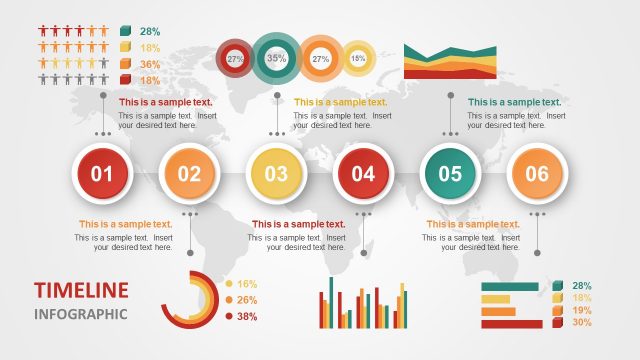
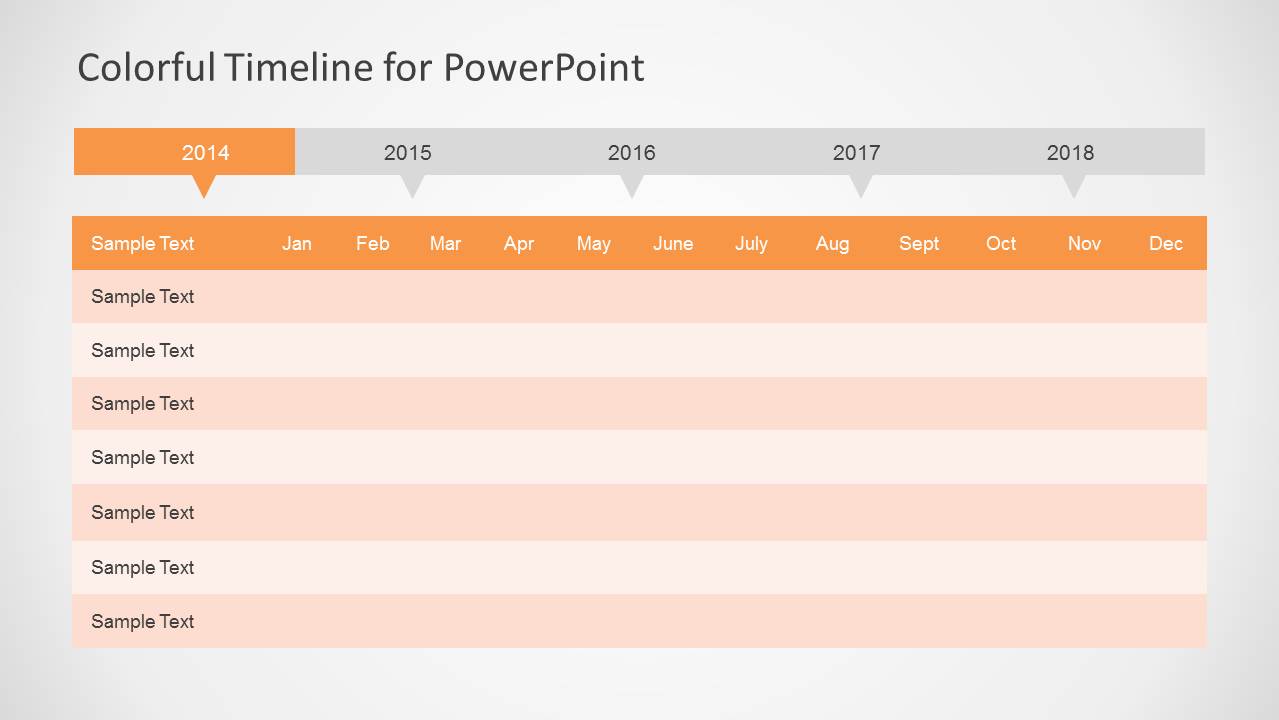
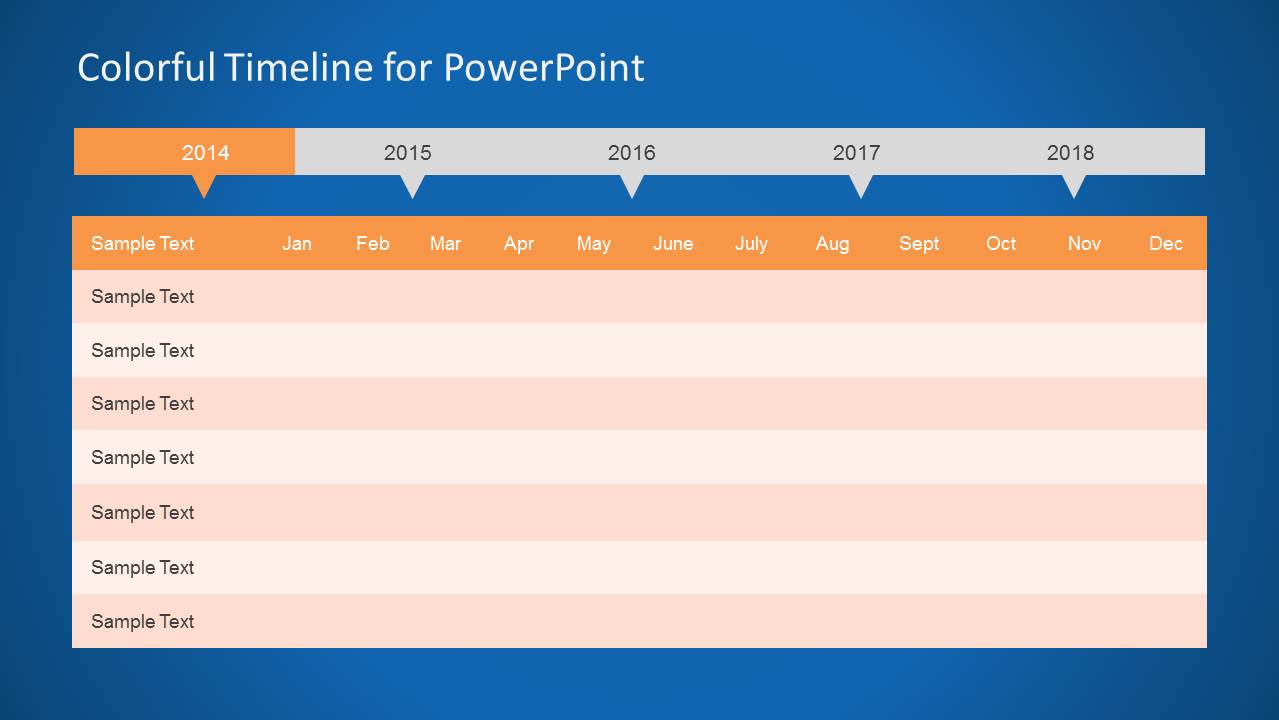
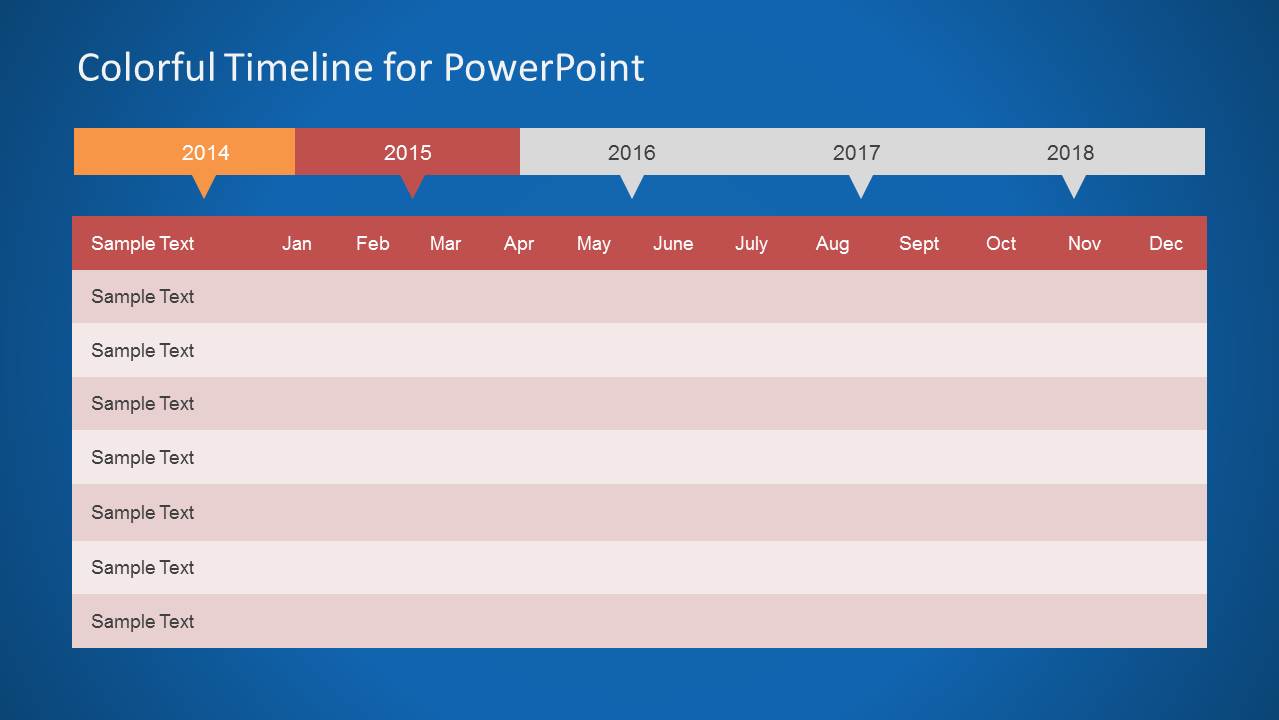
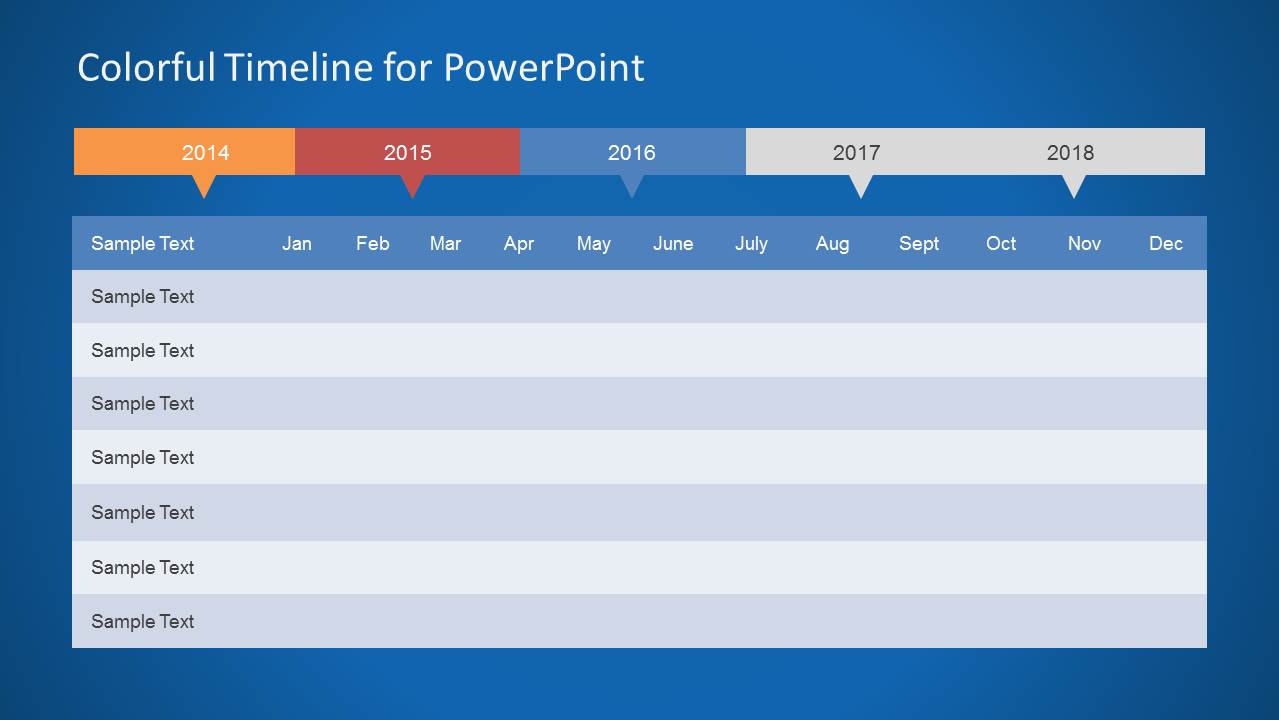
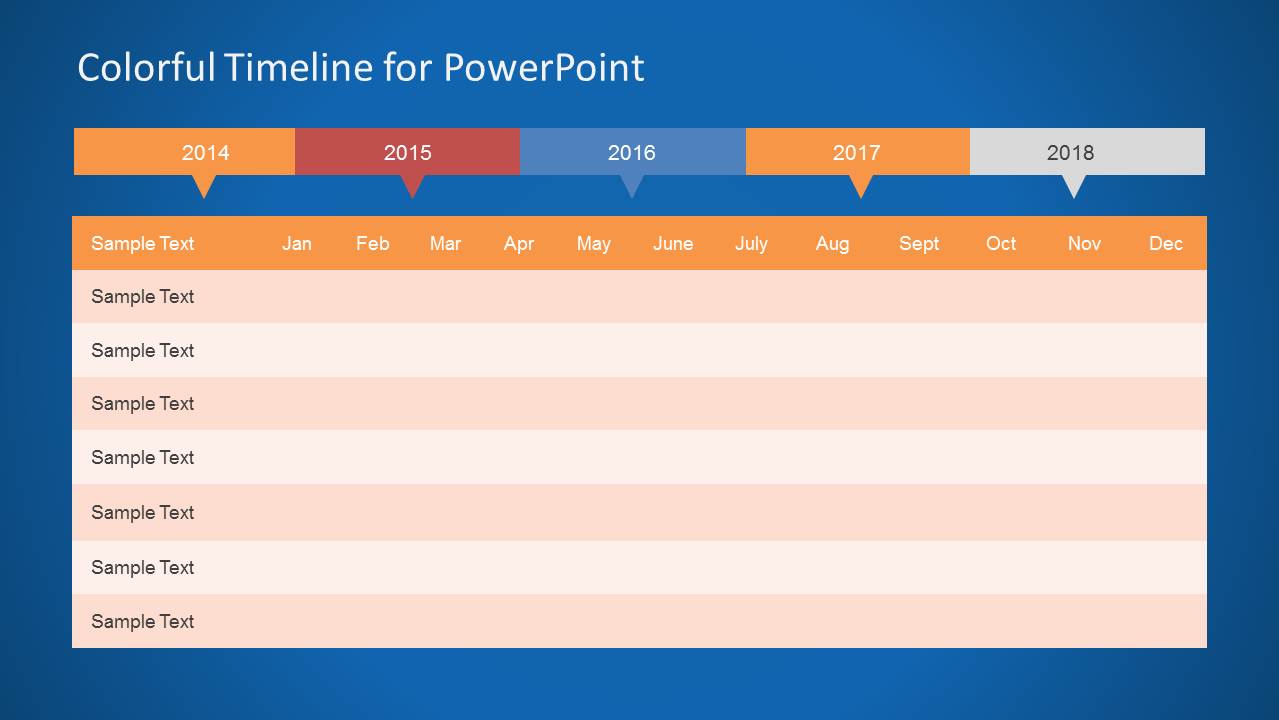
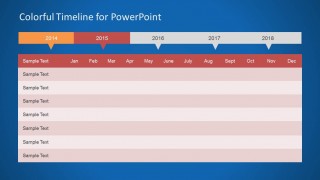
Colorful Timeline Template for PowerPoint is a presentation timeline design for Microsoft PowerPoint that you can download for presentations on project planning and management. This colorful timeline design has useful layouts where you can prepare and show your project plan to an audience. You can use the ready-made layouts as an alternative to traditional Gantt charts.
Alternatively you can download other colorful timeline templates for PowerPoint like the quarterly timeline design.
What’s inside this template
Example presentation scenarios
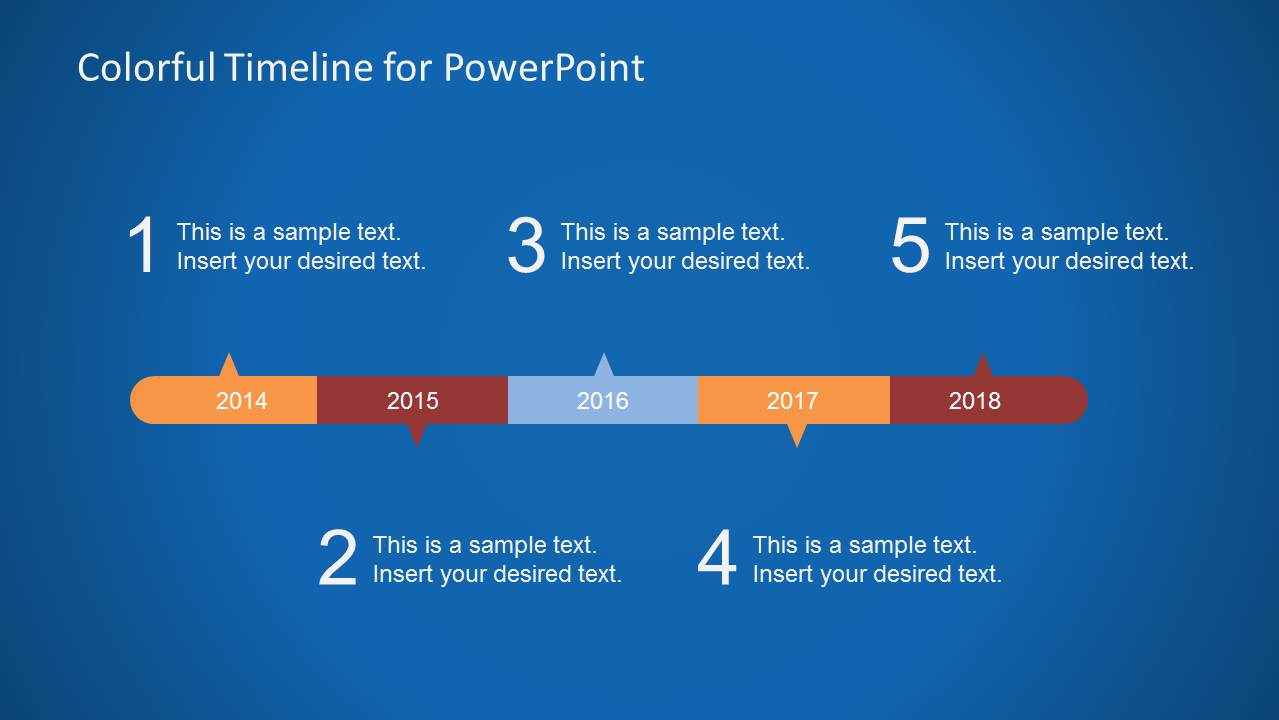
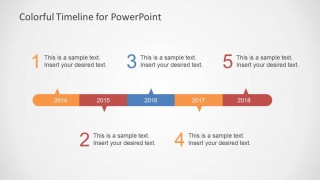
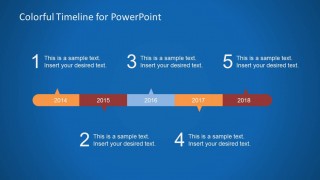
- A project manager can present an annual schedule to stakeholders by using the horizontal milestone timeline to summarize five major phases before reviewing monthly task rows.
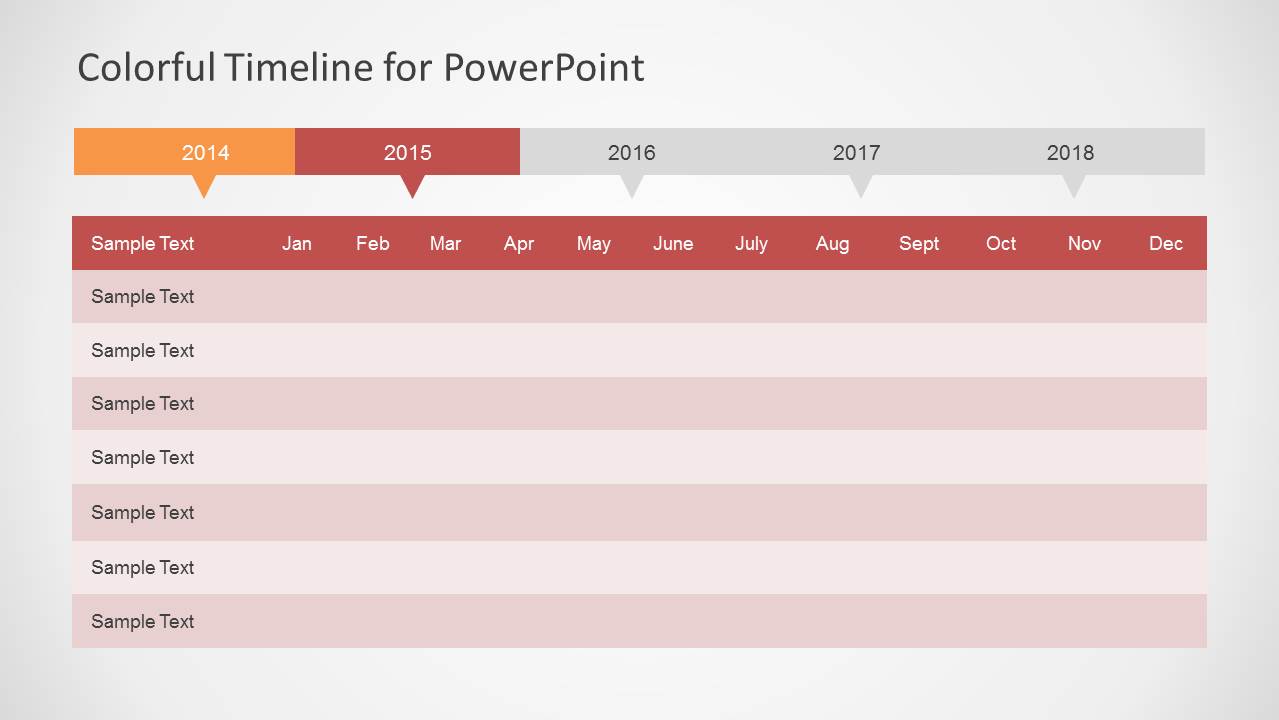
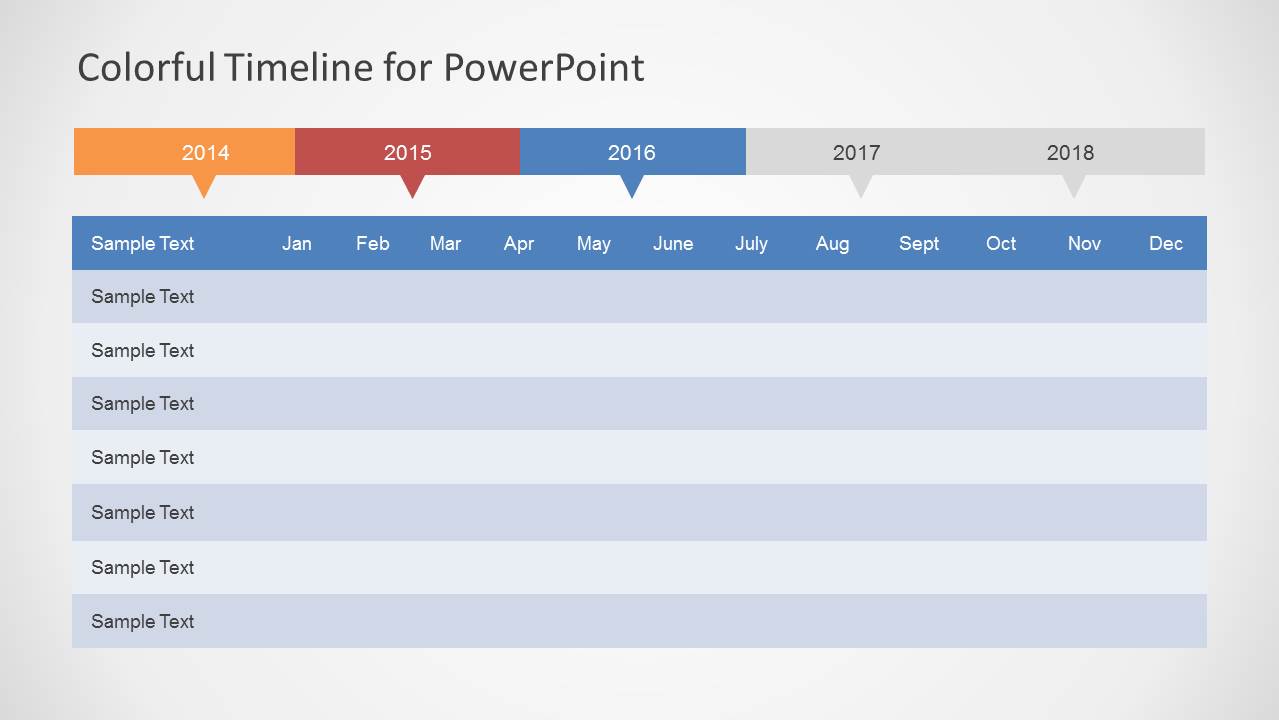
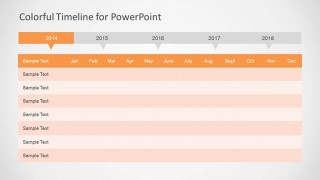
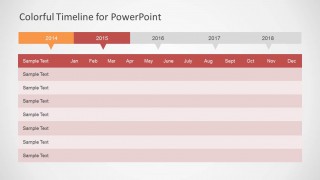
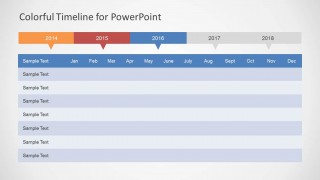
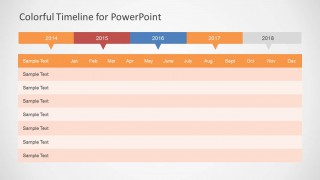
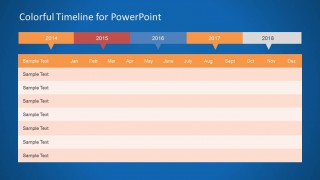
- A product manager can explain a roadmap update to executives by using the year-strip planning tables to show which years and months are active for each workstream.
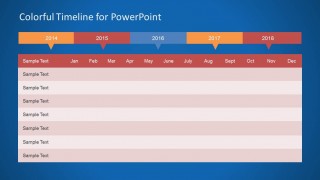
- A program lead can run a status meeting with department heads by replacing the sample text rows in the Gantt-style tables with initiatives, owners, and review checkpoints.
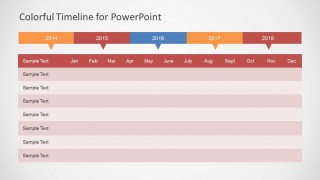
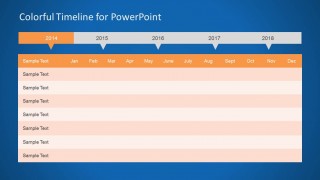
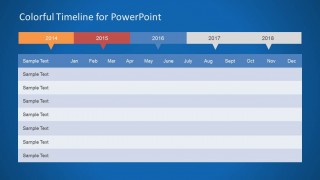
- A strategy team can compare light and dark timeline variants for an internal planning workshop where the goal is to align the audience around milestones and monthly priorities.
Features
- 100% editable presentation template
- Compatible with Microsoft PowerPoint and Google Slides
- Scalable vector shapes, icons and illustrations
- AI-Ready for Microsoft Copilot and Claude
- Instant access and download
Frequently asked questions
Q: How should a presenter turn these timeline slides into a clear project story?
A: Start with the horizontal milestone timeline to give the audience a quick view of the five-year structure, then move into the monthly planning table that matches the active period being discussed. Keep each row to one workstream or deliverable, and use the highlighted year strip to remind the audience where they are in the plan.
Q: Who is this template best suited for in a planning meeting?
A: This template is best for project managers, product managers, program leads, and strategy teams who need to explain timing rather than detailed analytics. The Gantt-style tables work well for showing initiatives across months, while the milestone timeline helps executives or cross-functional teams understand the larger schedule before reviewing row-level details.
Q: Why does the design repeat the same timeline structure in light and dark variants?
A: The repeated structure keeps the audience focused on timing while giving the presenter a choice of visual emphasis. Light slides suit printed reports or formal schedule reviews, while the dark blue versions create stronger contrast for milestone callouts and large-room presentations. The color-coded year blocks act as a simple time metaphor across the deck.
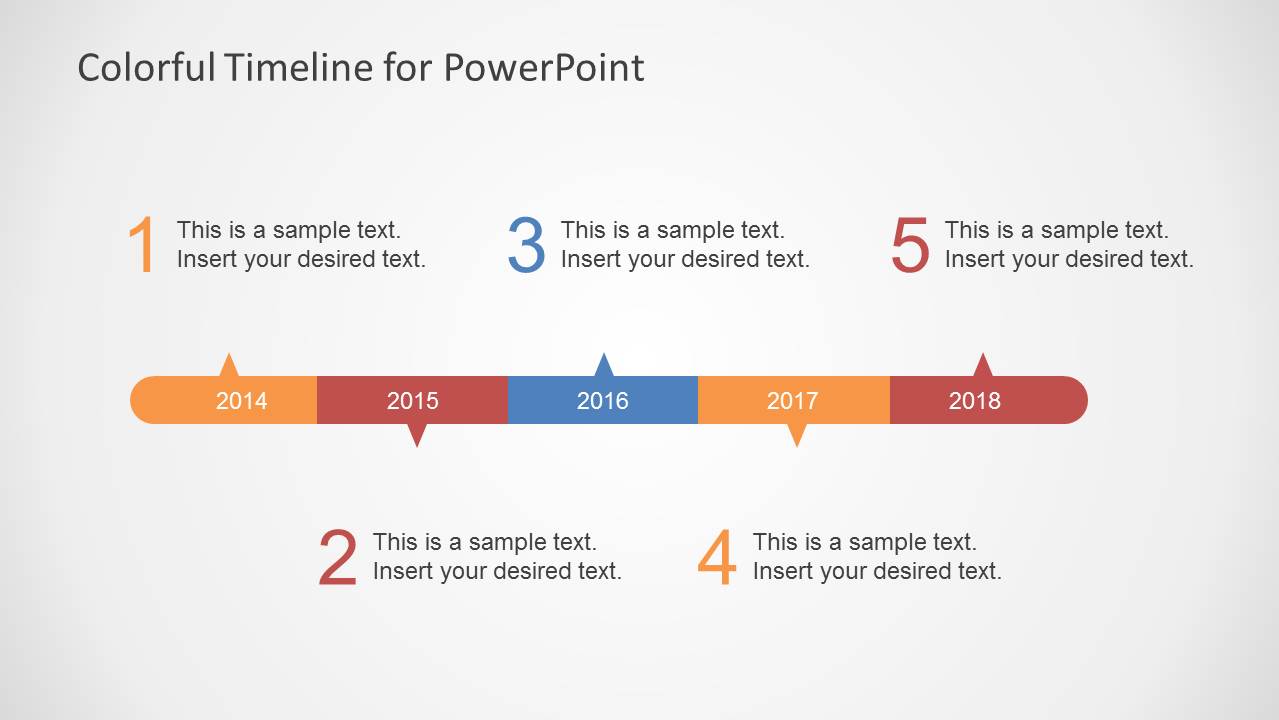



Colorful Timeline Template for PowerPoint
12-slide timeline presentation template with Gantt-style planning tables and annual milestone tracks
This 12-slide PowerPoint timeline template contains a horizontal milestone timeline, Gantt-style monthly planning tables, year-strip headers, and light and dark background variants. It is built for project managers, product planners, and strategy teams that need to show annual plans, phase timing, milestones, and task rows in PowerPoint.


 Loading...
 Microsoft PowerPoint
  Microsoft Copilot
  Claude for PowerPoint
 Other formats supported
Subscribe today and get immediate
access to download our PowerPoint templates.