Slide 7 of 12 from Colorful Timeline Template for PowerPoint
6197-01-colorful-timeline-template-7
Colorful Timeline for PowerPoint Slide
- Diagram
- Timeline Horizontal
- Timeline Slide
- 16:9
- 100% Editable
The Colorful Timeline slide from the Colorful Timeline Template for PowerPoint offers a horizontal layout ideal for illustrating project milestones and strategic timelines. This slide integrates editable shapes and vector icons to enhance clarity and engagement, making it a practical choice for business presentations and pitch deck templates that require clear chronological visualization.
What’s on This Slide
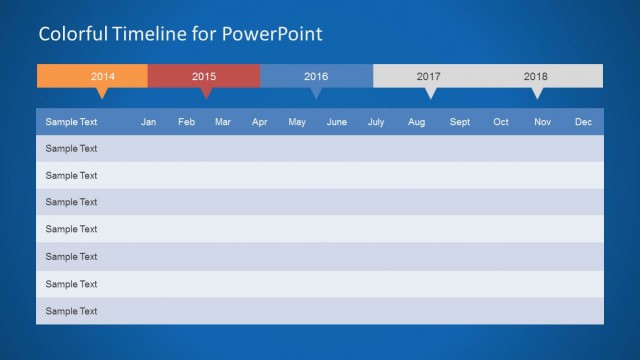
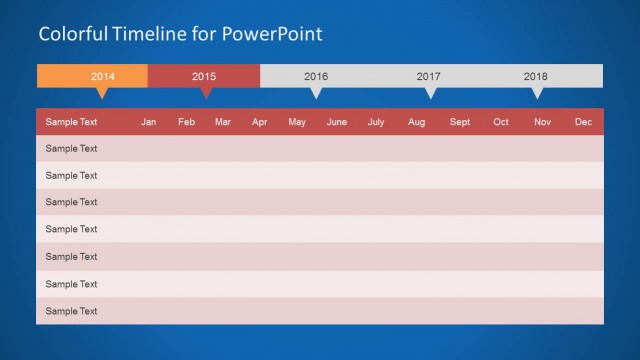
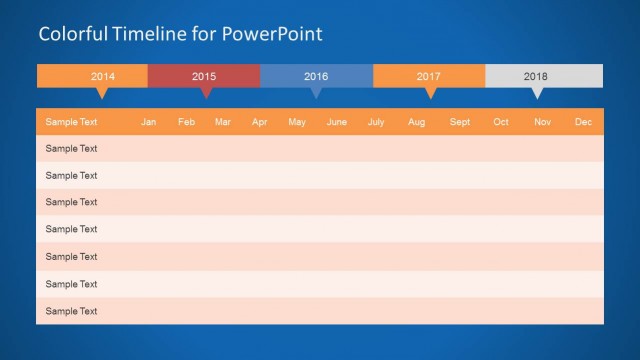
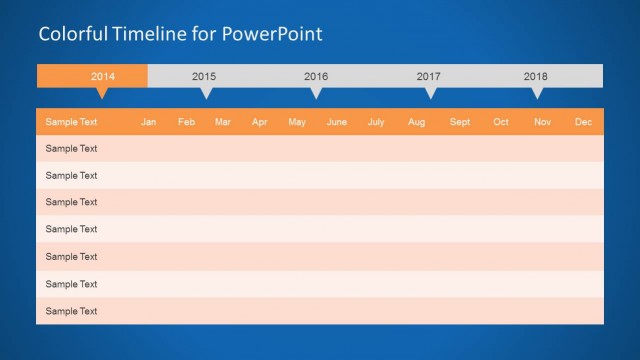
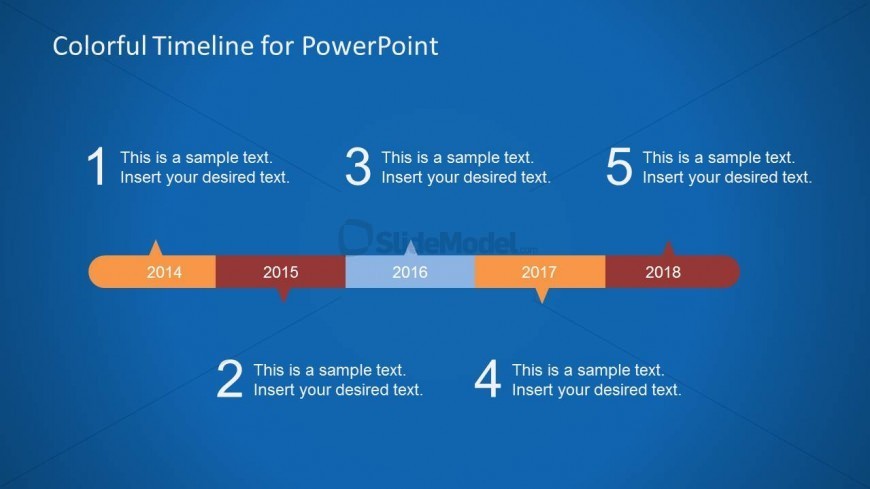
The layout features a horizontal timeline with five milestone markers positioned evenly across the center. Each marker is labeled with a year from 2014 to 2018, with corresponding text placeholders below each marker for additional information. The timeline is set against a blue background, enhancing visibility. The markers are in varying colors, creating a visual hierarchy. Text placeholders are aligned centrally beneath each marker, indicating where to insert specific details. The overall composition is balanced, with a clear flow from left to right.
How to Use It
This layout serves as a chronological timeline, ideal for showcasing project milestones or key events over a specified period. It fits well in a presentation sequence after a problem slide, providing a visual representation of progress. This structure is suitable for project managers or product planners needing to outline phases or achievements. It can also be used in strategic planning discussions to illustrate timelines effectively.
Text Placeholders & Capacity
Keep your copy within these limits so it fits without resizing. Node body slots can hold about 40 characters each.
| Placeholder | Count | Max characters (approx.) |
|---|---|---|
| Slide title | 1 | 30 |
| Item heading | 5 | 10 |
| Item body | 5 | 40 |
Slide Keywords
Download unlimited PowerPoint templates, charts and graphics for your presentations with our annual plan.
DOWNLOADReturn to Colorful Timeline Template for PowerPoint.