Slide 10 of 12 from Colorful Timeline Template for PowerPoint
6197-01-colorful-timeline-template-10
Gantt Chart Style Timeline for Project Planning
- Diagram
- Timeline Horizontal
- Project Plan Slide
- 16:9
- 100% Editable
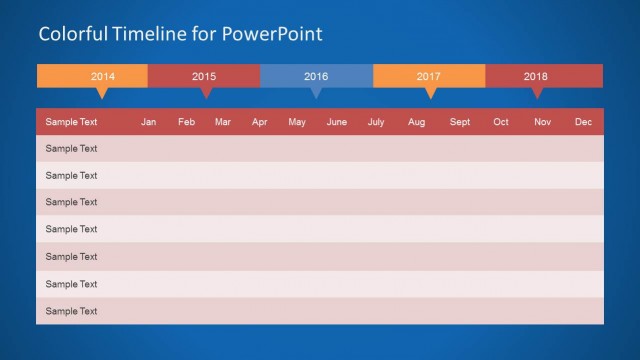
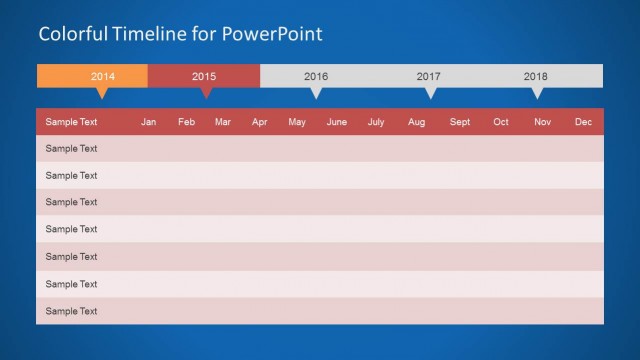
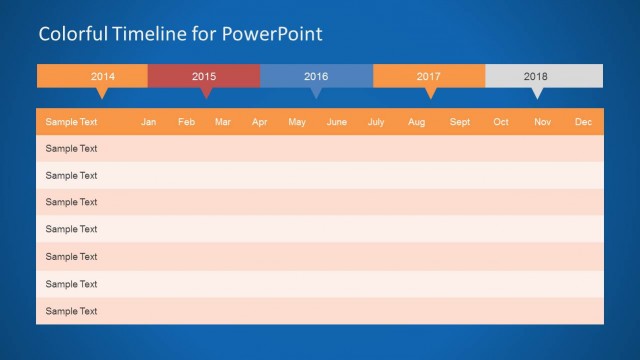
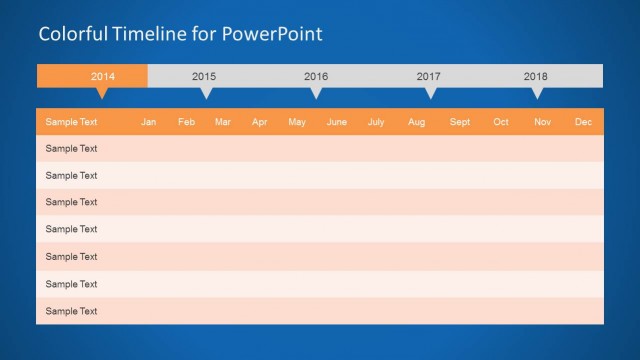
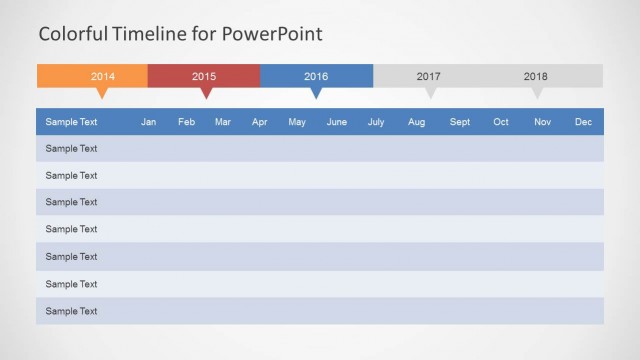
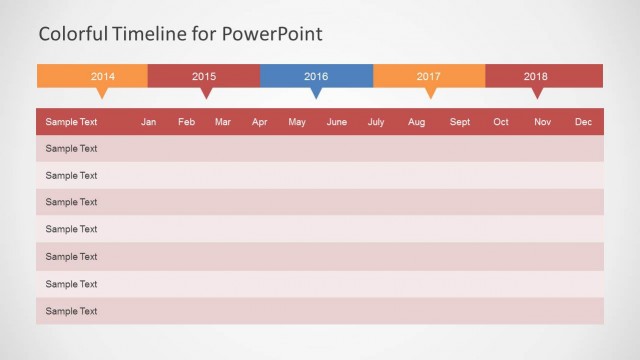
The Gantt Chart Style Timeline slide from the Colorful Timeline Template for PowerPoint offers a clear horizontal timeline layout ideal for project planning and milestone tracking. This slide template integrates editable shapes and vector icons to visualize tasks and timelines effectively, making it suitable for business presentations and corporate slide decks that require detailed project roadmaps over multiple years.
What’s on This Slide
The layout features a horizontal timeline at the top with years labeled from 2014 to 2018. Below the timeline, there are seven rows for tasks, each with a sample text placeholder. The timeline is segmented into months, with each month represented by a column. The background is a gradient blue, providing a clear contrast to the white and colored elements. The timeline has colored segments for each year, with the current year highlighted. Text placeholders are centered in each row, maintaining visual hierarchy.
How to Use It
This layout serves as a Gantt chart for project planning, allowing users to visualize tasks over multiple years. It fits well after problem identification slides, providing a roadmap for project execution. Ideal for project managers and teams needing to display timelines, milestones, and task allocations, this format can be used in strategic planning sessions to outline phases and responsibilities clearly.
Text Placeholders & Capacity
Keep your copy within these limits so it fits without resizing. Node body slots can accommodate roughly 6-8 words each.
| Placeholder | Count | Max characters (approx.) |
|---|---|---|
| Slide title | 1 | 30 |
| Item body | 7 | 50 |
Slide Keywords
Download unlimited PowerPoint templates, charts and graphics for your presentations with our annual plan.
DOWNLOADReturn to Colorful Timeline Template for PowerPoint.