Slide 9 of 12 from Colorful Timeline Template for PowerPoint
6197-01-colorful-timeline-template-9
Colorful Timeline Layout for Project Planning
- Table
- Schedule Calendar
- Project Plan Slide
- 16:9
- 100% Editable
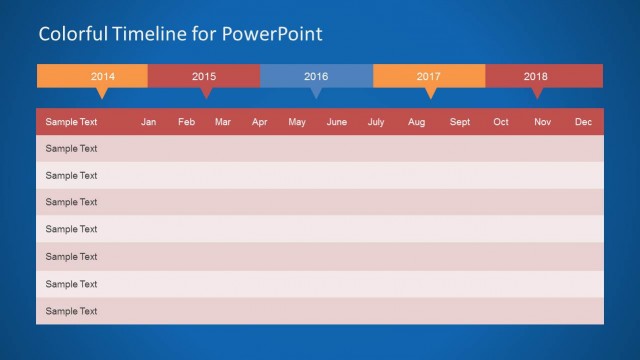
The Colorful Timeline Layout from the Colorful Timeline Template for PowerPoint offers an editable slide ideal for project timelines and milestone tracking. This slide integrates a horizontal timeline with a detailed table for monthly task planning, making it suitable for business presentations and corporate slide decks that require clear visualization of multi-year schedules.
What’s on This Slide
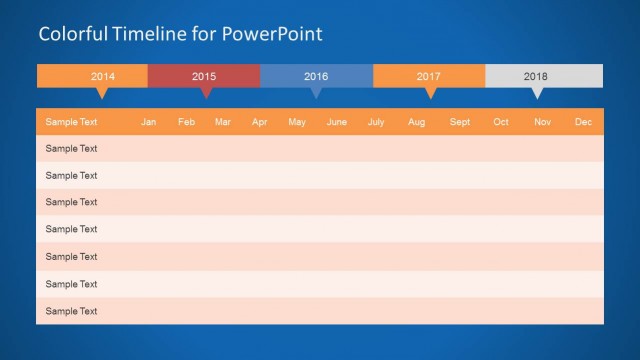
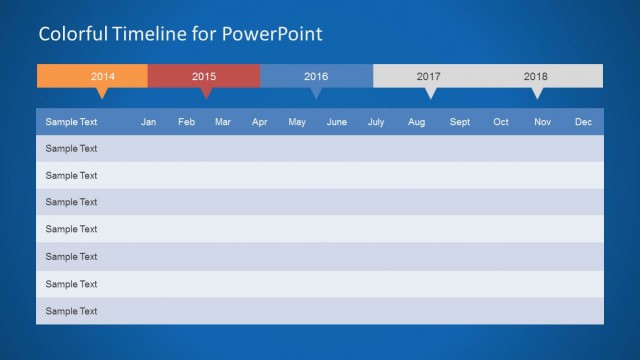
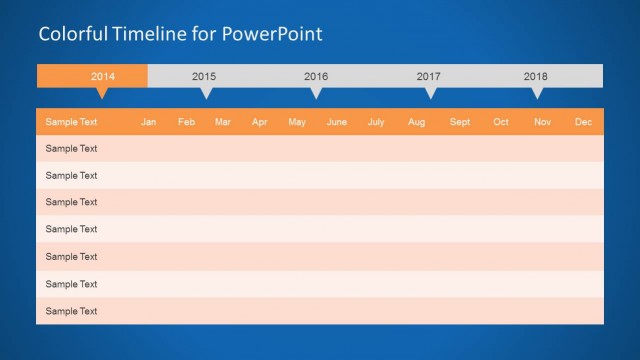
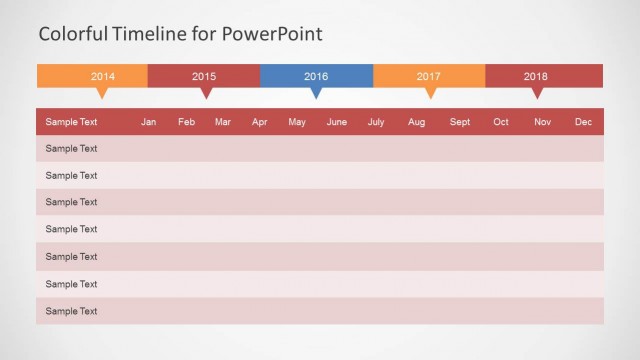
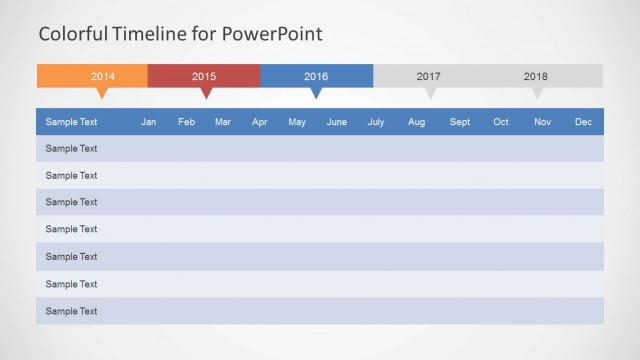
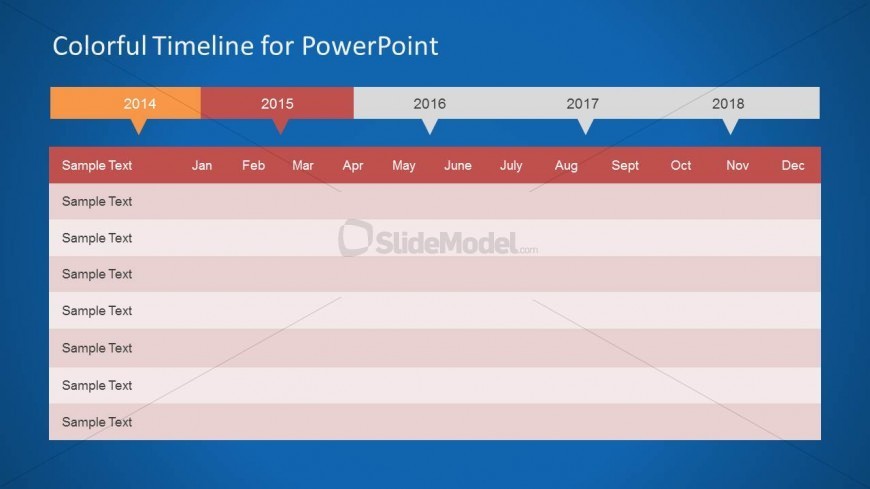
The layout features a horizontal timeline at the top, displaying years from 2014 to 2018. Below the timeline, there is a table with rows for tasks and columns for months from January to December. The timeline uses color blocks to differentiate years, while the table rows alternate in color for clarity. Text placeholders are present for task descriptions and month labels, aligned centrally within their respective cells. The overall background is a gradient blue, enhancing the visual hierarchy of the timeline and table.
How to Use It
This layout serves as a Gantt chart for project management, allowing users to visualize timelines and milestones across multiple years. It fits well in presentations that require detailed planning or progress tracking. Ideal scenarios include product development timelines, project schedules, or strategic planning sessions. The structure supports clear communication of phases and tasks, making it suitable for team updates or stakeholder presentations.
Text Placeholders & Capacity
Keep your copy within these limits so it fits without resizing. Node body slots can hold about 10 words each.
| Placeholder | Count | Max characters (approx.) |
|---|---|---|
| Slide title | 1 | 30 |
| Item body | 12 | 50 |
| Item heading | 12 | 10 |
Slide Keywords
Download unlimited PowerPoint templates, charts and graphics for your presentations with our annual plan.
DOWNLOADReturn to Colorful Timeline Template for PowerPoint.