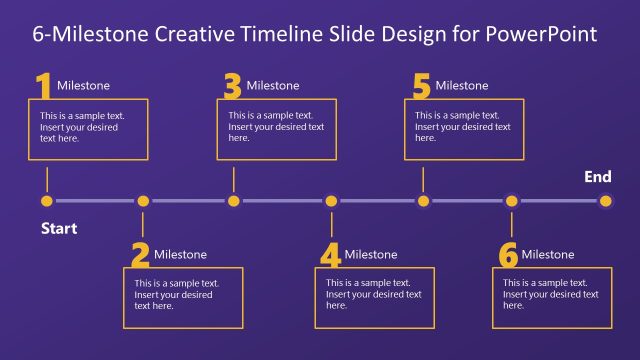
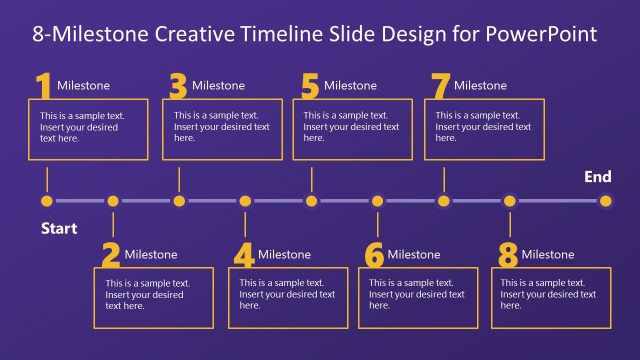
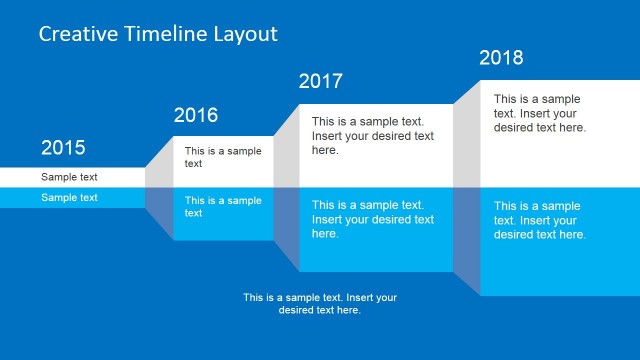
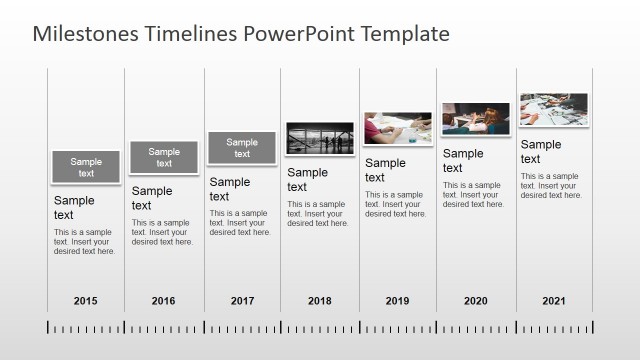
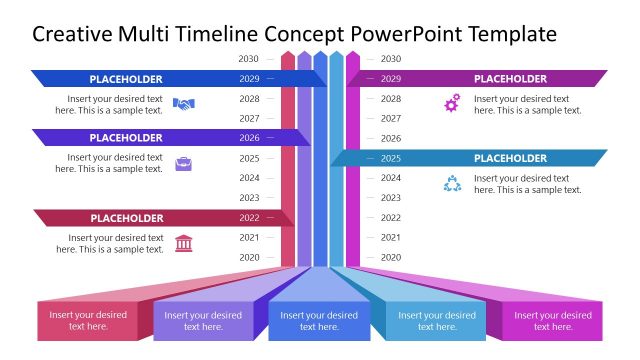
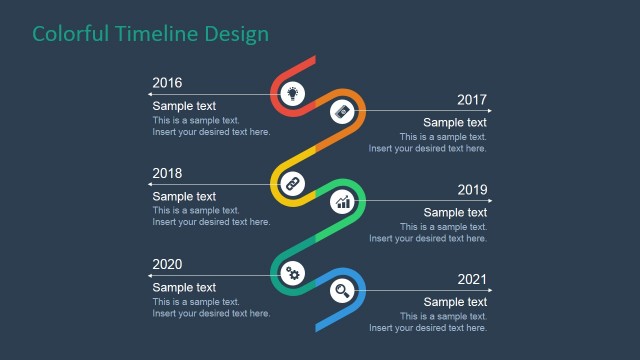
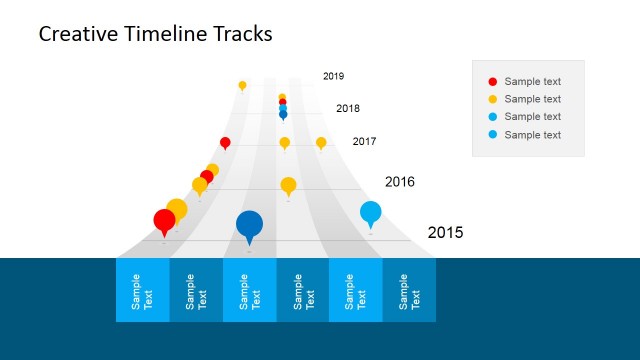
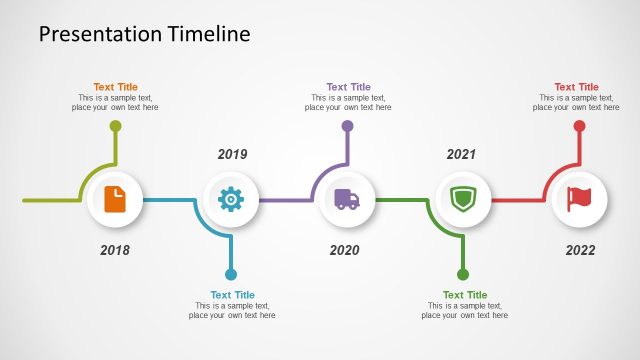
Creative Timeline Template for PowerPoint is a selection of appealing milestone shapes arranged to form a professional timeline. Track the changes and progress of any business or journey using this powerful PowerPoint template.
In literal, milestone refers to a marker (either a stone or a post) of landmarks or highways. They are intended to provide direction or display distances. In other applications, they can represent events. These events are in consecutive order. This means that they happen one after the other. The gaps can be shown in the spaces between two milestones. This already fulfills the creation of a timeline. It can include dates, people and future plans.
A timeline can apply to planning where the user lists the details of a target project. It is ideal for history where events can be arranged and displayed at a chronological manner. It means that their order depends on the date. The template can be used to analyze a personal undertaking like scheduling review topics in preparation for a board exam.
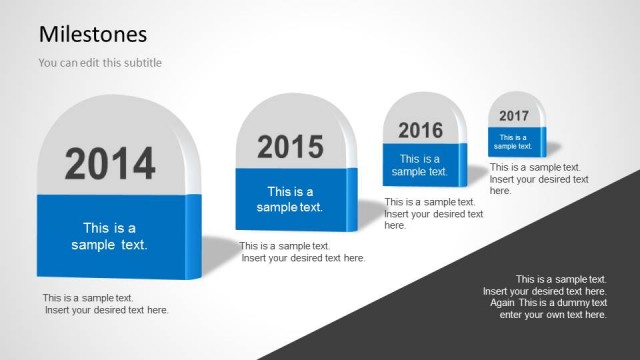
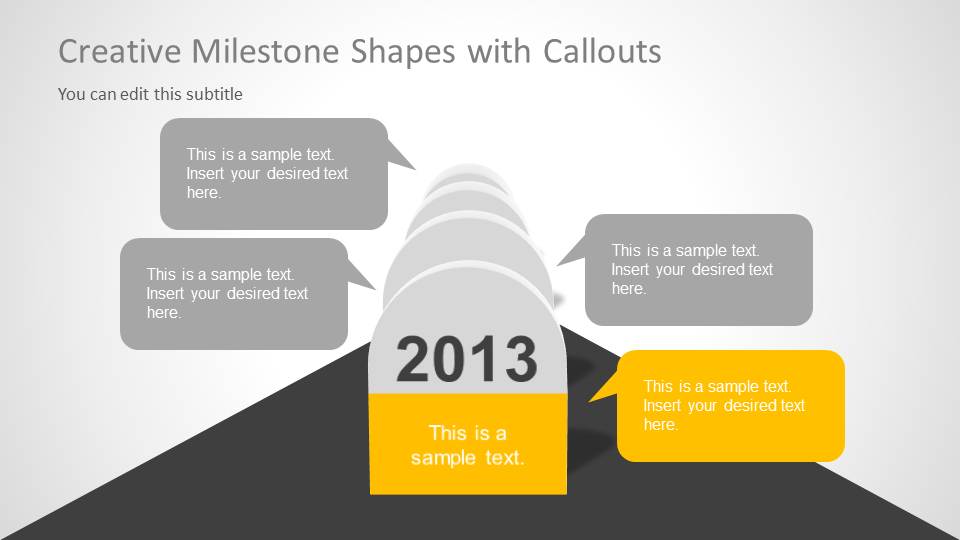
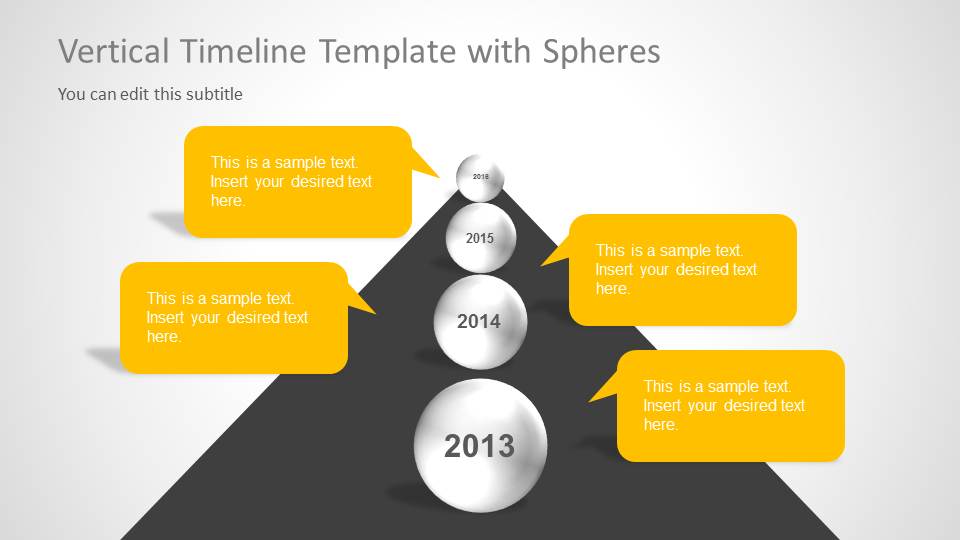
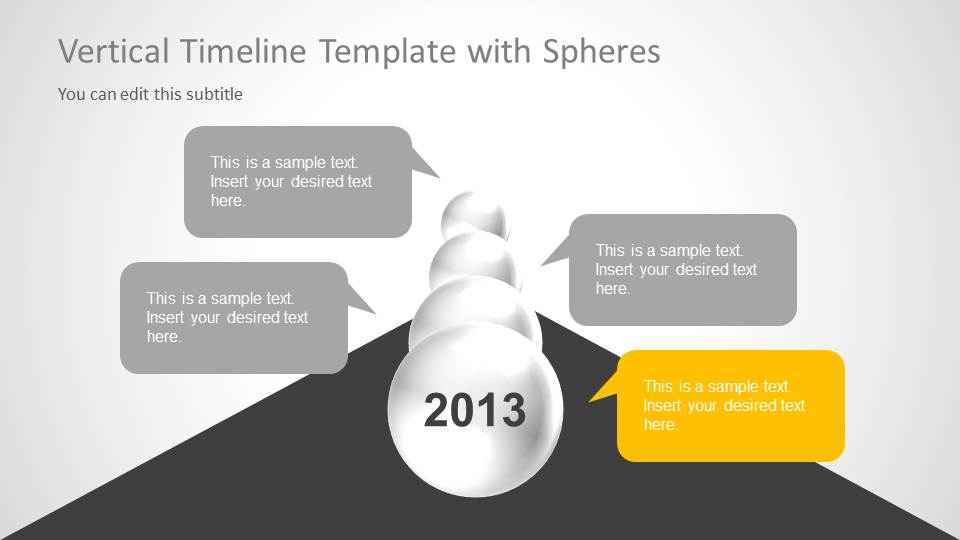
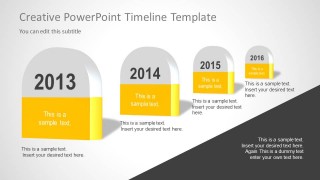
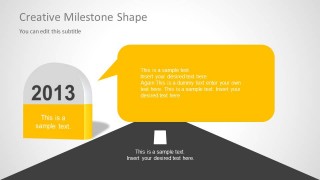
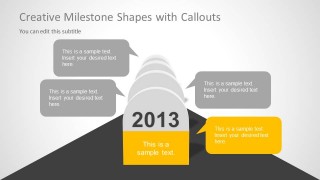
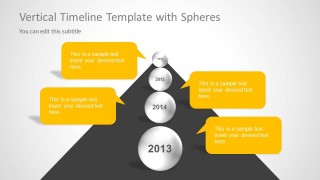
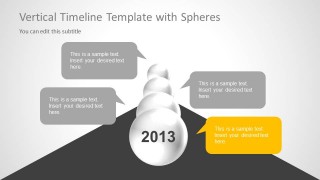
The presenter can have a flexible choice with Creative Timeline Template for PowerPoint. It is customizable using Microsoft PowerPoint shapes. The user can supplement it with specifics such as a cool color scheme and bold texts. There are 6 slides. Each slide is reusable because of the editable features. The PowerPoint objects are in 3D and they appear to have a perspective effect. In the first 4 slides, the presenter can find arc-tipped milestones. They have a vertical arrangement where the milestones decrease in size from front to back. In the 5th and 6th slide, there are spherical shapes aligned in the middle. The text boxes on both sides can refer to the 4 spheres. The user can use them to elaborate on every stage.
Appeal to general audiences using Creative Timeline Template for PowerPoint. Milestones Template for PowerPoint is a related design downloadable at the SlideModel gallery together with more PowerPoint templates.
What’s inside this template
Example presentation scenarios
- A project manager can use the road perspective timeline to explain how four dated milestones connect to the next phase of a project plan.
- A consultant can use the single milestone with a large speech callout to focus an executive audience on one critical event, decision, or checkpoint.
- An educator can use the vertical sphere timeline to teach a sequence of historical events or learning modules in chronological order.
- A team lead can use the callout milestone slide to collect status notes, risks, or owners around one major delivery date.
Features
- 100% editable presentation template
- Compatible with Microsoft PowerPoint and Google Slides
- Scalable vector shapes, icons and illustrations
- AI-Ready for Microsoft Copilot and Claude
- Instant access and download
Frequently asked questions
Q: How should the timeline be presented so the audience follows the sequence?
A: Start with the cover or four-marker timeline to establish the full path, then move into a focused milestone slide for the key checkpoint. Use the callout slides to explain implications, owners, or next actions. Keep each marker tied to one event or decision so the visual path stays easy to read.
Q: Who is this template best suited for?
A: This template fits presenters who need to explain a short sequence of events rather than a dense project schedule. Project managers, consultants, team leads, and instructors can use the milestone blocks, road scene, and vertical sphere timeline to show progress, transition points, or a planned journey.
Q: Why do the milestone and road metaphors work for planning presentations?
A: The marker shapes and road graphics create a familiar journey metaphor: the audience sees progress as movement from one point to the next. The 3D-style markers draw attention to dates, while the callouts create space for context without turning the slide into a table.
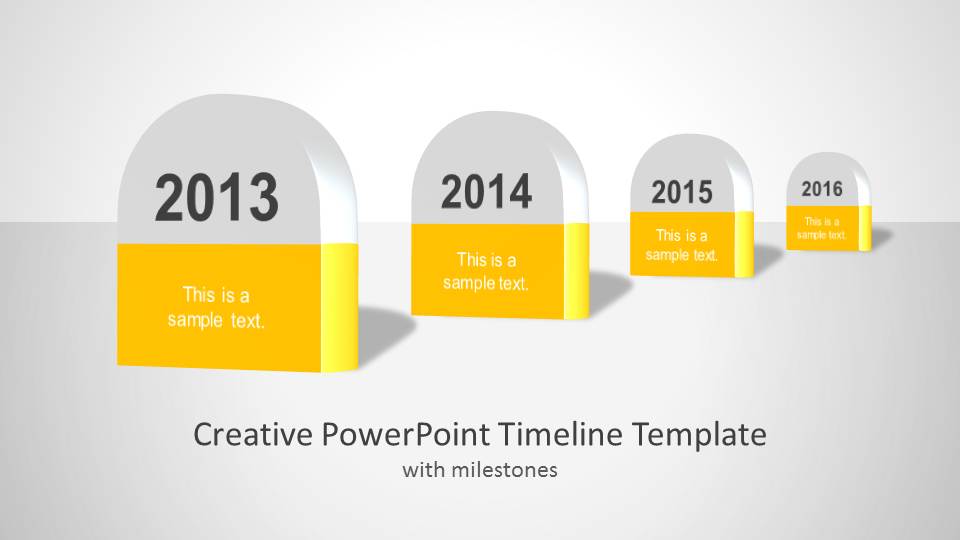
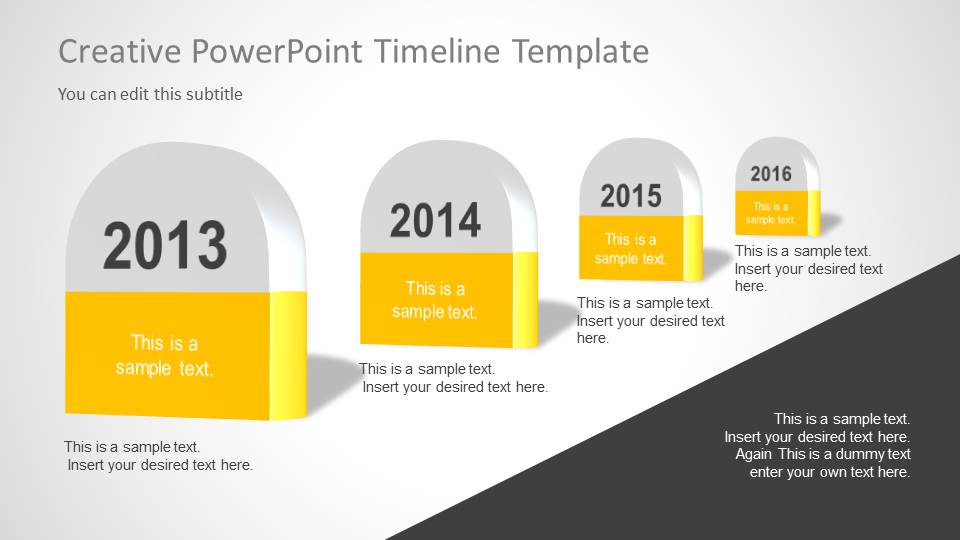

Creative Timeline Template for PowerPoint
6-slide PowerPoint timeline template with milestone markers, road layouts, and sphere roadmap diagrams
Creative Timeline Template for PowerPoint is a 6-slide timeline and planning deck built around milestone markers, road perspective diagrams, callout timelines, and vertical sphere roadmap layouts. It is for presenters who need to show project phases, dated events, schedules, or progress paths in PowerPoint.


 Loading...
 Microsoft PowerPoint
  Microsoft Copilot
  Claude for PowerPoint
 Other formats supported
Subscribe today and get immediate
access to download our PowerPoint templates.