Slide 4 of 12 from Colorful Timeline Template for PowerPoint
6197-01-colorful-timeline-template-4
Colorful Timeline for PowerPoint
- Table
- Data Table
- Timeline Slide
- 16:9
- 100% Editable
The Colorful Timeline Layout from the Colorful Timeline Template for PowerPoint offers a structured way to present project timelines and milestone tracking using editable slides. This slide template features a horizontal timeline with color-coded year segments and a detailed table for monthly planning, making it suitable for business presentations and corporate slide decks focused on annual planning and strategic project management.
What’s on This Slide
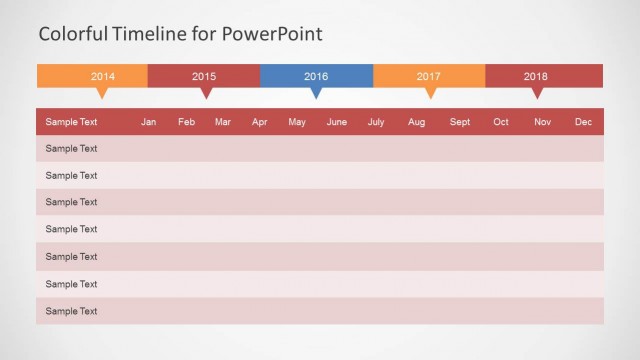
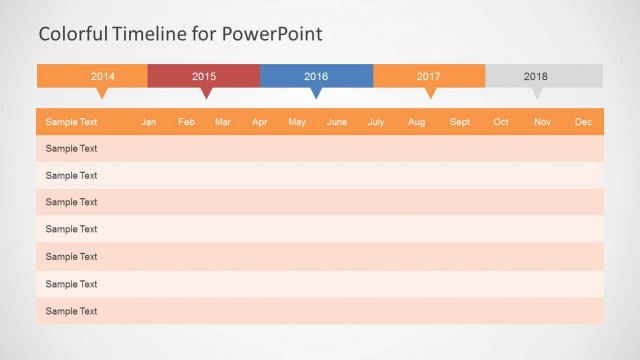
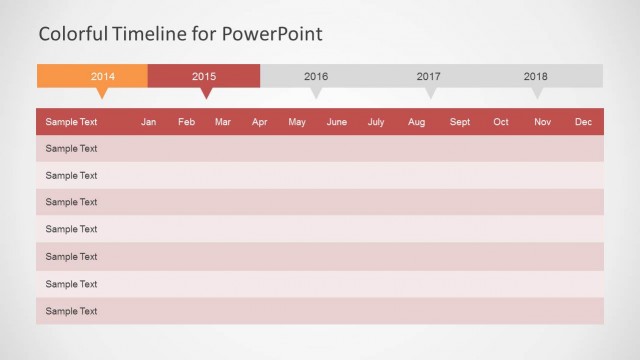
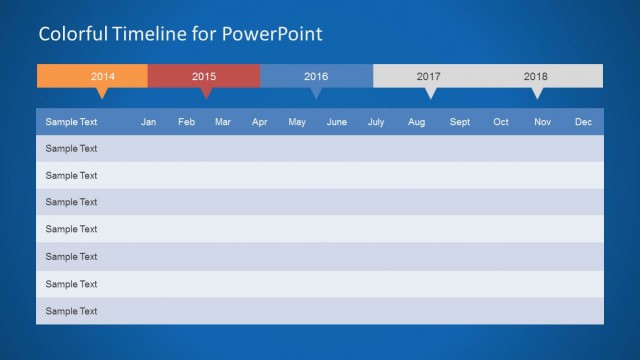
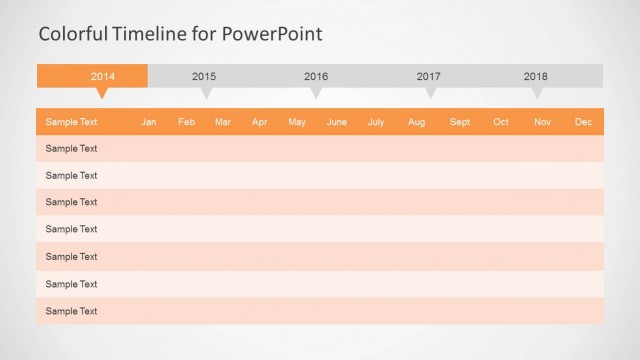
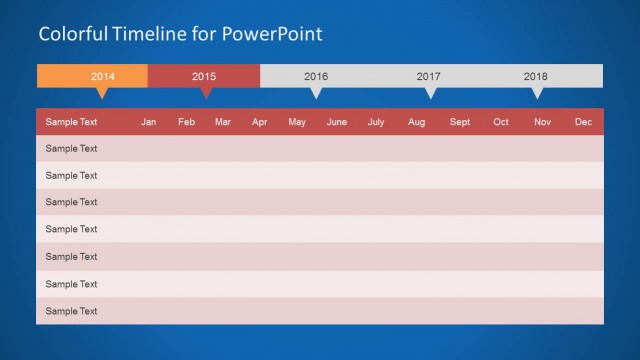
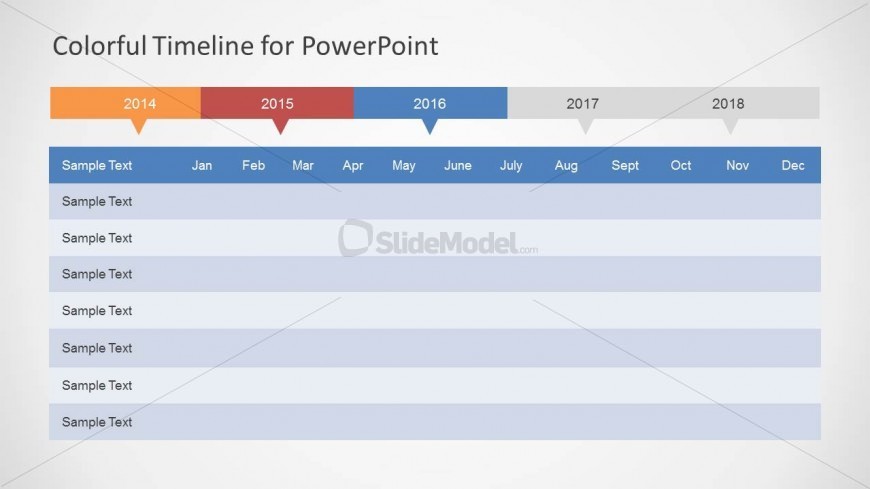
The layout features a horizontal timeline spanning from 2014 to 2018 at the top, with color-coded year segments. Below the timeline, there is a table with rows labeled 'Sample Text' and columns for each month from January to December. The timeline is visually prominent, with years highlighted in distinct colors. The table has alternating row colors for clarity, and text placeholders are centered within each cell. The overall composition is structured, with clear divisions between the timeline and the table.
How to Use It
This layout serves as a timeline for project planning, allowing users to visualize milestones over multiple years. It is suitable for presentations that require a chronological overview of tasks or events. This slide fits well in a sequence following a problem statement, leading into detailed planning phases. It is ideal for project managers and strategic planners who need to present timelines effectively.
Text Placeholders & Capacity
Keep your copy within these limits so it fits without resizing. Body slots can hold about 3-4 words each.
| Placeholder | Count | Max characters (approx.) |
|---|---|---|
| Slide title | 1 | 30 |
| Item body | 12 | 20 |
| Column header | 12 | 10 |
Slide Keywords
Download unlimited PowerPoint templates, charts and graphics for your presentations with our annual plan.
DOWNLOADReturn to Colorful Timeline Template for PowerPoint.