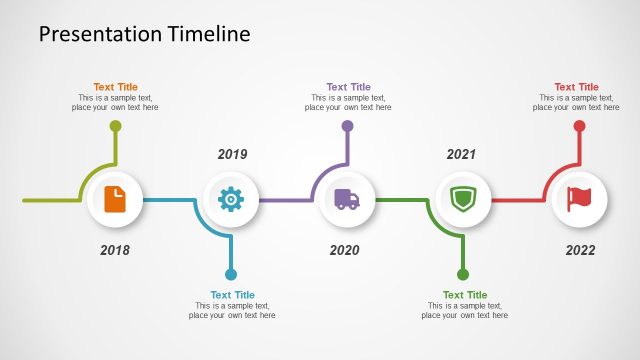
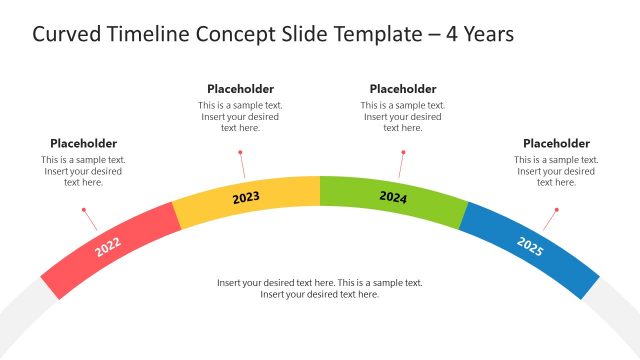
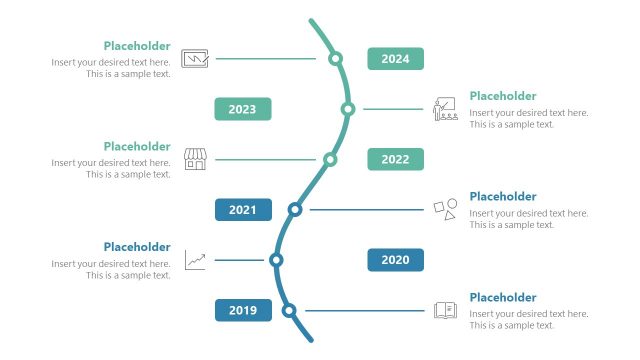
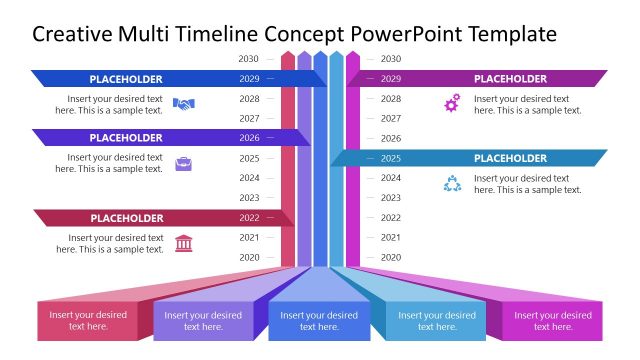
Choose the Colorful Timeline Design for PowerPoint for presenting a plan to be implemented across a number of milestones.
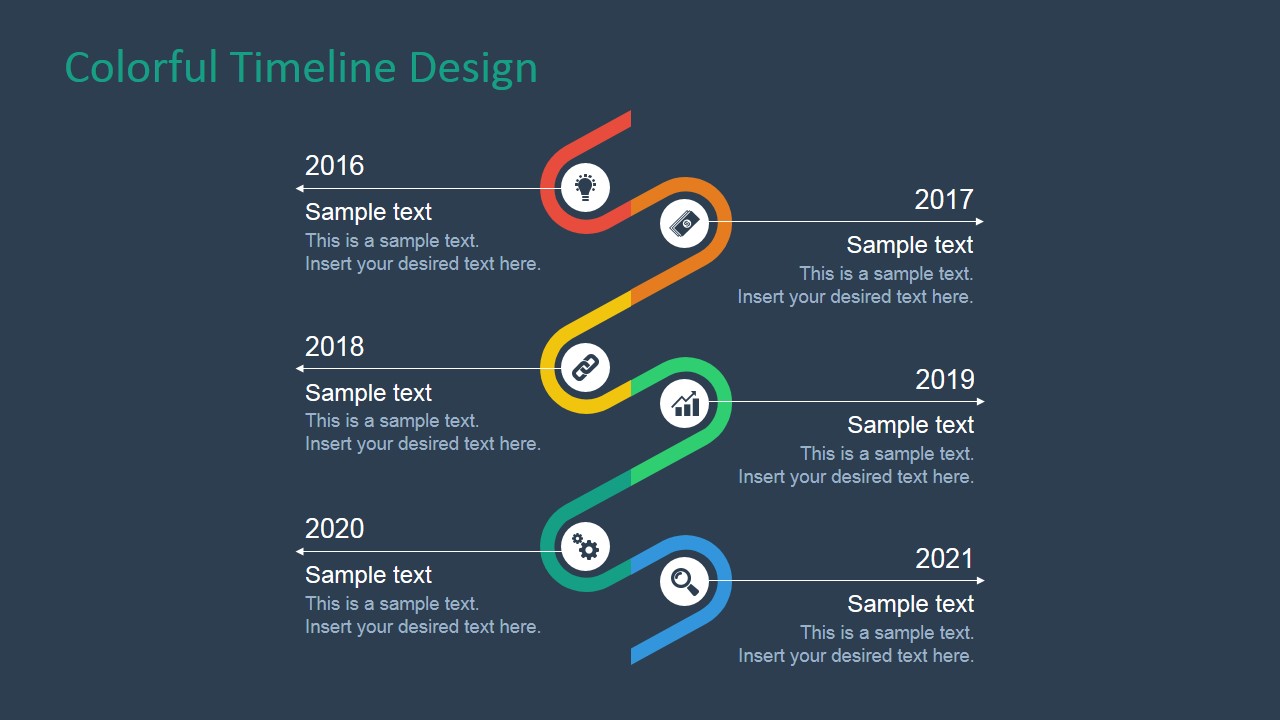
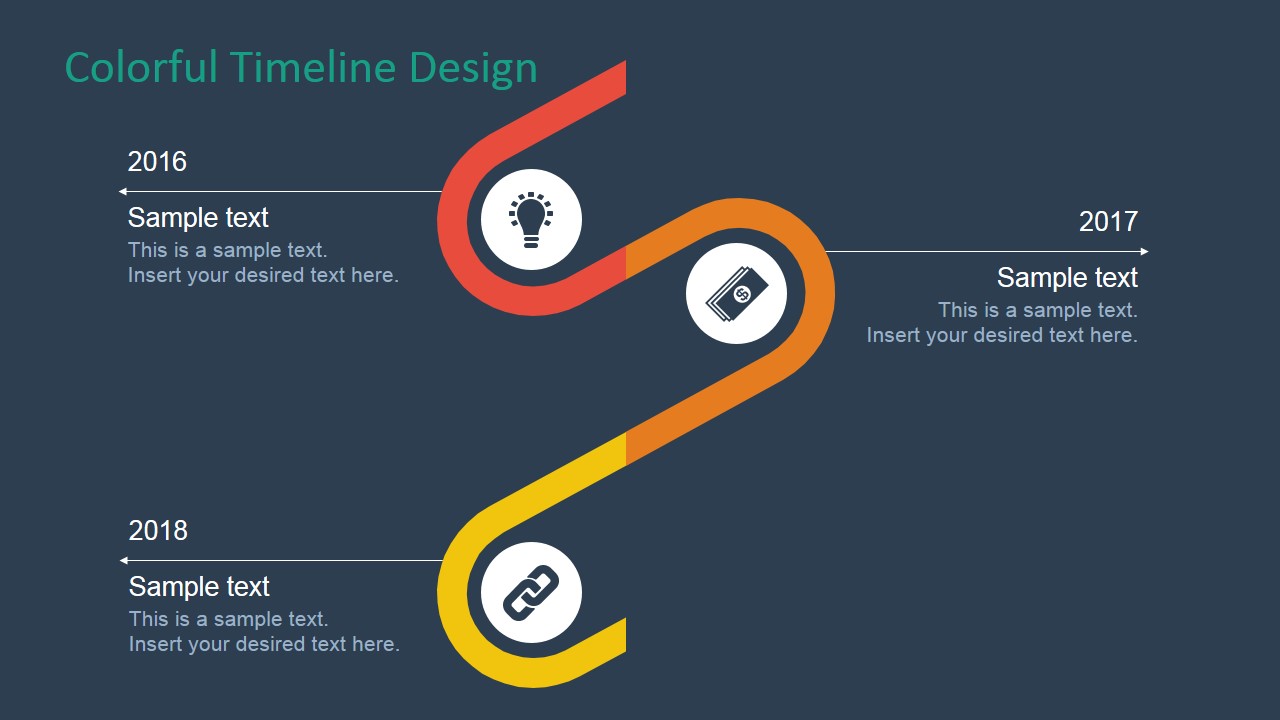
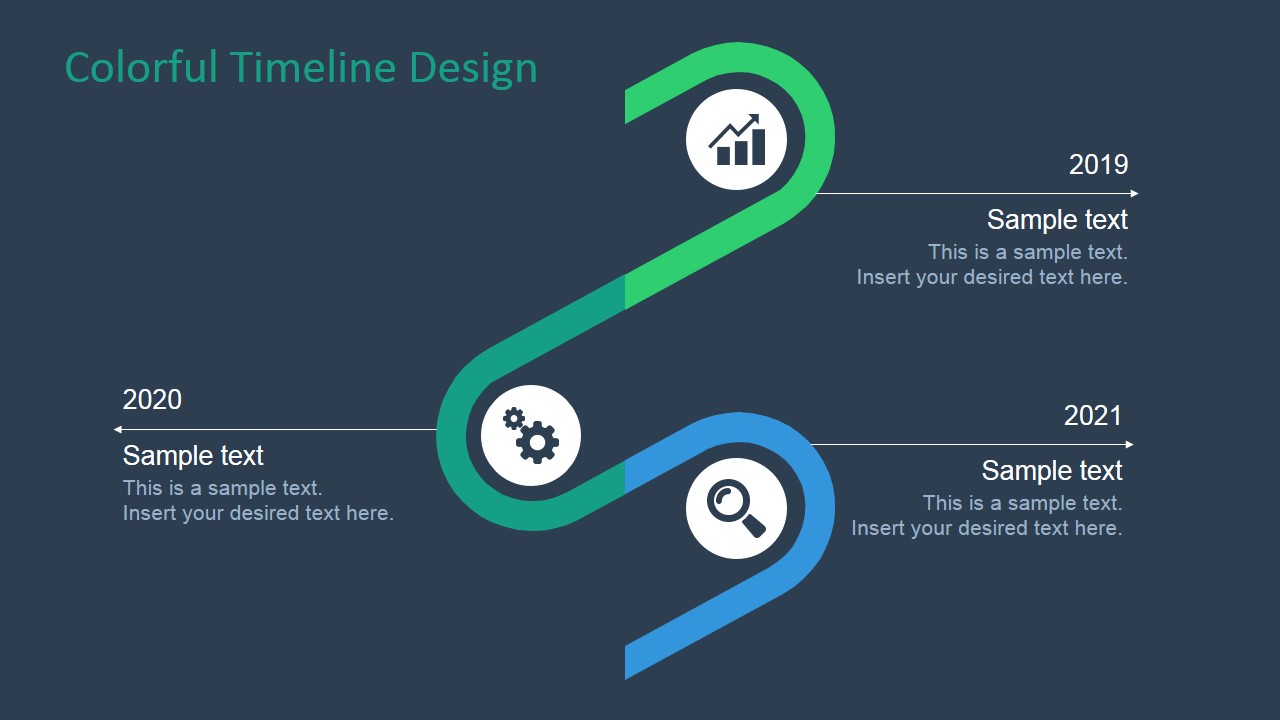
This PowerPoint Template has a creative curved design that resembles a diagonal zigzag conveyor belt. Each curved segment in the diagram represents a milestone, labeled with a text placeholder. They are colored in red, orange, yellow, yellow green, green, and blue. The curves include a minimalist icon placed inside a white circular PowerPoint Shape. These PowerPoint icons include bar charts, gears, a magnifying glass, a light bulb, money, and a chain link.
One of the slides in the Office template contains a six milestones overview. The wide range of the timeline allows for the easy presentation of the stages of a long-term business plan. The presenter can show how each stage is implemented during the course of one period in the six-stages calendar.
The template provides a specific Slide design featuring a segment of the timeline, giving to the conversation a space to drill down into a milestone to discuss the plan in greater detail. The division can be treated as the classification of the different steps, with the first three period being the creative, more unpredictable phase of the implementation.
The three succeeding periods can be more stable, as it focuses more on the observation of the plan as it unfolds. These latter periods can include the testing of the initial forecasts, as well as the official implementation of the plan. These can represent the commercial distribution of the plan after testing and trial tests.
The Colorful Timeline Design for PowerPoint contains 100% editable PowerPoint graphics that will be able to effectively capture the professional audience. This user-friendly design makes the template flexible to be applied to any type of presentation. It can be edited to suit the presenter’s look & feel needs and preferences. The presenter can browse additional designs Timelines & Planning Gallery.
What’s inside this template
Example presentation scenarios
- A project manager can present an implementation schedule by opening with the six-milestone overview and then using the two detail timeline slides to explain early and later work phases.
- A consultant can show a client roadmap by replacing the year labels and milestone copy while keeping the curved path as the visual anchor for the plan.
- A product team can outline a launch sequence by assigning discovery, build, test, release, adoption, and review topics to the icon-based milestone markers.
- An operations leader can brief executives on process rollout timing by using the horizontal callout lines to keep each milestone explanation short and comparable.
Features
- 100% editable presentation template
- Compatible with Microsoft PowerPoint and Google Slides
- 16:9 aspect ratio slides
- Scalable vector shapes, icons and illustrations
- AI-Ready for Microsoft Copilot and Claude
- Instant access and download
Frequently asked questions
Q: How should the presenter explain the timeline without making it feel like a list of dates?
A: Treat each colored curve segment as a phase, not only as a year marker. Start with the full six-milestone overview to frame the plan, then move into the two detail slides to explain cause and effect between milestones. Keep each text block short so the audience follows the path before reading the notes.
Q: Who is this timeline template best suited for?
A: This template fits presenters who need to show a plan moving through clear stages, such as project managers, consultants, operations leads, and product teams. It works best when the message has a beginning, middle, and end, with six major milestones that can be summarized first and discussed in two focused groups.
Q: Why does the curved conveyor-style timeline help communication?
A: The diagonal zigzag path gives the audience a single visual route to follow, which is easier to process than separate milestone boxes. The color changes mark phase transitions, while the white icon circles create stopping points. This combination helps the presenter show progress, movement, and sequence in one compact diagram.
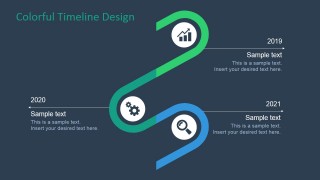
Colorful Timeline Design for PowerPoint
3-slide timeline presentation template with colorful milestone paths for planning updates and roadmap storytelling
Colorful Timeline Design for PowerPoint is a 3-slide timeline presentation template for showing phased plans and milestones. It includes a six-milestone overview, a first-half timeline detail, and a second-half timeline detail with curved color segments, year labels, icons, and text placeholders for PowerPoint and Google Slides.
- Category
- Timelines & Planning
- Rating


 Loading...
- Aspect ratio
- 16:9, 4:3
- Item ID
- 7020-01
- Colors
 Microsoft PowerPoint
  Microsoft Copilot
  Claude for PowerPoint
 Other formats supported
Subscribe today and get immediate
access to download our PowerPoint templates.