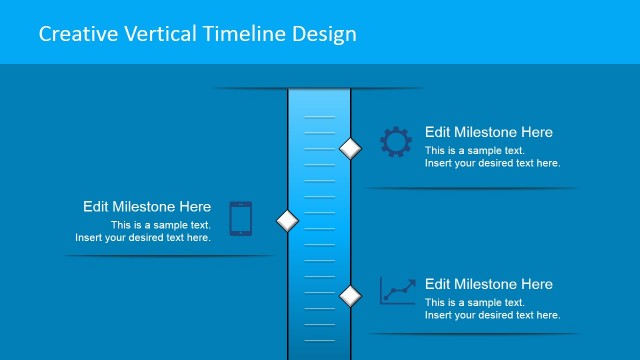
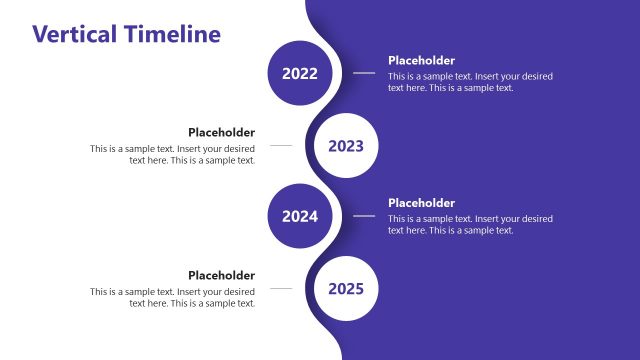
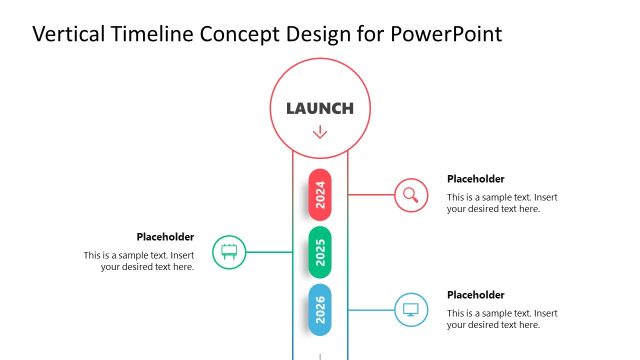
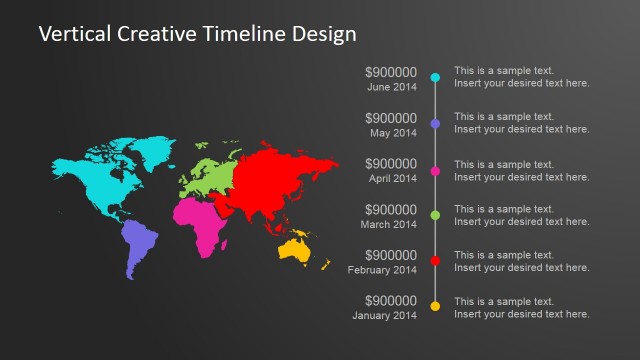
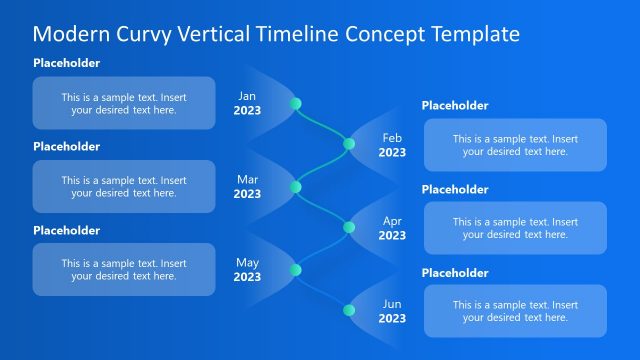
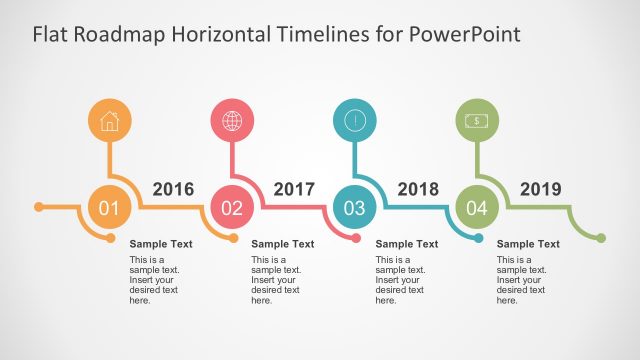
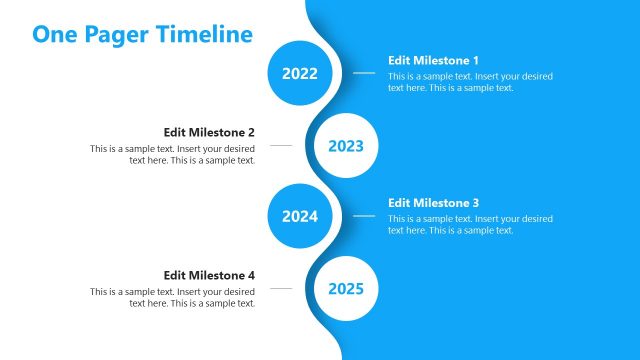
Vertical Timeline PowerPoint Template is a creative timeline PPT design that you can download and customize to your own needs. This vertical PowerPoint timeline template can be useful if you need to describe a project plan or make an event planning PowerPoint presentation showing events in a vertical timeline format.
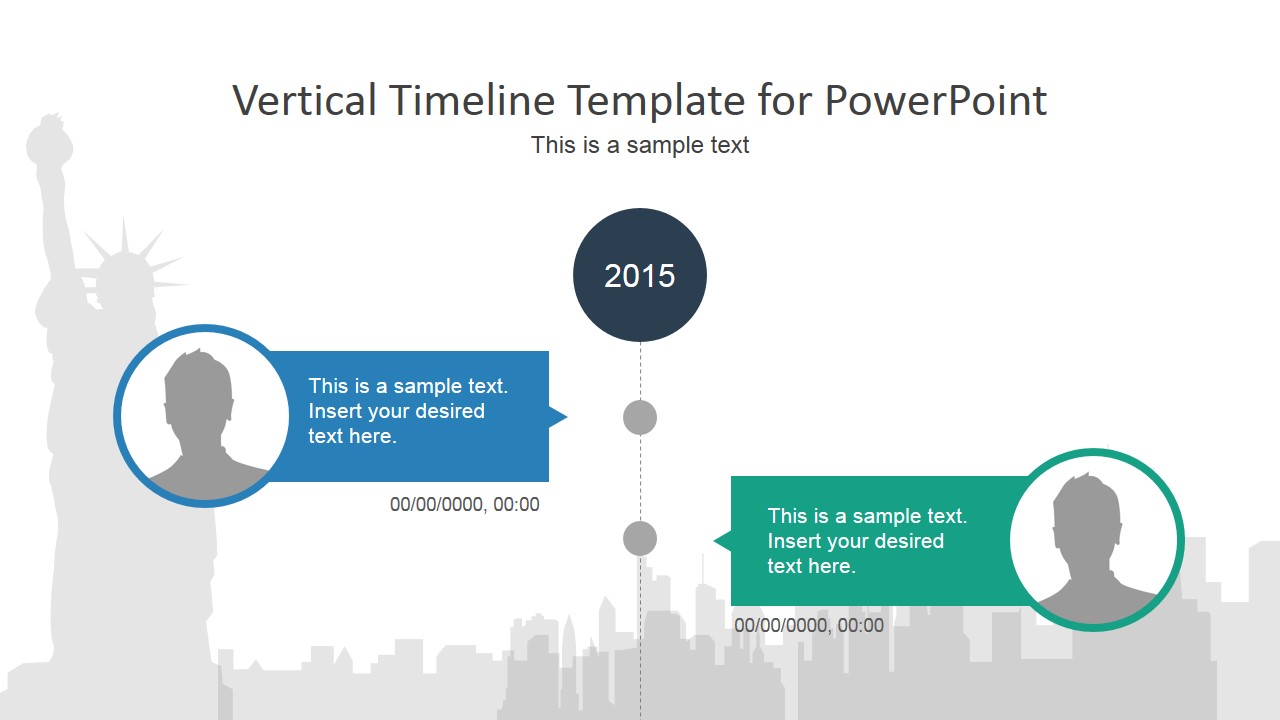
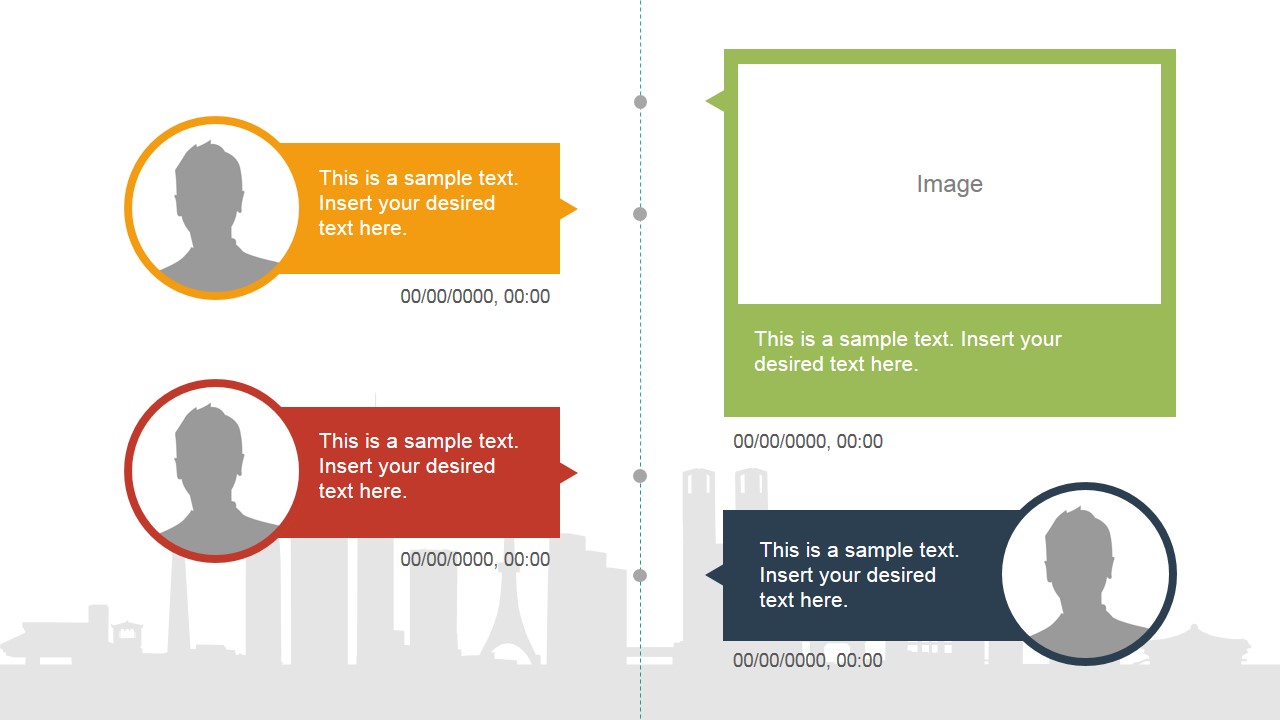
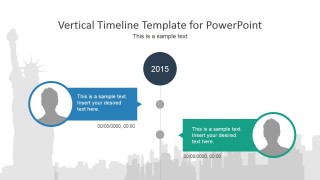
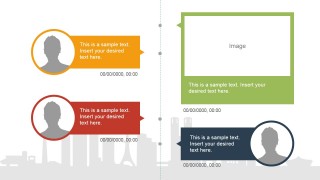
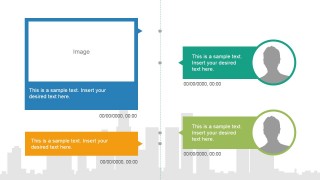
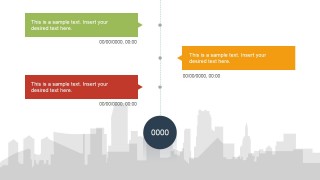
This presentation template contains several slide designs simulating a project timeline or event timeline with a New York skyscraper illustration in the background. Easily you can remove the skyscraper illustration in the background and replace it with any other desired picture or just use a plain background design instead.
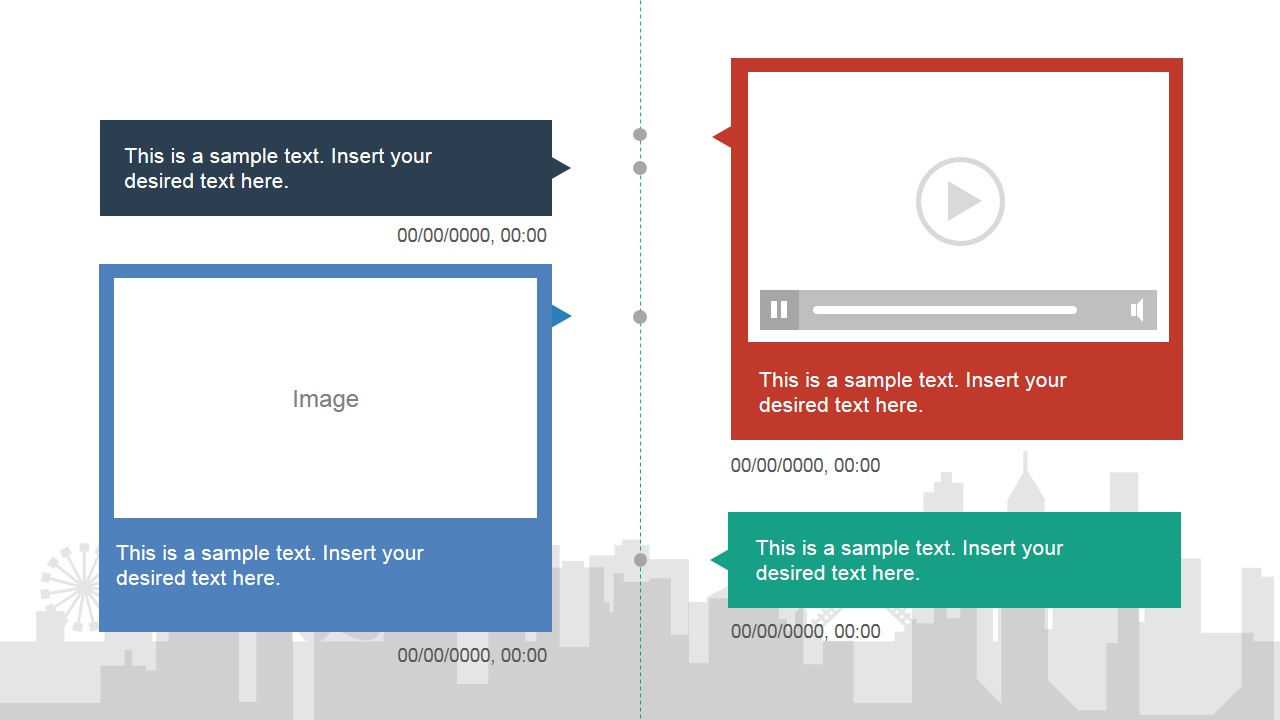
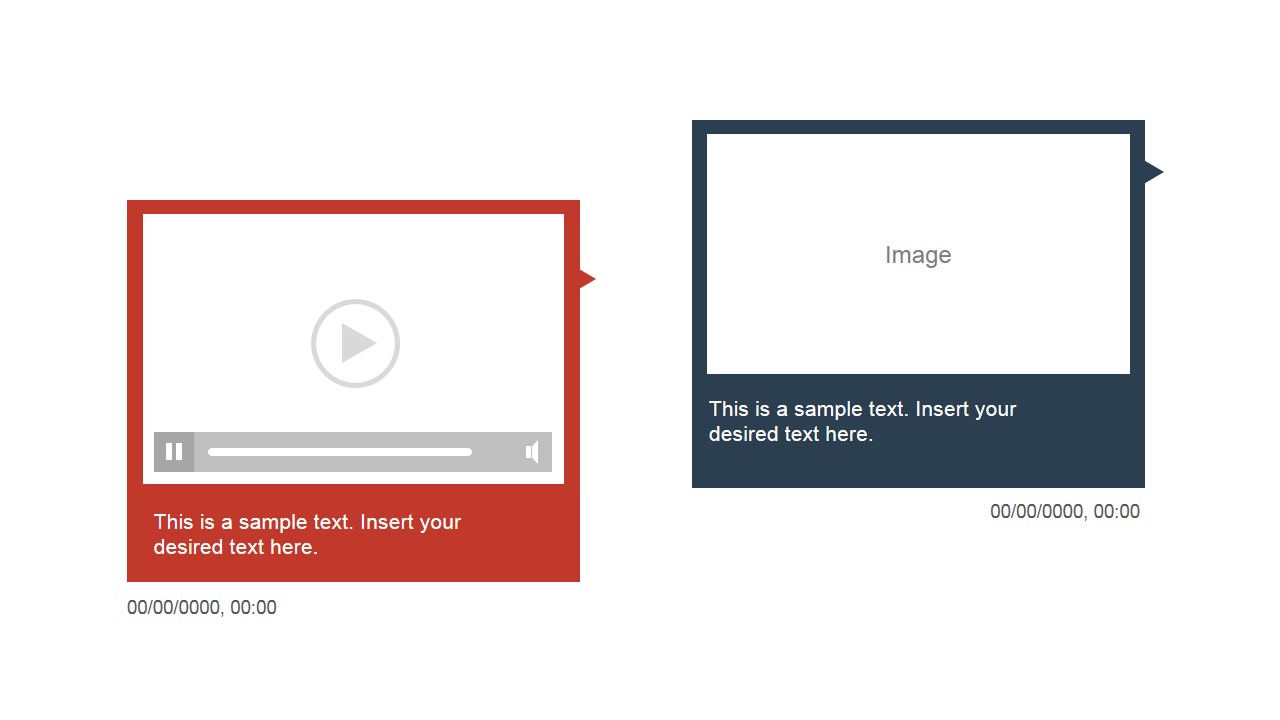
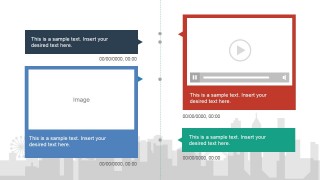
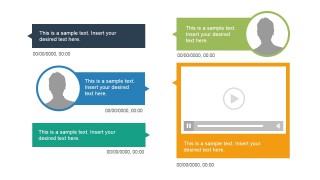
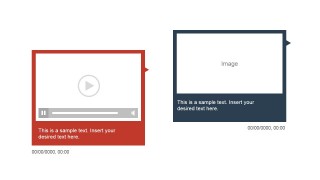
Inside this vertical timeline template you can find placeholders for multimedia objects like videos or text placeholders to add descriptions for each timeline milestone.
Instead of using traditional timelines with chevron graphics, you can download this vertical PowerPoint timeline design to prepare catchy presentations with detailed roadmaps, travel & trip planning, business project plans, etc.
In business & management presentations timelines are very useful to describe a process with chronological steps or a plan. For example, you may be using timelines to describe a 5 year plan or annual forecast presentation. We have developed dozens of timelines to make easier business presenters to prepare PowerPoint presentations with timeline charts. Our timelines are editable so you can easily change the content on each milestone and make the perfect timeline design for your needs.
As an alternative to classic timelines, there are other great tools that you can use in project management and business presentations, including PERT charts, CPM or Gantt Charts. Instead of vertical timelines you can choose to download other creative timeline designs including horizontal timelines with cartoons, circular timelines and complex timeline pictures. If you are a PowerPoint user, read our guide on how to create a timeline in PowerPoint and Google Slides.
What’s inside this template
Example presentation scenarios
- A project manager can present an upcoming roadmap by placing each phase into the vertical timeline axis and using the colored milestone callouts for dates, owners, and deliverables.
- An event planner can brief stakeholders on a program schedule by pairing agenda moments with profile circles, image placeholders, and dated text bands.
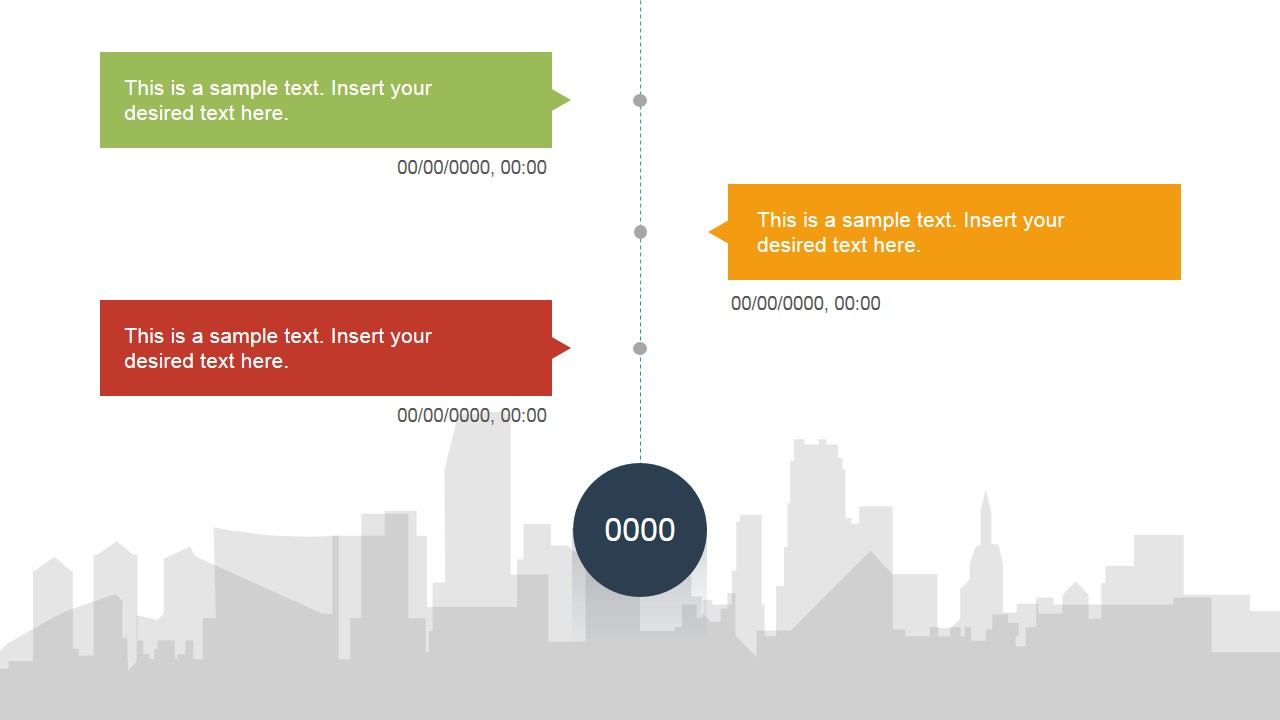
- A program lead can report progress in an annual review by using the year marker slide and the three-callout timeline to show what happened, what is active, and what comes next.
- A travel or operations presenter can explain an itinerary or site plan by replacing image cards with location visuals and using the vertical sequence to guide the audience through each stop.
Features
- 100% editable presentation template
- Compatible with Microsoft PowerPoint and Google Slides
- 16:9 aspect ratio slides
- Scalable vector shapes, icons and illustrations
- AI-Ready for Microsoft Copilot and Claude
- Instant access and download
Frequently asked questions
Q: How should I present the timeline so the audience does not lose the sequence?
A: Start with the year or anchor date, then move down the vertical axis one milestone at a time. Keep each colored callout to one decision, event, or deliverable. Use the profile circles only when people or roles matter, and use the image or video cards as proof points rather than decoration.
Q: Who is this vertical timeline format best suited for?
A: This format works well for project managers, event planners, and program leads who need to explain a dated sequence without the detail level of a Gantt chart. It is especially useful when milestones need short descriptions, assigned people, and supporting media such as images or video snapshots.
Q: Why use a vertical city-themed timeline instead of a standard horizontal roadmap?
A: The vertical axis creates a guided reading path, while the skyline background gives the deck a sense of place and progression. Colored callout bands separate milestones clearly, and the media cards break up the timeline with visual evidence. This helps a presenter explain chronology without crowding a single horizontal line.


Vertical Timeline PowerPoint Template
7-slide vertical timeline presentation template with milestone callouts, roadmap cards, and media placeholders
Vertical Timeline PowerPoint Template is a 7-slide 16:9 presentation template for chronological plans, event schedules, and milestone updates. It includes vertical timeline axes, year markers, colored milestone callouts, profile circles, image placeholders, and video placeholders over a city skyline background. It is designed for project managers, planners, and business presenters in PowerPoint and Google Slides.
- Category
- Timelines & Planning
- Rating


 Loading...
- Aspect ratio
- 16:9
- Item ID
- 6661-01
- Colors
 Microsoft PowerPoint
  Microsoft Copilot
  Claude for PowerPoint
 Other formats supported
Subscribe today and get immediate
access to download our PowerPoint templates.