Slide 12 of 12 from Colorful Timeline Template for PowerPoint
6197-01-colorful-timeline-template-12
Colorful Timeline Layout for PowerPoint
- Diagram
- Timeline Horizontal
- Timeline Slide
- 16:9
- 100% Editable
The Colorful Timeline Layout from the Colorful Timeline Template for PowerPoint offers a clear horizontal timeline ideal for project milestones and annual planning. This slide layout integrates editable shapes and vector icons to visually distinguish years and months, making it suitable for corporate presentations and strategic timelines. Its design supports effective communication of project phases and key dates within a business presentation or pitch deck template.
What’s on This Slide
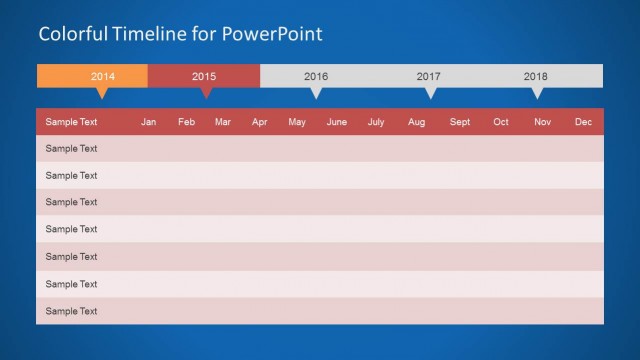
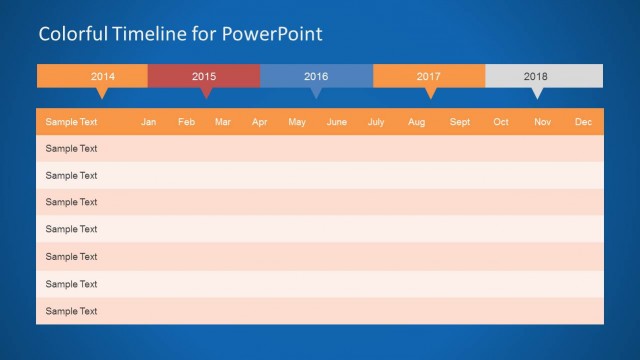
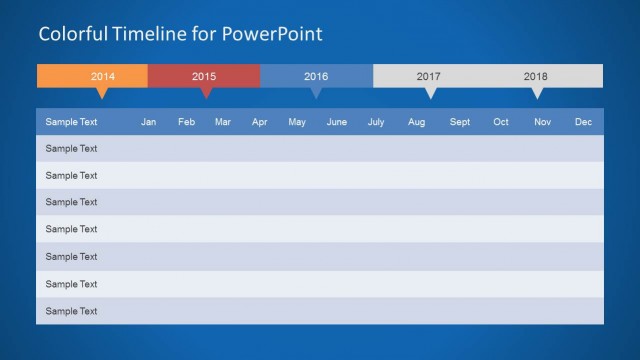
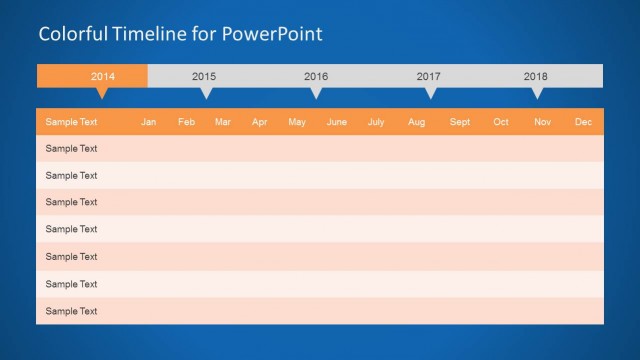
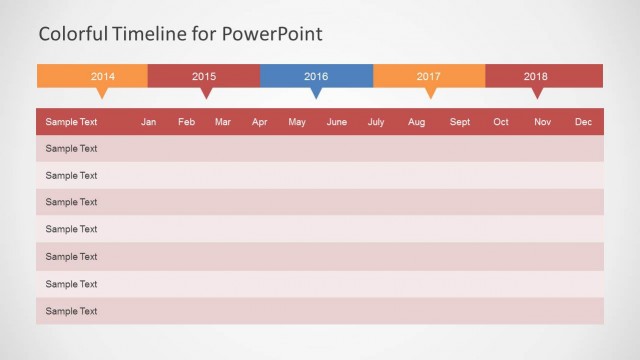
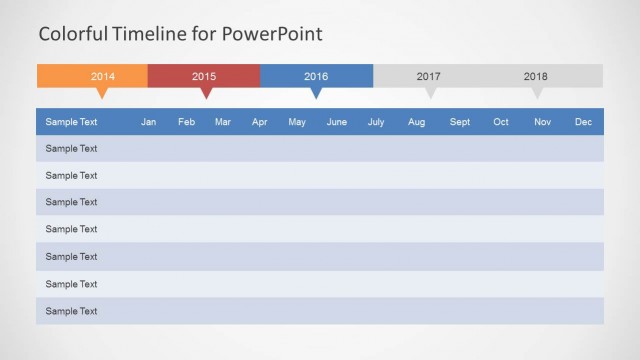
The layout features a horizontal timeline spanning from 2014 to 2018 at the top. Each year is represented by a colored segment with downward-pointing arrows. Below the timeline, a table displays months from January to December, with rows for sample text. The table has alternating light and dark red rows for visual separation. The background is a solid blue, providing contrast to the timeline and table. Text placeholders exist for the title and sample text, aligned centrally and left, respectively, enhancing the visual hierarchy.
How to Use It
This layout serves as a timeline for project planning or milestone tracking, fitting well in a presentation focused on strategic planning. It is useful for displaying annual plans, project phases, or key milestones over multiple years. This slide is effective in summarizing timelines in project management contexts, allowing for clear communication of progress and future tasks. It is best positioned towards the end of a presentation to summarize key points and timelines.
Text Placeholders & Capacity
Keep your copy within these limits so it fits without resizing. Body slots can accommodate about 2-3 words each comfortably.
| Placeholder | Count | Max characters (approx.) |
|---|---|---|
| Slide title | 1 | 30 |
| Item body | 12 | 20 |
Slide Keywords
Download unlimited PowerPoint templates, charts and graphics for your presentations with our annual plan.
DOWNLOADReturn to Colorful Timeline Template for PowerPoint.