Marketing reports can benefit from the Colorful Infographic Slides for PowerPoint. It has colorful graphics and diagrams. The template uses a primary color scheme that aids the aesthetics of the presentation. It features several slide designs for different information that the presenter wants to convey to the professional audience. The variations can be used to examine the aspects of a plan.
The template is suitable for launching applications. These applications can be based on PCs or mobile phones. The slides can identify data that are significant to marketing plans. The team can study the data and adjust the plans accordingly. Research results, from surveys and analysis, can be included in the report. These establish the reliability of the data.
The cover slide features a computer monitor. The monitor contains sample diagrams and graphs from the presentation. It serves as a preview of the slides. The cover slide serves as an introduction to the report.
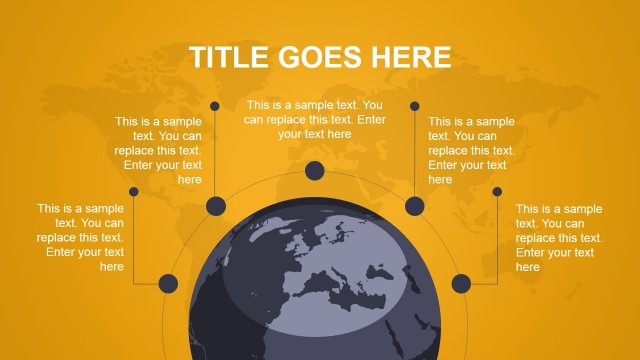
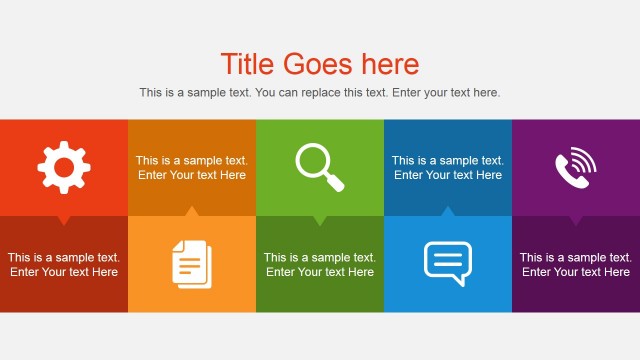
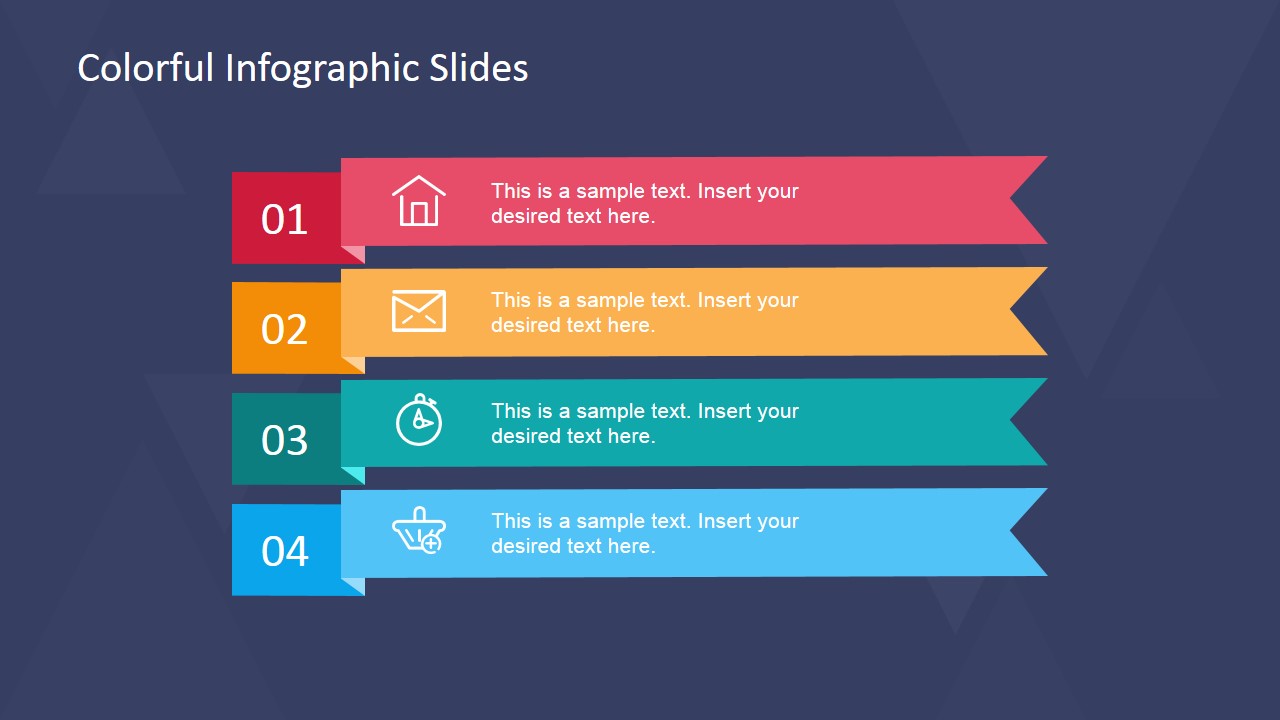
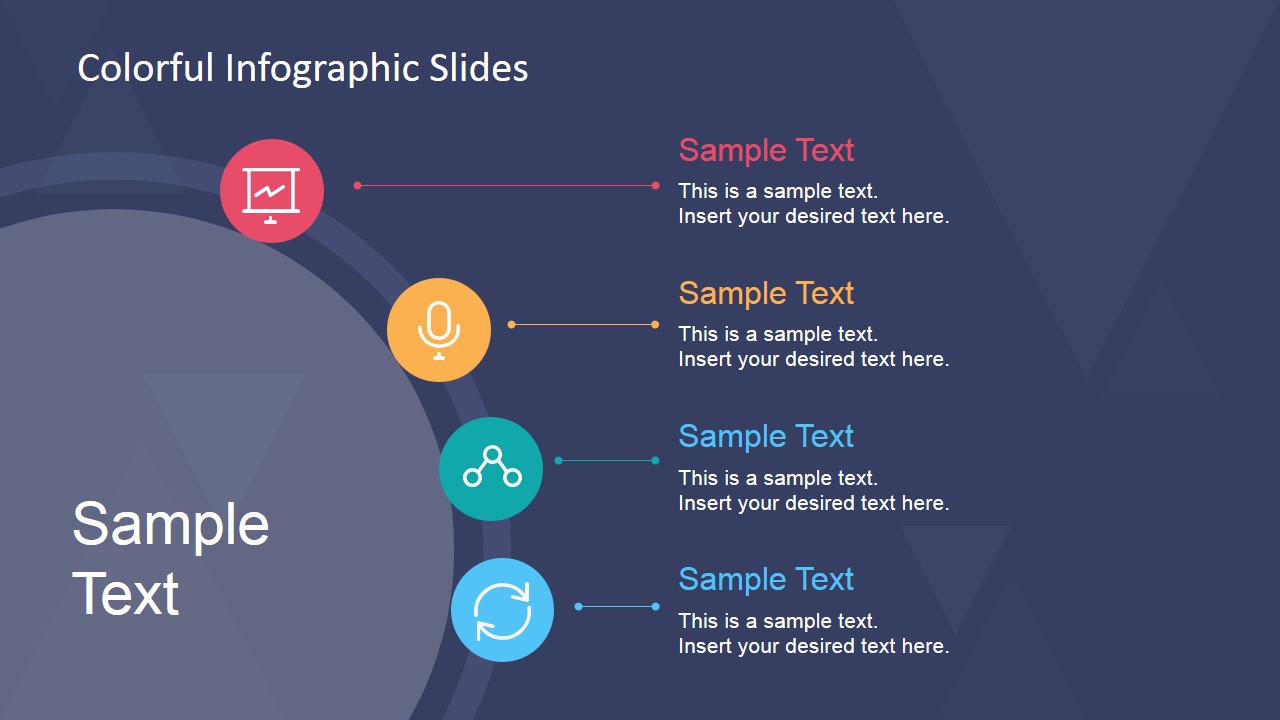
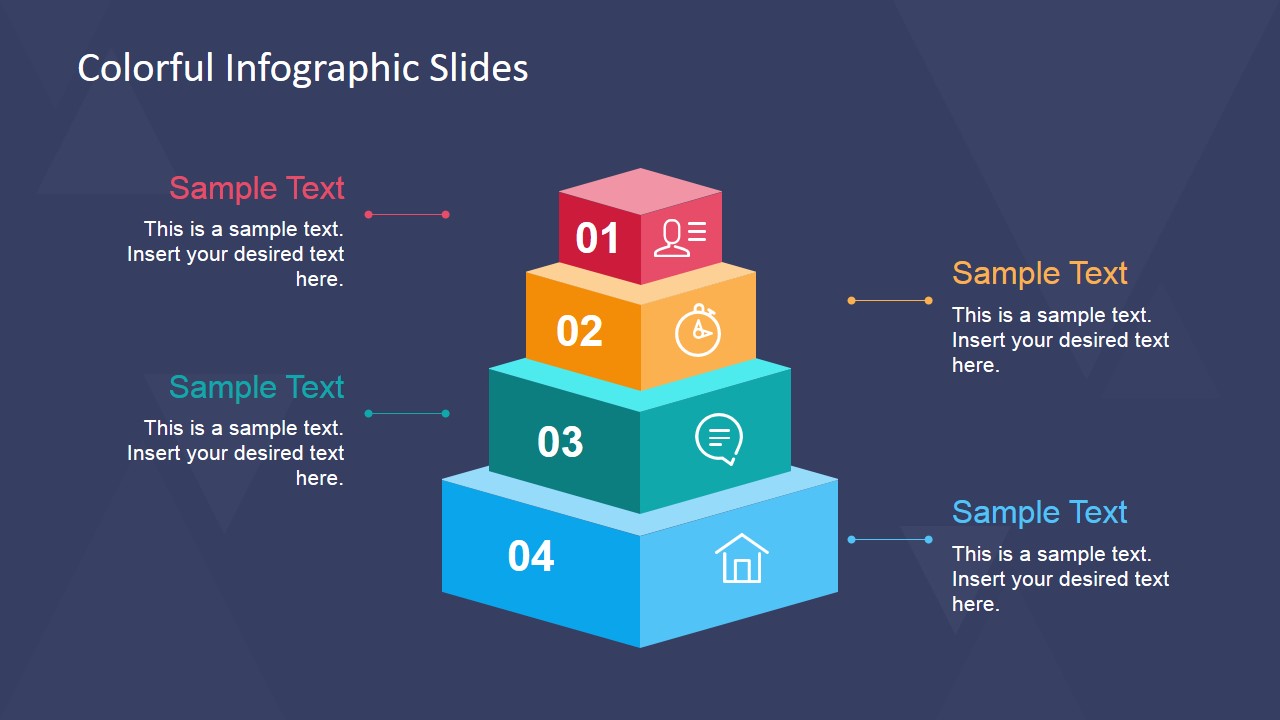
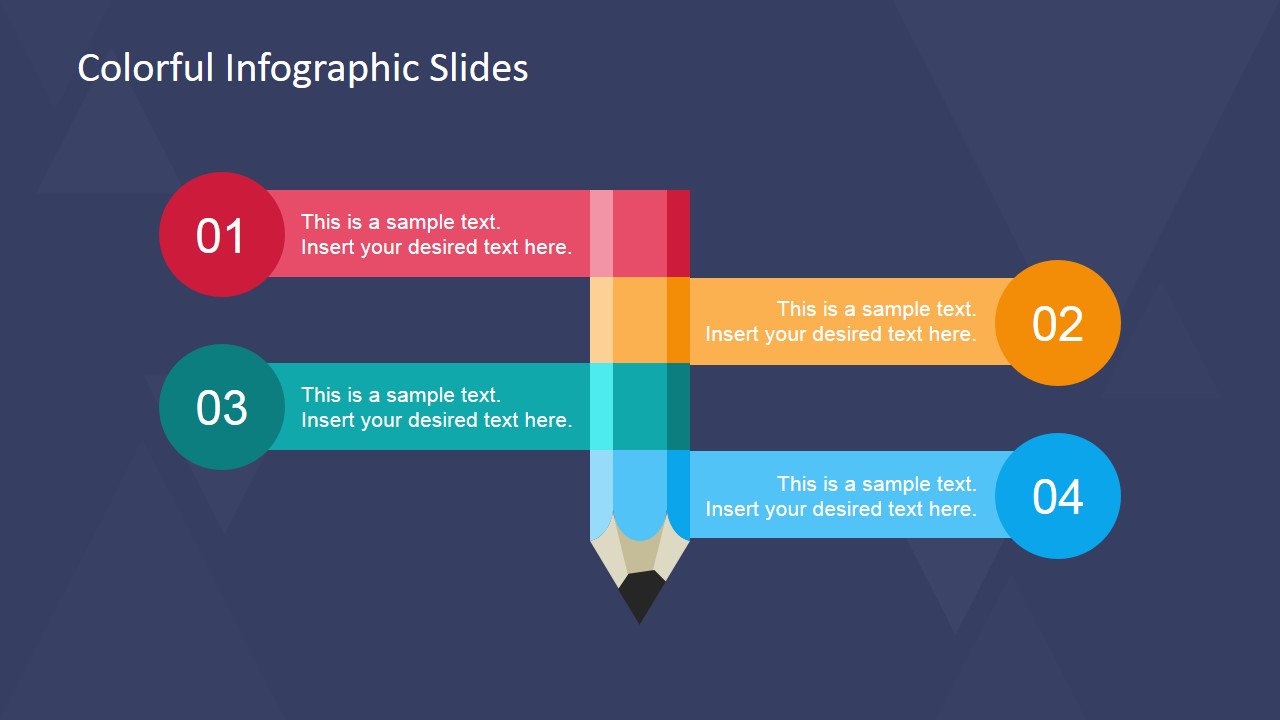
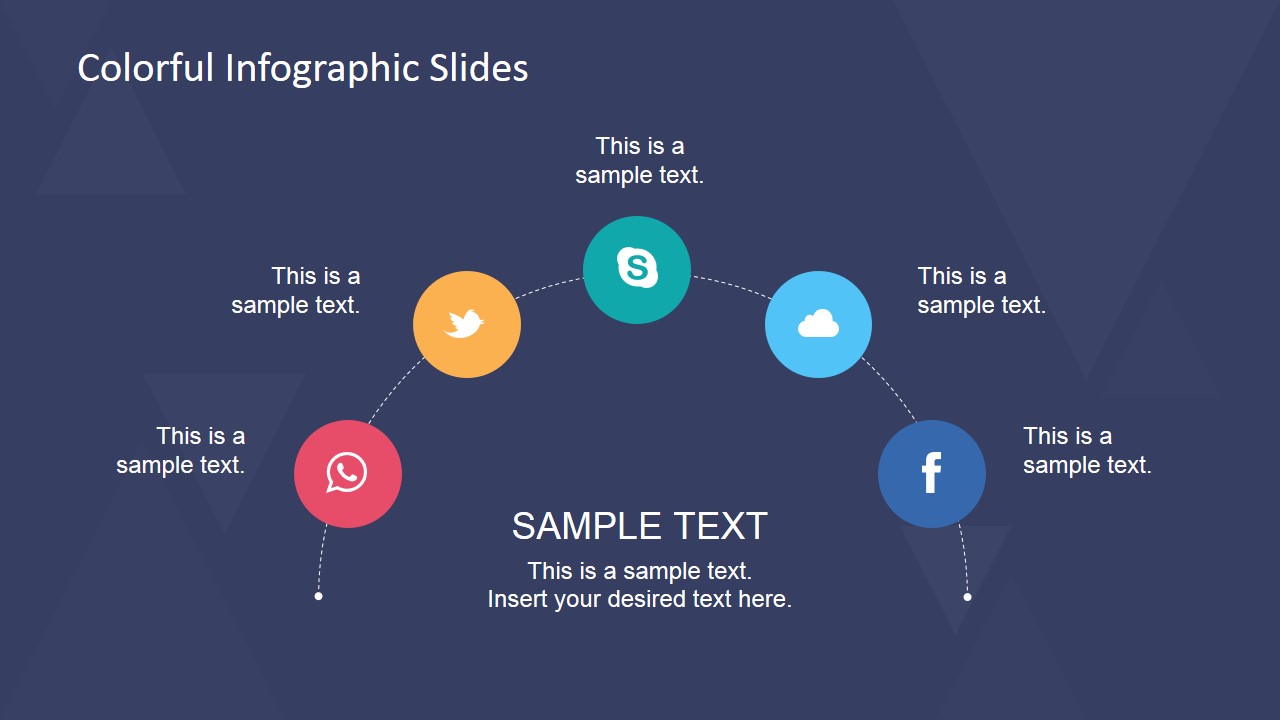
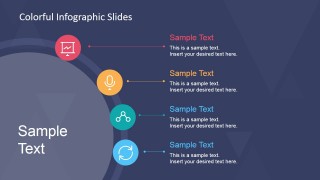
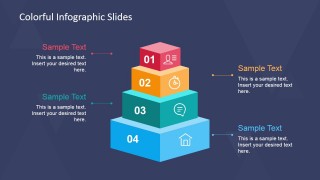
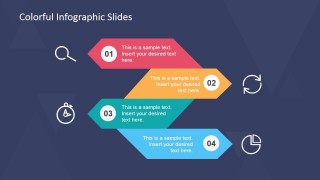
Succeeding slides contain colorful banners. They present four different elements. These elements can be items of an agenda. The next slides contain set of icons used to symbolize the content. The icons are placed in colored circles. The shapes are arranged along the edges of a larger circle. Text boxes are connected to the circles for labels or descriptions.
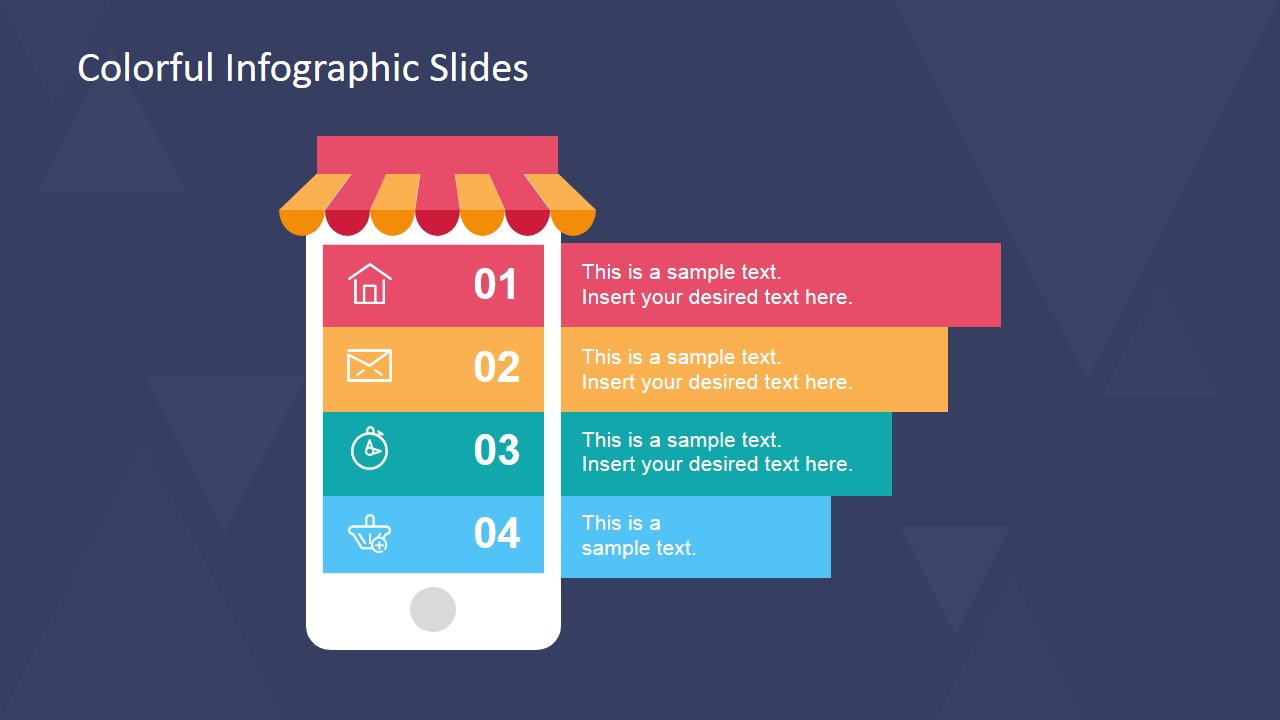
The template includes a mobile phone vector. On top of the phone is an awning or overhang. The phone screen is divided into four parts. These contain a number, and an icon. The icons include symbols for home, mail, and time. The segments extend outside the phone to include text boxes. This slide can show elements of a mobile application.
Create a visually appealing presentation with the Colorful Infographic Slides for PowerPoint. The business PowerPoint template can be easily manipulated. Its features can be changed and molded to specifications.
What’s inside this template
Example presentation scenarios
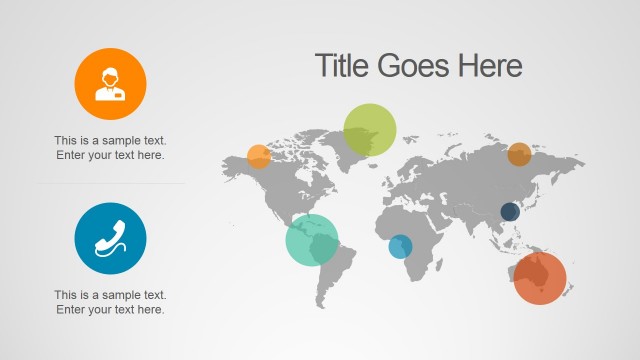
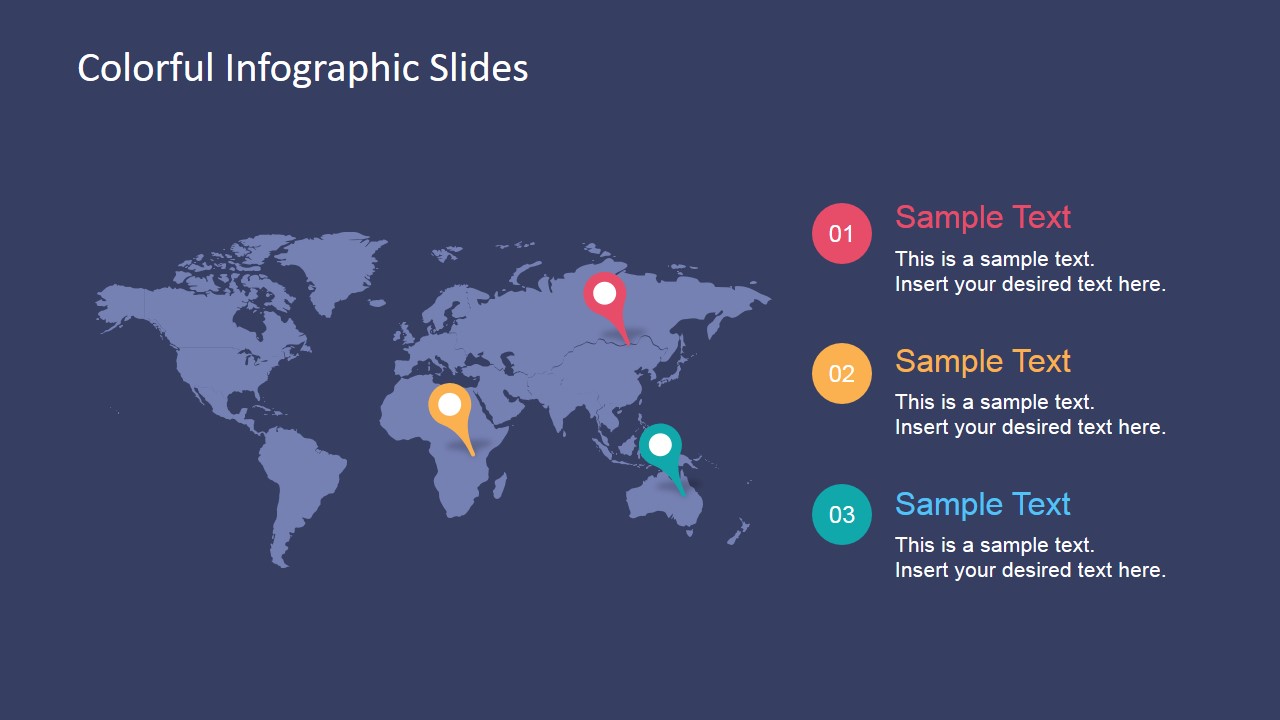
- A marketing manager can present a campaign summary using the four-step ribbon list, test tube comparison, and world map to connect activities, indicators, and regional observations.
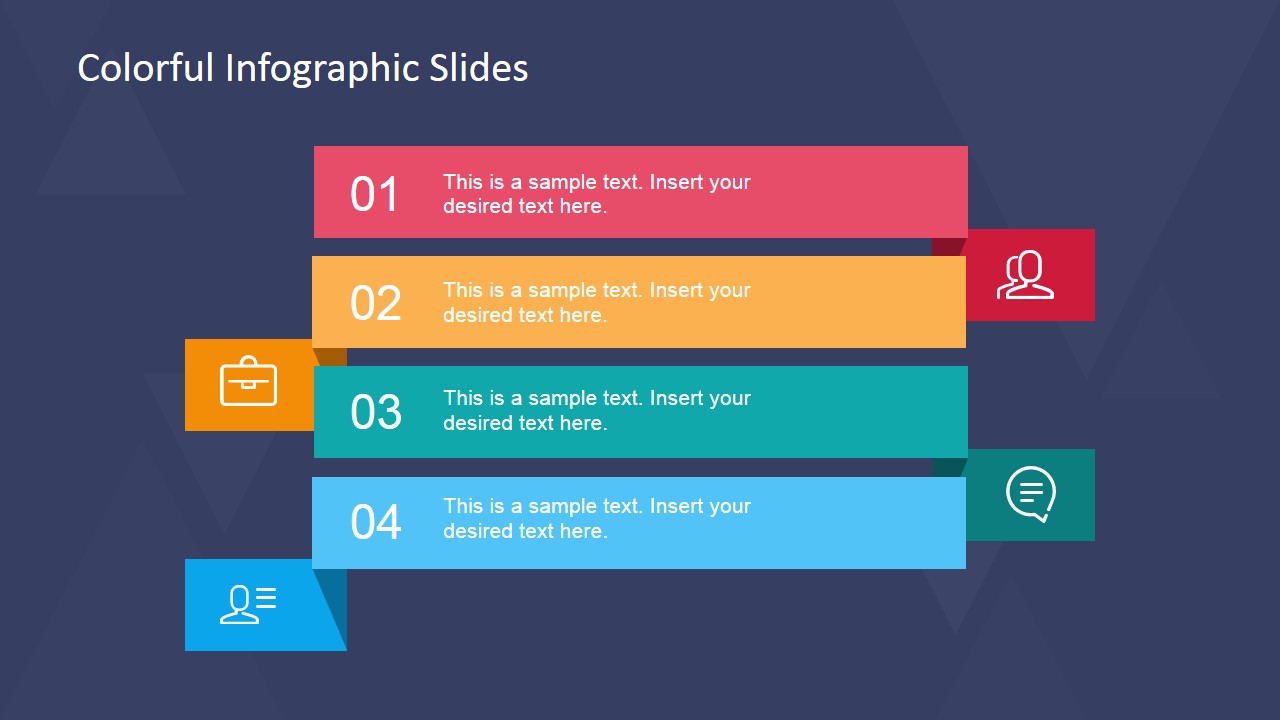
- A product manager can explain a mobile app concept with the phone storefront slide, numbered feature rows, and icon callouts that separate key functions.
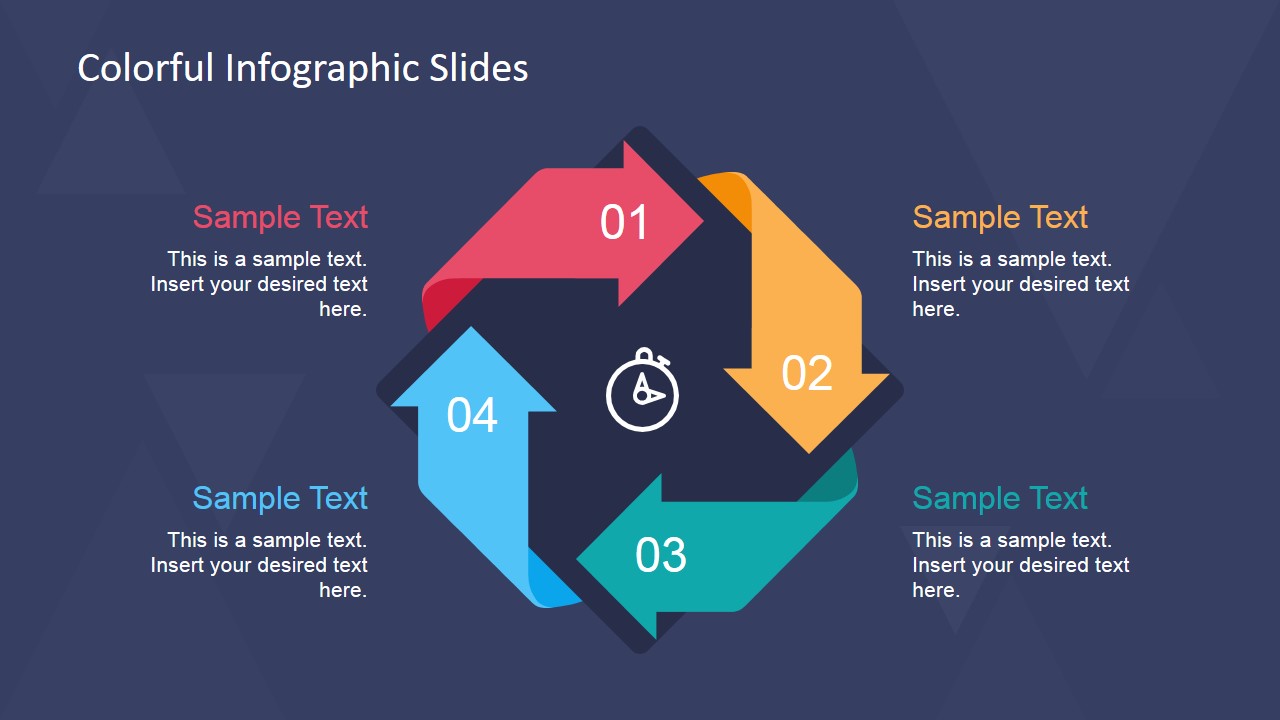
- A startup founder can use the cycle arrows and zigzag process diagram to walk investors or internal teams through an operating model or launch workflow.
- A business analyst can turn research findings into a visual report by combining the numbered lists, circular icon path, and map pins for concise evidence and location context.
Features
- 100% editable presentation template
- Compatible with Microsoft PowerPoint and Google Slides
- 16:9 aspect ratio slides
- Scalable vector shapes, icons and illustrations
- AI-Ready for Microsoft Copilot and Claude
- Instant access and download
Frequently asked questions
Q: How should a presenter organize a message with these infographic slides?
A: Start with the cover to frame the topic, then choose one primary visual structure per idea. Use the ribbon list for ordered points, the phone slide for app features, and the cycle diagram for repeated workflows. Keep each caption short so the colored numbers and icons guide the audience before the details.
Q: Who is this template best suited for in a business presentation?
A: It works best for marketers, product managers, consultants, and analysts who need to explain a plan, app concept, process, or regional update without building charts from scratch. The map, mobile phone panel, and numbered process slides are suited to short briefings where the audience needs quick orientation.
Q: Why do the visual metaphors make the content easier to understand?
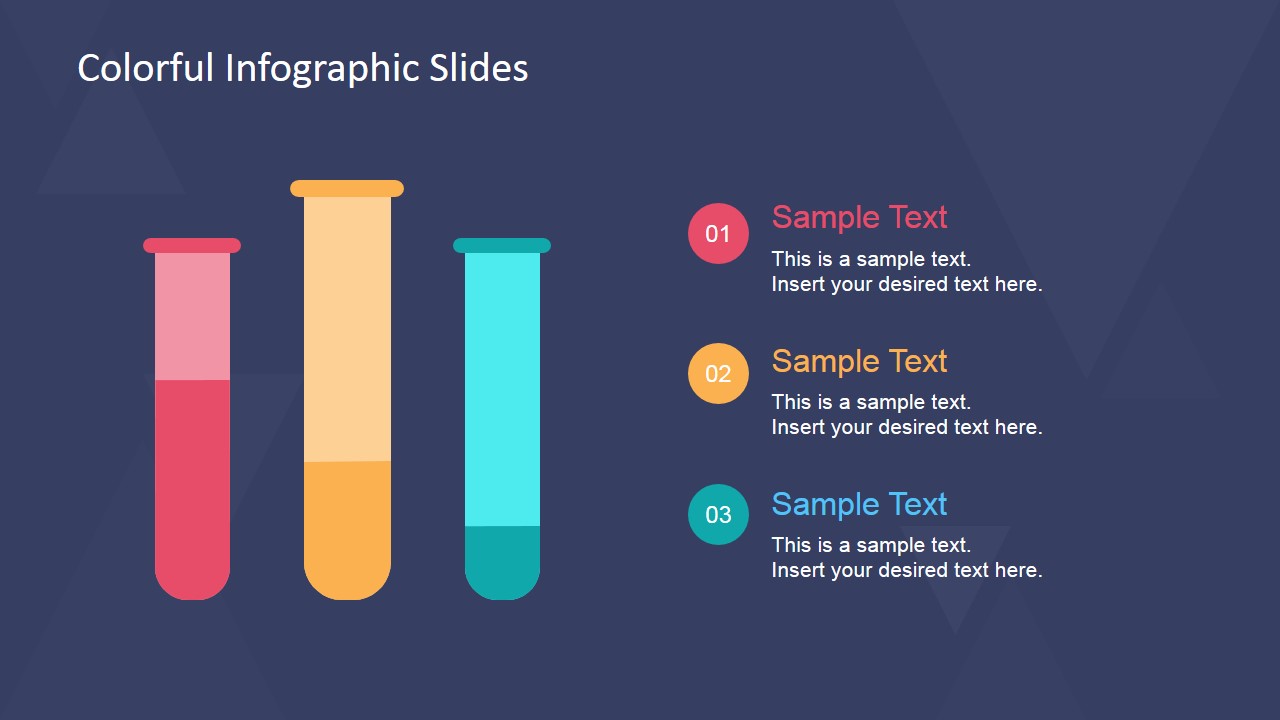
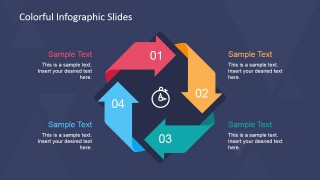
A: The deck uses familiar metaphors: ribbons for ordered lists, a phone storefront for digital product features, test tubes for comparisons, and arrows for cycles. These shapes signal the type of thinking expected from the audience, so the presenter can spend less time explaining structure and more time explaining meaning.











Colorful Infographic Slides for PowerPoint
13-slide infographic presentation template with ribbon lists, app mockups, cycle arrows, and world map layouts
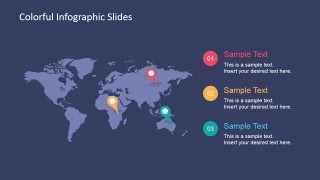
Colorful Infographic Slides for PowerPoint is a 13-slide 16:9 presentation template for Microsoft PowerPoint and Google Slides. It provides colorful infographic layouts such as ribbon lists, mobile app feature panels, cycle arrows, a world map, and a reusable icon sheet for marketers, product presenters, and business report creators.
- Category
- Template Backgrounds
- Rating


 Loading...
- Aspect ratio
- 16:9
- Item ID
- 6829-01
- Colors
 Microsoft PowerPoint
  Microsoft Copilot
  Claude for PowerPoint
 Other formats supported
Subscribe today and get immediate
access to download our PowerPoint templates.