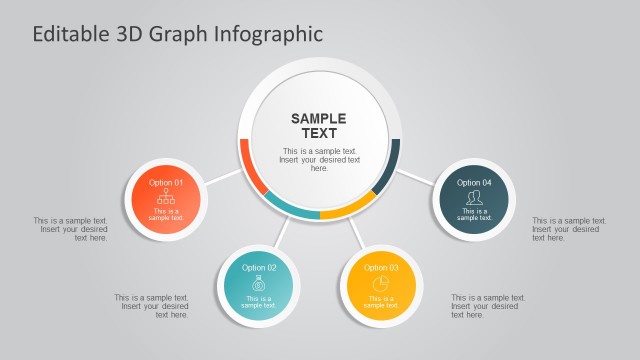
Colorful 3D Diagrams PowerPoint Template– a collective template of meaningful and modern diagrams. The PowerPoint objects can surely give an edge to any presentation due to its creative and novel composition. The user can drive the audience to participate and stay attentive throughout the report.
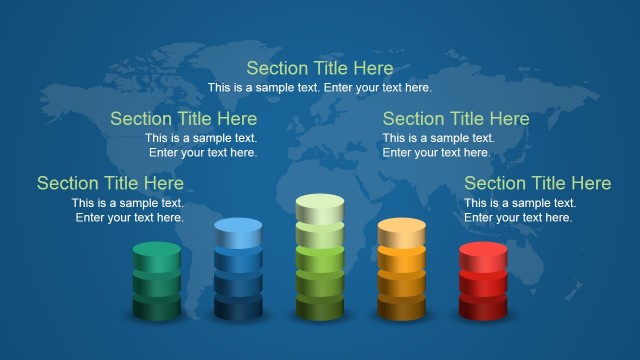
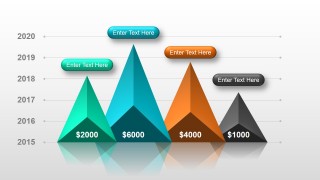
The design is themed with the 3D concept. Its design has a special layout to support the user in making effective presentations. It includes a stacked diagram, timeline, pyramid chart, and metaphor slides that can help to convey the message to an audience.
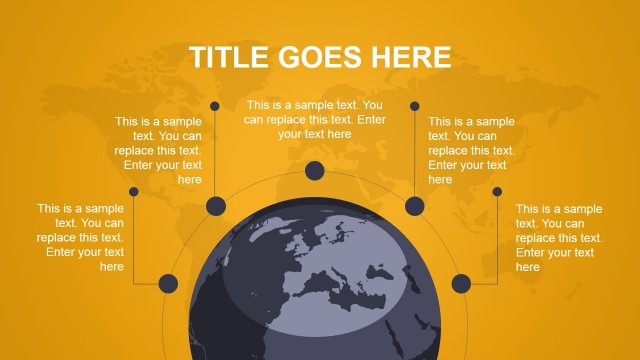
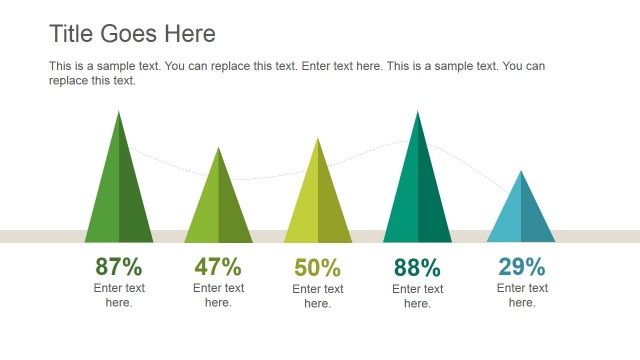
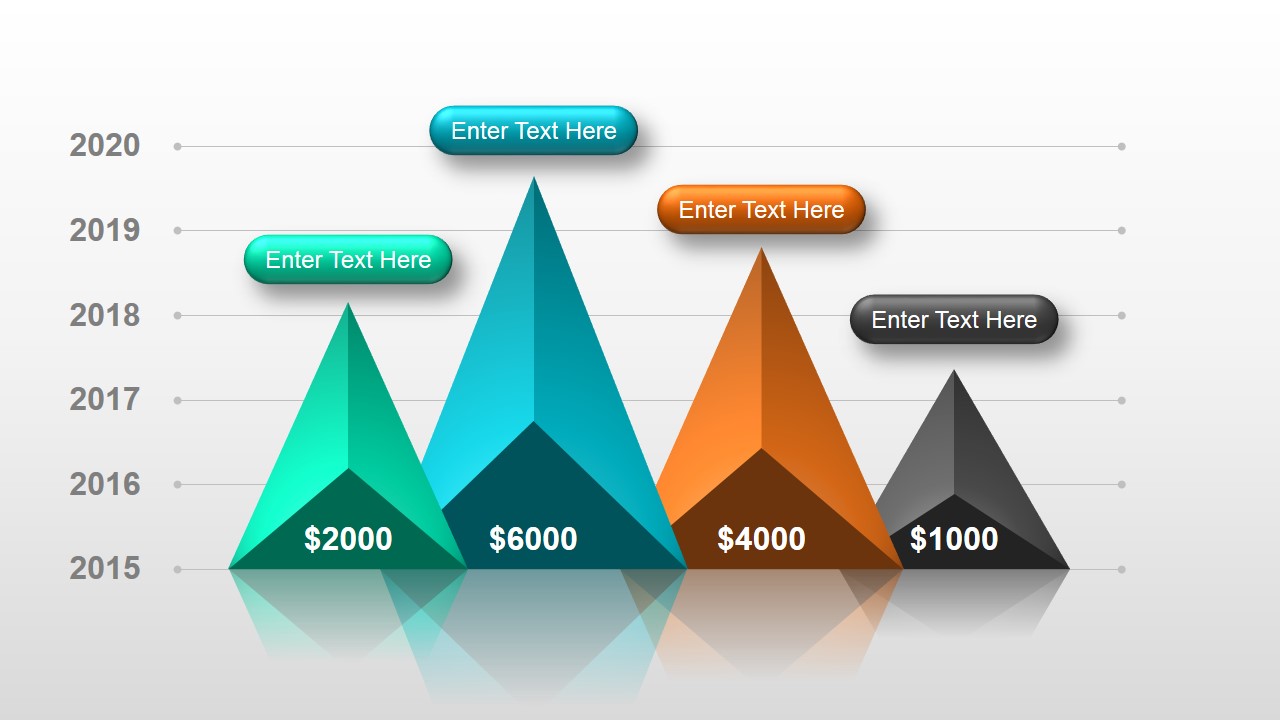
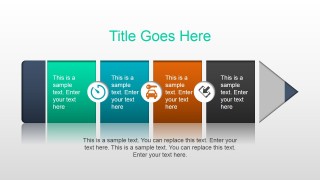
This collection of PowerPoint slides and objects can be considered as a generic template. The presenter can copy and paste the diagrams to accompany or visualize data in a particular topic. In a comparative study for example, the 5th slide with a pyramid chart can fit perfectly. The template is made up of reusable PowerPoint shapes. They can even portray infographics. The attached icons in some slides are very functional. They have a wide array of uses and can minimize characters to avoid crowding of texts. In the fourth slide, there is a timeline of 4 phases. It contains a speed, car and key, and a smartphone icon. The slide can be used to illustrate a driving activity.
Each shape can be easily customised using Microsoft PowerPoint shapes menu. Color schemes can be altered to suit the needs of the user and the presentation. The figures can be moved around to align them on the initial output of the user. Text placeholders can be added and modified to give quick descriptions. This makes the template really functional. The background can be changed to set specific mood. If the reporter wants an interactive room atmosphere, use a warm color as a background. Cool colors on the other hand, stimulate learning and a relax setting.
Get resourceful and wise by downloading Colorful 3D Diagrams PowerPoint Template. More remarkable PowerPoint templates are available at the SlideModel gallery. Checkout Diagrams for PowerPoint where it features a grid of outstanding and downloadable Microsoft PowerPoint designs.
What’s inside this template
Example presentation scenarios
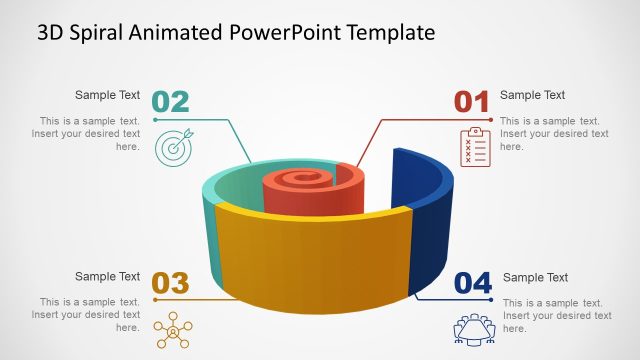
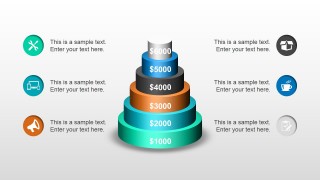
- A consultant can use the stacked cone chart to explain tiered priorities, investment levels, or maturity stages during a client workshop.
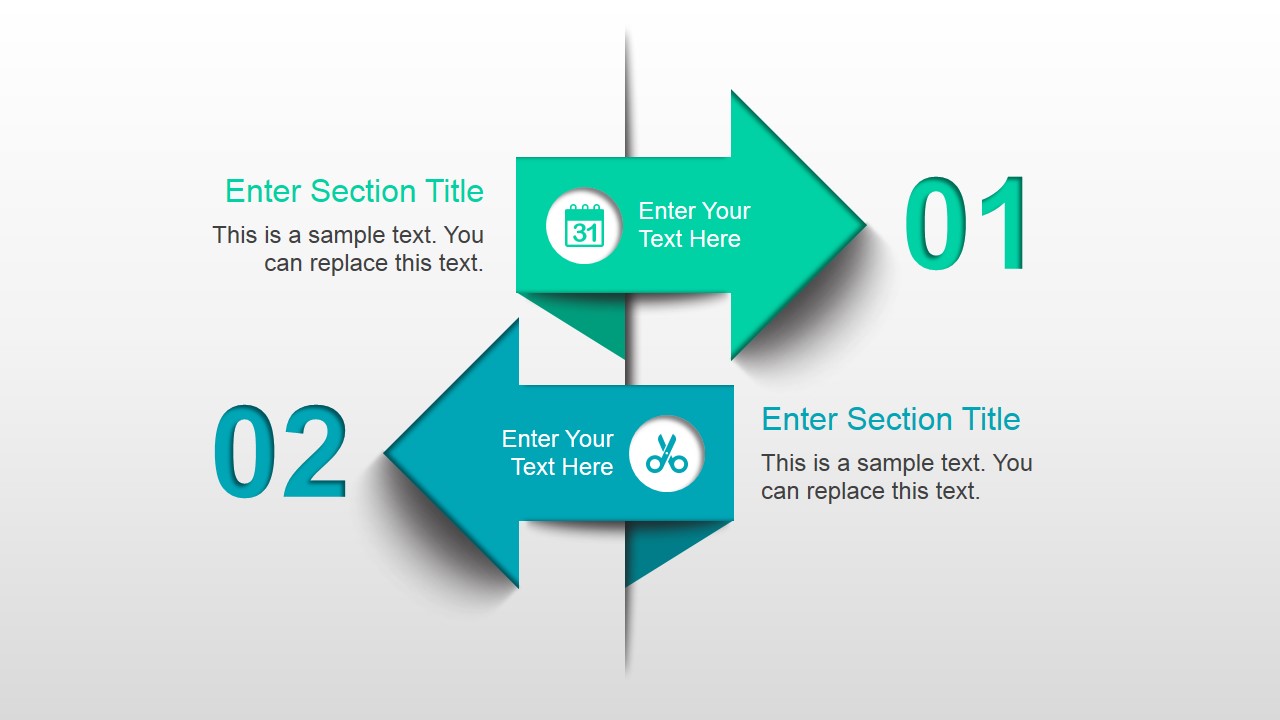
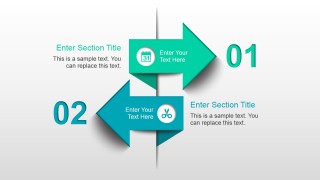
- A project manager can use the horizontal process arrow to present a sequence of milestones, responsibilities, or rollout steps to an internal team.
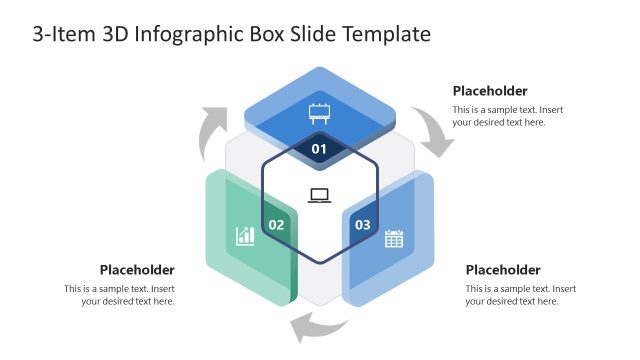
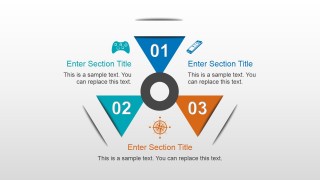
- A trainer can use the three-part cycle diagram to teach related concepts and keep each idea tied to a numbered visual segment.
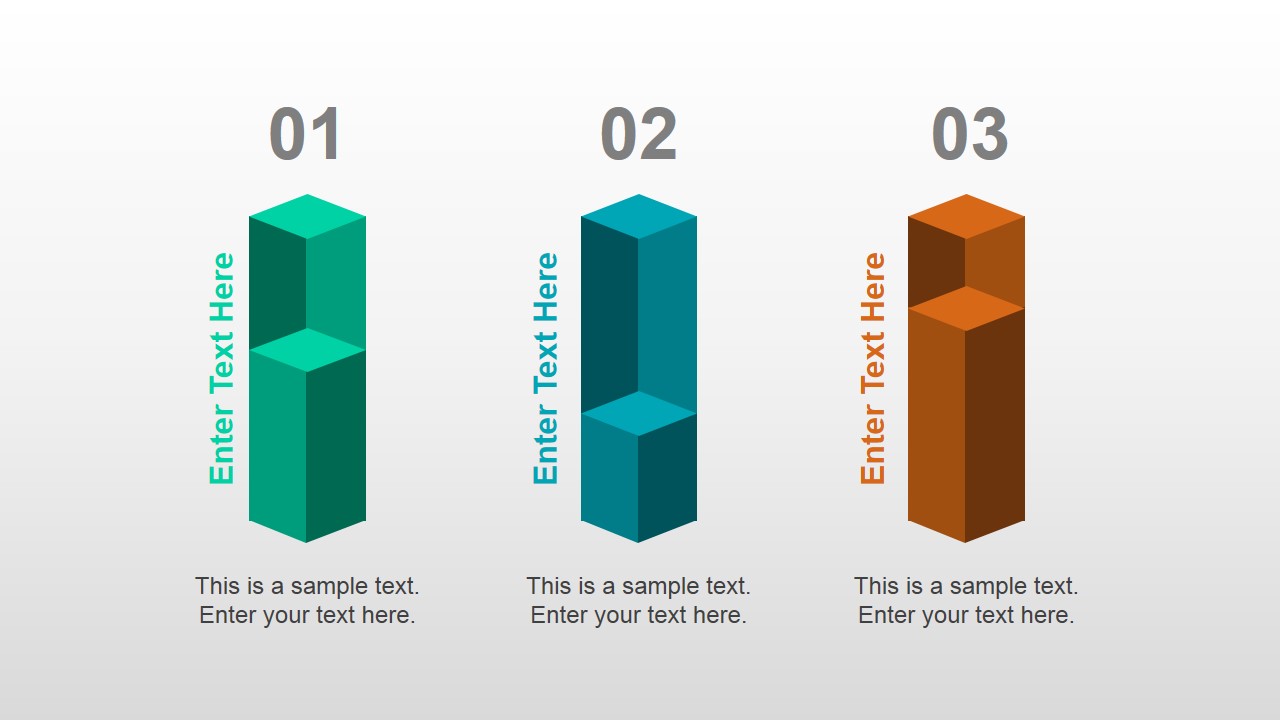
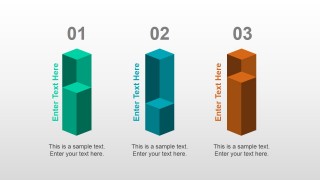
- A marketing manager can use the vertical comparison bars to compare three campaign options, product bundles, or audience segments in a planning meeting.
Features
- 100% editable presentation template
- Compatible with Microsoft PowerPoint and Google Slides
- Scalable vector shapes, icons and illustrations
- AI-Ready for Microsoft Copilot and Claude
- Instant access and download
Frequently asked questions
Q: How should a presenter choose which 3D diagram to use for a message?
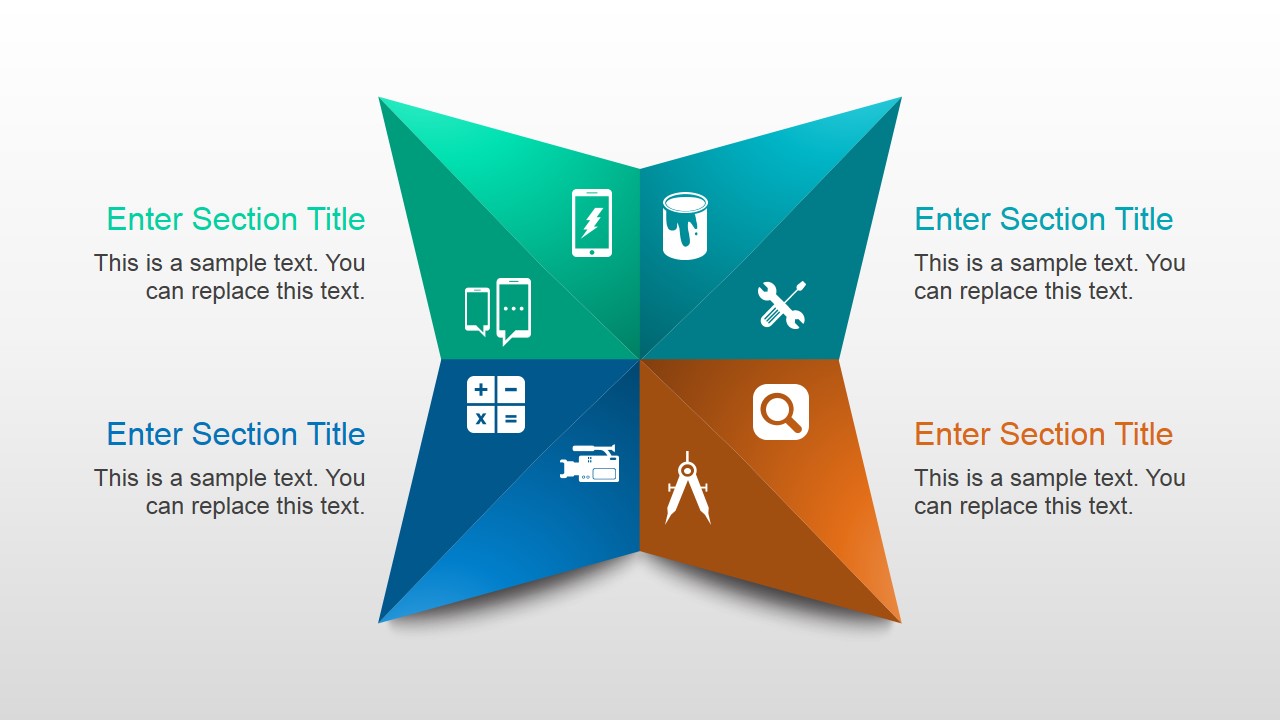
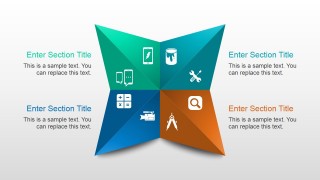
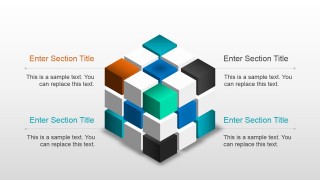
A: Match the diagram to the logic of the message before adding text. Use the stacked cone for hierarchy or levels, the process arrow for sequence, the vertical bars for side-by-side comparison, and the quadrant pinwheel for four related categories. Keeping one idea per slide will make the 3D shapes support the explanation instead of distracting from it.
Q: Who is this template best suited for in a business presentation?
A: This template is best for presenters who need to explain structured ideas without building custom diagrams from scratch. Managers, consultants, trainers, and analysts can use it for process briefings, concept lessons, option comparisons, and initiative summaries. It is less suited to text-heavy documentation and better suited to spoken explanation with supporting visuals.
Q: Why do the 3D shapes and icons help the audience understand the content?
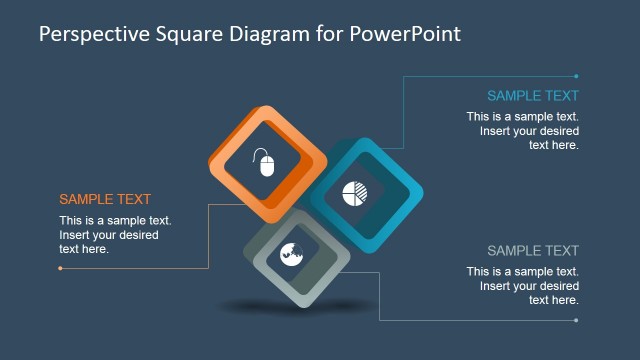
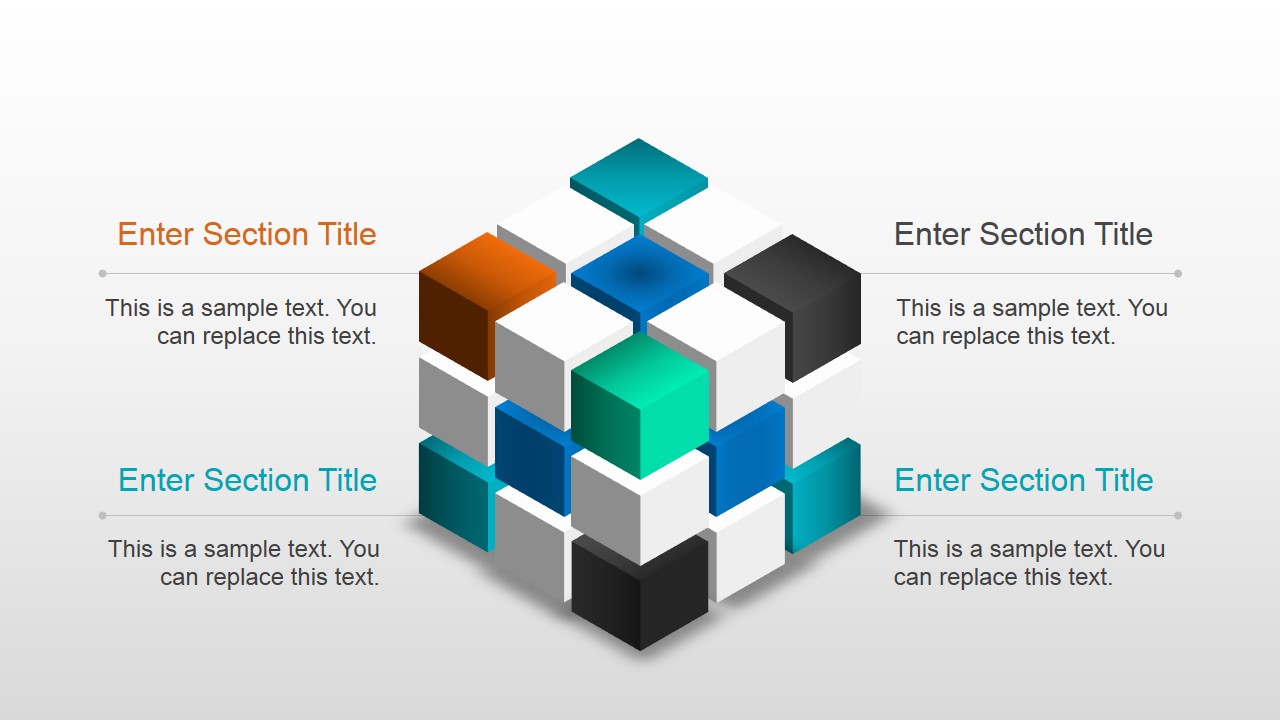
A: The 3D shapes create visual metaphors for common business structures: a cone suggests levels, an arrow suggests movement, bars suggest comparison, and a cube cluster suggests modular parts. The icons give each text block a quick visual anchor, which helps the audience scan the slide and remember the relationship between sections.



Colorful 3D Diagrams PowerPoint Template
8-slide presentation template with colorful 3D pyramid, timeline, process arrows, and comparison diagrams
Colorful 3D Diagrams PowerPoint Template is an 8-slide diagram set for Microsoft PowerPoint and Google Slides. It includes a quadrant pinwheel, stacked cone, vertical comparison bars, horizontal process arrow, pyramid timeline, modular cube diagram, three-part cycle, and two-way arrows for business, training, and reporting presentations.


 Loading...
 Microsoft PowerPoint
  Microsoft Copilot
  Claude for PowerPoint
 Other formats supported
Subscribe today and get immediate
access to download our PowerPoint templates.