Produce a colorful, eye-catching business presentation using the Business Insights PowerPoint Template. The diverse and artistic slide designs can be used to liven up any type of presentation to catch the audience’s attention.
The PowerPoint template is most suitable for marketing and communication presentations. The slides contain bright, enticing colors and interesting vector drawings. These make the information more memorable to the audience and easier to understand. The plain template background serves to emphasize the different colors and improve the overall visual aesthetic.
One applicable use of the template is for startups pitching their business. It helps creating simple and visually appealing presentations for businesses roadshows.The shapes and clipart included can be featured in the marketing pitch. The entrepreneurs should be effective and efficient in the initial pitch. This involves a carefully-crafted speech and attractive visual graphics. The entrepreneurs should focus on the possible growth and income stemming from the business, and the personal investment in the venture. The latter is important in ensuring the investor that the presenter is someone that can be trusted and relied on.
The presenter can describe different strategies for the company. These can include tactics that are common to growth hackers. For example, the presenter can use digital marketing and content marketing to bring more viewers and clients to the business. The presenter can emphasize the business’s current efforts to improve its media presence, along with the current business plan and financial forecasts.
The presentation design is ideal for showcasing different types of information that form a single, cohesive point. The presenter can edit the PowerPoint objects to become more suited to the specific audience, and have maximum appeal. The presenter can also download other PowerPoint templates, such as the A/B Testing PowerPoint Template.
What’s inside this template
Example presentation scenarios
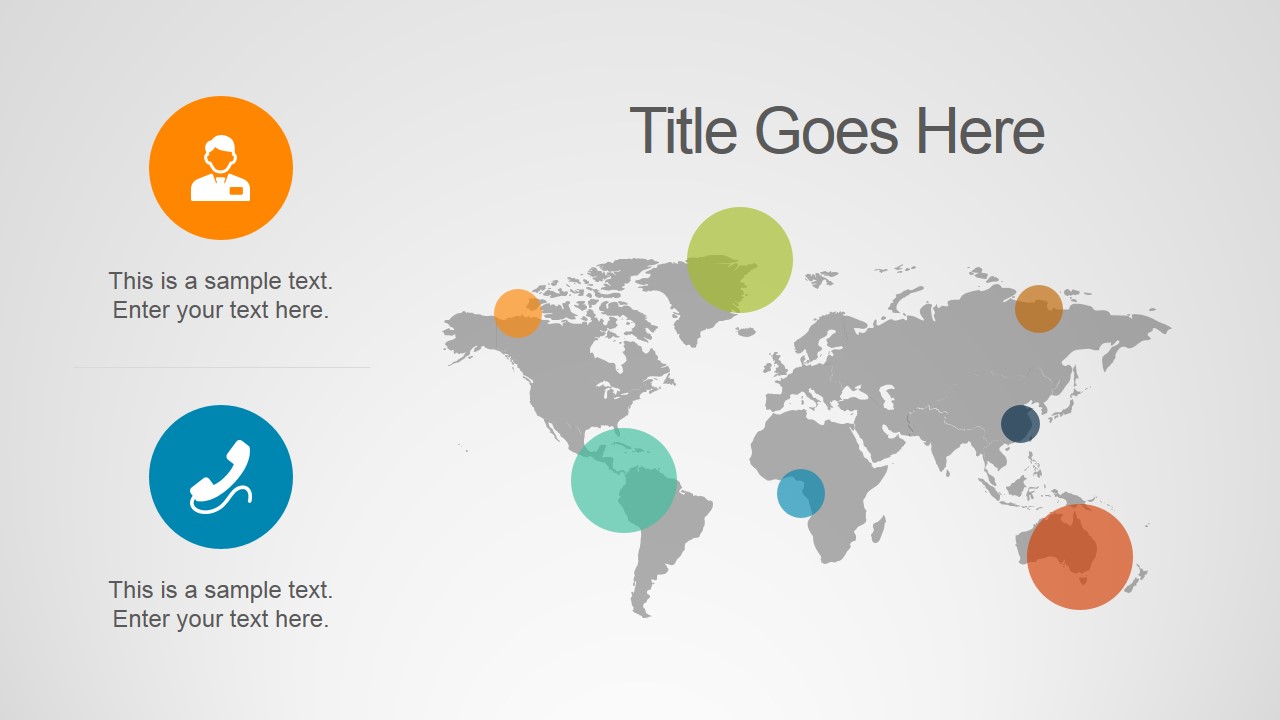
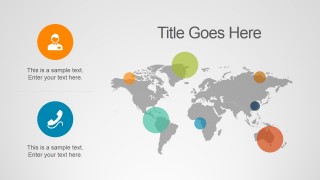
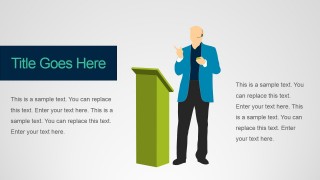
- A startup founder can use the world map, growth funding illustration, and podium slide to explain market reach, investment logic, and the main pitch narrative to potential backers.
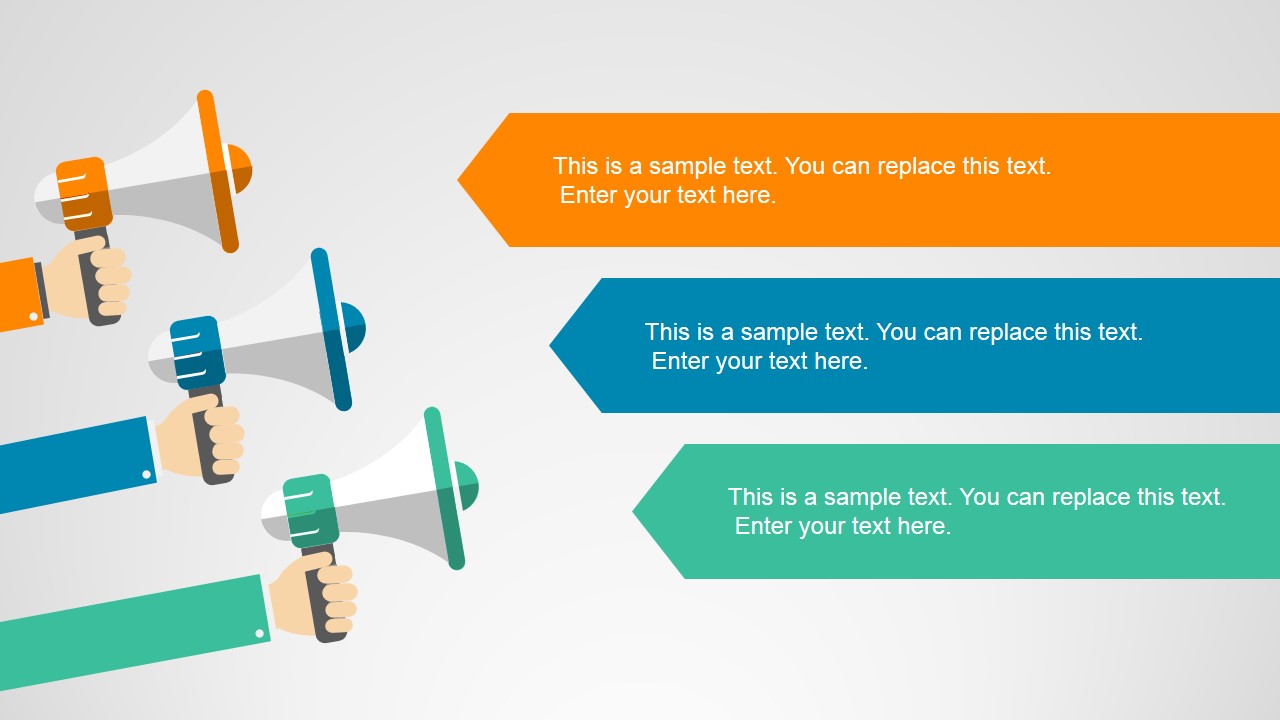
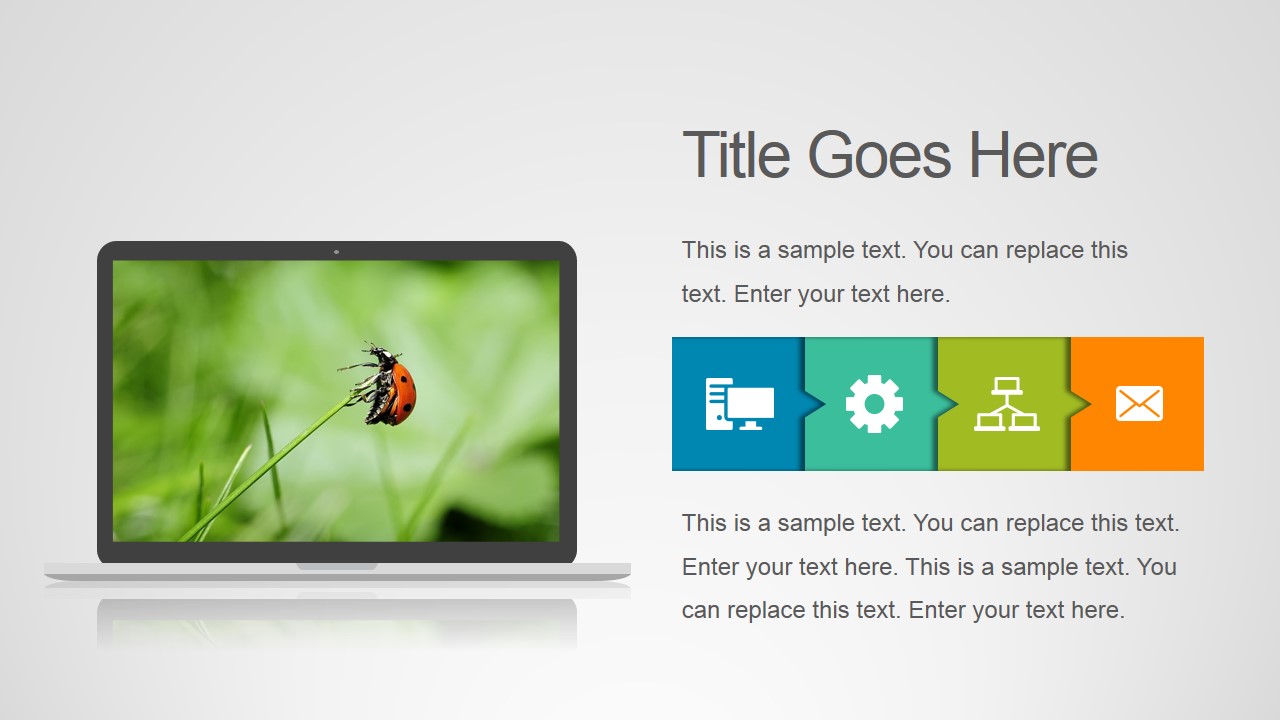
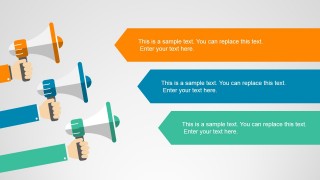
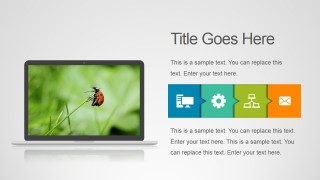
- A marketing manager can use the megaphone strips, icon network, and media laptop layout to present campaign messages, digital channels, and content priorities to stakeholders.
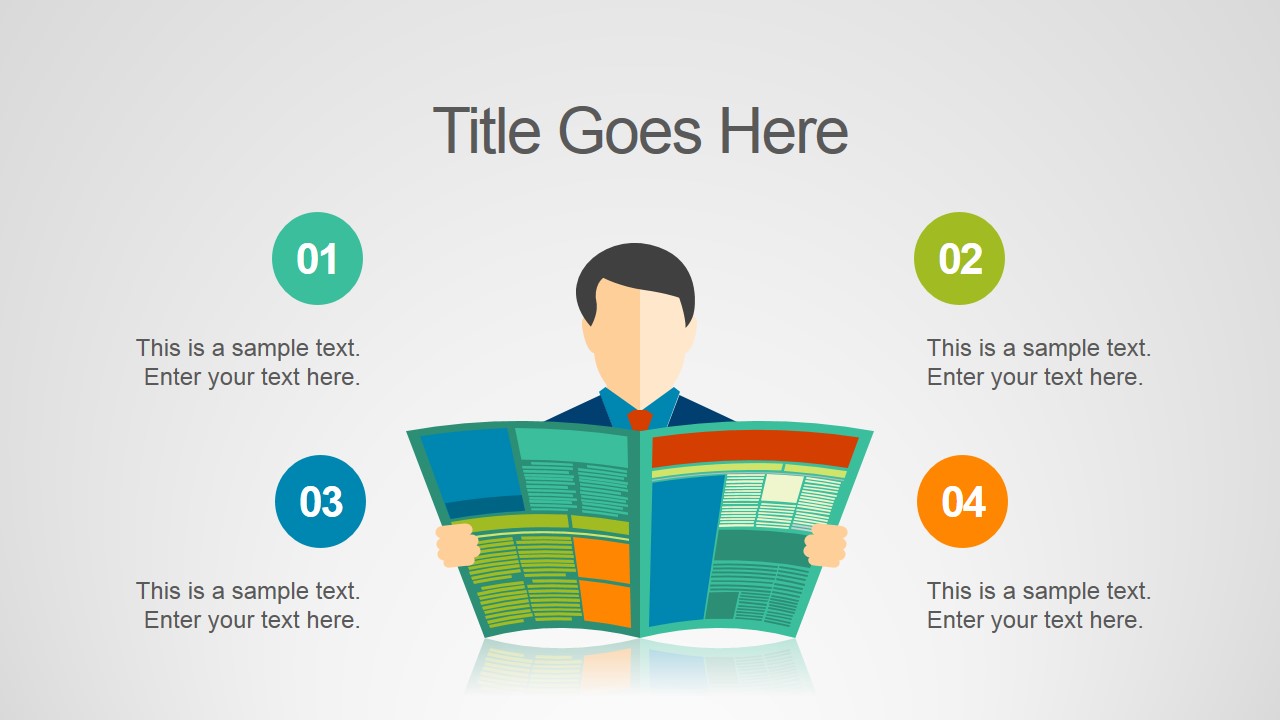
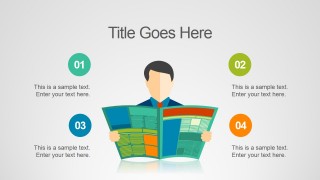
- A PR team can use the numbered agenda, meeting table illustration, and newspaper layout to brief executives on press activity, talking points, and communication next steps.
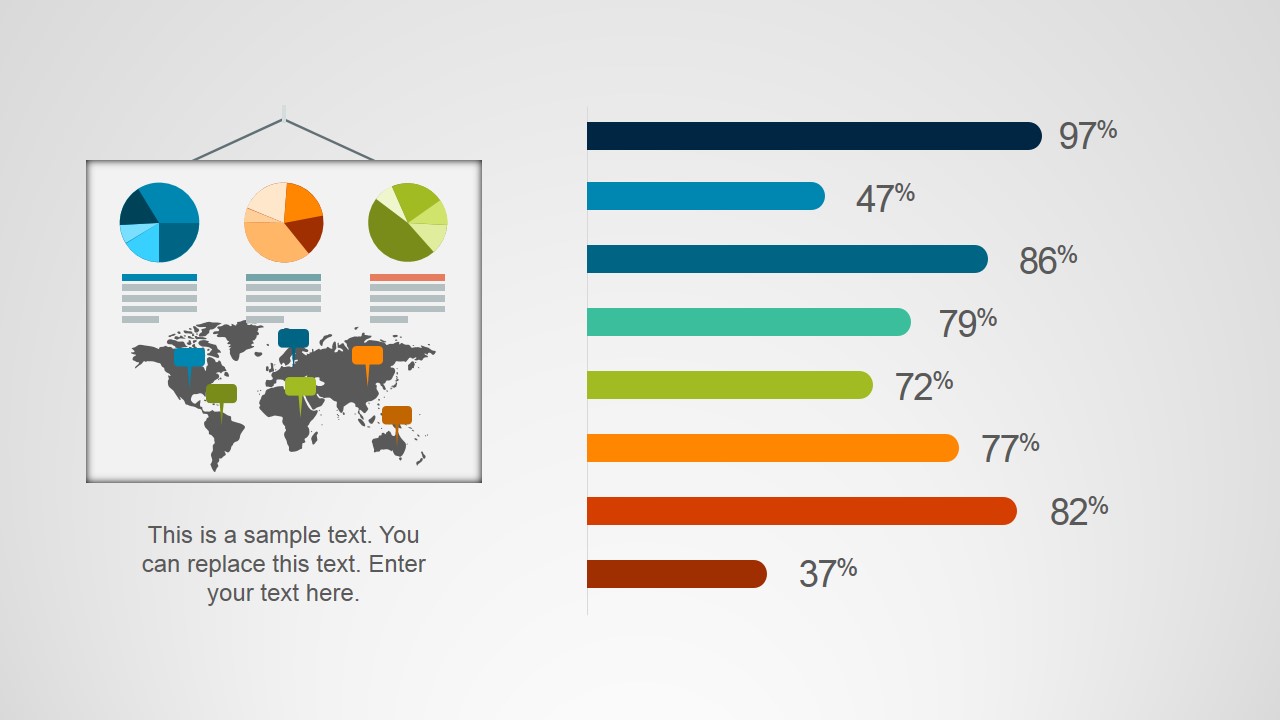
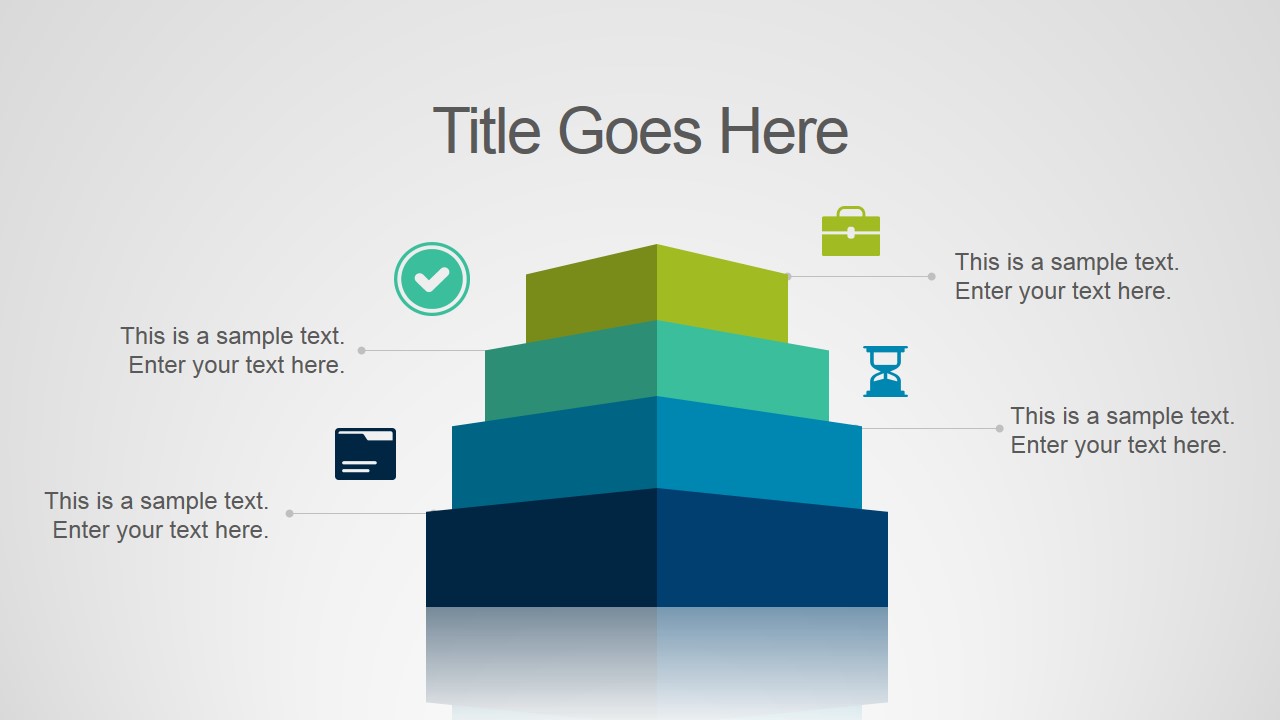
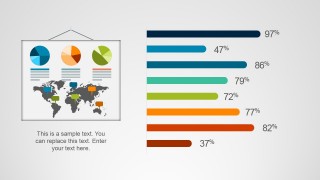
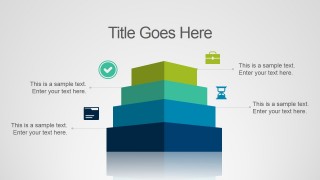
- A consultant can use the chart dashboard and tiered pyramid to summarize business findings, compare performance indicators, and group recommendations by priority level.
Features
- 100% editable presentation template
- Compatible with Microsoft PowerPoint and Google Slides
- 16:9 aspect ratio slides
- Scalable vector shapes, icons and illustrations
- AI-Ready for Microsoft Copilot and Claude
- Instant access and download
Frequently asked questions
Q: How should a presenter turn these illustrated slides into a clear business message?
A: Start with one headline insight per slide, then let the illustration define the frame. Use the world map for reach, the megaphone strips for messages, the chart dashboard for evidence, and the podium slide for the main recommendation. Keep supporting text short so the audience connects each visual metaphor with one decision or takeaway.
Q: Who is this template best suited for in a business setting?
A: This template fits marketing, PR, communications, and startup presenters who need to explain activity, opportunity, or momentum without building a formal report deck. It is useful when the audience needs a quick read of messages, channels, geographic presence, growth themes, or press-related updates supported by friendly business illustrations.
Q: Why do the visual metaphors improve communication in this deck?
A: The deck uses familiar metaphors such as megaphones for announcements, a sprout with coins for growth, a pyramid for priorities, and a newspaper for press coverage. These metaphors reduce explanation time because the audience recognizes the meaning before reading the text. The clean background keeps attention on the visual anchor and related point.







Business Insights PowerPoint Template
10-slide presentation template for business insights, PR messaging, media icons, maps, and audience-ready diagrams
Business Insights PowerPoint Template is a 10-slide presentation template for marketing, communications, startup pitch, and PR updates. It includes a world map with callouts, megaphone message strips, numbered meeting agenda, chart dashboard, growth funding illustration, media laptop layout, tier pyramid, icon network, podium speaker, and newspaper layout for Microsoft PowerPoint and Google Slides.
- Category
- Template Backgrounds
- Rating


 Loading...
- Aspect ratio
- 16:9
- Item ID
- 4157-01
- Colors
 Microsoft PowerPoint
  Microsoft Copilot
  Claude for PowerPoint
 Other formats supported
Subscribe today and get immediate
access to download our PowerPoint templates.