Animated Stylish Global Template for PowerPoint– illustrates diagrams, charts, and creative figures that can be applied to global scale. The colorful graphics and the backgrounds can entice any professional audience. The 2D and 3D styles create a very modern feel for the report. Produce high quality presentations using Animated Stylish Global Template for PowerPoint.
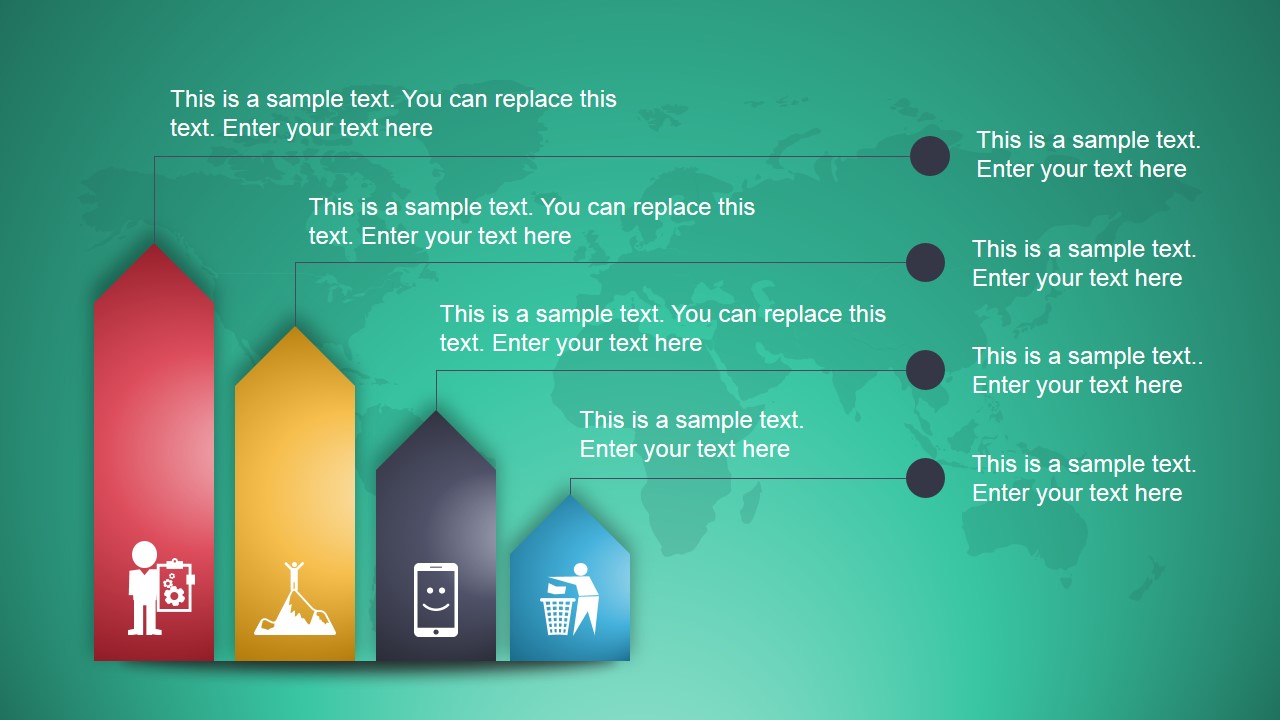
The PowerPoint animation template is a collection that shows different PowerPoint shapes. It contains a globe, 4-step diagrams and a pie chart. The objects are fully customizable so the user can opt to alter the color and location. The sizes can be modified as well. The diagrams can be related to the world map outline background of the slides. The modern designs can surely keep the audiences engaged throughout the report. The visuals make the concepts easier to understand and remember.
The slide designs can be applied to world topics like global economy, tourist spots, currency, etc. Some icons are perfect tools to capture networking and international negotiations. This can be applied to diplomatic summits and treaties. The PowerPoint template is reusable and decorative. The user can utilize it as a standalone layout or in relating key points to a personal presentation.
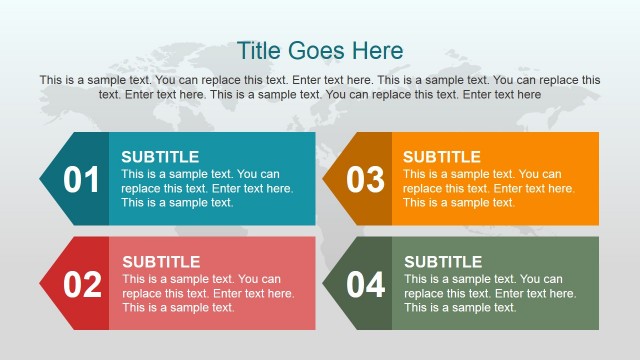
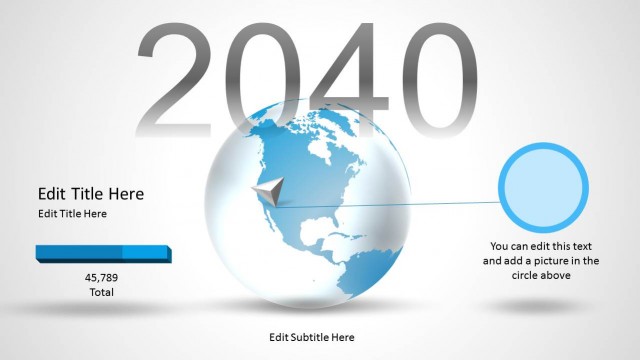
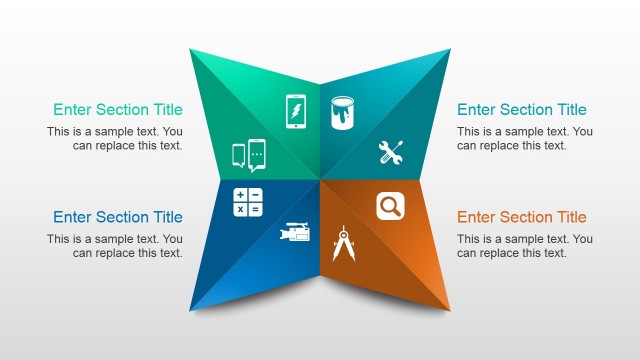
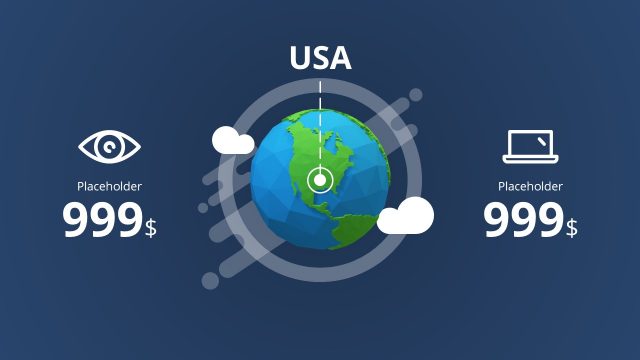
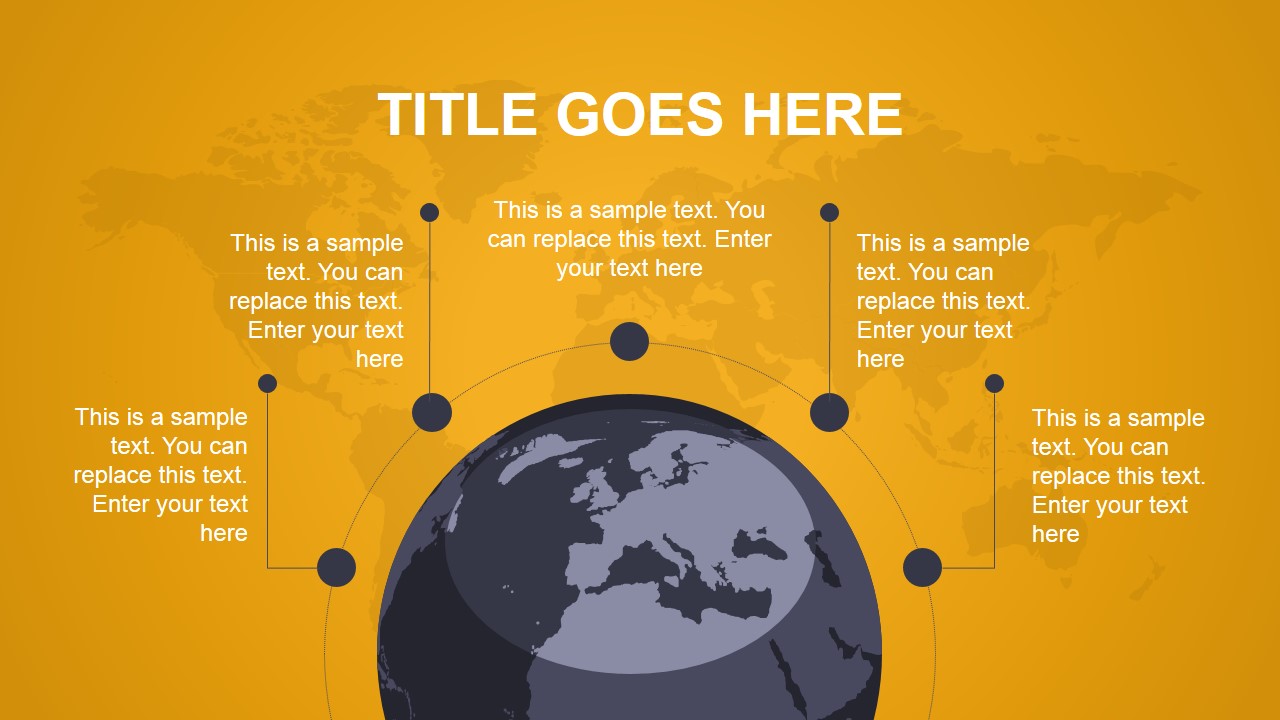
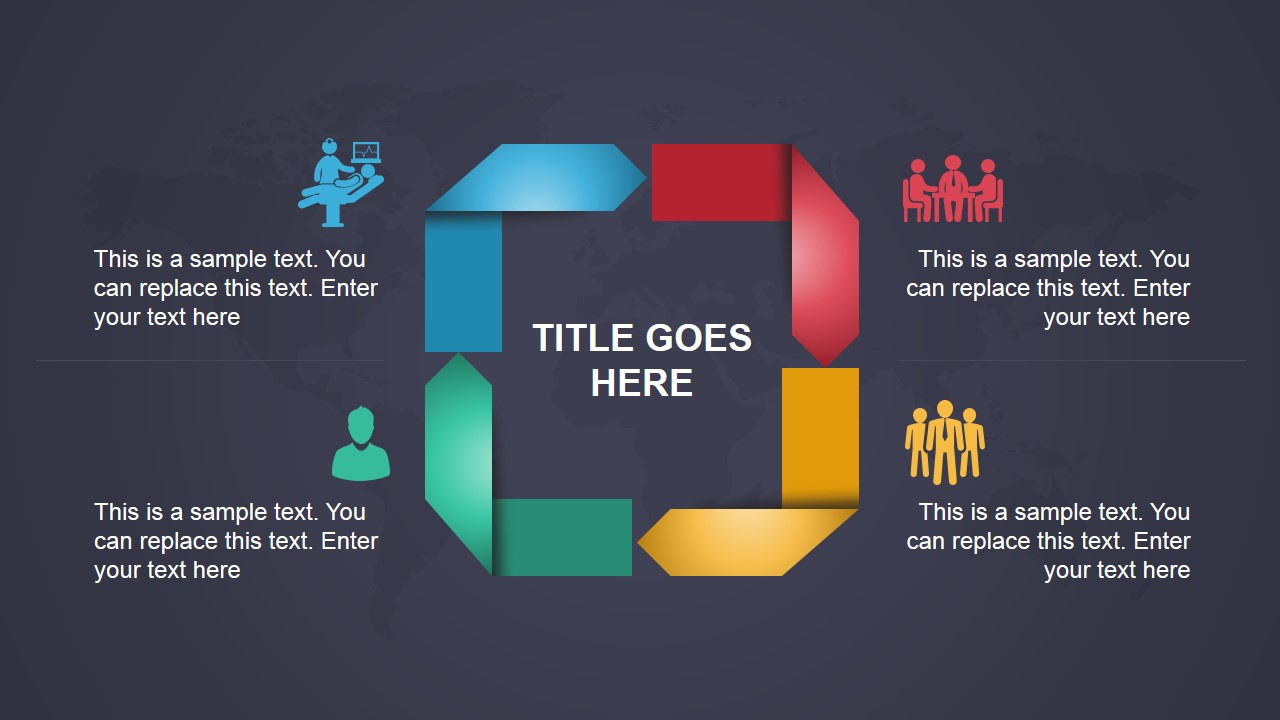
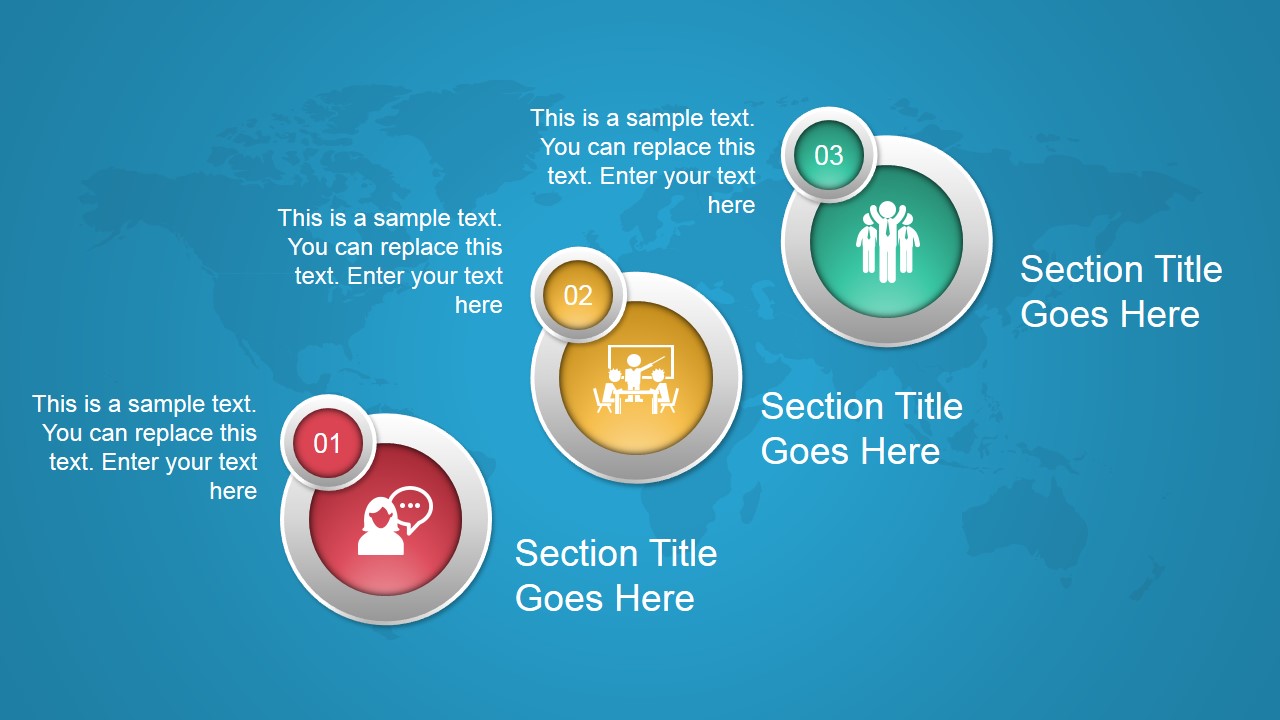
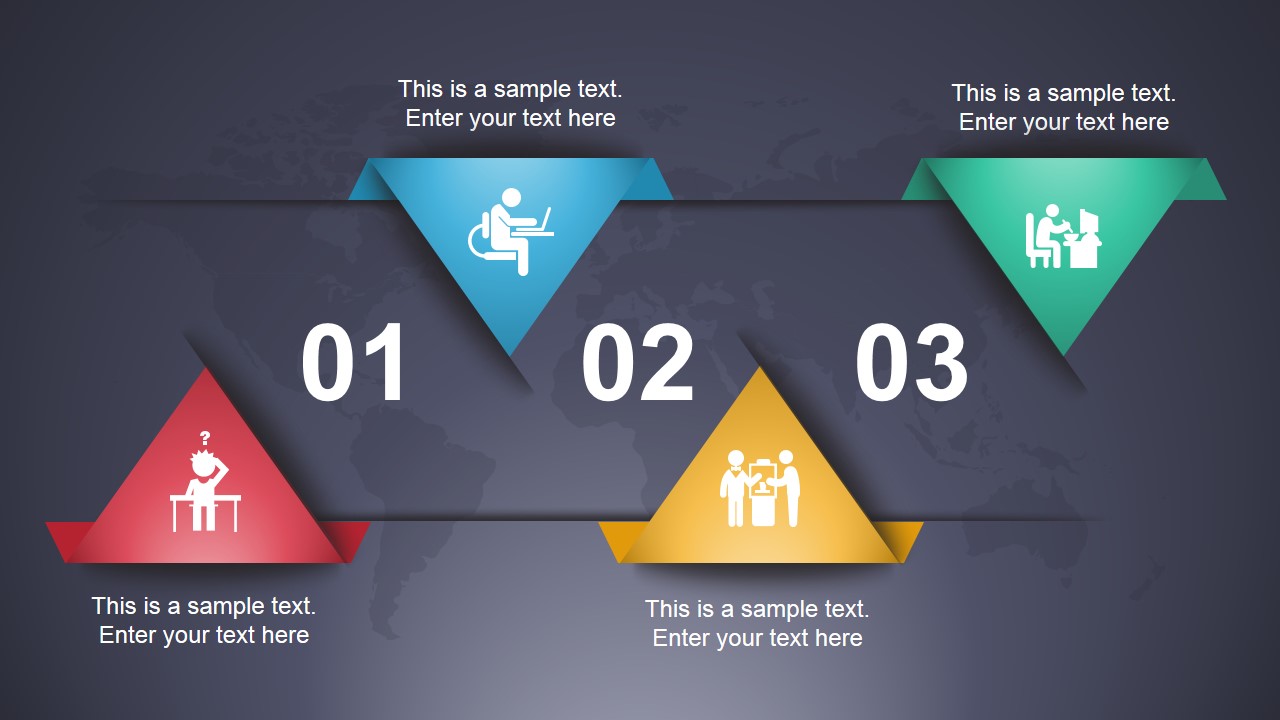
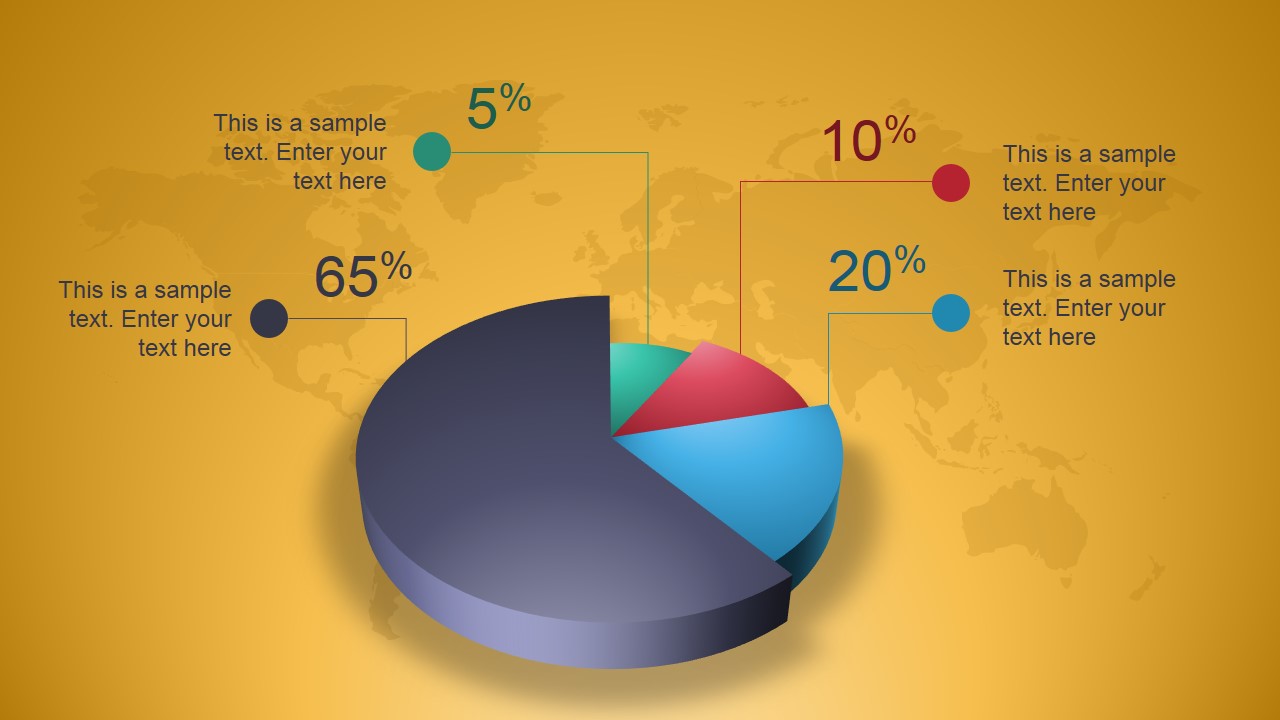
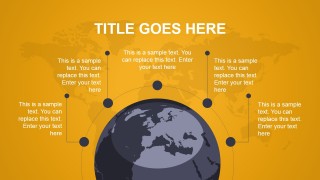
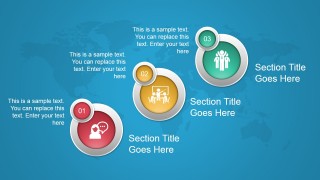
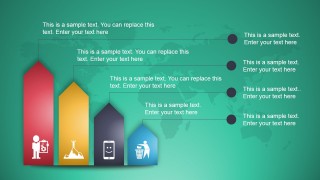
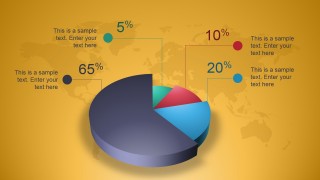
There are 8 meaningful slide designs in the Office template. The first slide displays a unique half-globe design. There are 5 corresponding placeholders where the presenter can key in subtopics. In some slides, the user can find 4-step process designs. On the 4th slide, there is a 3-step plot of circular shapes and icons. The seventh shape is a creative 3D pie chart. The sides show percentage levels relative to the colored slices.
Develop high standard infographics to support a global topic discussion. Use Animated Stylish Global Template for PowerPoint to impress any audience. Download Diagrams for PowerPoint at the SlideModel gallery.
What’s inside this template
Example presentation scenarios
- A consultant can use the half-globe callout slide to introduce key regions, stakeholders, or international workstreams in a client strategy briefing.
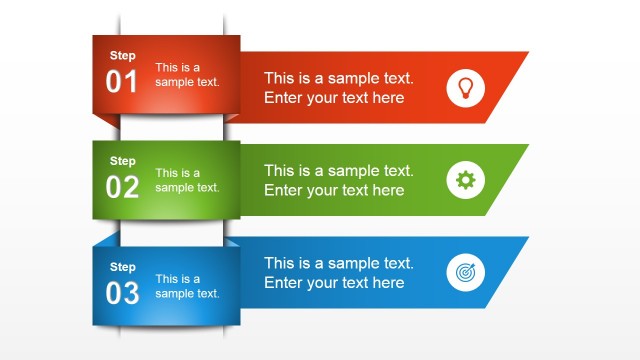
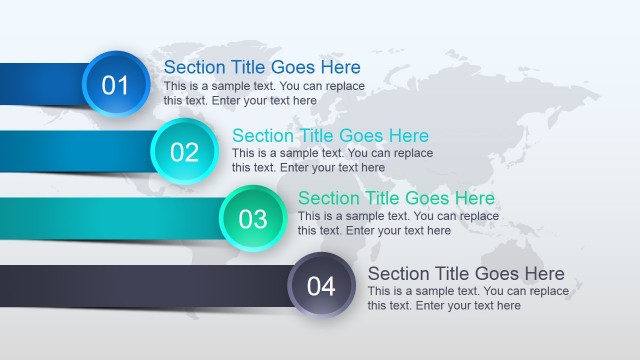
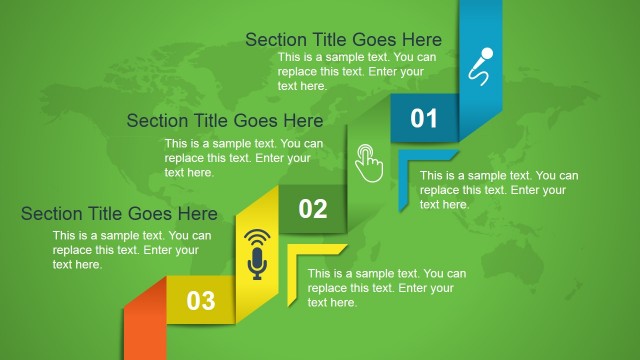
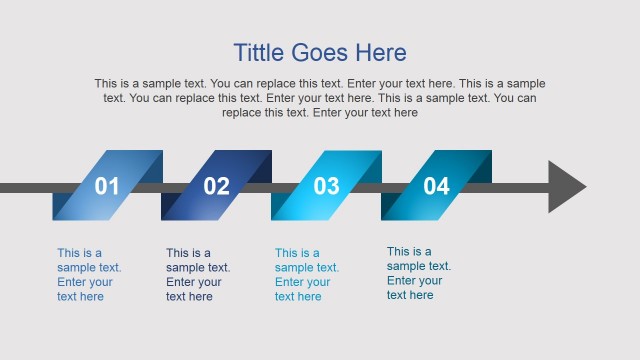
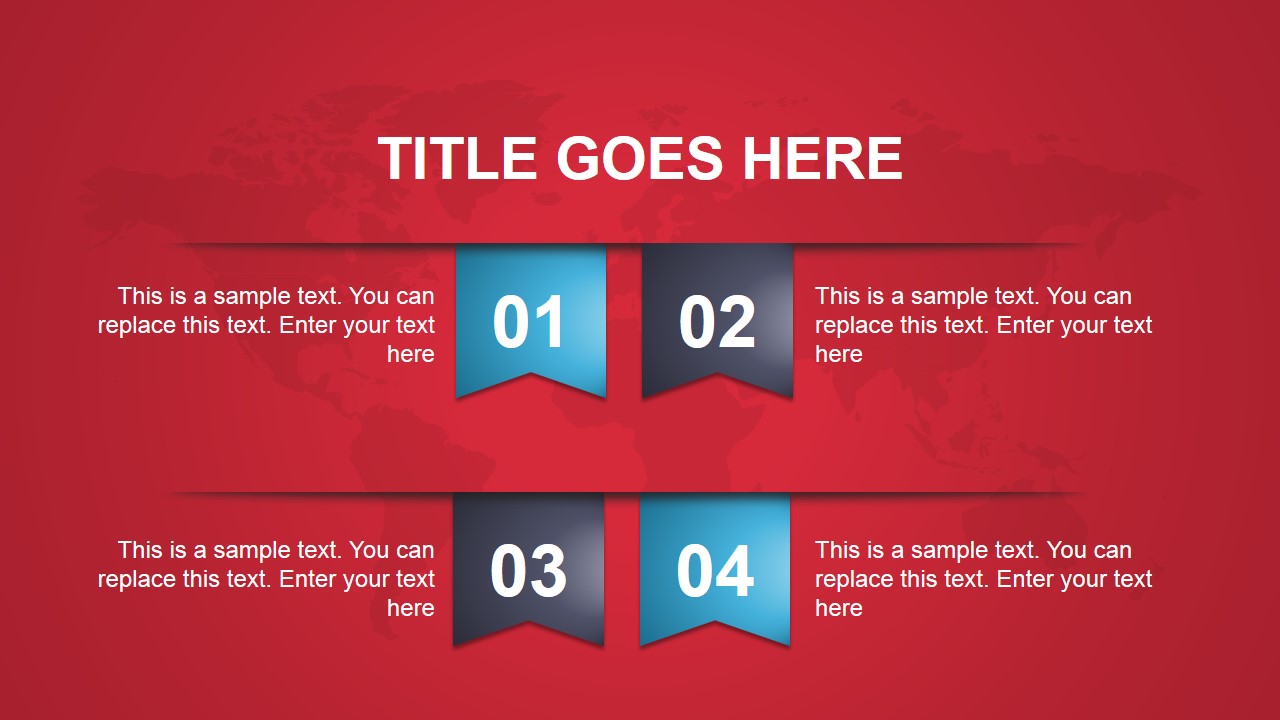
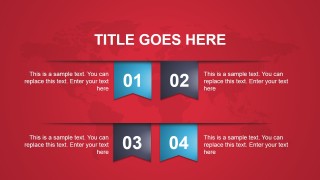
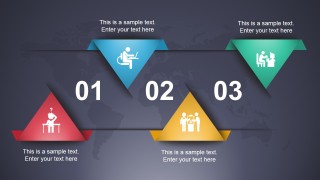
- A marketing manager can use the numbered ribbon and triangular process layouts to explain a global campaign rollout from planning through execution.
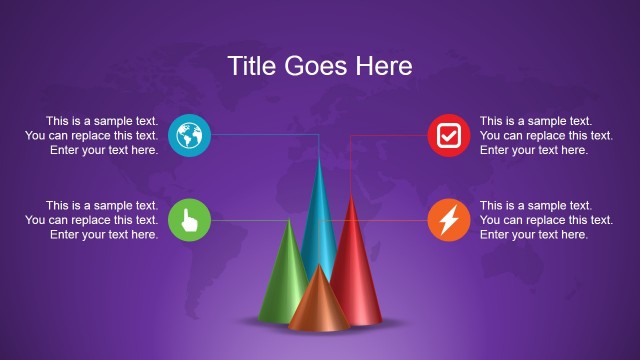
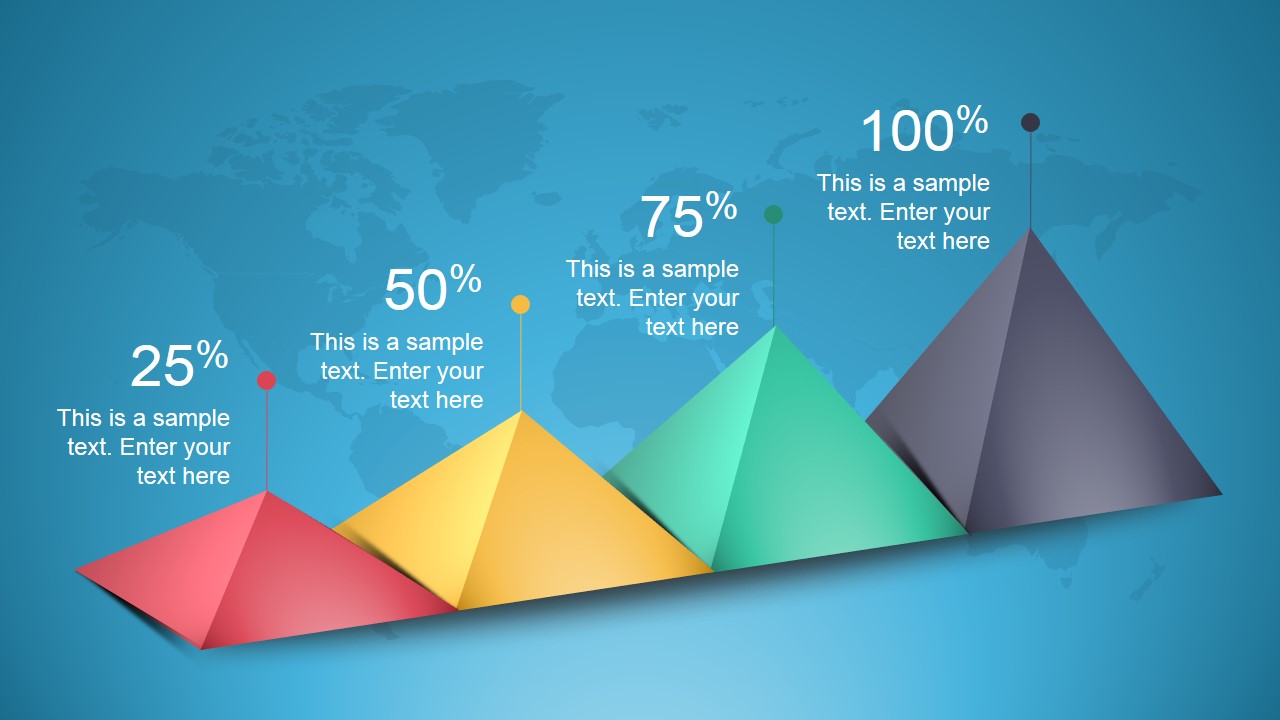
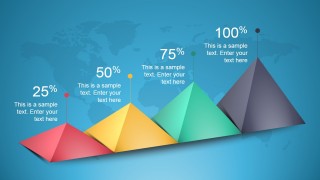
- An economic analyst can use the 3D pie chart and pyramid percentage slide to summarize market share, allocation, or adoption levels in a regional report.
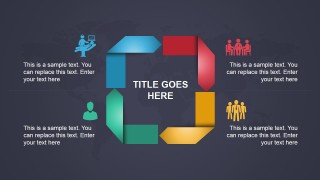
- An educator or public sector presenter can use the circular icon process slide to explain diplomatic, tourism, or cross-border collaboration themes to a general audience.
Features
- 100% editable presentation template
- Compatible with Microsoft PowerPoint and Google Slides
- 16:9 aspect ratio slides
- Scalable vector shapes, icons and illustrations
- Ready with Animations & Transitions in PowerPoint
- AI-Ready for Microsoft Copilot and Claude
- Instant access and download
Frequently asked questions
Q: How should a presenter organize the message with this global template?
A: Start with the half-globe slide to define the topic and name the main regions or themes. Use the four-step ribbon or circular process diagrams to explain sequence, roles, or workflow. Reserve the 3D pie chart and pyramid slide for summarized figures so the audience sees conclusions rather than a large data dump.
Q: Who is this template best suited for?
A: This template fits presenters who need to make international business, tourism, diplomacy, or market topics easier to scan. Consultants, analysts, educators, and public sector teams can use the globe, icons, process arrows, pie chart, and pyramid metrics when the goal is to brief an audience on broad global patterns.
Q: Why do the globe, pyramid, and circular diagrams help the presentation?
A: The globe metaphor immediately signals international scope, while the circular and ribbon diagrams make process stages feel connected. The pyramid slide gives percentage progress a physical scale, which helps viewers compare levels quickly. These visual metaphors reduce the need for long explanatory paragraphs on each slide.
Animated Stylish Global Template for PowerPoint
8-slide animated presentation template with globe diagrams, process ribbons, pie chart, and pyramid metrics
Animated Stylish Global Template for PowerPoint is an 8-slide 16:9 presentation template for global reports and business topics. It includes a half-globe callout slide, numbered process ribbons, circular icon steps, a 3D pie chart, and pyramid percentage layout for Microsoft PowerPoint and Google Slides.
- Category
- Template Backgrounds
- Rating


 Loading...
- Aspect ratio
- 16:9
- Item ID
- 4043-01
- Colors
 Microsoft PowerPoint
  Microsoft Copilot
  Claude for PowerPoint
 Other formats supported
Subscribe today and get immediate
access to download our PowerPoint templates.