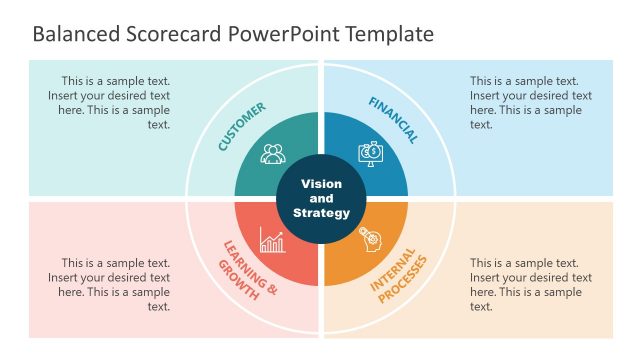
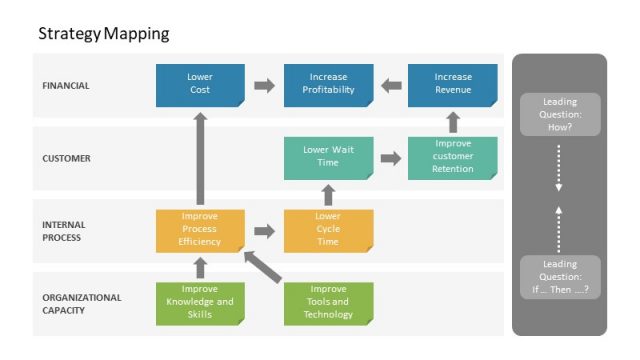
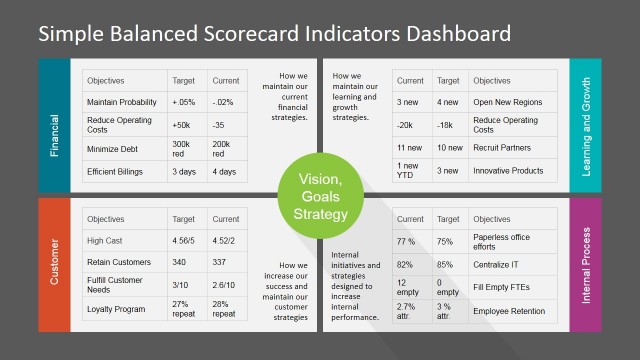
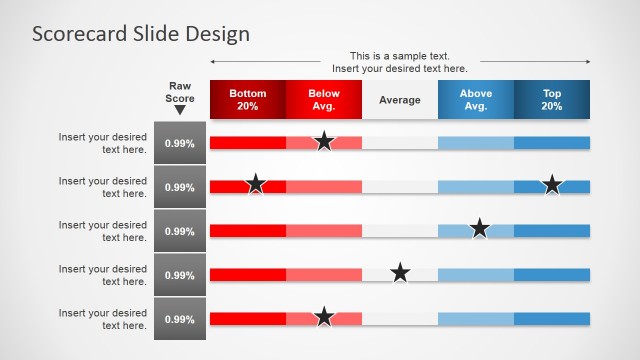
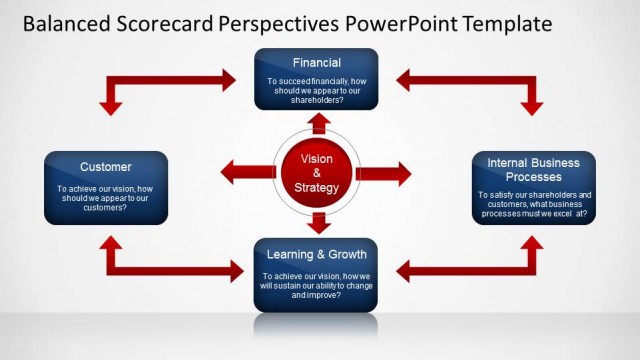
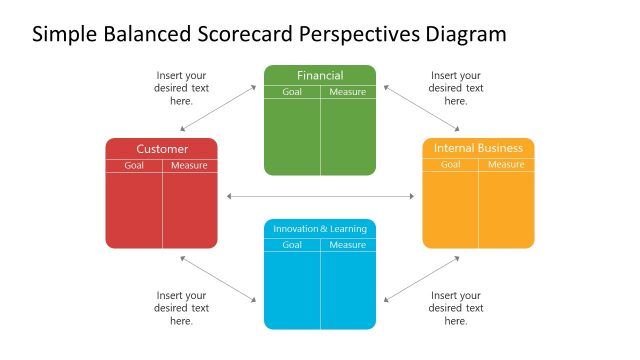
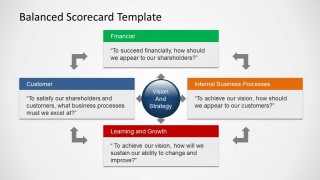
Organize priorities and present an evaluation of the company with the Balanced Scorecard Template for PowerPoint. The Presentation Template features four components to be evaluated. These are for Finances, Internal Business Processes, Learning and Growth, and Customers. The presenter can analyze the different objectives, key performance indicators and measurement tools, targets, and initiatives.
The Balanced Scorecard is a strategic planning and management system. It is used to align business activities to the strategy of the organization (vision, mission and values), improve communication of objectives and achievements, and monitor and control organization performance against strategic goals. The Balanced Scorecard is a management tool that belongs to the Performance Measurement frameworks. It provides strategic non-financial performance measures to traditional financial metrics, giving executives the ability of a balanced view of the organizational performance.
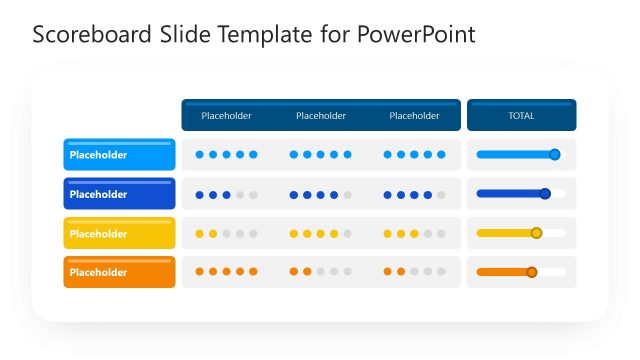
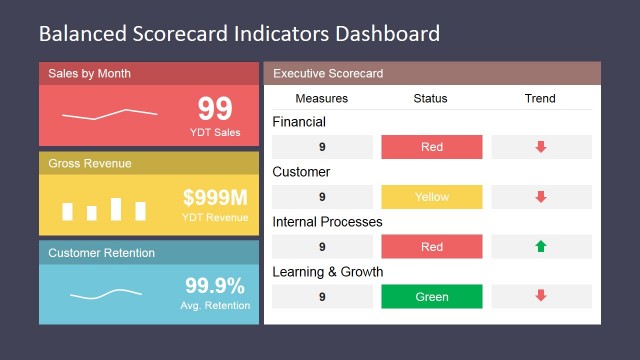
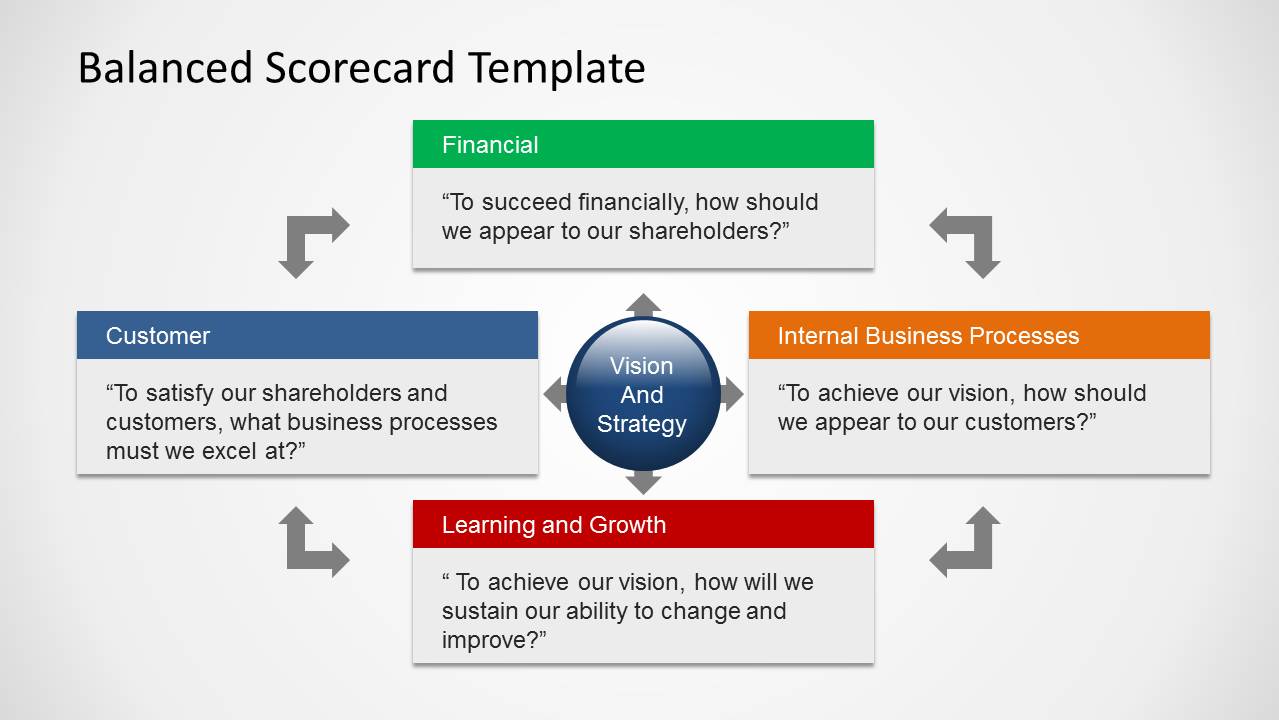
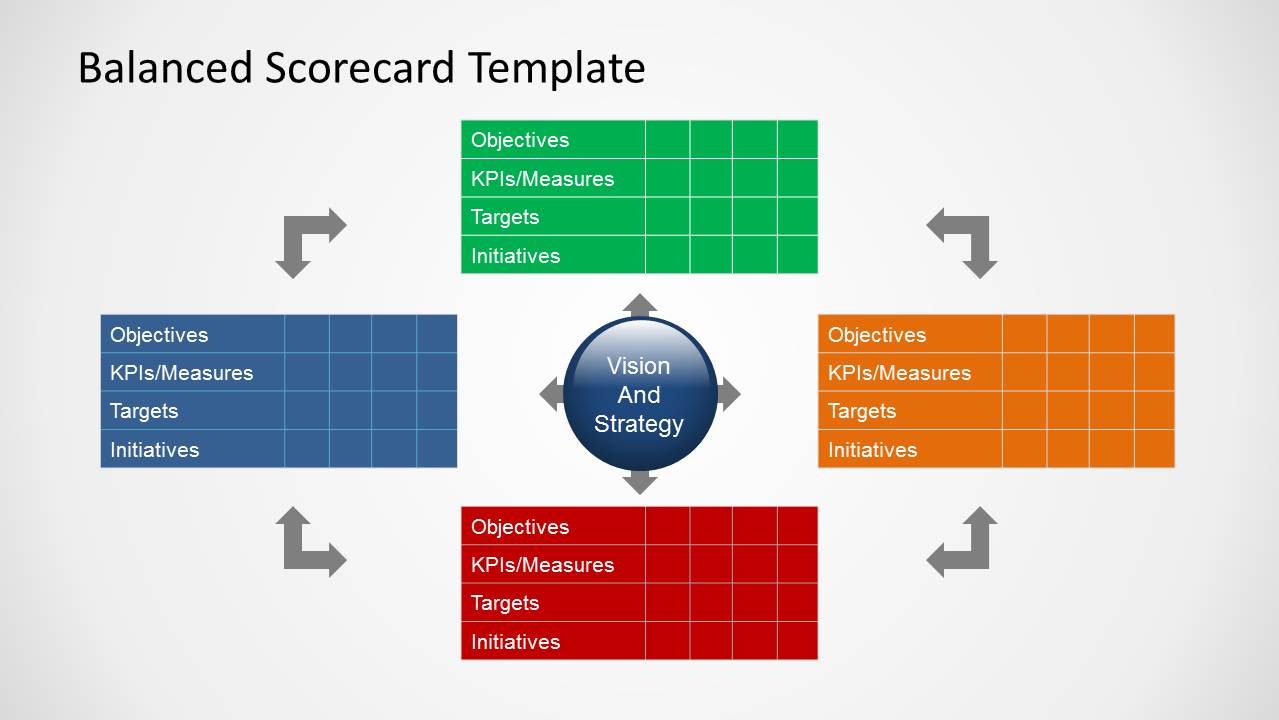
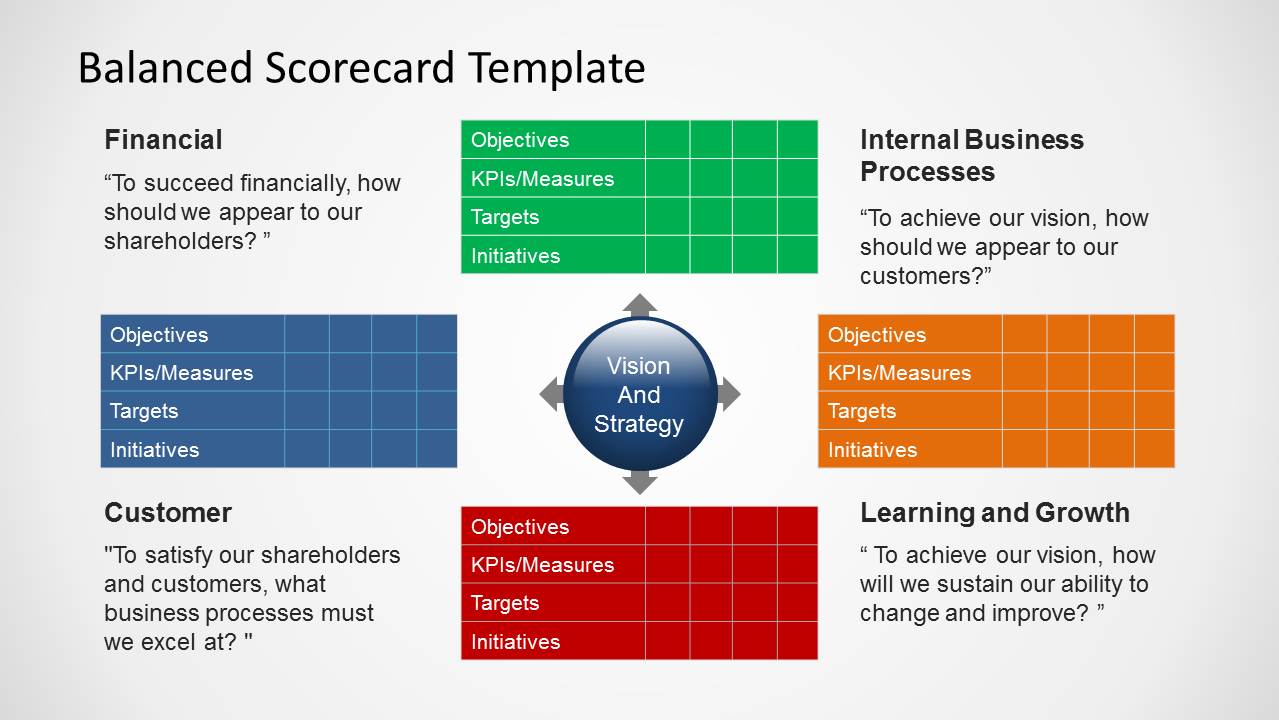
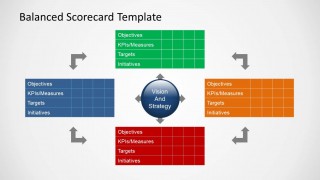
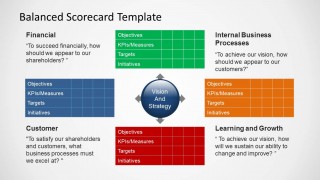
There are two types of slides in the template. The first contains an overview of the four components. They are set on four quadrants, in text boxes colored green, yellow, blue, and red. Each of these text boxes contains a text placeholder for the corresponding information. Two of these type of slide include tables for the actual scoring and evaluation of the indicators.
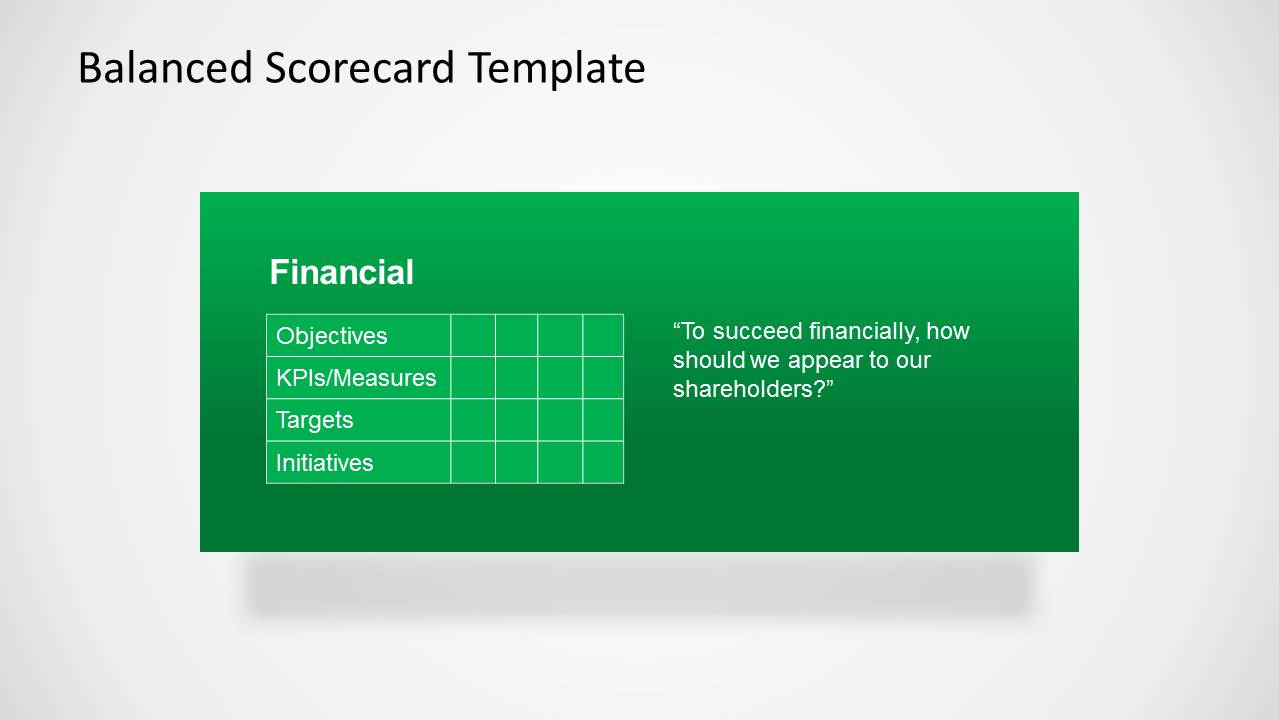
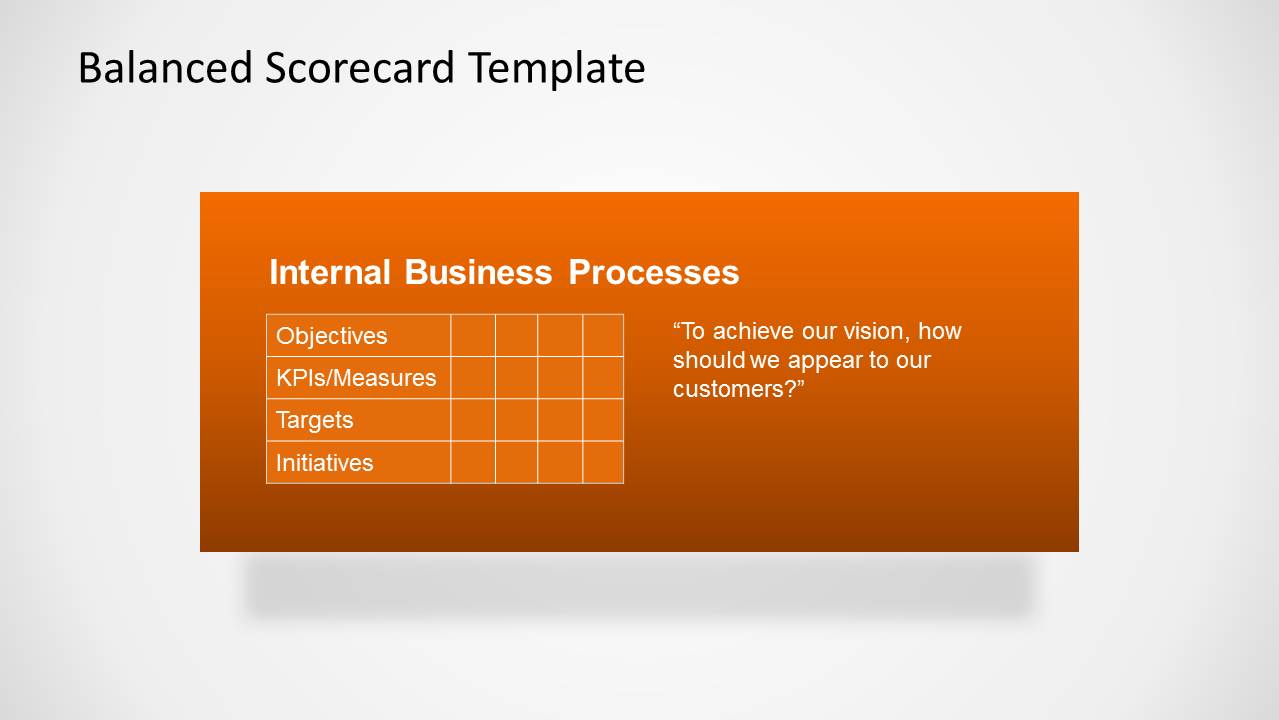
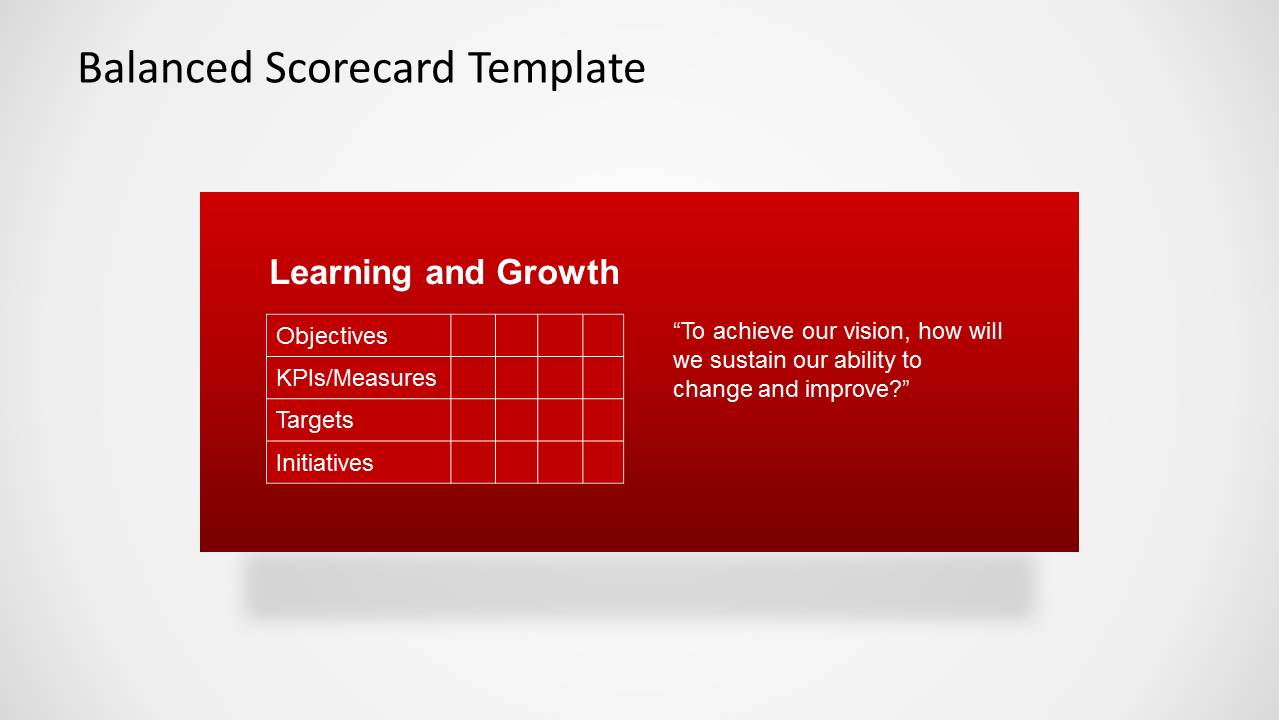
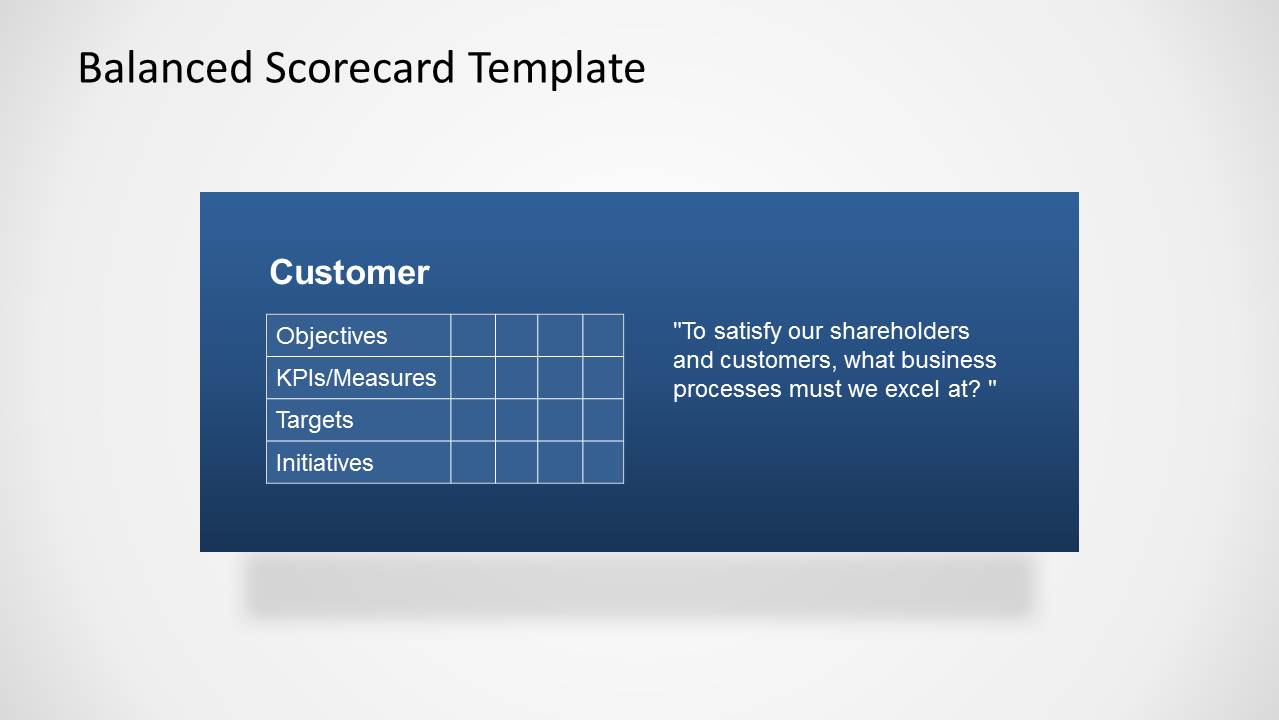
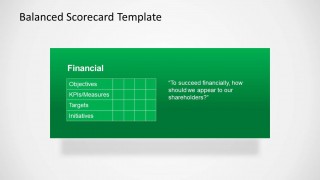
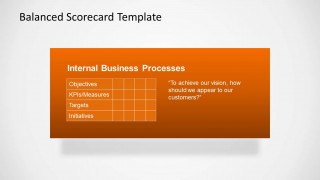
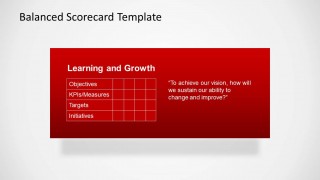
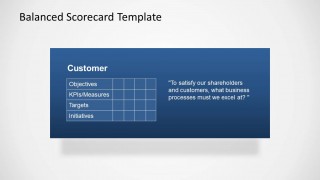
The four remaining slides contain tables, covering the four key indicators of each component in the scorecard. Each component is analyzed using the four rubrics. These slides have the same basic layout. At the center of the slide is a rectangular PowerPoint shape with a drop shadow. This is colored in green, orange, red or blue, to match the component’s color on the overview slides. Also included in the layout is a table showing different elements for analysis, as well as a question that can guide the discussion of the slides.
The design of the template allows for a thorough and extensive analysis of any business model. The scorecard system gives an objective evaluation of the model. The scores can also be treated relatively, so that the user can rank them according to the order of priority for which they are to be dealt with.
The Balanced Scorecard Template is an organized and specific presentation of the various components involved. Create a colorful and professional report for any business model analysis. All of the PowerPoint objects in the template are fully editable. The presenter can modify them to fit certain guidelines or preferences of the presenter.
Complement your organizational toolkit with our Business PowerPoint Templates and created professional presentations that appeal to executive audiences.
What’s inside this template
Example presentation scenarios
- A strategy director can use the four-perspective overview to align executives on how vision and strategy connect to Financial, Customer, Internal Business Processes, and Learning and Growth priorities.
- An operations manager can use the Internal Business Processes detail slide to explain which process objectives, KPIs, targets, and initiatives require attention in the next review cycle.
- A finance leader can use the Financial detail slide to connect shareholder-facing goals with performance indicators, target levels, and supporting initiatives.
- A management consultant can use the combined scorecard evaluation slide to facilitate a client workshop where each perspective is scored, discussed, and prioritized.
Features
- 100% editable presentation template
- Compatible with Microsoft PowerPoint and Google Slides
- 16:9 aspect ratio slides
- Scalable vector shapes, icons and illustrations
- AI-Ready for Microsoft Copilot and Claude
- Instant access and download
Frequently asked questions
Q: How should a presenter explain the balanced scorecard without overwhelming the audience?
A: Start with the overview slide that places Vision and Strategy at the center, then explain the four perspectives as connected decision areas rather than separate departments. Move from the shared framework to one detail slide at a time, using the objective, KPI, target, and initiative rows to keep each discussion focused.
Q: Who is this template best suited for in a business review?
A: This template fits strategy leaders, executives, consultants, and performance managers who need to connect goals with measurable actions. It is especially useful when the audience must compare financial expectations, customer outcomes, internal process needs, and learning priorities in one management framework.
Q: Why does the design use a central strategy hub with colored perspective panels?
A: The central hub reinforces that each perspective should support the same strategy, while the color-coded panels make the four viewpoints easy to separate during discussion. The repeated table structure on detail slides reduces cognitive load because the audience always knows where to find objectives, KPIs, targets, and initiatives.
Balanced Scorecard Template for PowerPoint
7-slide balanced scorecard presentation template with KPI tables, strategy quadrants, and performance perspectives
The Balanced Scorecard Template for PowerPoint is a 7-slide business presentation template for Microsoft PowerPoint and Google Slides. It includes a four-perspective scorecard quadrant, objective and KPI grids, and detailed perspective table slides for Financial, Customer, Internal Business Processes, and Learning and Growth reviews.
- Category
- Business PowerPoint Templates
- Rating


 Loading...
- Aspect ratio
- 16:9, 4:3
- Item ID
- 6237-01
- Colors
 Microsoft PowerPoint
  Microsoft Copilot
  Claude for PowerPoint
 Other formats supported
Subscribe today and get immediate
access to download our PowerPoint templates.