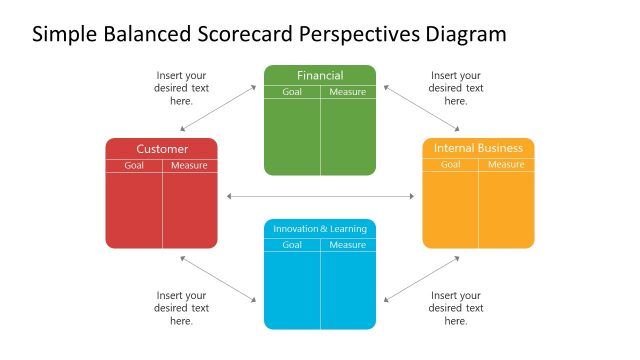
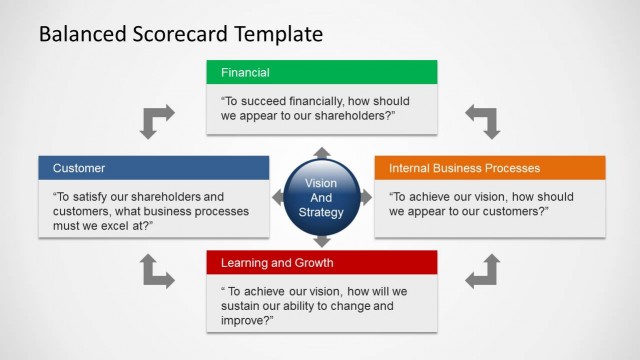
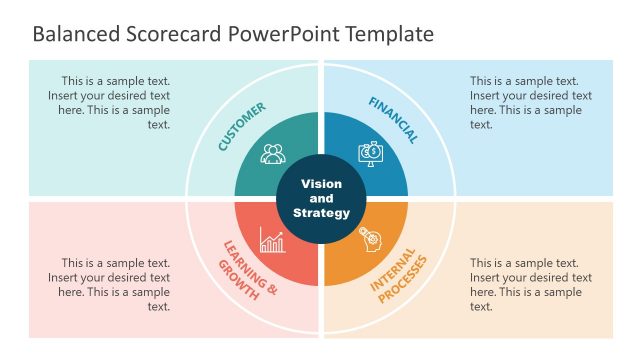
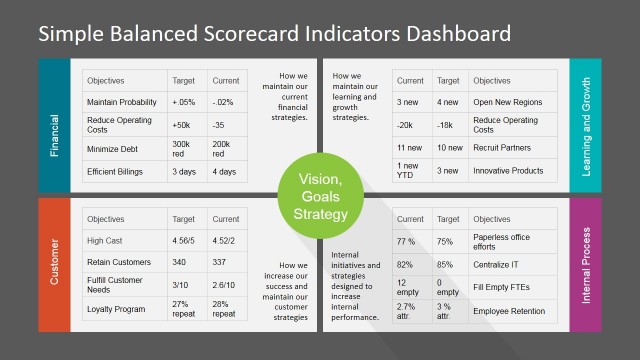
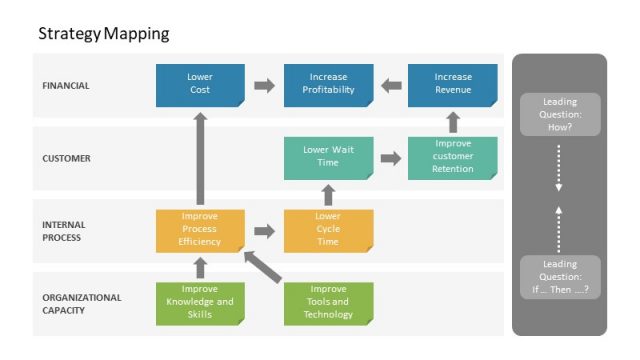
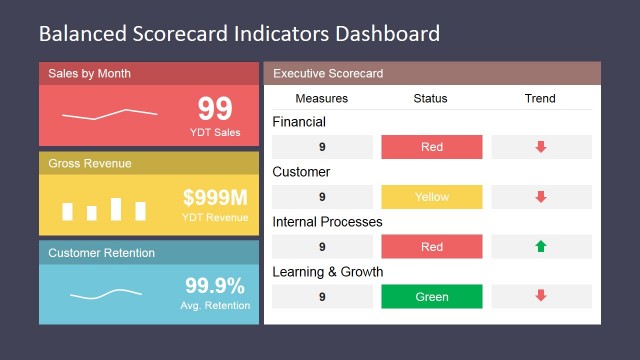
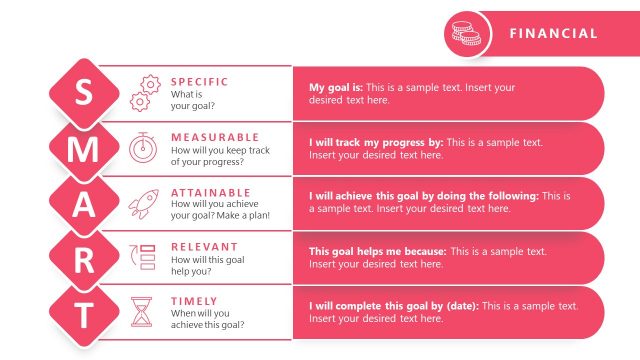
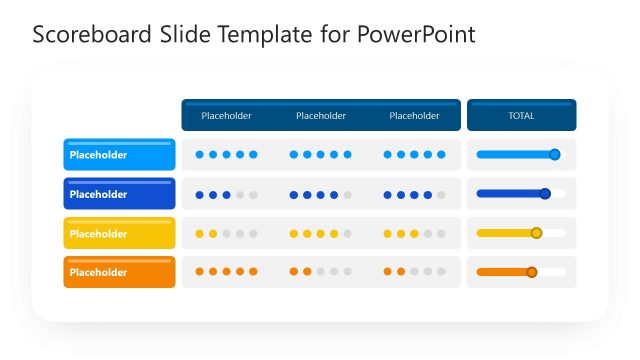
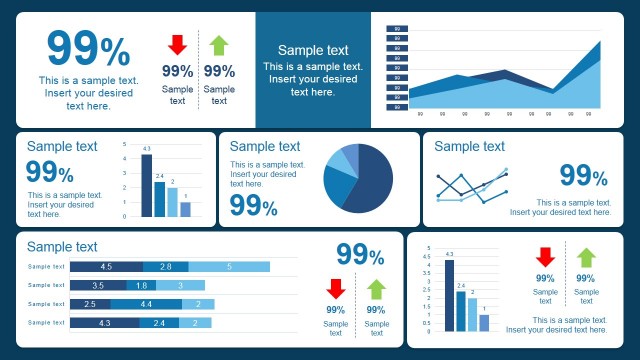
Balanced Scorecard Perspectives PowerPoint Template is a presentation containing the perspectives model of balanced scorecard and additional template slides for the user to record objectives and metrics.
Building a Balanced Scorecard is an ongoing process. The main idea behind the Kaplan balanced scorecard is that “If you can’t measure it, you can’t manage it.” Is important to register the KPI’s and to adapt according to reality.
Balanced Scorecard Perspectives PowerPoint Template is created with PowerPoint shapes, allowing the user to customize the BSC according to their needs , theme or size. Create simple and useful BSC with our Balanced Scorecard Template.
What’s inside this template
Example presentation scenarios
- A strategy manager can present an annual performance framework by starting with the central Vision and Strategy map and then filling the perspective KPI tables for each business area.
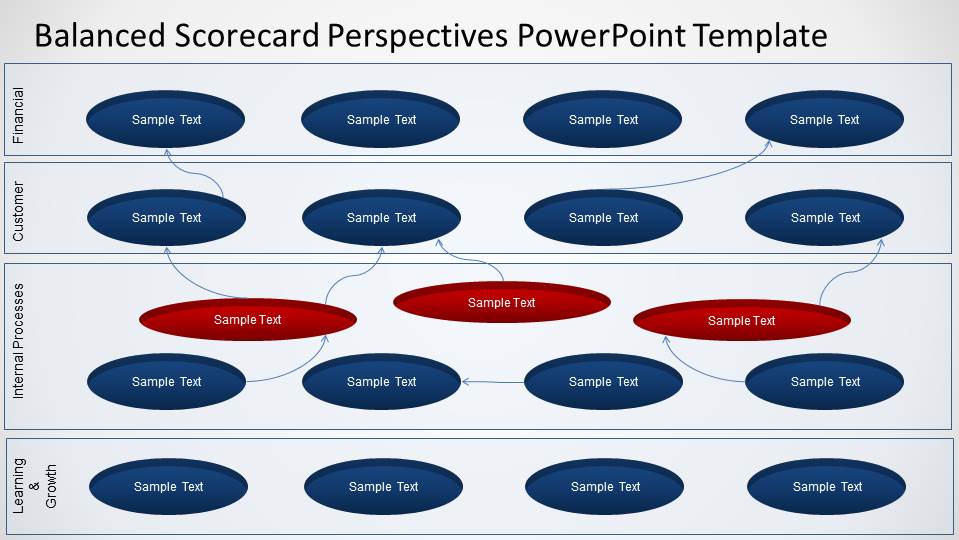
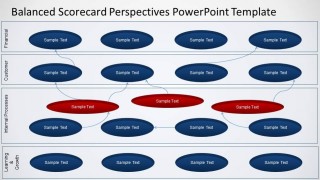
- A management consultant can guide a client workshop by using the swimlane objective map to show how financial, customer, internal process, and learning objectives depend on each other.
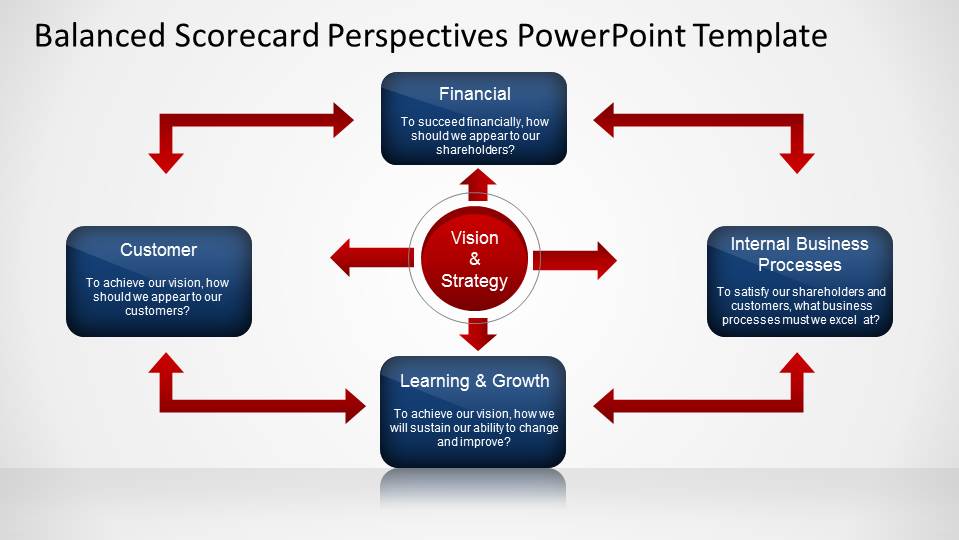
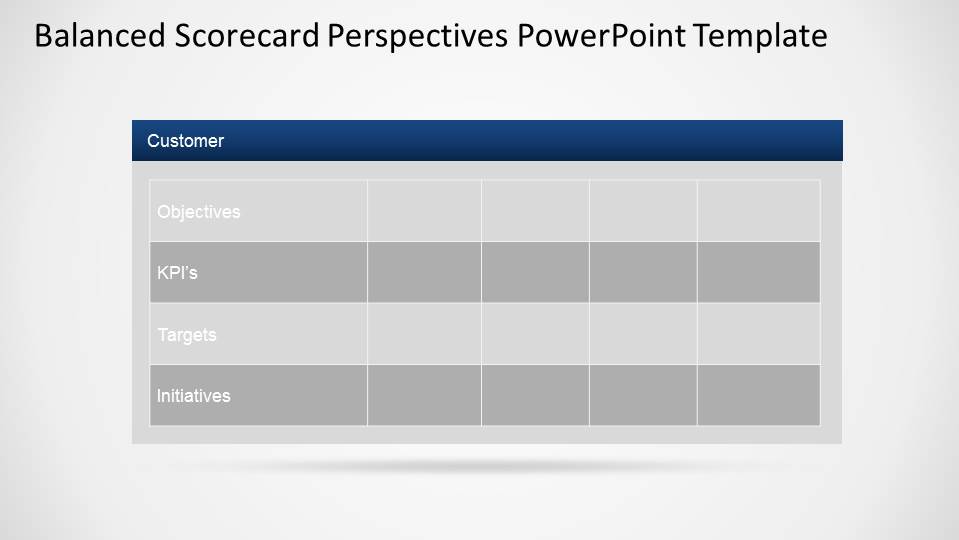
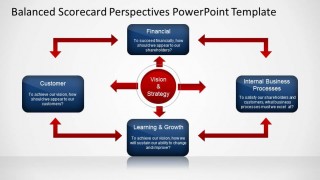
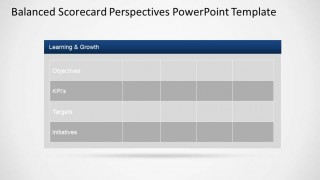
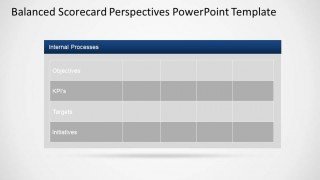
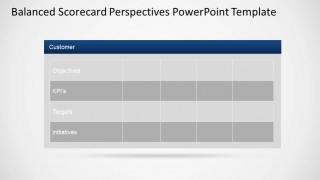
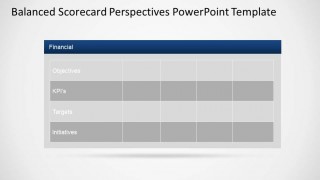
- An executive sponsor can align department heads around measurement priorities by using the four-perspective relationship diagram and the Objectives, KPI's, Targets, and Initiatives tables.
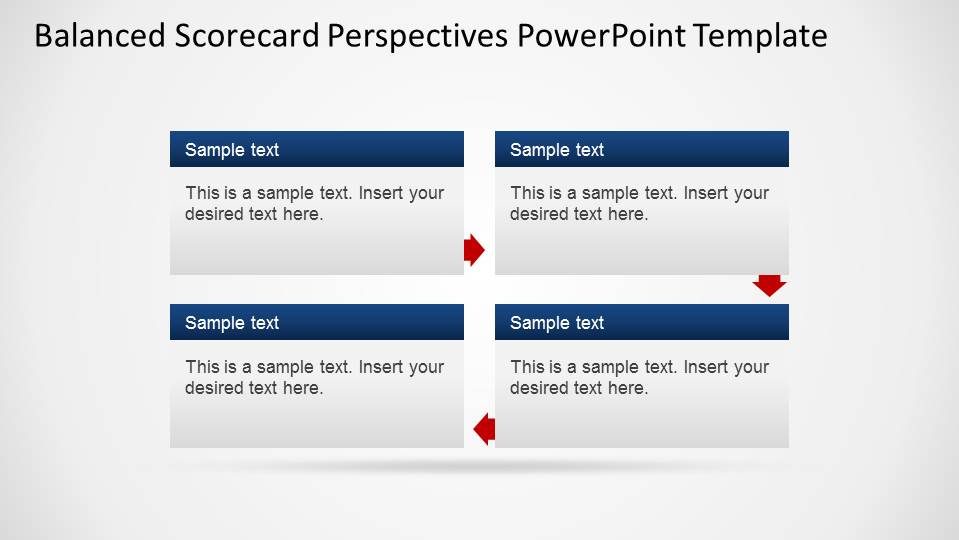
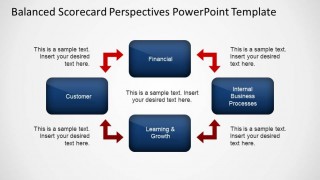
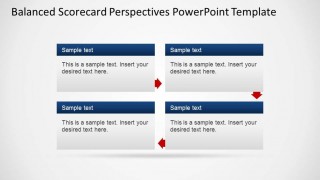
- A performance analyst can report scorecard readiness by using the four-step process layout to summarize next actions and the individual perspective tables to capture missing metrics.
Features
- 100% editable presentation template
- Compatible with Microsoft PowerPoint
- 16:9 aspect ratio slides
- Scalable vector shapes, icons and illustrations
- AI-Ready for Microsoft Copilot and Claude
- Instant access and download
Frequently asked questions
Q: How should a presenter build a clear balanced scorecard story with this template?
A: Start with the Vision and Strategy slide to define the central strategic intent, then use the four-perspective diagram to explain how the perspectives relate. Move to the swimlane map only after the audience understands the categories. Finish with the perspective tables so objectives, KPI's, targets, and initiatives become concrete commitments rather than abstract strategy statements.
Q: Who is this template best suited for?
A: This template fits executives, strategy teams, consultants, and performance managers who need to translate strategy into measurable action. It is strongest for planning sessions, scorecard reviews, and management updates where the audience must see links between financial results, customer outcomes, internal process work, and learning or growth investments.
Q: Why does the template use arrows, circles, swimlanes, and tables instead of only lists?
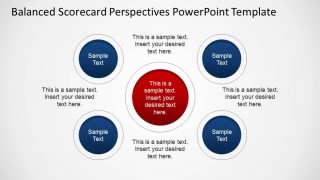
A: The visual metaphors separate different communication jobs. Arrows show cause-and-effect logic around the strategy, circles create a simple focal model, swimlanes organize dependencies by perspective, and tables turn the discussion into accountable entries. This reduces ambiguity because the audience can see both the strategic relationships and the measurement structure.





Balanced Scorecard Perspectives PowerPoint Template
9-slide presentation template for balanced scorecard perspectives, KPI tables, and strategy maps
Balanced Scorecard Perspectives PowerPoint Template is a 9-slide Microsoft PowerPoint deck for organizing performance objectives across financial, customer, internal process, and learning perspectives. It includes a central strategy map, perspective cycle diagrams, a swimlane dependency map, a four-step process layout, and KPI tables for objectives, targets, and initiatives.
- Category
- Business PowerPoint Templates
- Rating


 Loading...
- Aspect ratio
- 16:9
- Item ID
- 6500-02
- Colors
 Microsoft PowerPoint
  Microsoft Copilot
  Claude for PowerPoint
 Other formats supported
Subscribe today and get immediate
access to download our PowerPoint templates.