Slide 3 of 7 from Balanced Scorecard Template for PowerPoint
Flat Design Quadrants PowerPoint Balanced Scorecard
Balanced Scorecard Overview Slide
- Diagram
- Matrix Quadrant
- Strategic Analysis Slide
- 16:9
- 100% Editable
The Balanced Scorecard Overview slide from the Balanced Scorecard Template for PowerPoint visually organizes strategic objectives across four key perspectives using editable shapes and vector icons. This slide layout supports business presentations focused on performance review meetings and strategic planning sessions, providing a clear framework to discuss KPIs and initiatives within a corporate presentation or pitch deck template.
About This Slide
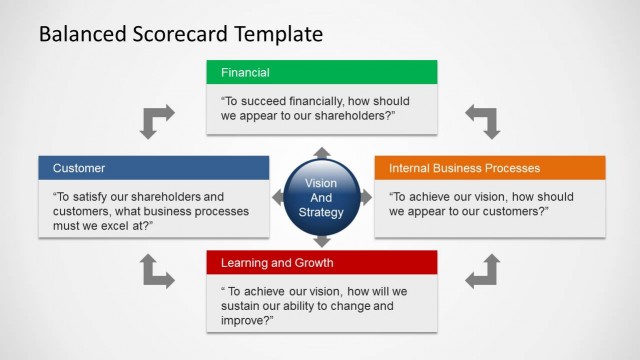
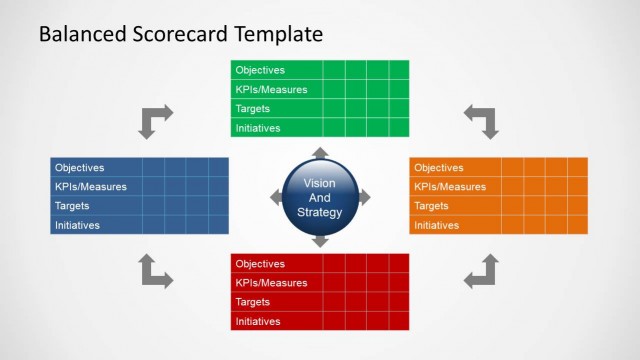
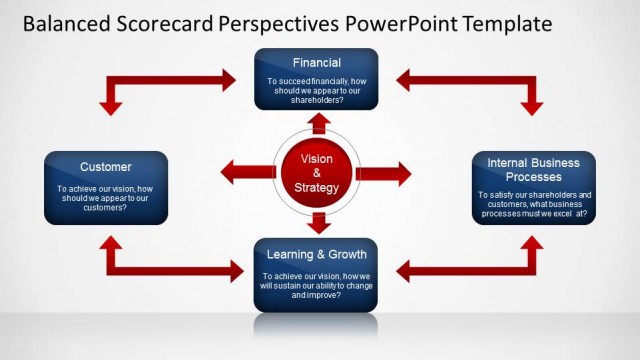
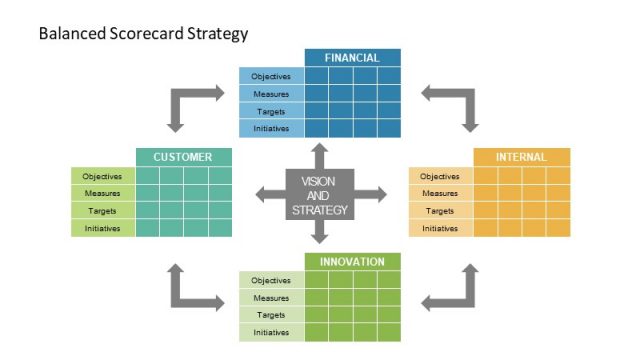
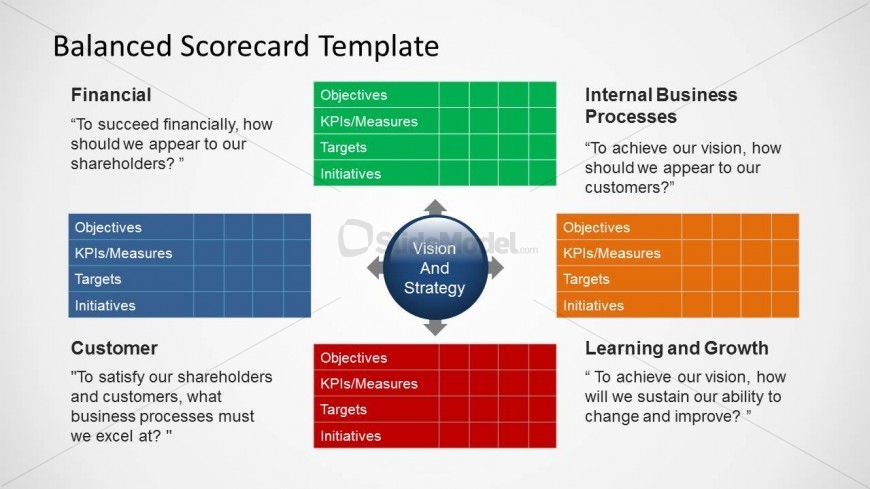
Balanced Scorecard template design for Microsoft PowerPoint presentations showing the four perspectives and central core item with Vision and Strategy label.
What’s on This Slide
The slide features a central circular node labeled 'Vision And Strategy' surrounded by four quadrants. Each quadrant represents a perspective: Financial, Customer, Internal Business Processes, and Learning and Growth. The quadrants contain text placeholders for Objectives, KPIs/Measures, Targets, and Initiatives, arranged in a grid format. The Financial and Internal Business Processes quadrants are green, while the Customer and Learning and Growth quadrants are orange. The overall layout is symmetrical, with arrows pointing towards the central node, indicating a relationship among the perspectives.
How to Use It
This layout serves as an overview of the Balanced Scorecard framework, illustrating the four key perspectives. It is suitable for presentations discussing organizational performance metrics and strategic objectives. This slide fits well after introductory content and before detailed analysis of each perspective. It can be used in business strategy meetings or performance reviews to align stakeholders on key performance indicators and initiatives.
Text Placeholders & Capacity
Keep your copy within these limits so it fits without resizing. Node body slots can hold approximately 50 characters each.
| Placeholder | Count | Max characters (approx.) |
|---|---|---|
| Slide title | 1 | 30 |
| Item heading | 4 | 20 |
| Item body | 16 | 50 |
Slide Keywords
Download unlimited PowerPoint templates, charts and graphics for your presentations with our annual plan.
DOWNLOADReturn to Balanced Scorecard Template for PowerPoint.