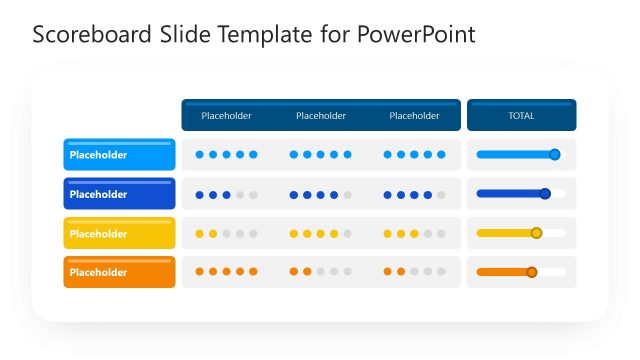
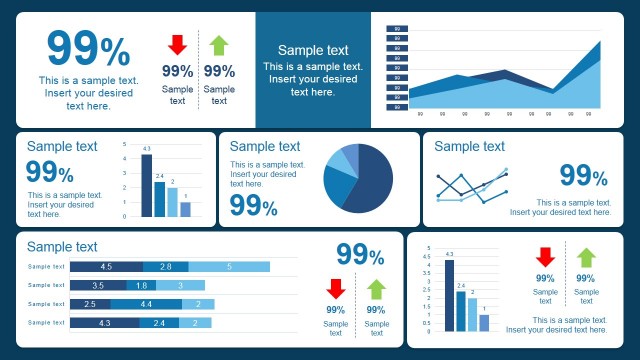
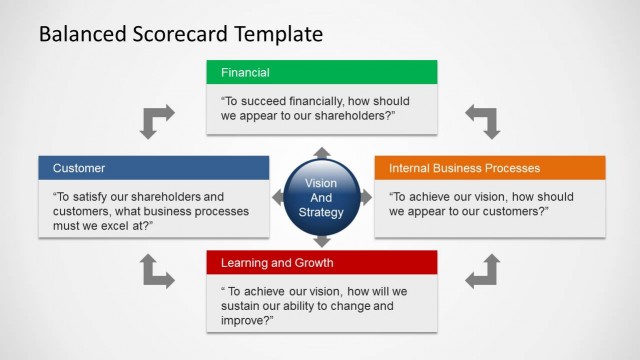
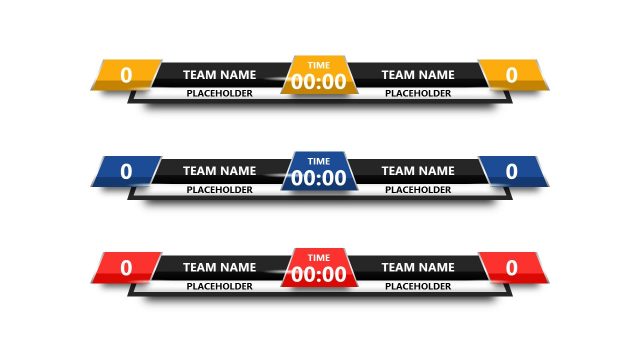
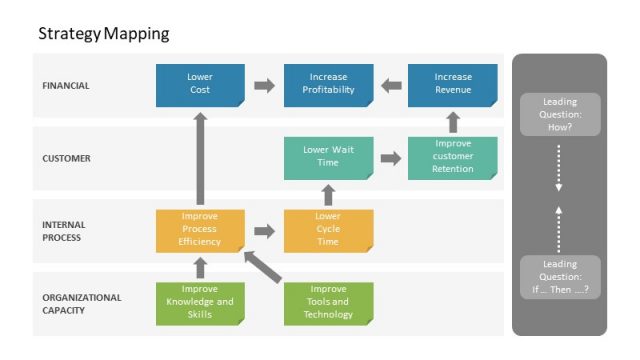
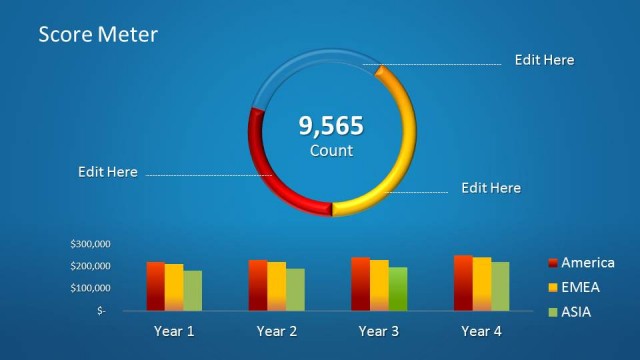
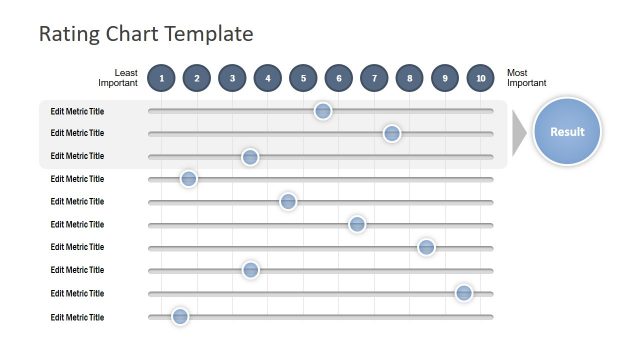
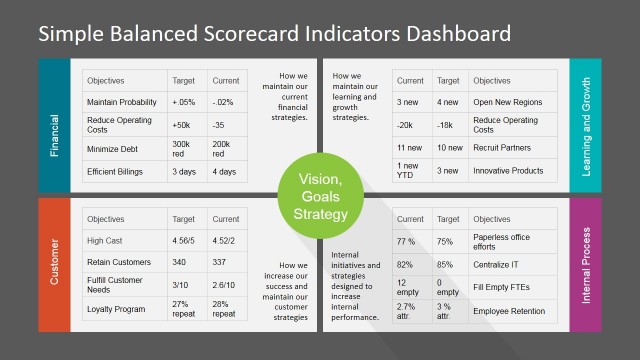
Prepare colorful Scorecard Slides for PowerPoint with this template design. Organize company analysis and evaluations using the graphs and tables in this PowerPoint template. The values and shapes in the scorecard are easy to understand, allowing for better interaction between the presenter and the audience.
A scorecard is a common tool used to evaluate certain processes or actions. It is usually seen in sports, in order to rank players objectively, according to a rigid set of rubrics and guidelines. The same scorecard concept can be applied to a business plan, or any other company requirement. By analyzing the performances of certain aspects of the company, management can made well-informed decisions based on the statistical data, obtained from surveys and interviews. The scorecard can inform the subject being evaluated of the expected results from the project, so that the project team can properly align specific parts of the plan to fit standards.
The information on the slide designs can be gained from extensive investigations from management, company employees, and clients, detailing comments on the performance of the project, or team. The presenter can place the average scores of the subject, on a scale of Bottom to Top.
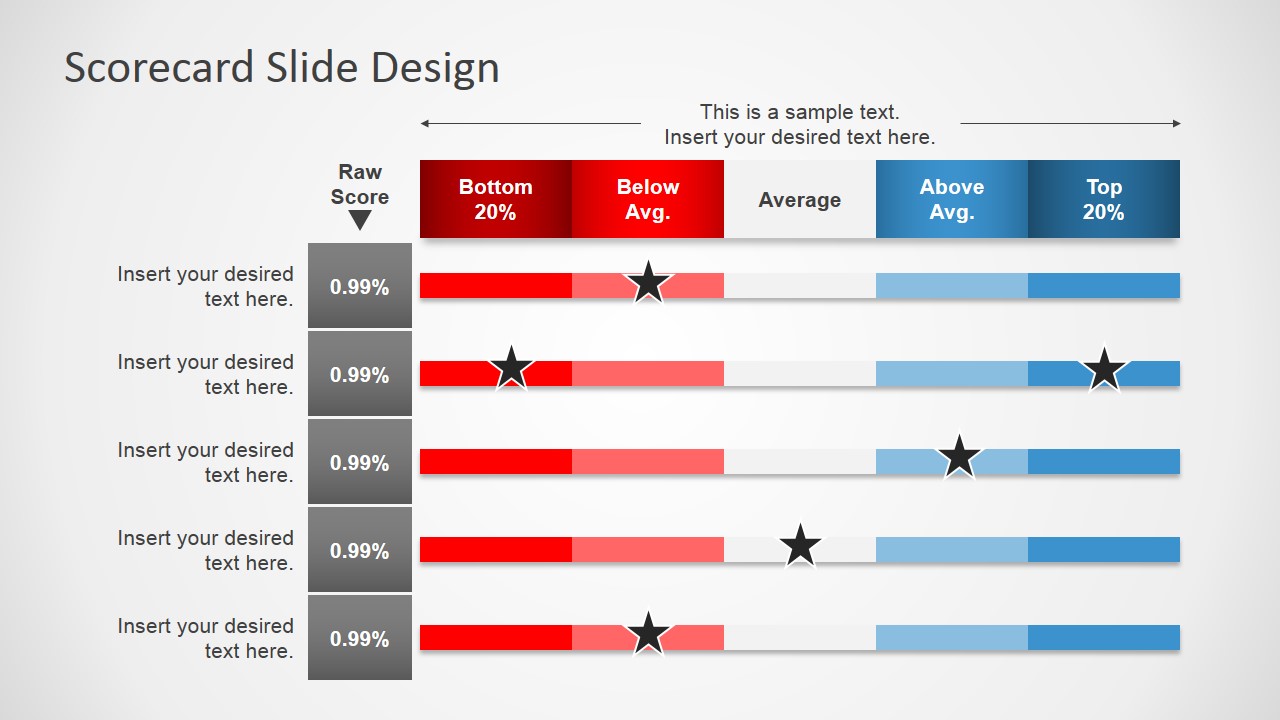
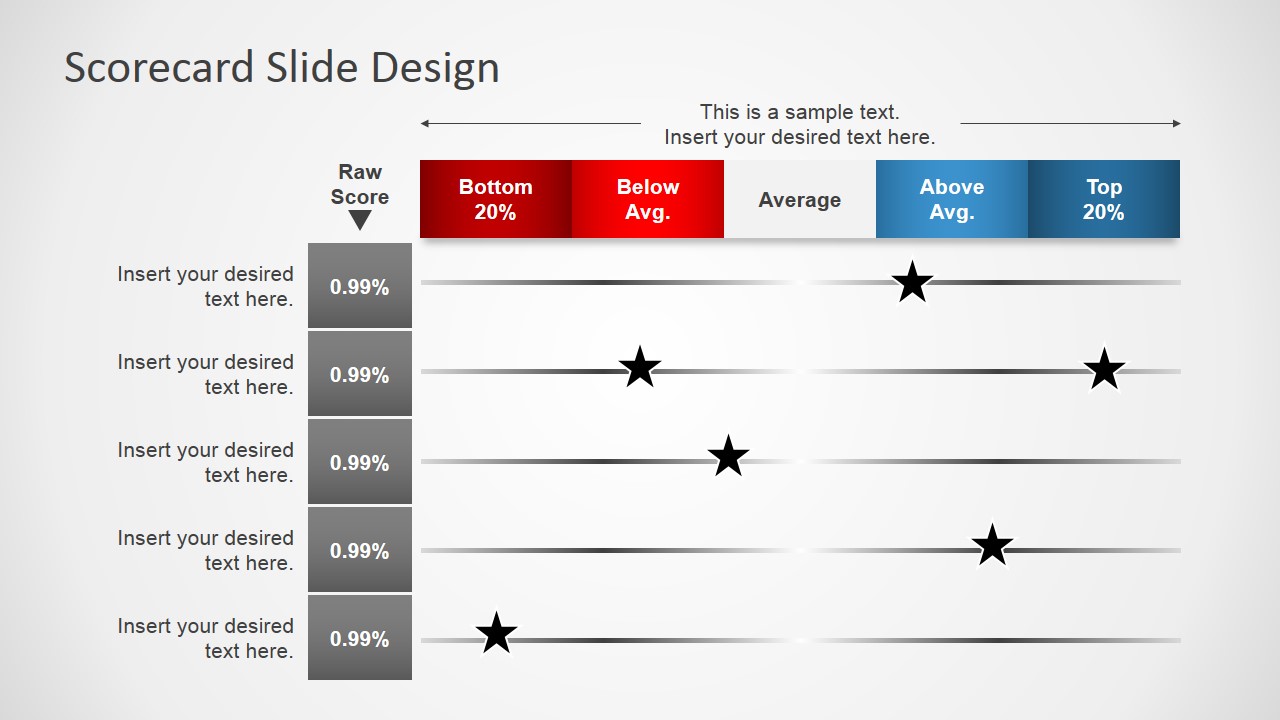
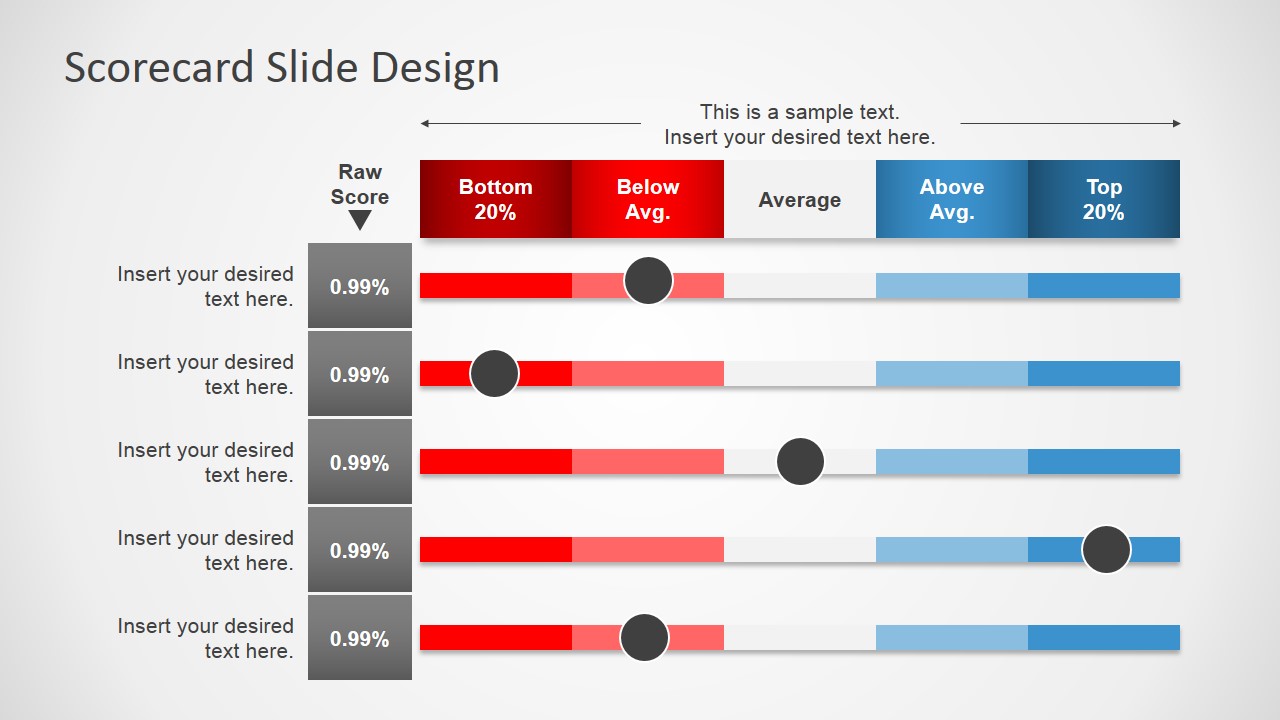
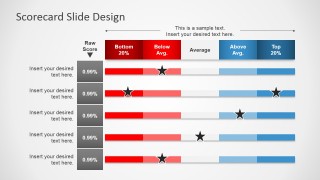
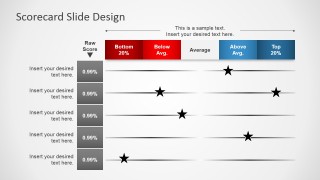
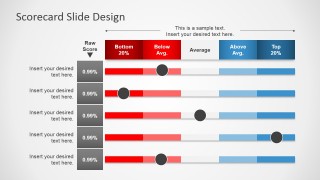
The user has three options to present the information, applying the same table format. The first type uses stars to indicate the score on the table. The columns are highlighted in bright colors for easy identification. The second type contains the same stars, but does not have highlighted columns. The columns in the last slide are shown in red, gray, and blue. The specific points are demonstrated by gray circular PowerPoint shapes.
The Scorecard Slides for PowerPoint are ideal for employee evaluations and company reports. The presenter can edit the data and graphics on the scorecard to fit his own specifications. The PowerPoint slide is customizable and easy to adapt, giving utmost convenience to the user. The presenter can choose to download other balanced scorecard template PowerPoint from the SlideModel Gallery.
What’s inside this template
Example presentation scenarios
- An HR manager can present employee evaluation results by placing each role or competency in the scorecard rows and using the star-marker table to show relative performance.
- A project manager can compare workstreams during a steering committee update by using the color-banded scorecard to show which areas fall below average, average, or above average.
- A procurement lead can brief executives on vendor assessments by using the dot-marker scorecard to compare suppliers against consistent scoring bands.
- A consultant can summarize process diagnostics for a client by replacing the row labels with assessment criteria and positioning markers across the ranked performance scale.
Features
- 100% editable presentation template
- Compatible with Microsoft PowerPoint and Google Slides
- 16:9 aspect ratio slides
- Scalable vector shapes, icons and illustrations
- AI-Ready for Microsoft Copilot and Claude
- Instant access and download
Frequently asked questions
Q: How should a presenter explain the scorecard without overloading the audience?
A: Start by defining the five performance bands before discussing individual rows. Then move row by row, explaining why each star or dot marker sits where it does on the scale. Keep the text labels short and use the raw score column only as a reference so the audience reads the evaluation visually first.
Q: Who is this template best suited for in a business review?
A: This template fits managers, HR teams, analysts, and consultants who need to compare several evaluated items against the same rating system. It works well for employee reviews, project health checks, vendor scoring, and process assessments where the main message is relative position, not a long data history.
Q: Why do the colored bands and markers help the message?
A: The scorecard uses a familiar ranking metaphor: low performance on the left and high performance on the right. Red, gray, and blue bands separate weak, average, and strong zones, while stars or circles create a single focal point for each row. This makes comparisons easier than reading separate numeric columns.
Scorecard Slides for PowerPoint
3-slide presentation template for scorecard tables, performance bands, star ratings, and dot markers
Scorecard Slides for PowerPoint is a 3-slide business presentation template for showing performance ratings against ranked bands. It includes a color-banded scorecard table, a star-marker scoring table, and a circular dot-marker scorecard. It is suited for managers, analysts, and HR teams using Microsoft PowerPoint or Google Slides.
- Category
- Business PowerPoint Templates
- Rating


 Loading...
- Aspect ratio
- 16:9, 4:3
- Item ID
- 7105-01
- Colors
 Microsoft PowerPoint
  Microsoft Copilot
  Claude for PowerPoint
 Other formats supported
Subscribe today and get immediate
access to download our PowerPoint templates.