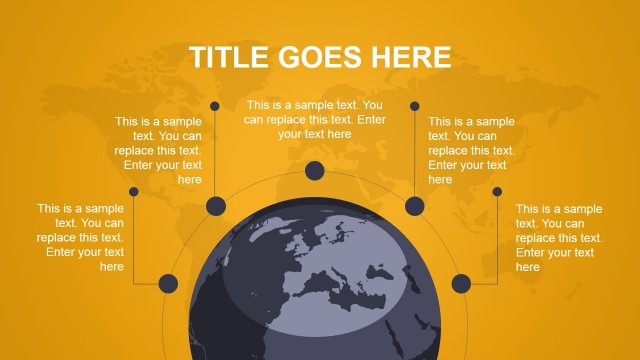
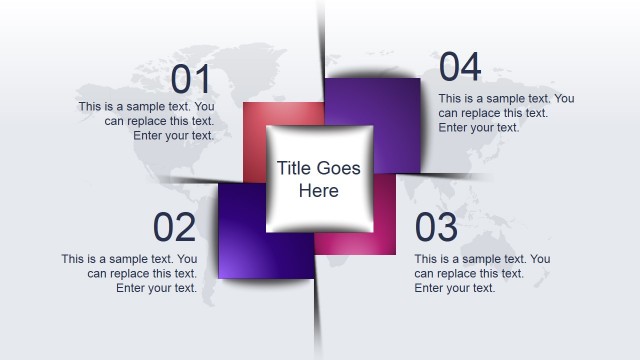
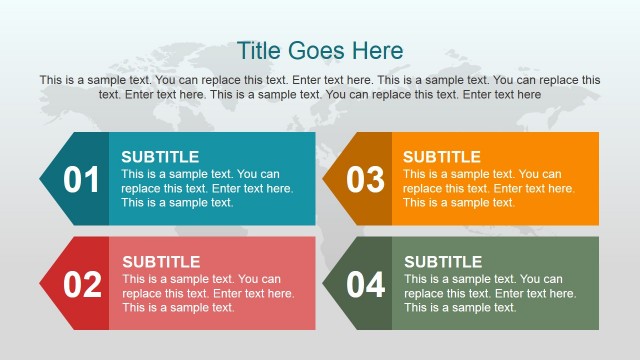
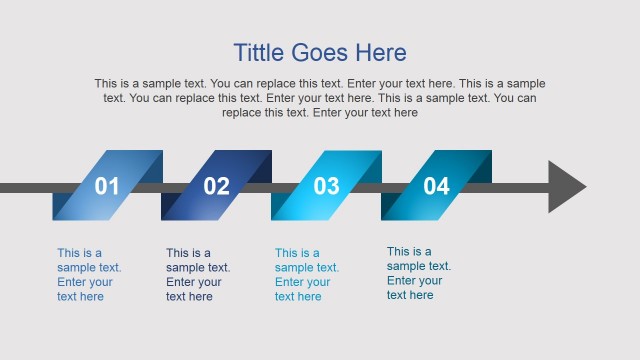
Develop stunning 3 to 5-steps presentation with the Animated 3D Modern PowerPoint Template. The design variations are reusable and functional. The user can save so much time from creating a layout from scratch. Enhance reports with the powerful features of the Office Template and appeal to professional audiences.
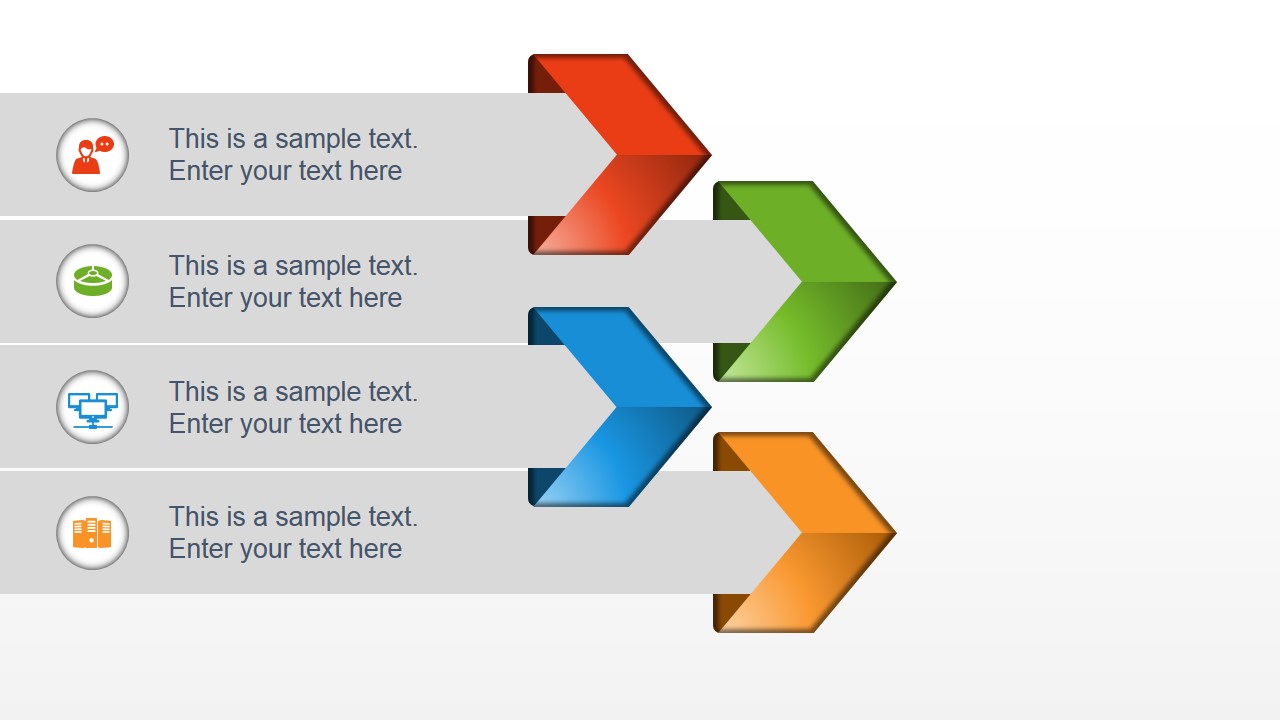
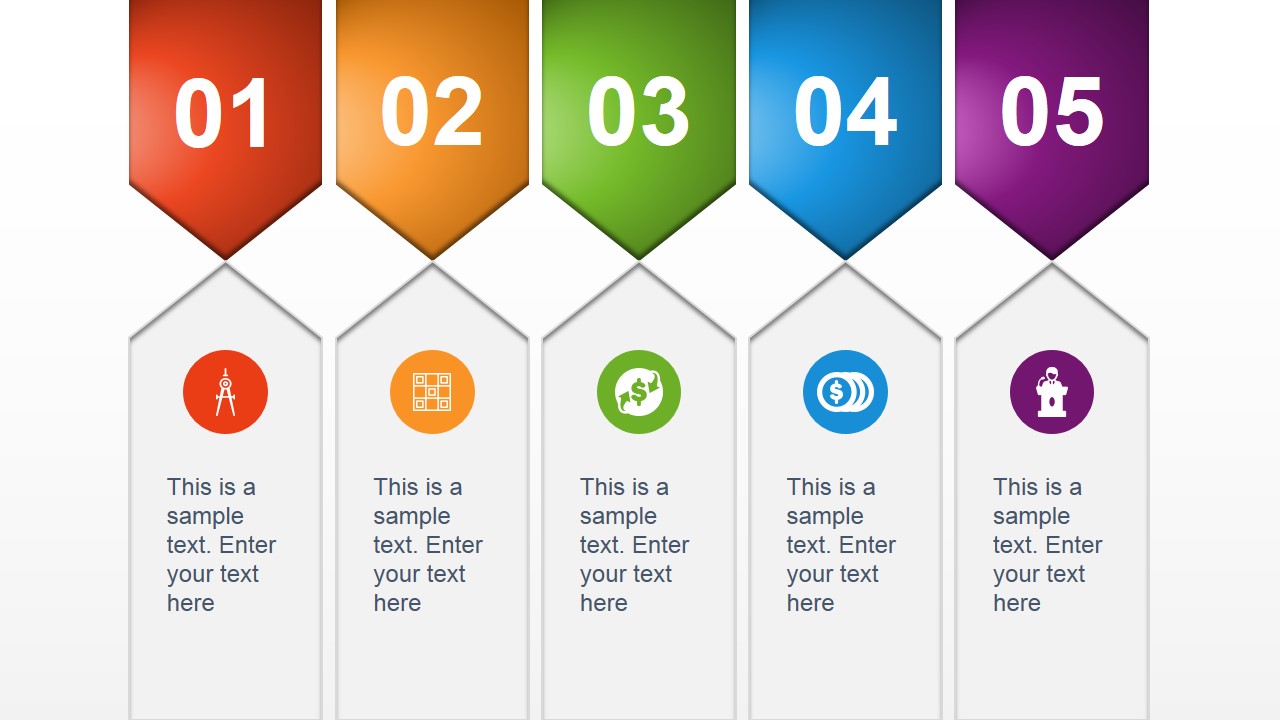
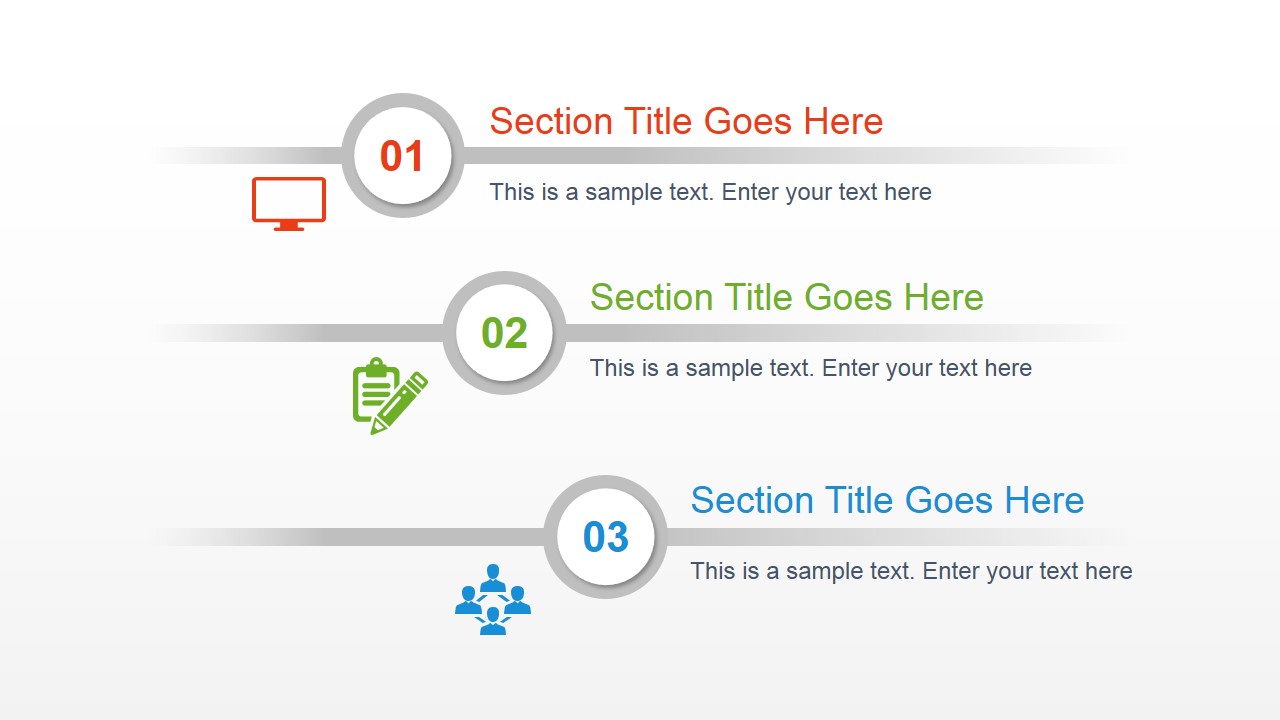
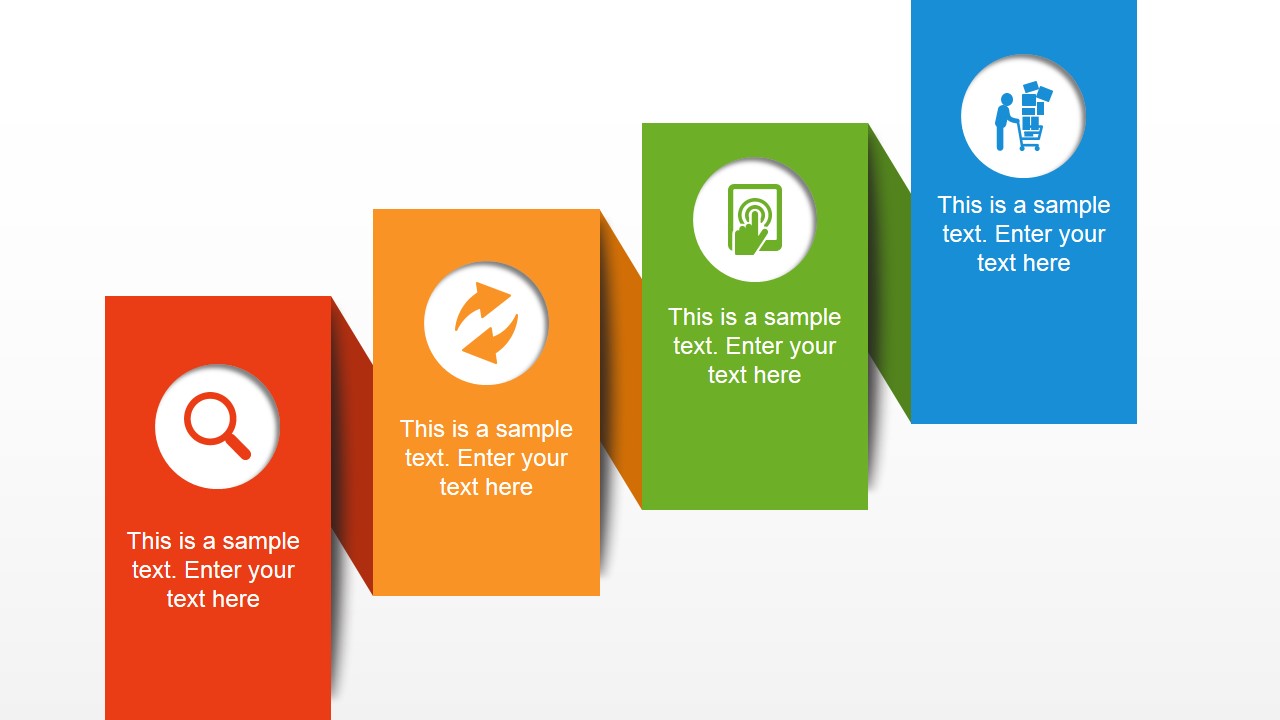
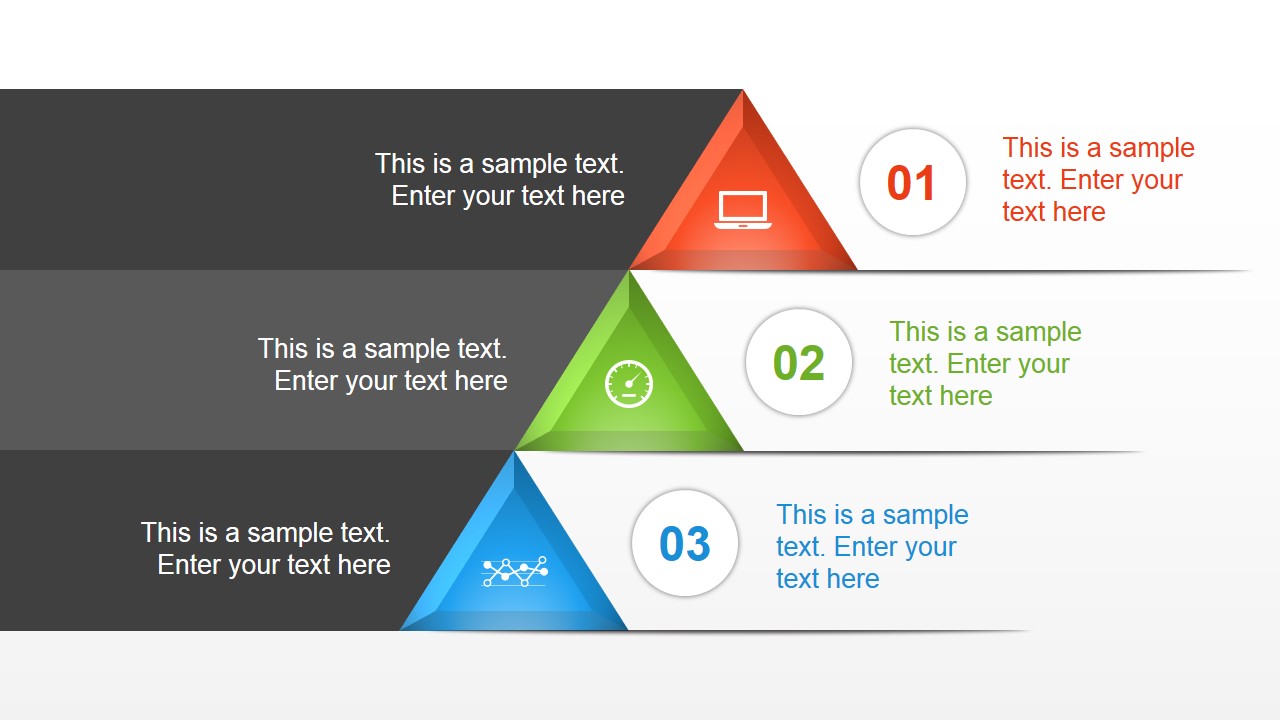
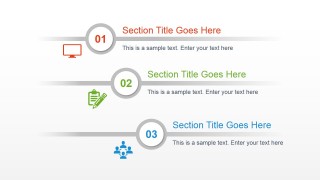
There are 8 novel slide designs in the selection. The PowerPoint shapes are in a scheme of red, green, blue, violet and orange colors. The background of all the slides is a flat white which greatly emphasize the foreground objects. Some slides contain icon clipart that can be associated to a particular topic. The fifth slide for example has 3 steps. The first step, symbolized by number 01, is corresponded by a monitor icon. The user can relate this to computer jobs or online updates. The second phase can mean taking notes of the updates due to the notepad icon. The third step can be relaying the update to a network as shown by the 4 head shapes icon. Other slides can accommodate 4-step processes. The 5th slide is the only one with a 5-step outline designed by hanging pentagonal flags.
The PowerPoint template is perfect in decorating a personal or professional report. The slides can be copy and pasted to supplement a bigger presentation. It is ideal for business concepts and organization. The creative and modern look can stimulate engagement from the audience.
Animated 3D shapes provide an adventurous and high standard feel to any report. Powerful visuals can be captured by the brain easily. This is because texts are processed slowly since the audience still have to read them before comprehension takes place. In graphics on the other hand, all it takes is one glimpse.
Draw attention and interaction from global audiences using the Animated 3D Modern PowerPoint Template. More 6 Step PowerPoint Templates are available for download at the SlideModel gallery.
What’s inside this template
Example presentation scenarios
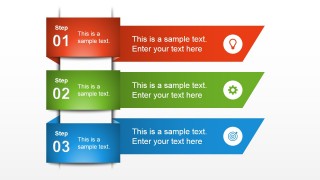
- A project manager can explain a rollout plan to stakeholders by assigning milestones to the 3-step ribbon or triangular process layout.
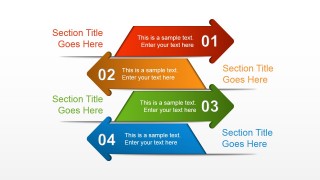
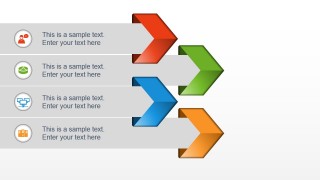
- A consultant can summarize recommendations for an executive audience using the 4-step arrow section slide to separate decisions, owners, and next actions.
- A trainer can introduce a short workflow to employees with the 5-step hanging flag sequence and use the icons to anchor each learning step.
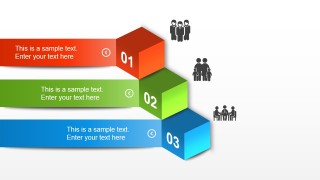
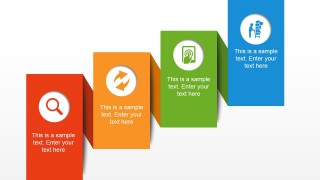
- A marketing presenter can frame campaign phases with the staggered vertical block layout, showing research, launch, engagement, and reporting as distinct stages.
Features
- 100% editable presentation template
- Compatible with Microsoft PowerPoint and Google Slides
- 16:9 aspect ratio slides
- Scalable vector shapes, icons and illustrations
- Ready with Animations & Transitions in PowerPoint
- AI-Ready for Microsoft Copilot and Claude
- Instant access and download
Frequently asked questions
Q: How should a presenter keep the 3D process slides clear instead of crowded?
A: Treat each numbered shape as a headline space, not a paragraph box. Put one action, decision, or outcome in each step, then move supporting details into speaker notes or a follow-up slide. The 3-step ribbons and 5-step flags work best when the audience can understand the sequence at a glance.
Q: Who is this template best suited for in a business presentation?
A: It fits presenters who need to explain a short workflow, update structure, or process plan without building custom diagrams. Project managers, consultants, trainers, and marketing teams can use the arrow lists, cube steps, and hanging flags to make status topics or recommendations feel ordered and easy to compare.
Q: Why use arrows, flags, cubes, and stacked blocks instead of plain bullet lists?
A: The visual metaphors signal movement, priority, and sequence before the audience reads the text. Arrows imply direction, flags mark milestones, and cubes add weight to each numbered stage. This helps a presenter turn a list of points into a mapped process with a clear start, middle, and end.


Animated 3D Modern PowerPoint Template
8-slide animated presentation template with 3D process arrows, step ribbons, and numbered layouts
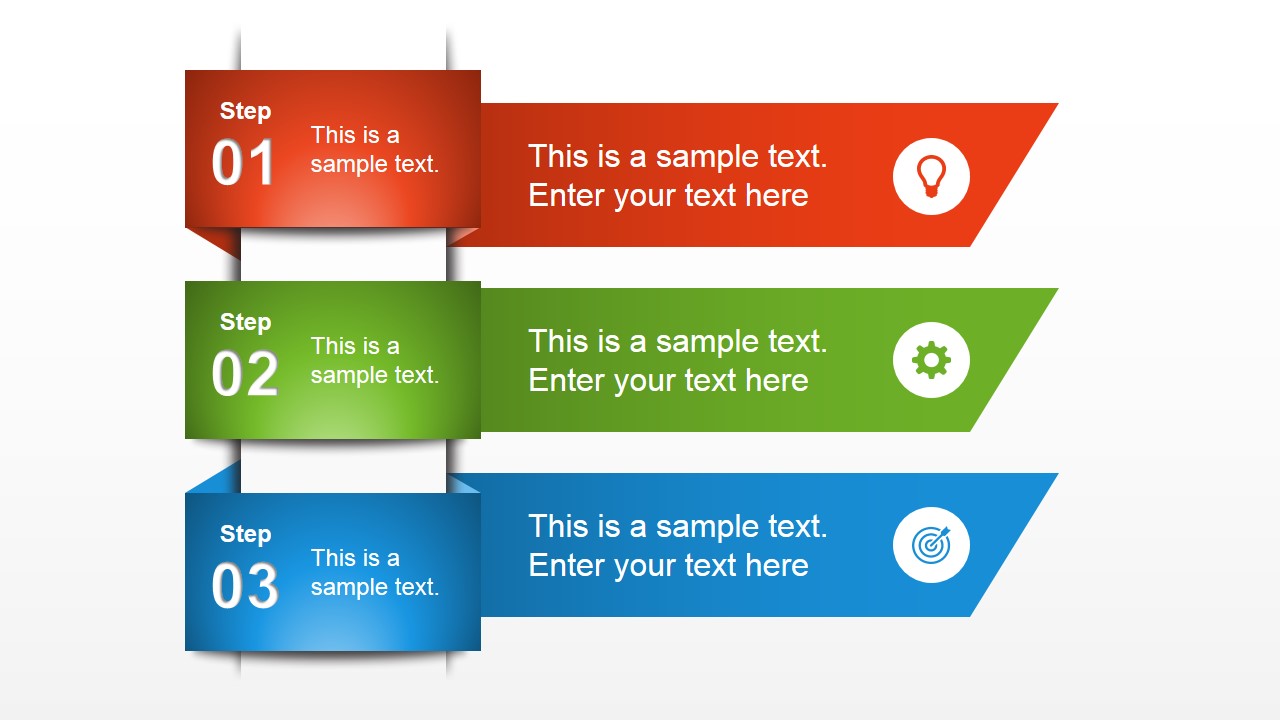
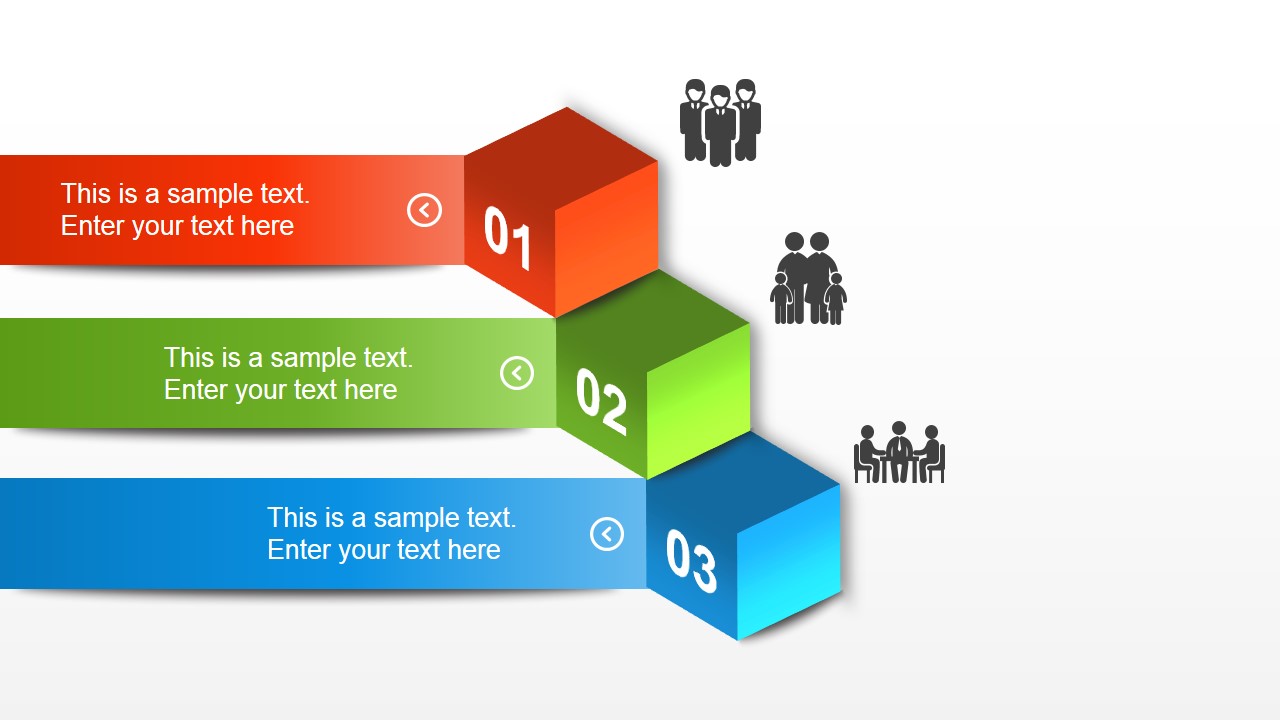
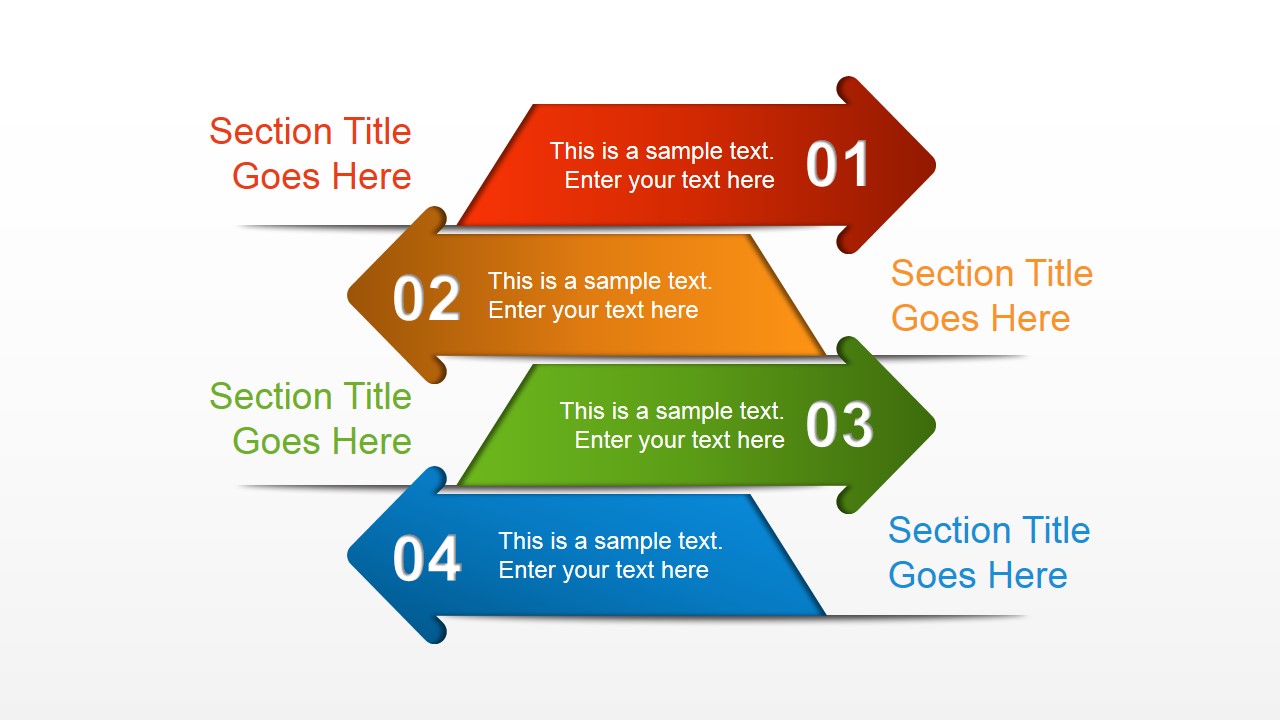
Animated 3D Modern PowerPoint Template is an 8-slide process and section presentation template with 3-step ribbons, cube arrows, 4-step arrows, a 5-step hanging flag sequence, staggered cards, and triangular process bands. It is for business reports, concept explanations, and organization updates in Microsoft PowerPoint and Google Slides.
- Category
- Template Backgrounds
- Rating


 Loading...
- Aspect ratio
- 16:9
- Item ID
- 4102-01
- Colors
 Microsoft PowerPoint
  Microsoft Copilot
  Claude for PowerPoint
 Other formats supported
Subscribe today and get immediate
access to download our PowerPoint templates.