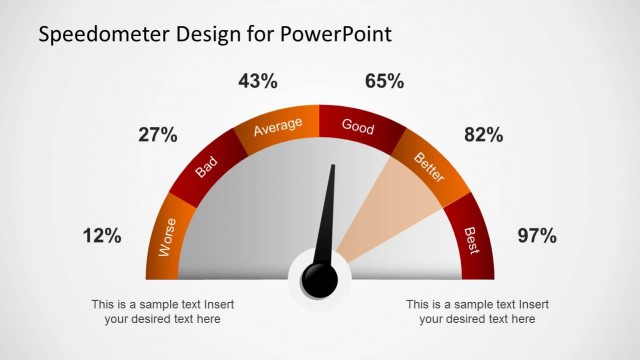
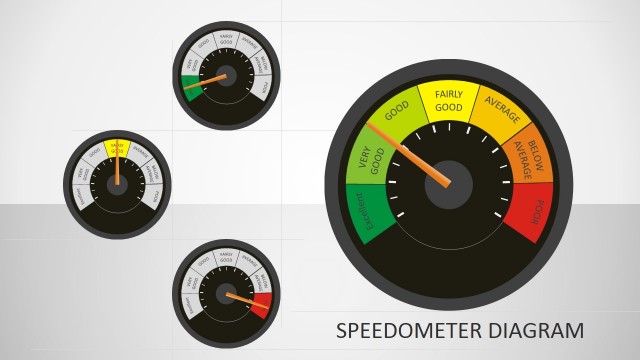
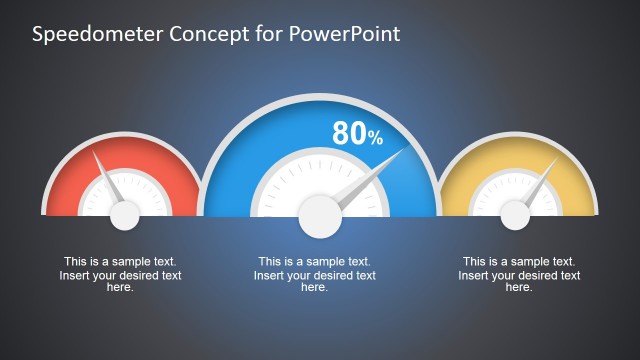
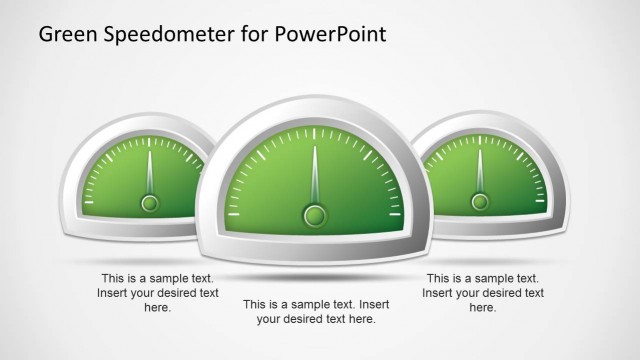
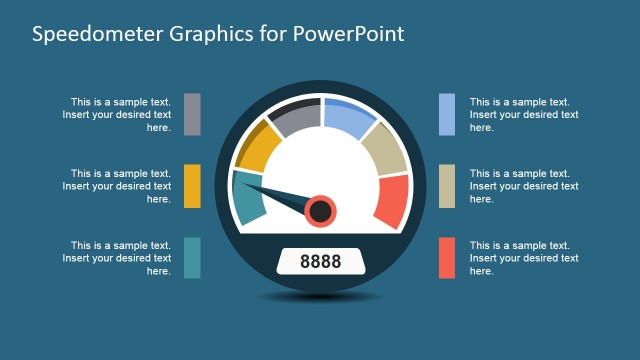
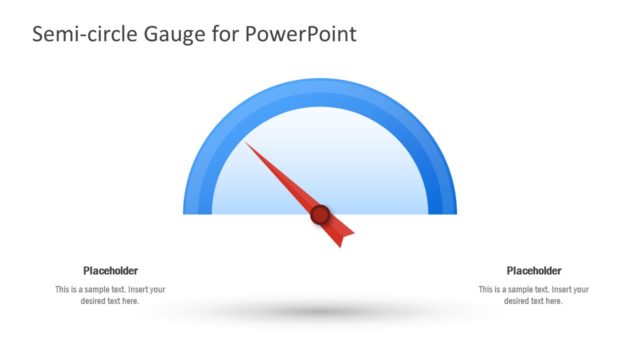
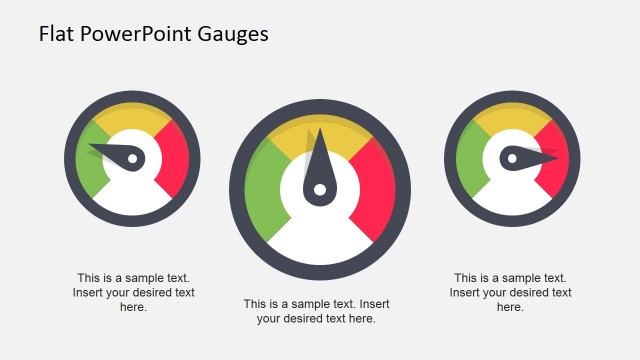
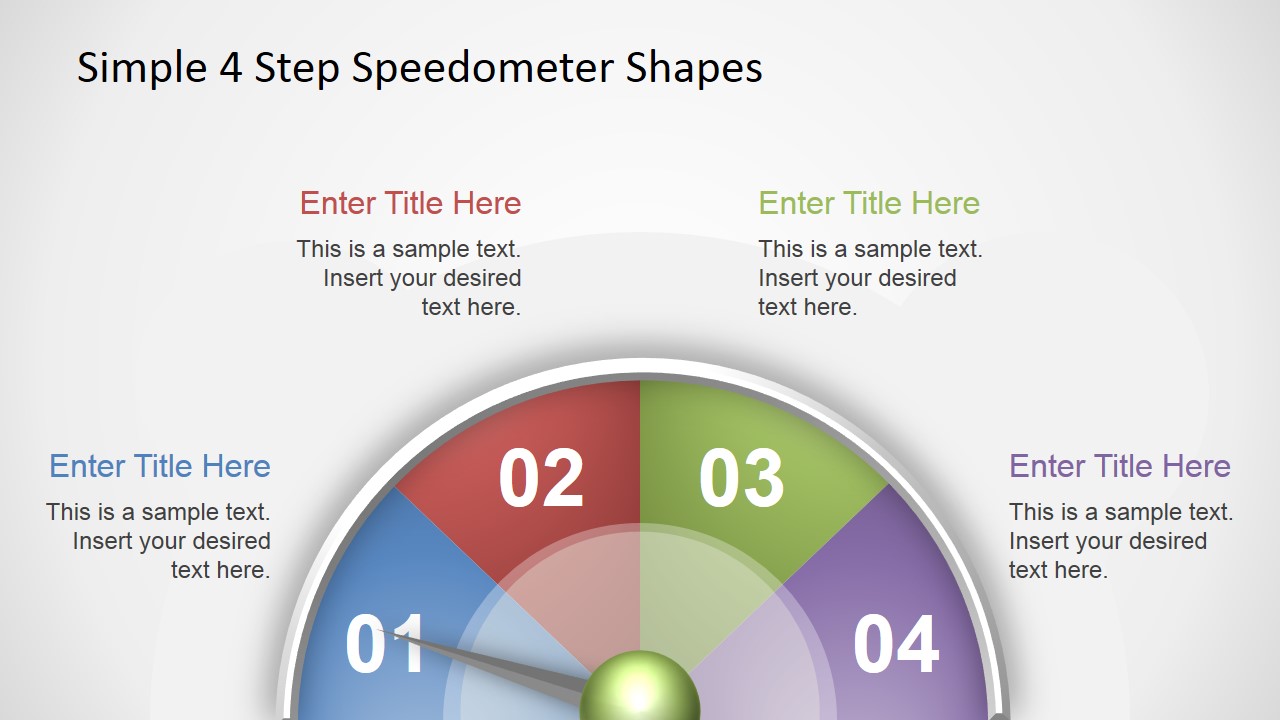
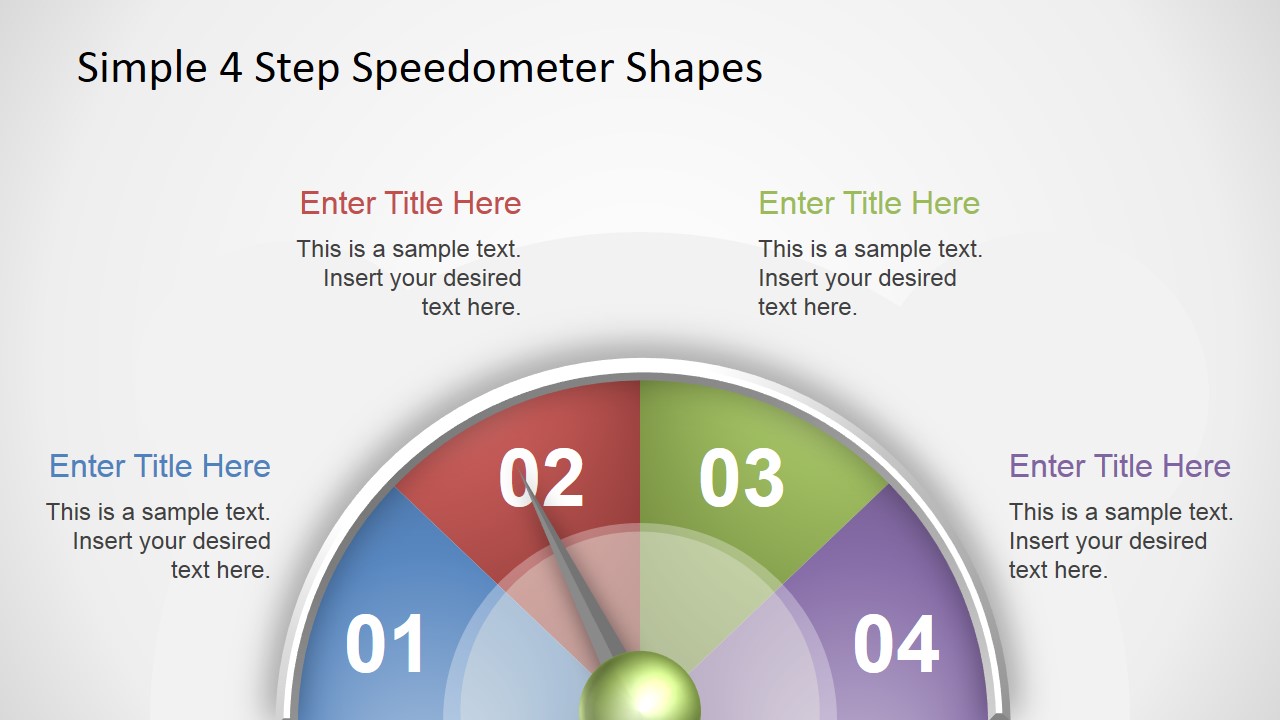
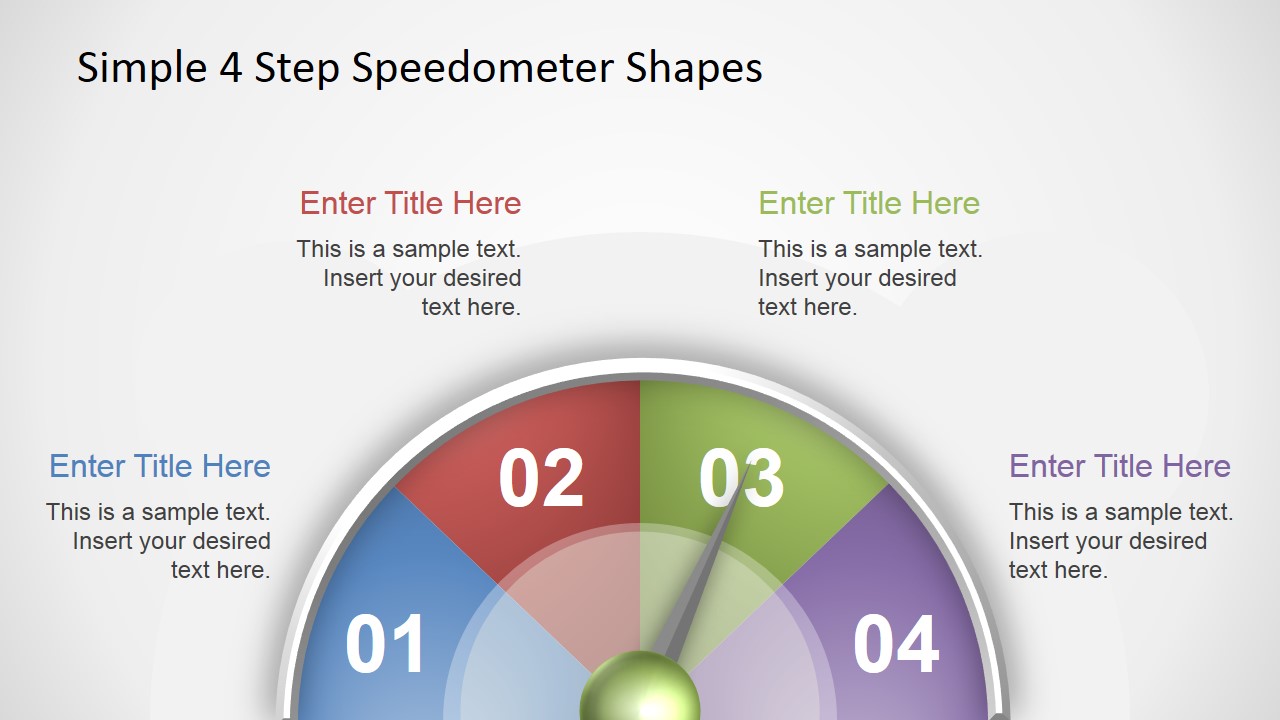
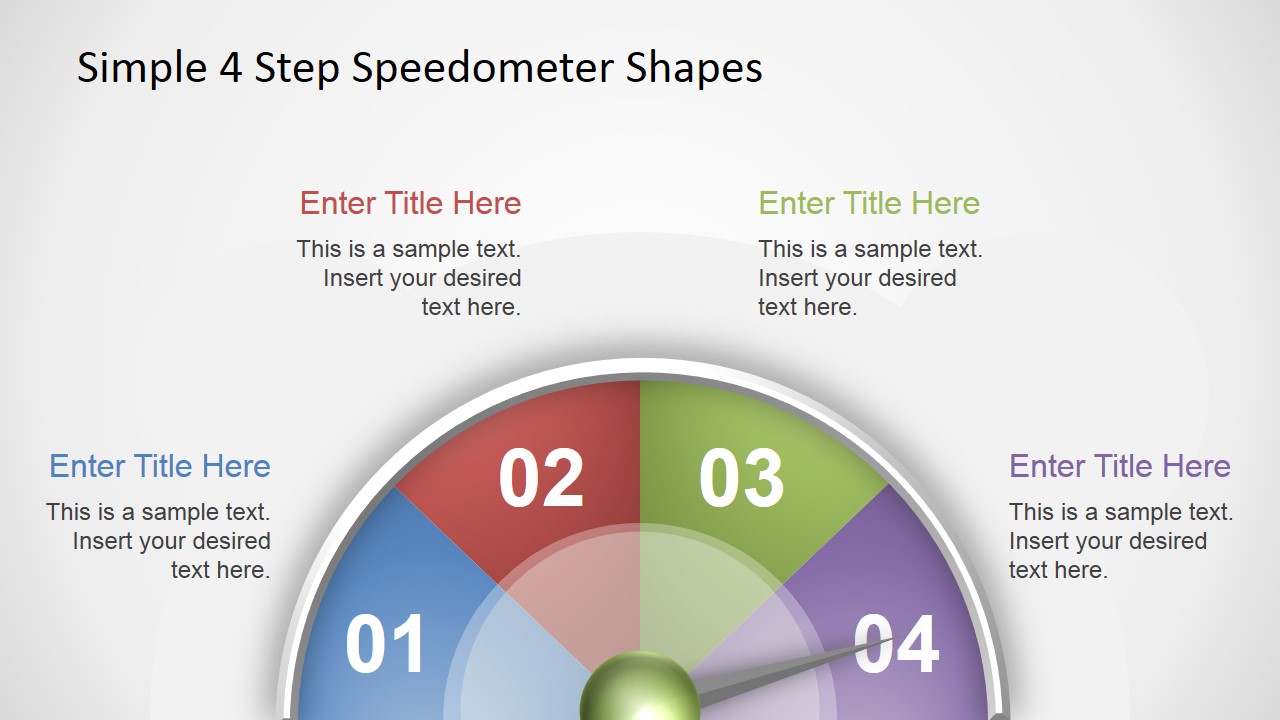
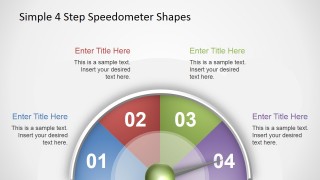
This is a speedometer design shape for PowerPoint presentations with 4 steps or levels. You can use it to present up to four different states or levels. The speedometer design for PowerPoint contains four steps or levels and editable needle that you can easily rotate to match any desired position.
The speedometer infographic for PowerPoint contains four components with numbers that you can use to indicate different levels. It can be used to prepare presentations for a variety of purposes, from business slides, to dashboards or slides to present KPIs.
Alternatively, you can download other creative gauge chart templates & speedometer slides for PowerPoint & Google Slides. Then, you can use them in components for your PowerPoint dashboard presentations or to make presentations related to fundraising presentations, presenting KPIs and more.
What’s inside this template
Example presentation scenarios
- A project manager can present delivery readiness to executives by using the level 01 to 04 speedometer gauge and matching callouts to explain what each status means.
- A sales leader can summarize pipeline health for a leadership meeting by placing the needle on the current level and using the four side callouts for conversion, activity, risk, and next action notes.
- An operations analyst can report KPI performance in a dashboard deck by using the colored gauge segments to show whether a metric is low, improving, strong, or at target.
- A consultant can explain a maturity assessment to a client by assigning each step of the speedometer to a defined capability level and using the highlighted needle position as the main takeaway.
Features
- 100% editable presentation template
- Compatible with Microsoft PowerPoint and Google Slides
- 16:9 aspect ratio slides
- Scalable vector shapes, icons and illustrations
- AI-Ready for Microsoft Copilot and Claude
- Instant access and download
Frequently asked questions
Q: How should a presenter explain the four speedometer levels without making the slide feel decorative?
A: Assign a clear meaning to each numbered segment before presenting it, such as low, developing, stable, and target. Keep the main message tied to the needle position, then use the four callouts to define the level, explain the evidence, state the risk, and name the next action.
Q: When is this template a good choice for a business presentation?
A: This template fits short status updates where the audience needs a quick read on one metric or condition. Project managers, analysts, sales leaders, and consultants can use the gauge when the decision depends on knowing whether performance sits at level 01, 02, 03, or 04.
Q: Why does the speedometer metaphor work for KPI or readiness communication?
A: A speedometer gives the audience an immediate sense of movement, status, and threshold. The semi-circular scale reduces the message to four labeled positions, while the needle creates a focal point. This helps presenters avoid long explanations when the key point is current level and direction.
4 Steps Simple Speedometer Shapes for PowerPoint
4-slide presentation template with editable speedometer gauges for KPI dashboards and status levels
4 Steps Simple Speedometer Shapes for PowerPoint is a 4-slide gauge diagram template for presenting four status levels. Each slide shows a semi-circular speedometer with numbered color bands, an editable needle position, and four text callouts. It is built for KPI updates, dashboards, progress reviews, and business status presentations in PowerPoint and Google Slides.
- Category
- Shapes
- Rating

 Loading...
- Aspect ratio
- 16:9
- Item ID
- 12002-01
- Colors
 Microsoft PowerPoint
  Microsoft Copilot
  Claude for PowerPoint
 Other formats supported
Subscribe today and get immediate
access to download our PowerPoint templates.