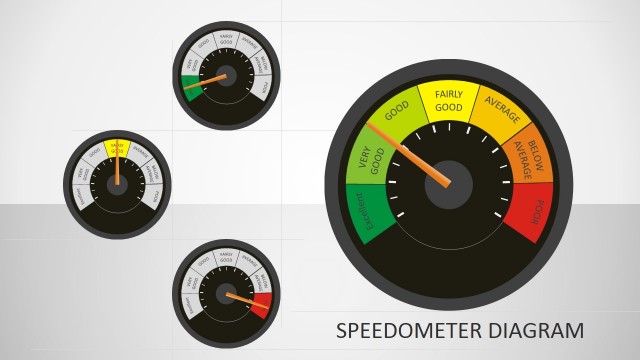
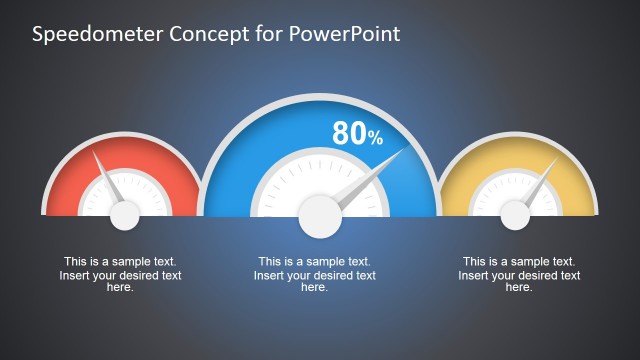
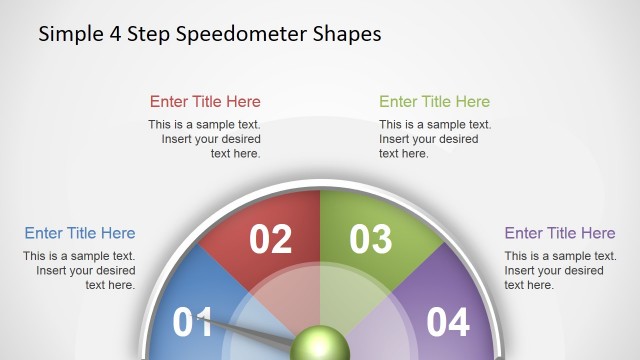
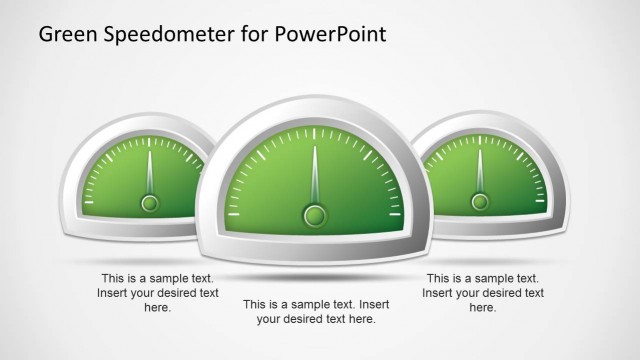
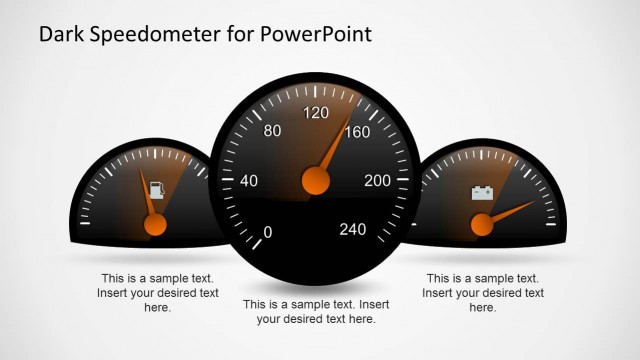
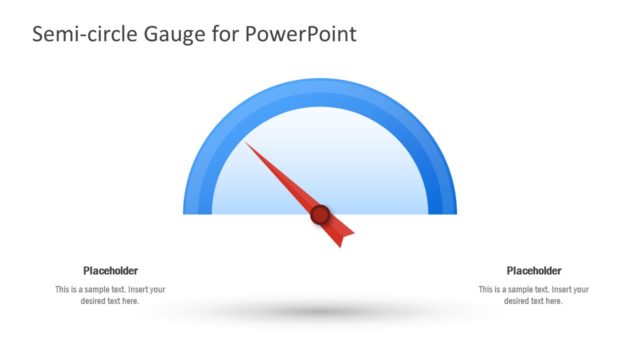
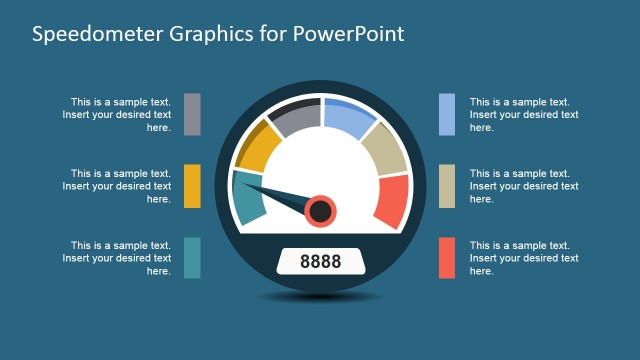
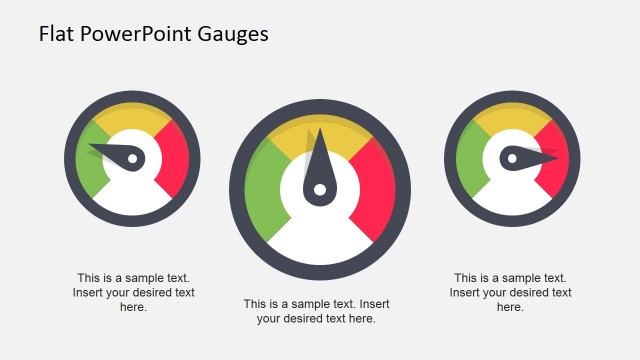
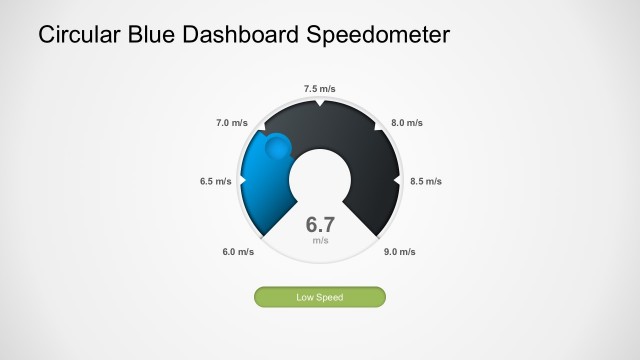
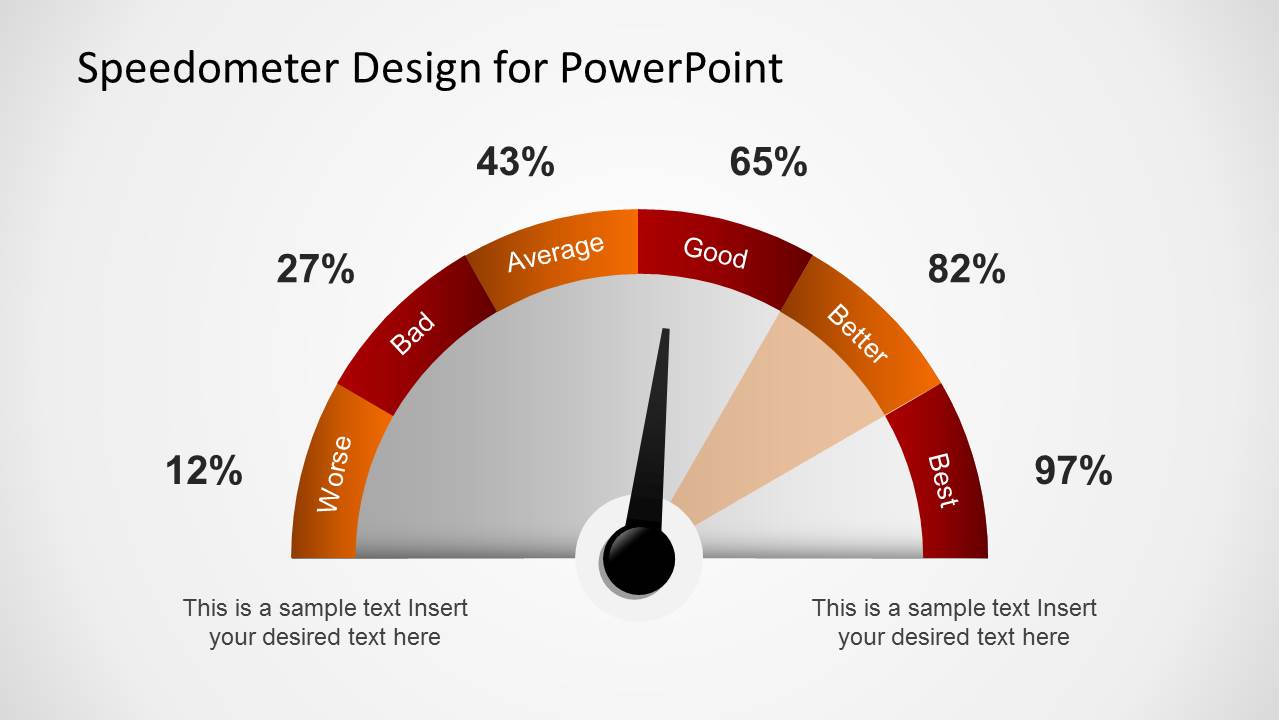
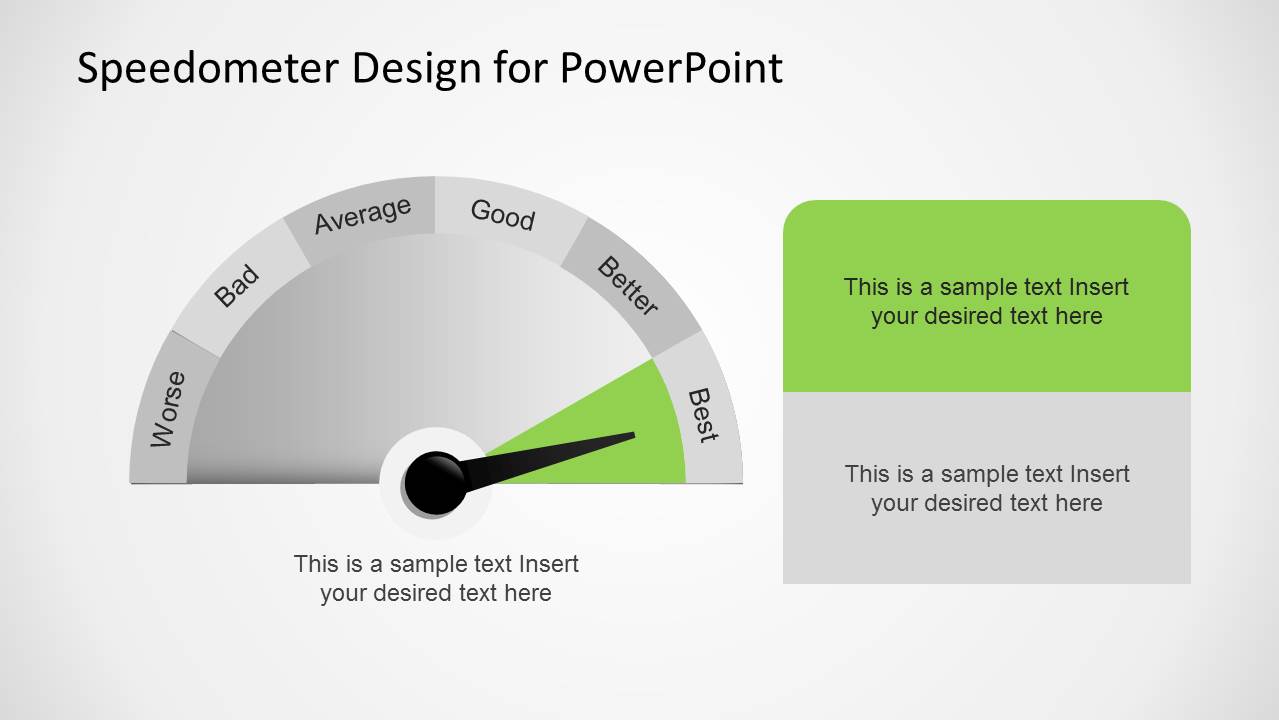
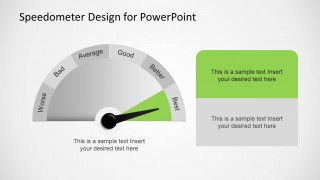
Editable Speedometer Design Template for PowerPoint is a presentation containing a level based speedometer , from best to worse, in different colors. The user can edit the shapes for changing the point arrow, level texts, background and colors.
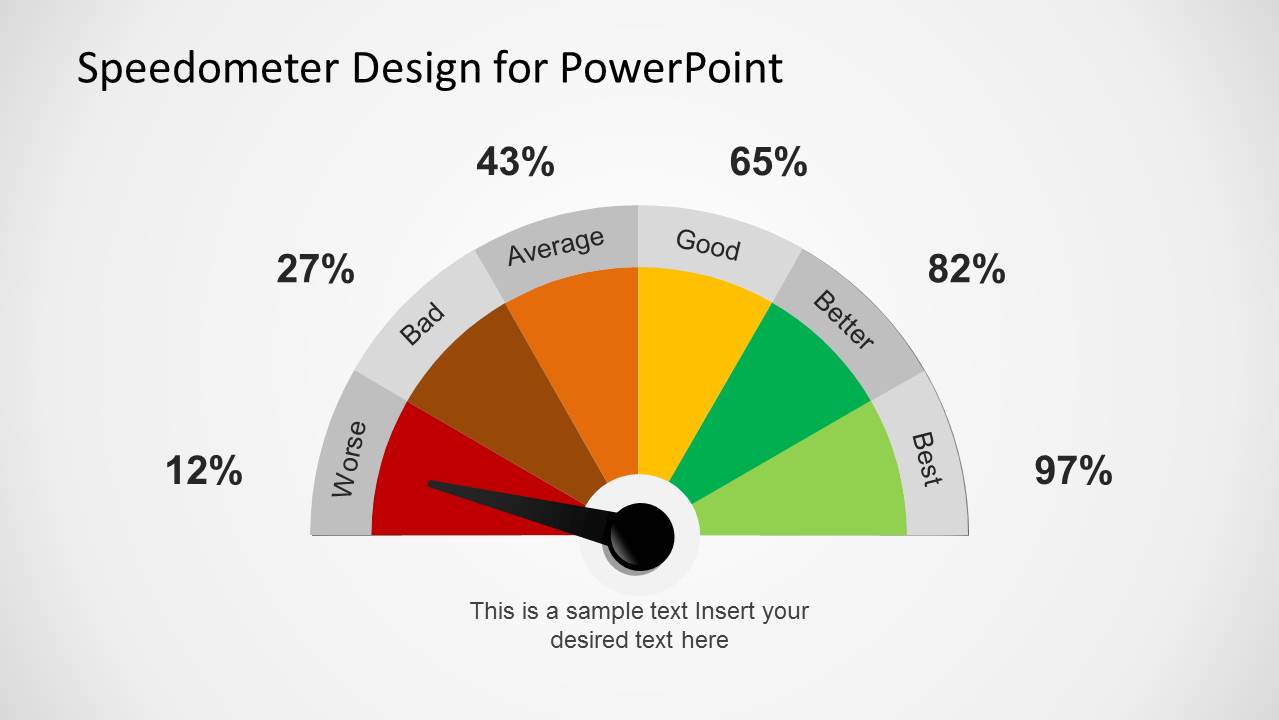
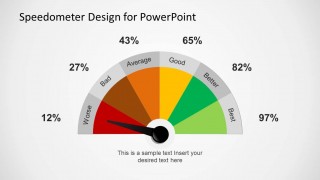
This editable speedometer template for PowerPoint & Google Slides contains multiple slide layouts that you can reuse in your presentations. The speedometer design also present different colors to indicate the level, ranging from red to green.
This speedometer PPT template is ideal for representing levels of confidence, correctness or accuracy. You can also use it in fundraising presentations.
Alternatively, you can download other speedometer and gauge PPT templates for presentations, compatible with PowerPoint & Google Slides or download the free speedometer PPT template design.
What’s inside this template
Example presentation scenarios
- A project manager can present delivery health to stakeholders by placing the pointer on the gauge and using the right-side callout boxes to explain risks, blockers, and next steps.
- A sales leader can summarize pipeline confidence by using the red-to-green speedometer scale to show whether the team is below target, improving, or close to best status.
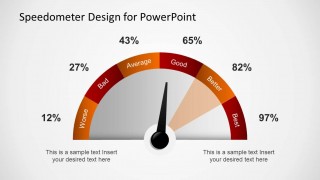
- A fundraising presenter can show campaign progress by pairing the percentage speedometer layout with short notes that explain current funding level and remaining gap.
- A consultant can report an assessment score by mapping worse-to-best labels to a maturity rating and using the colored gauge bands to make the recommendation easy to scan.
Features
- 100% editable presentation template
- Compatible with Microsoft PowerPoint and Google Slides
- 16:9 aspect ratio slides
- Scalable vector shapes, icons and illustrations
- AI-Ready for Microsoft Copilot and Claude
- Instant access and download
Frequently asked questions
Q: How should a presenter explain a speedometer score without oversimplifying the message?
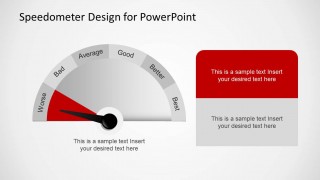
A: Start by naming what the gauge measures, then define what the worse-to-best bands mean for the audience. Use the pointer position as the headline, not the full story. The bottom note or stacked callout boxes should explain the evidence behind the rating and the next action required.
Q: Who benefits most from using this speedometer format?
A: This template works best for presenters who need to show a single status judgment quickly, such as project managers, sales leaders, consultants, and fundraising teams. It is stronger for confidence, readiness, risk, accuracy, or progress ratings than for detailed analysis because the gauge focuses attention on one interpreted level.
Q: Why does the speedometer metaphor work for status and performance communication?
A: A speedometer is familiar and directional, so audiences understand low, medium, and high status without reading much text. The red, orange, yellow, and green bands add urgency and priority. The pointer creates a single focal point, while the callout area gives the presenter room to explain the reason behind the position.
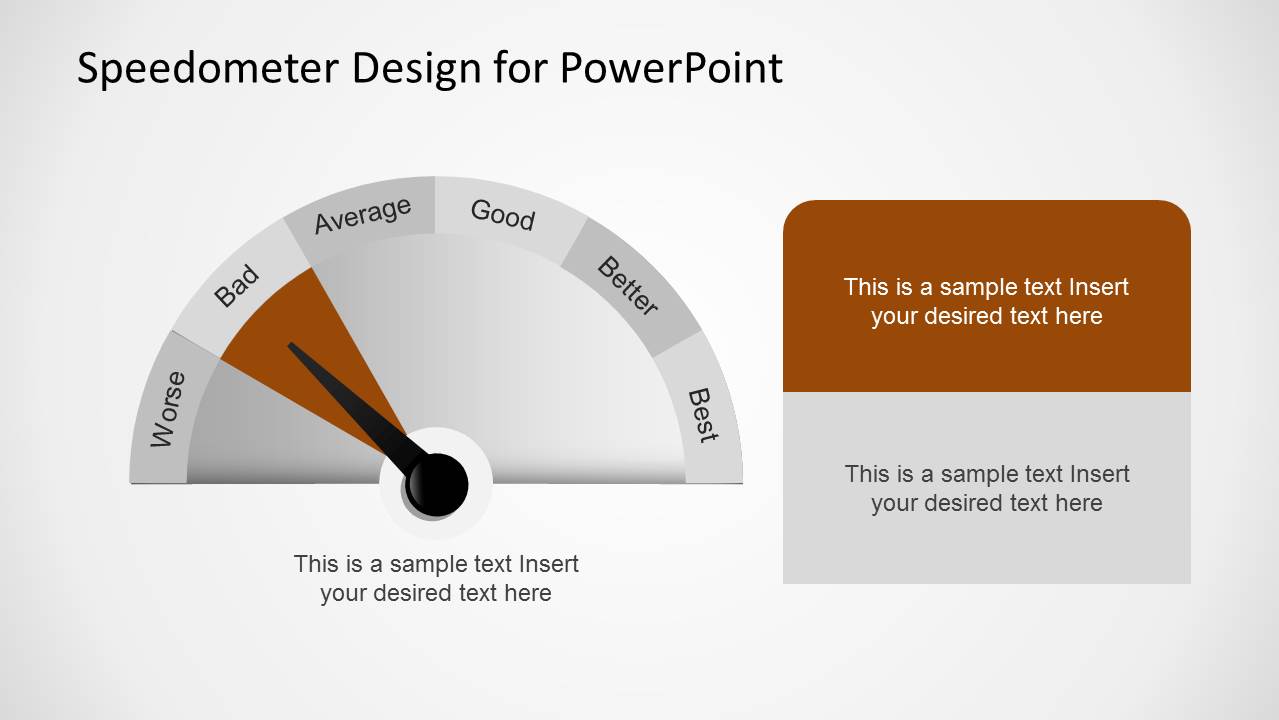
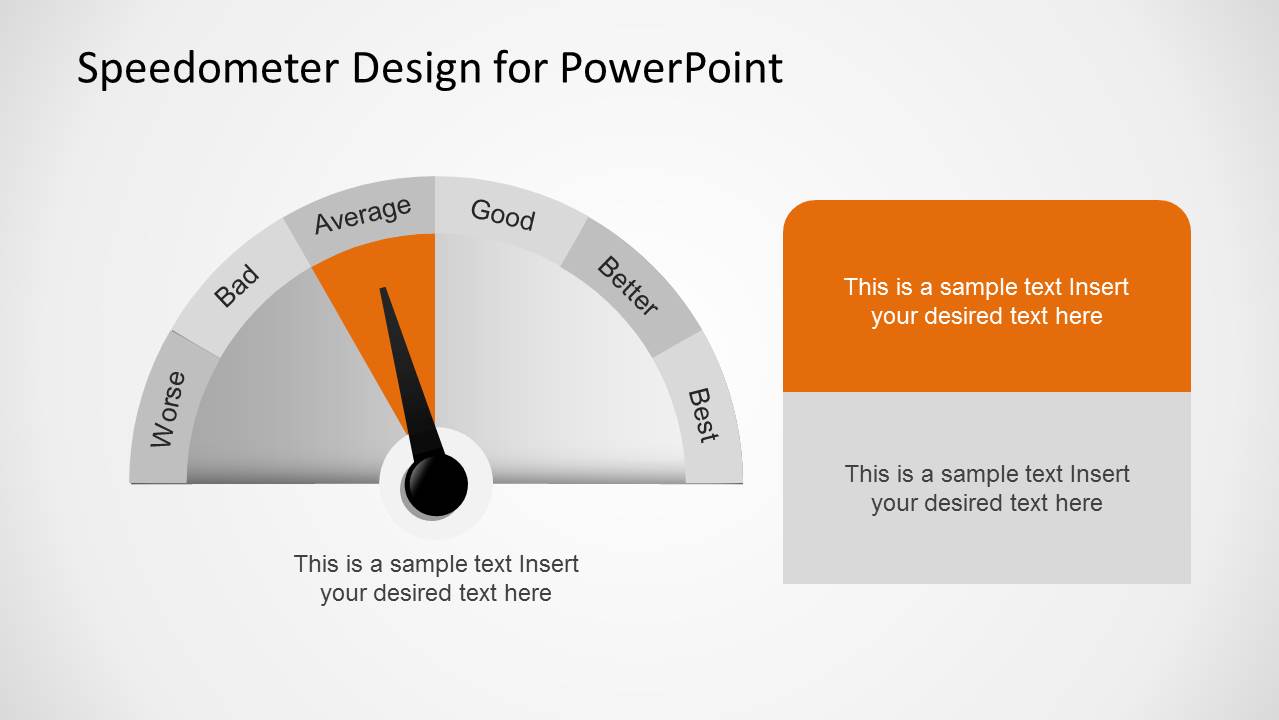
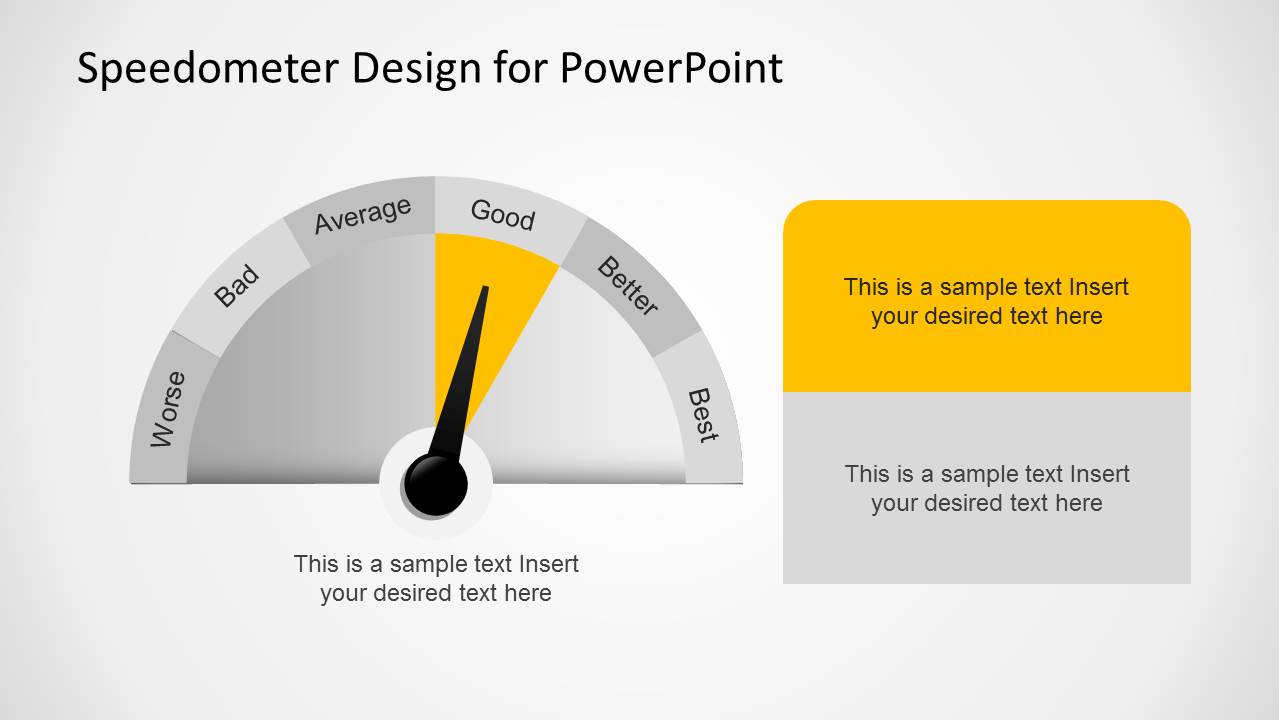
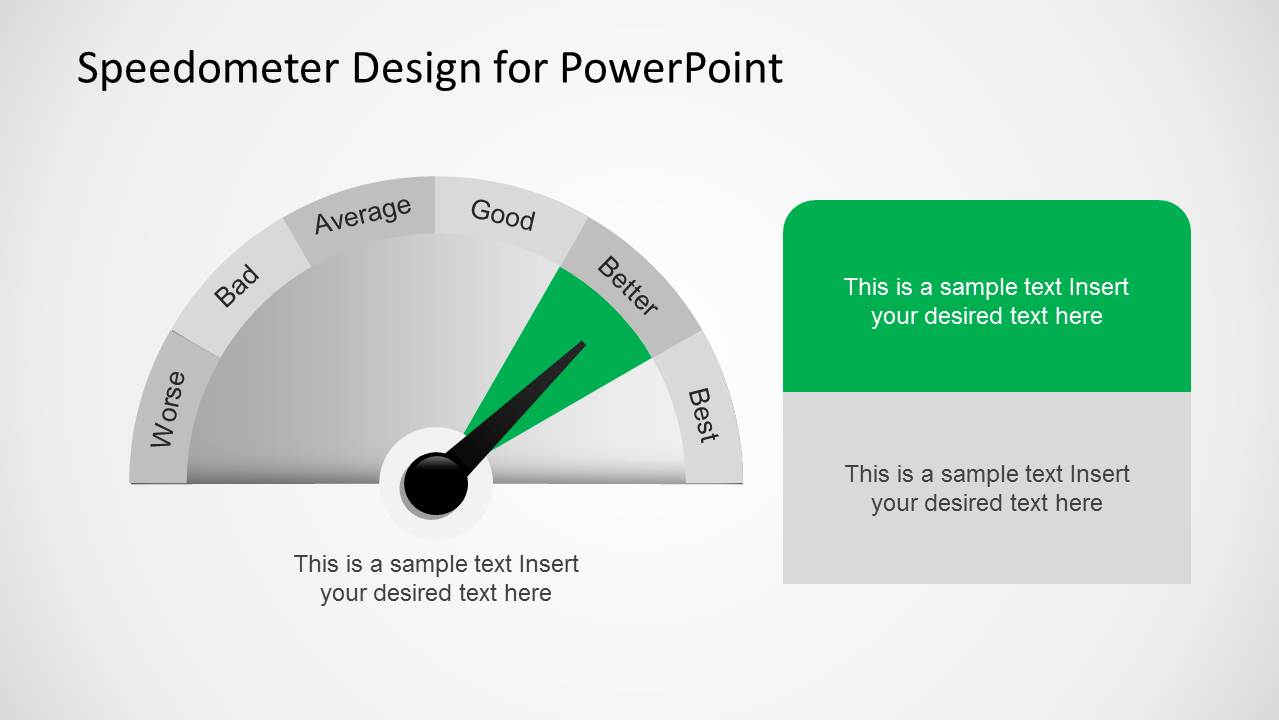
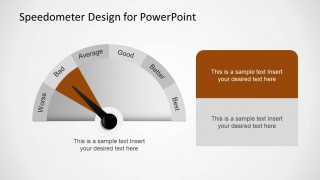
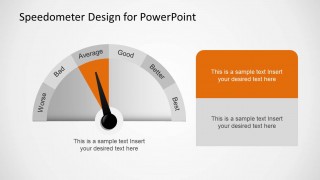
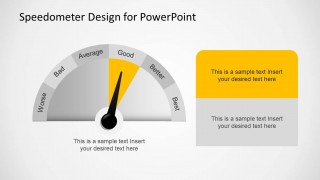
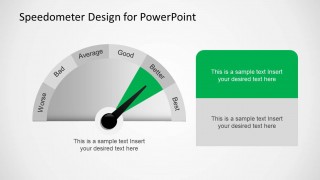
Editable Speedometer Design Template for PowerPoint
8-slide presentation template with editable speedometer gauges and rating meters for PowerPoint and Google Slides
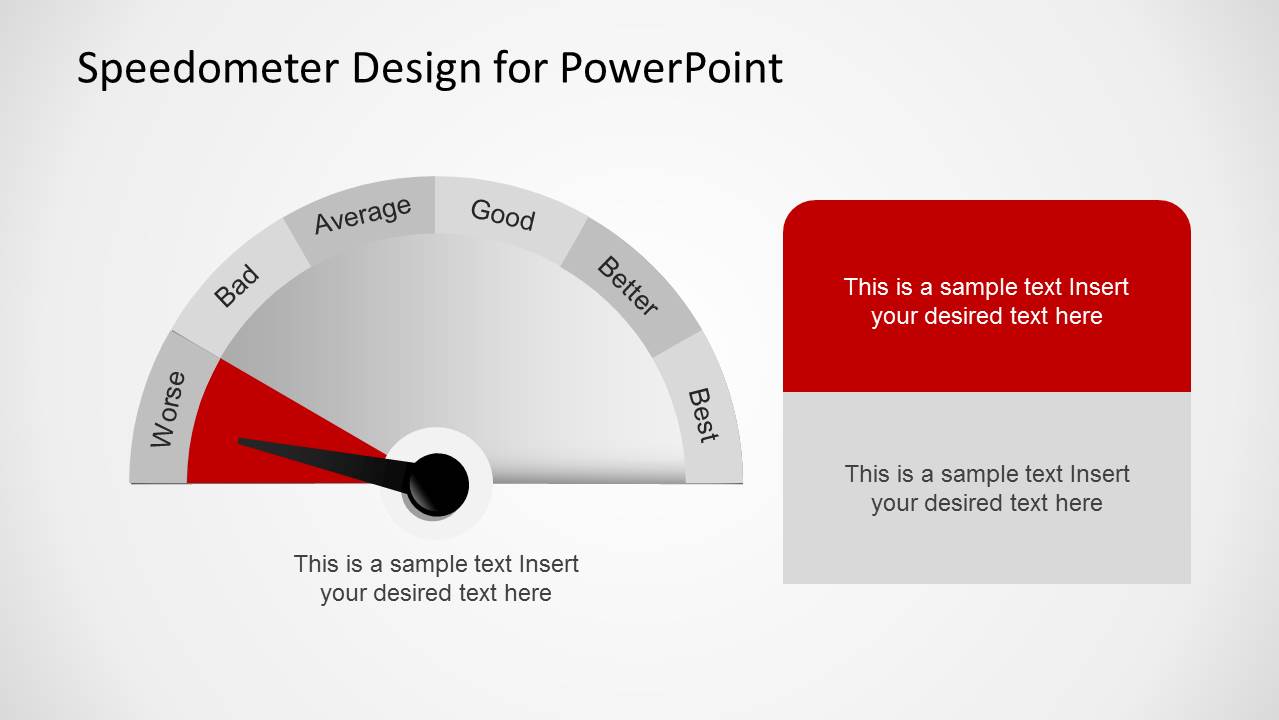
Editable Speedometer Design Template for PowerPoint is an 8-slide gauge and meter deck for showing ratings, status, confidence, accuracy, or progress. It includes a large percentage speedometer, color-banded performance gauge, and gauge layouts with stacked text callouts for PowerPoint and Google Slides.
- Category
- Shapes
- Rating


 Loading...
- Aspect ratio
- 16:9, 4:3
- Item ID
- 6380-01
- Colors
 Microsoft PowerPoint
  Microsoft Copilot
  Claude for PowerPoint
 Other formats supported
Subscribe today and get immediate
access to download our PowerPoint templates.