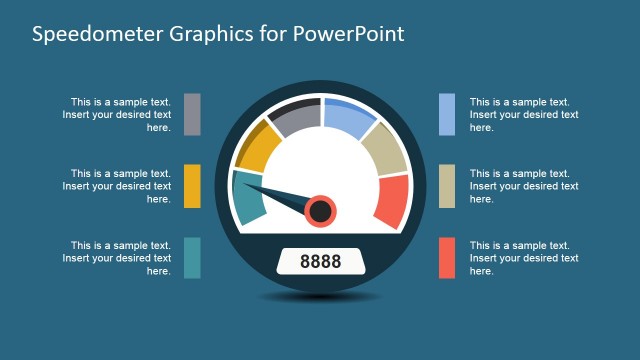
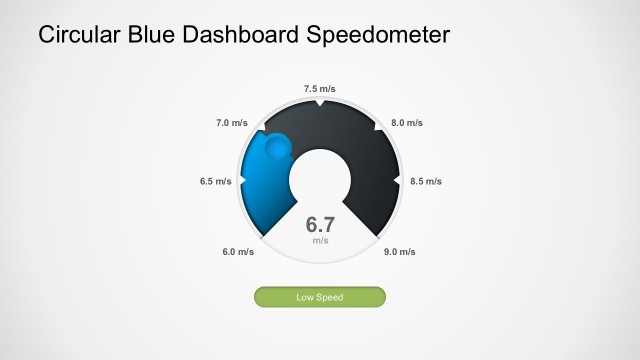
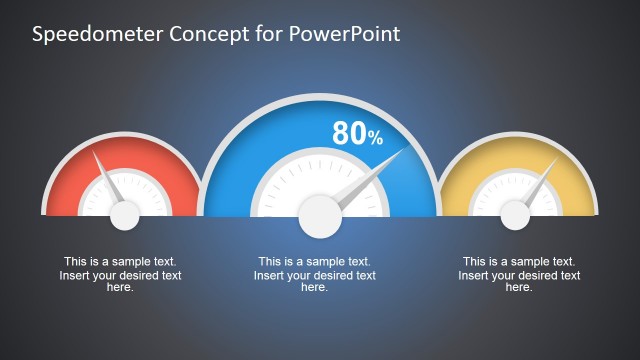
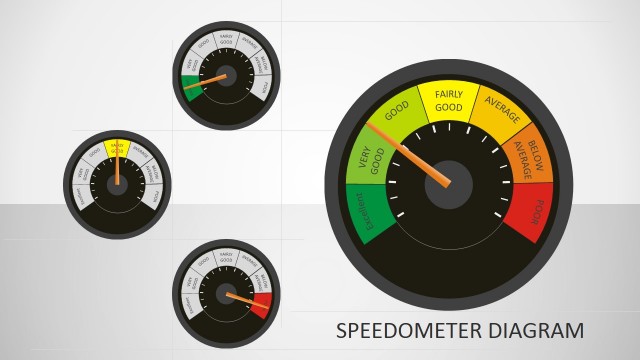
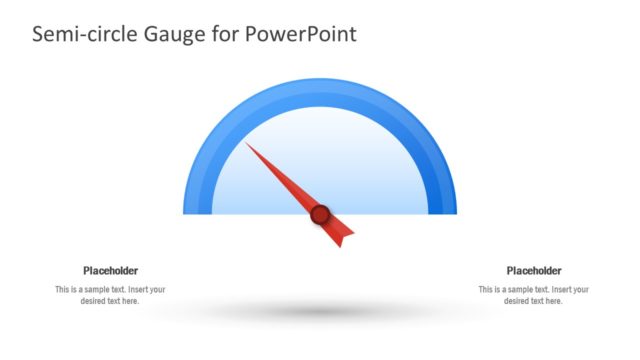
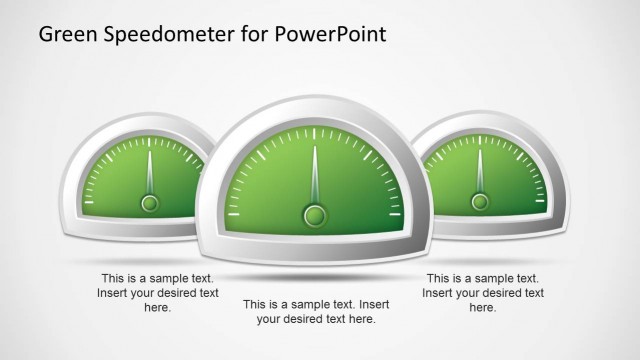
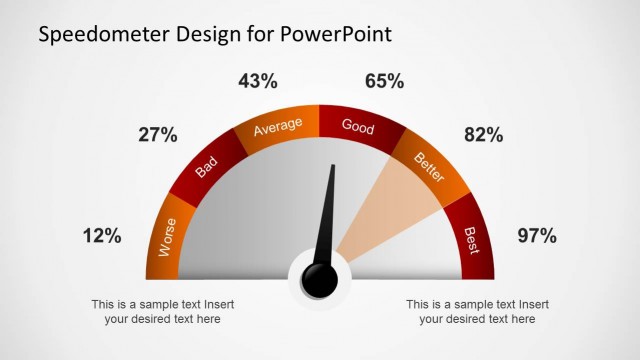
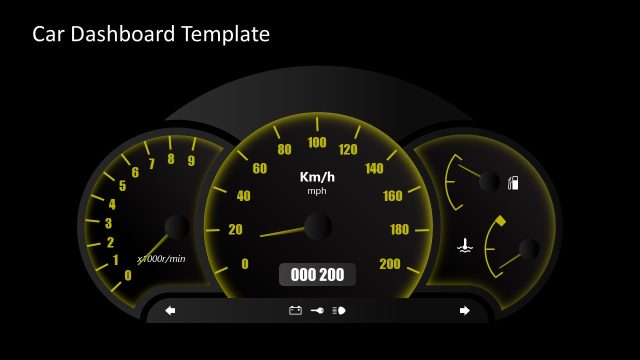
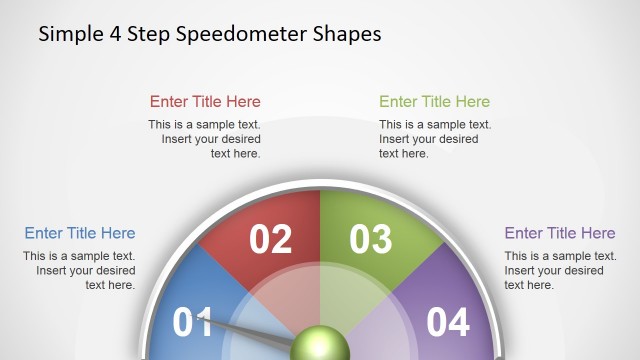
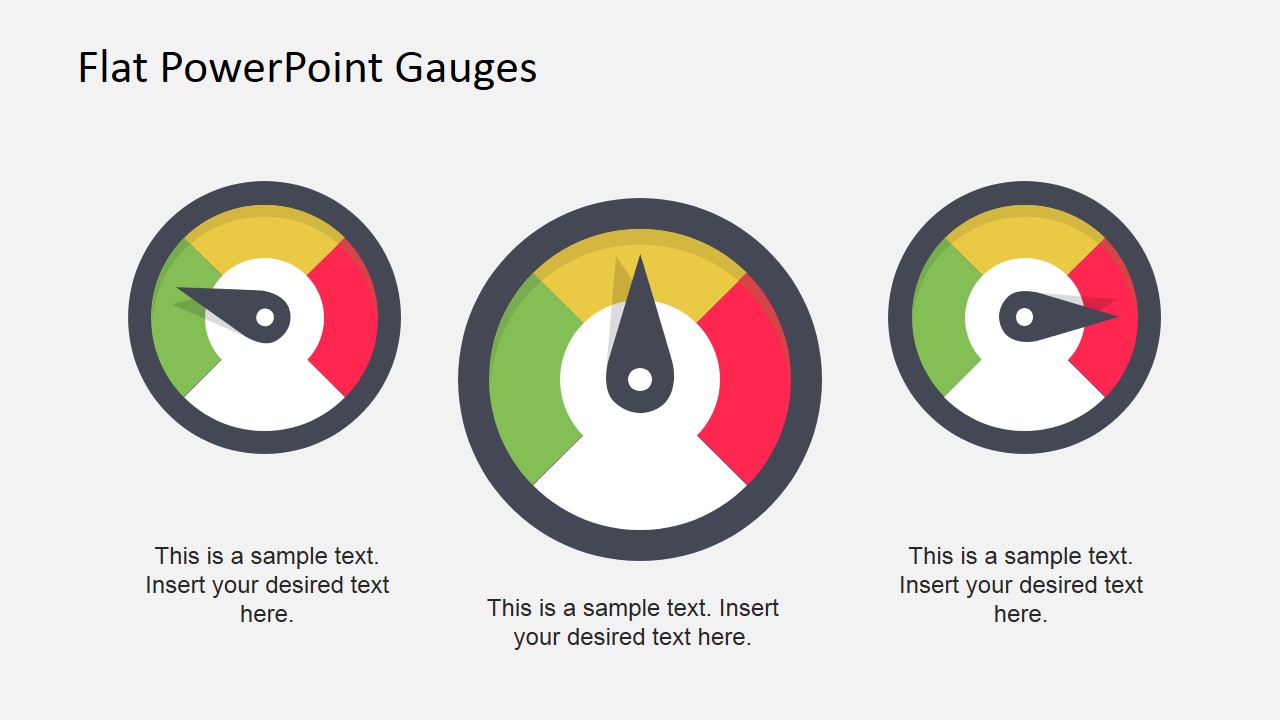
Flat Dashboard Gauges for PowerPoint is a presentation template containing a creative speedometer design with flat styles and colors. You can use this speedometer illustration to decorate your PowerPoint dashboards and presentations using flat gauges.
Anyone having a driving license and a car finds familiar while driving the gauges installed in the dashboard. The focus of the driver is indeed on the road but the gauges let the driver have control over the automobile. The gauges show the status and health of different critical parts of the vehicle and alert the driver to take care of them when needed. This modern PowerPoint template gives the familiar look of cars gauges in the presentation and dials at different positions on the gauges can be used to show performance.
Different layouts of gauges and their dials are shown in this ppt template. They can highlight different aspects of a project. The template can be used to present any project key performance indicators (KPI) with bright colors of gauges and text placeholders. The central part of the project can be recommended by the speed gauge and its independent factors can be shown by the gear speed gauge. If different activities are linked together, they can use familiar gauges’ relation to show them. If there is some activity A that results in activity B and that in turn affects activity C, they can be personified by the gear speed, main speed and oil gauges respectively.
Speedometer vector clipart used mainly in this modern PowerPoint template is of different shapes and sizes, just as in a dashboard of a car. These different gauges can also be used to make a process flow presentations by linking the gauges with each other, with the available native shapes provided by PowerPoint. The template with bright presentation background images attracts the attention of audience, making it a great choice for status meetings or quarterly reviews.
What’s inside this template
Example presentation scenarios
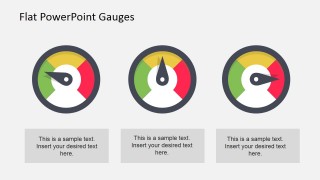
- A project manager can use the three-gauge KPI row to report schedule, budget, and scope health during a steering committee meeting.
- A customer experience lead can use the speedometer gauges to summarize Net Promoter Score movement and explain the driver behind one key score in the callout panel.
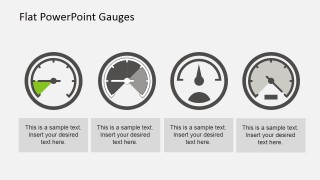
- An operations analyst can use the four monochrome dashboard icons to compare risk, throughput, quality, and capacity in a weekly business review.
- A consultant can use the three-card gauge layout to compare client performance areas and direct attention to which indicator needs action first.
Features
- 100% editable presentation template
- Compatible with Microsoft PowerPoint and Google Slides
- 16:9 aspect ratio slides
- Scalable vector shapes, icons and illustrations
- AI-Ready for Microsoft Copilot and Claude
- Instant access and download
Frequently asked questions
Q: How should a presenter communicate KPI status with these gauge slides?
A: Use each gauge as a status cue, not as a dense data display. Start with the metric label, state what the needle position means, then explain the implication in the caption box. The three-gauge layouts work best when the indicators share one decision context, such as project health, customer sentiment, or operational readiness.
Q: Who gets the most value from this gauge-based template?
A: This template fits managers, analysts, and consultants who need to report performance quickly to stakeholders who may not inspect detailed tables. It is strongest for status reviews, NPS summaries, project health updates, and executive check-ins where red, yellow, and green visual zones can frame the conversation before deeper detail.
Q: Why use a speedometer metaphor instead of a standard bar chart?
A: The speedometer metaphor is familiar because it signals condition and urgency at a glance. In this template, the large center gauge, equal three-card gauges, and monochrome dashboard icons help the audience read performance as low, moderate, or high without first decoding axes, legends, or long numeric labels.


Flat Dashboard Gauges for PowerPoint
4-slide presentation template with flat speedometer gauges for KPI dashboards and status reviews
Flat Dashboard Gauges for PowerPoint is a 4-slide presentation template for showing KPI status with flat speedometer visuals. It includes a three-gauge KPI row, a single gauge with callout panel, a three-card gauge layout, and a four-icon dashboard row for managers, analysts, and project teams in Microsoft PowerPoint and Google Slides.
- Category
- Shapes
- Rating


 Loading...
- Aspect ratio
- 16:9
- Item ID
- 6823-03
- Colors
 Microsoft PowerPoint
  Microsoft Copilot
  Claude for PowerPoint
 Other formats supported
Subscribe today and get immediate
access to download our PowerPoint templates.