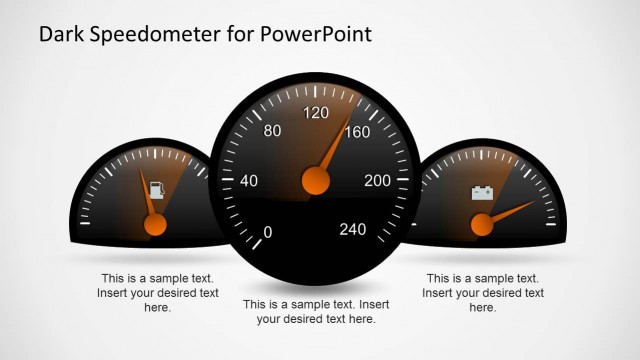
Create an unconventional eye-catching PowerPoint presentation using the Vector Speedometer Graphics for PowerPoint. With the use of its modern, minimalist flat design, be assured that, even in the fast-paced business environment, your information and ideas will not remain ignored for long.
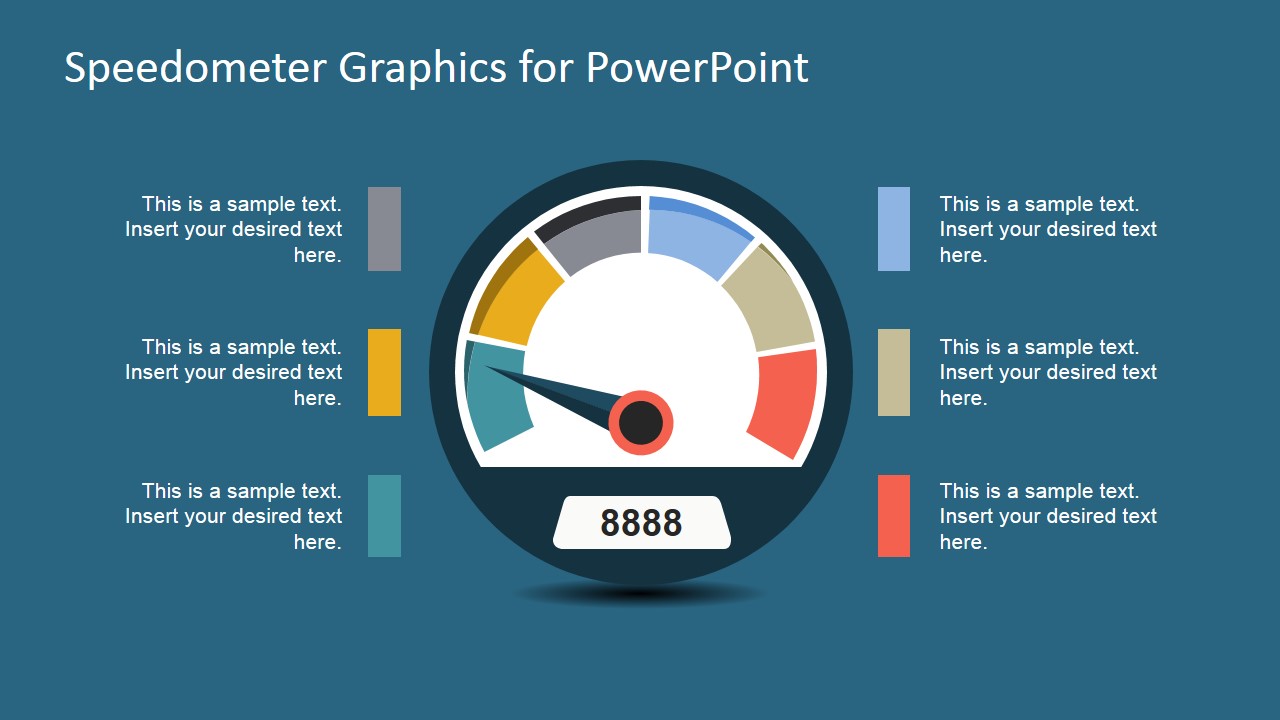
A speedometer is conventionally used in vehicles to measure and keep track of their instantaneous speed. In this PowerPoint template, the speedometer becomes a tool to measure and keep track of business reviews, business reports, and business objectives.
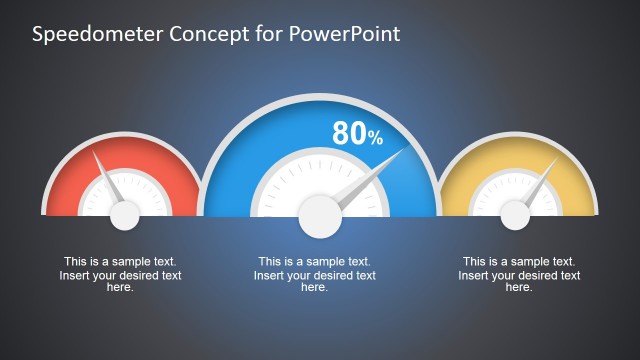
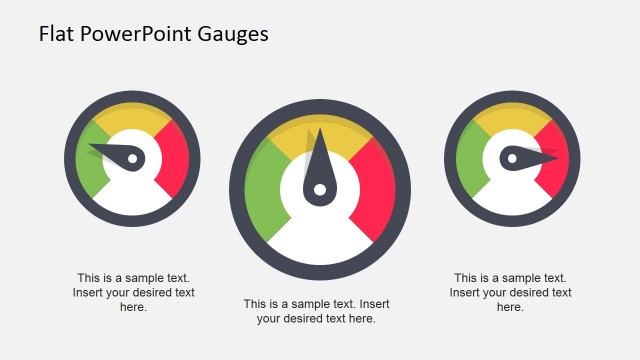
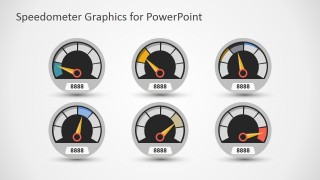
The presentation template contains a PowerPoint slide that features a business dashboard. This dashboard PowerPoint illustration may be used to quantify KPI’s, or key performance indicators, by adjusting the position of the needle on the various speedometer PowerPoint graphic.
By keeping track of the state of these KPI’s, the business organization, or more specifically, its key members, will be able to keep a balanced scorecard of the different elements concerned. These elements may range from level of target sales achieved, to the state of losses and expenses incurred during the fiscal period.
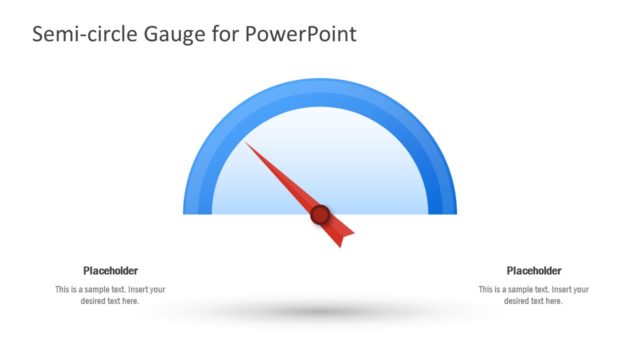
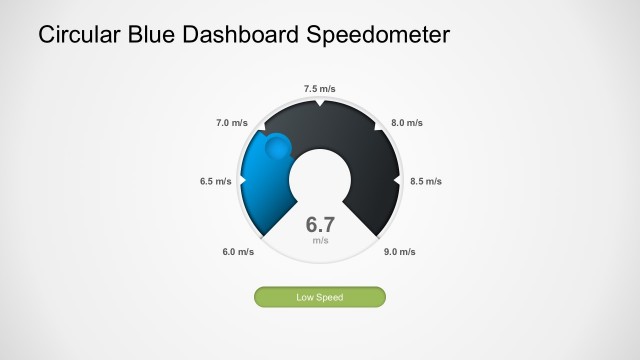
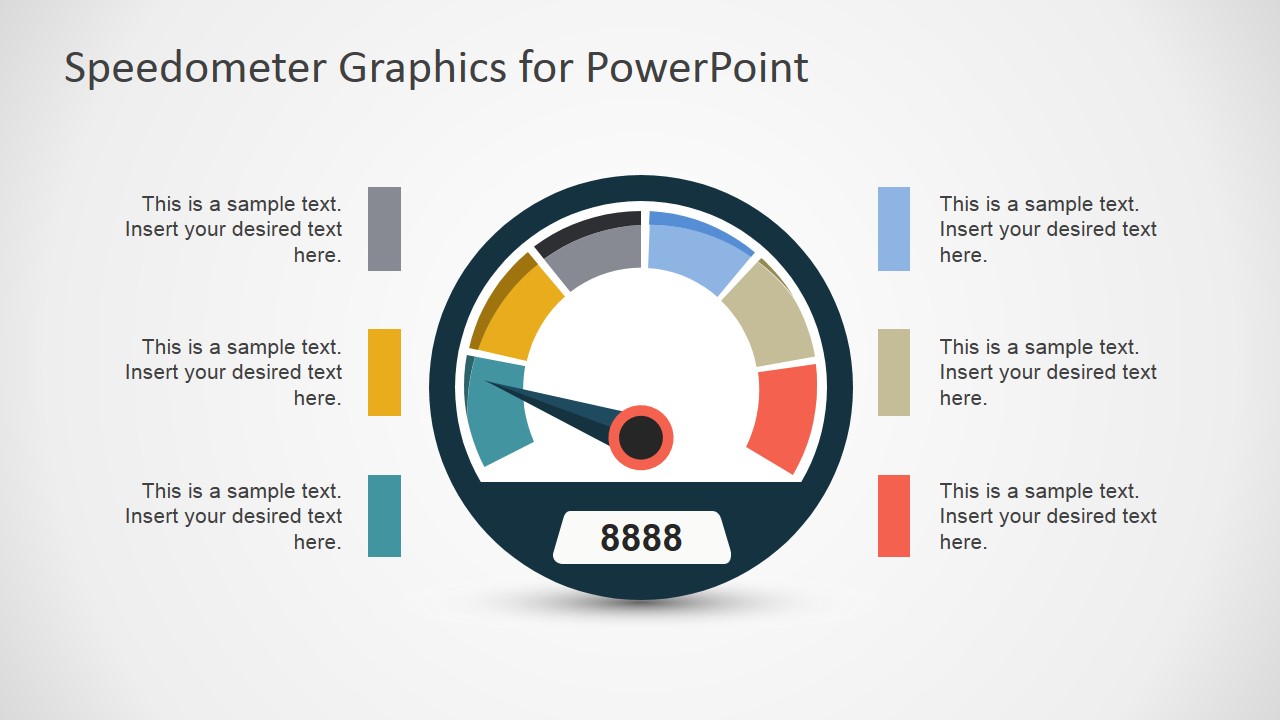
Some of the PowerPoint slides in the Office template feature only on speedometer with corresponding legends. This may be utilized as a visual representation of the overall rating of the company in terms of employee performance, customer satisfaction, or financial turnover. The PowerPoint graphic may be used as quick and easily understandable method of updating members of the business organization of the company’s recent state of affairs, so that they may be made aware.
Ideal for presenting financial ratios and statistics, the Vector Speedometer Graphics for PowerPoint may be edited to become more in line with the presenter’s needs and preferences for the presentation, so that the information and illustrations are made relevant to the members of the business organization.
The presenter may also choose to download other variations of the speedometer PowerPoint template, like the Dark Speedometer Template for PowerPoint.
What’s inside this template
Example presentation scenarios
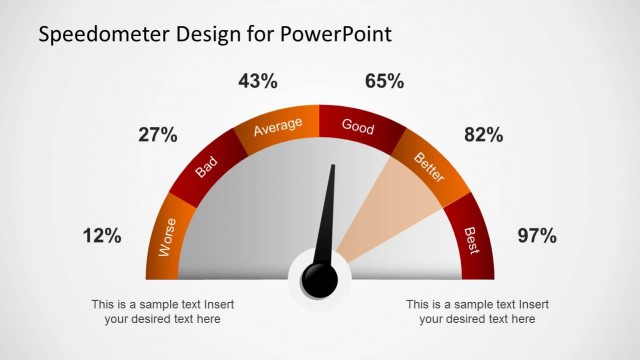
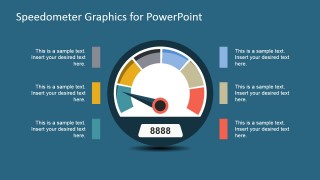
- A sales manager can use the large speedometer with six callouts to explain progress toward a quarterly revenue target and identify which KPI categories are above or below expectations.
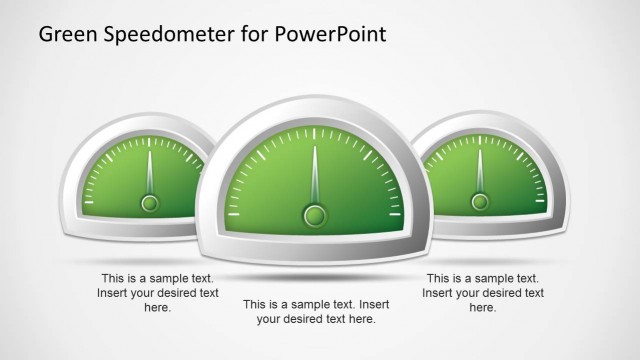
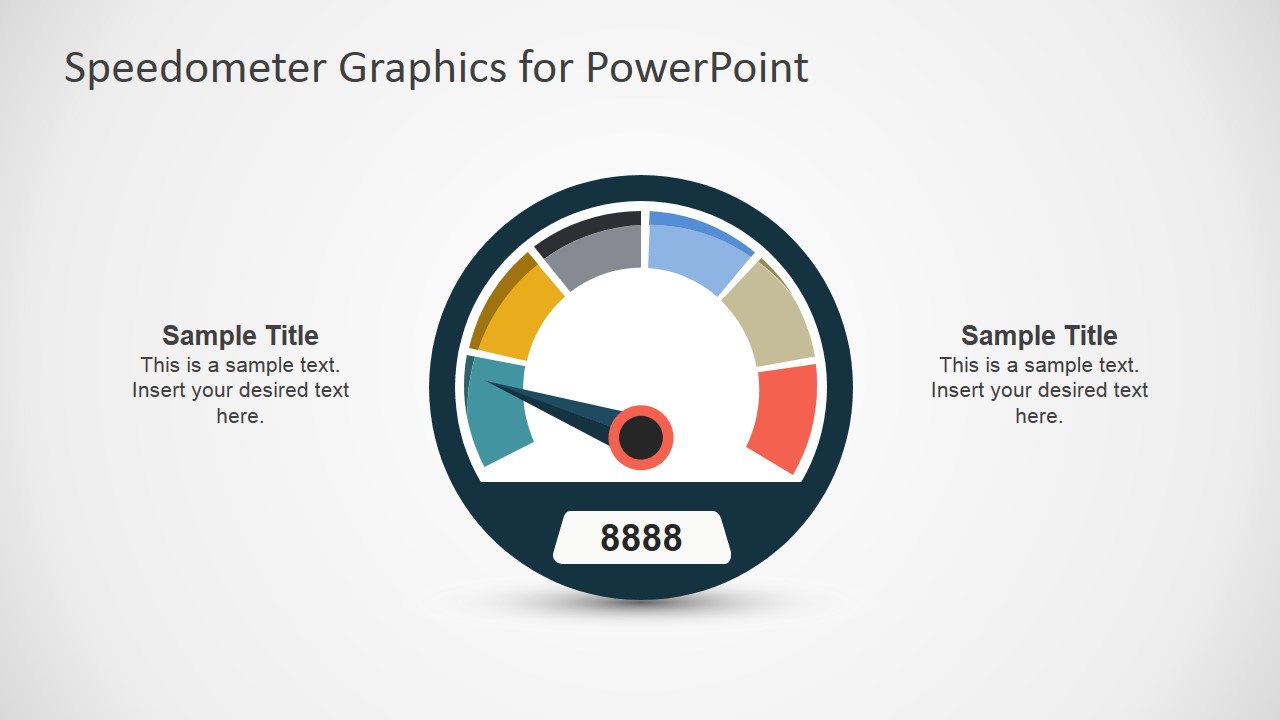
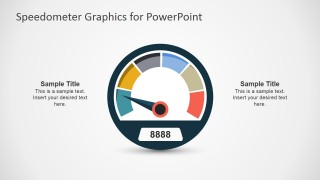
- An operations lead can use the centered gauge with side notes to summarize service performance, then explain the meaning of the needle position in a short executive update.
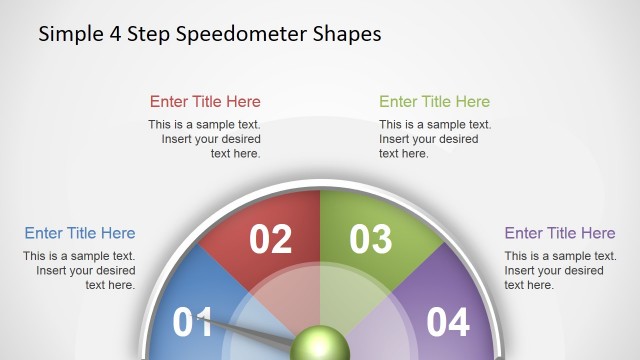
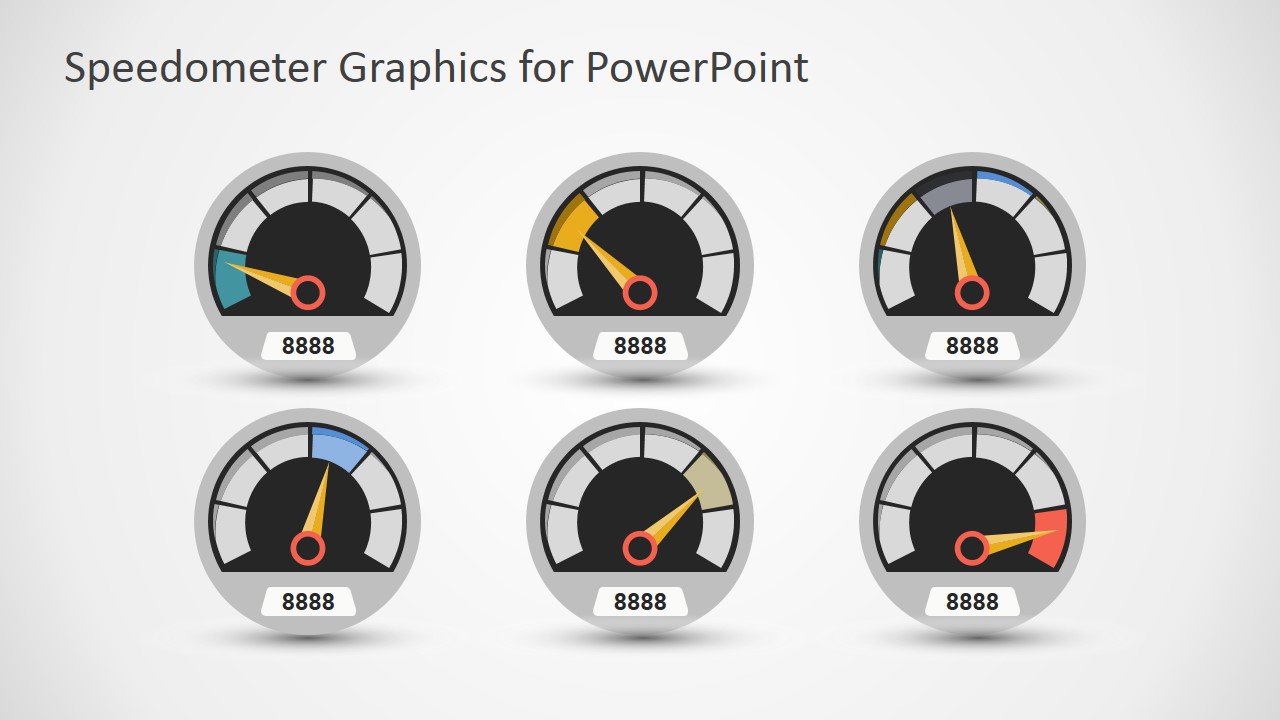
- A finance analyst can use the six-gauge dashboard to compare several ratios or cost indicators on one slide during a monthly performance review.
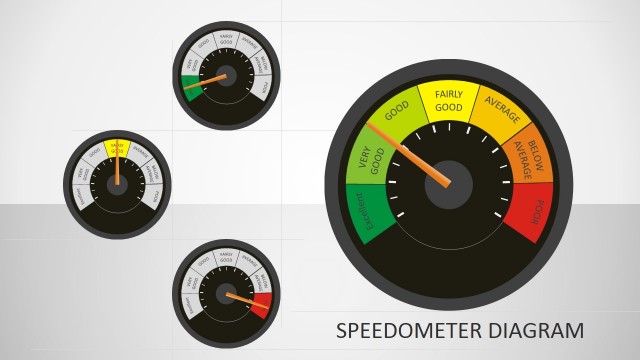
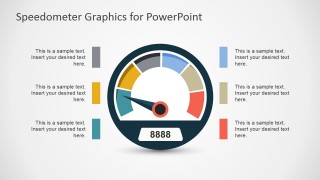
- A consultant can use the legend-style KPI gauge to translate a client assessment score into a simple visual rating for stakeholders who need a fast status read.
Features
- 100% editable presentation template
- Compatible with Microsoft PowerPoint and Google Slides
- 16:9 aspect ratio slides
- Scalable vector shapes, icons and illustrations
- AI-Ready for Microsoft Copilot and Claude
- Instant access and download
Frequently asked questions
Q: How should a presenter use the speedometer without oversimplifying the KPI message?
A: Use the needle position as the headline, then place the explanation in the surrounding callouts or side notes. State what the metric measures, what threshold defines good or poor performance, and what action follows. The gauge works best when it summarizes one clear status point rather than replacing the supporting analysis.
Q: Who is this speedometer template best suited for?
A: This template fits managers, analysts, and consultants who need to report status quickly to a business audience. It is strongest for KPI reviews, target progress, satisfaction scores, risk levels, or performance ratings. The six-gauge dashboard also supports a compact scorecard when several indicators need to be compared at once.
Q: Why does the speedometer metaphor help communicate performance?
A: A speedometer gives the audience an immediate sense of low, moderate, or high status without reading a table first. The colored bands, needle, and numeric readout create a familiar performance metaphor. This improves scanning in executive reviews, especially when the presenter must direct attention to exceptions or priority metrics.
Vector Speedometer Graphics for PowerPoint
4-slide presentation template with editable speedometer gauges for KPI status and performance meters
Vector Speedometer Graphics for PowerPoint is a 4-slide gauge graphics template for business performance reporting. It includes a large speedometer with six callouts, a centered gauge with side notes, a legend-style KPI gauge, and a six-gauge dashboard. Built for Microsoft PowerPoint and Google Slides.
- Category
- Shapes
- Rating

 Loading...
- Aspect ratio
- 16:9
- Item ID
- 6952-01
- Colors
 Microsoft PowerPoint
  Microsoft Copilot
  Claude for PowerPoint
 Other formats supported
Subscribe today and get immediate
access to download our PowerPoint templates.