3D Logistics Warehouse PowerPoint Shapes – By definition, Logistics is generally the detailed organization and implementation of a complex operation. In a more traditional sense, logistics refer to the flow of thing from one point to another (source to destination). The logistics processes usually involves the flow of information, handling of materials, production, packaging, inventory, transportation, warehousing and security. In business logistics one of the important concepts is the warehouse. The warehouse is where things are stored. Warehouses exist in different steps of the logistics chains.
In value chain presentations or logistics presentations, PowerPoint shapes representing metaphors can help the presenter avoid the use of text and improve the visual engagement. Audiences react positively to professional visual assets, achieving higher retention of related messages.
In the 3D Logistics Warehouse PowerPoint Shapes Template, we provide shapes referencing important concepts of the logistics warehouse management, for example:
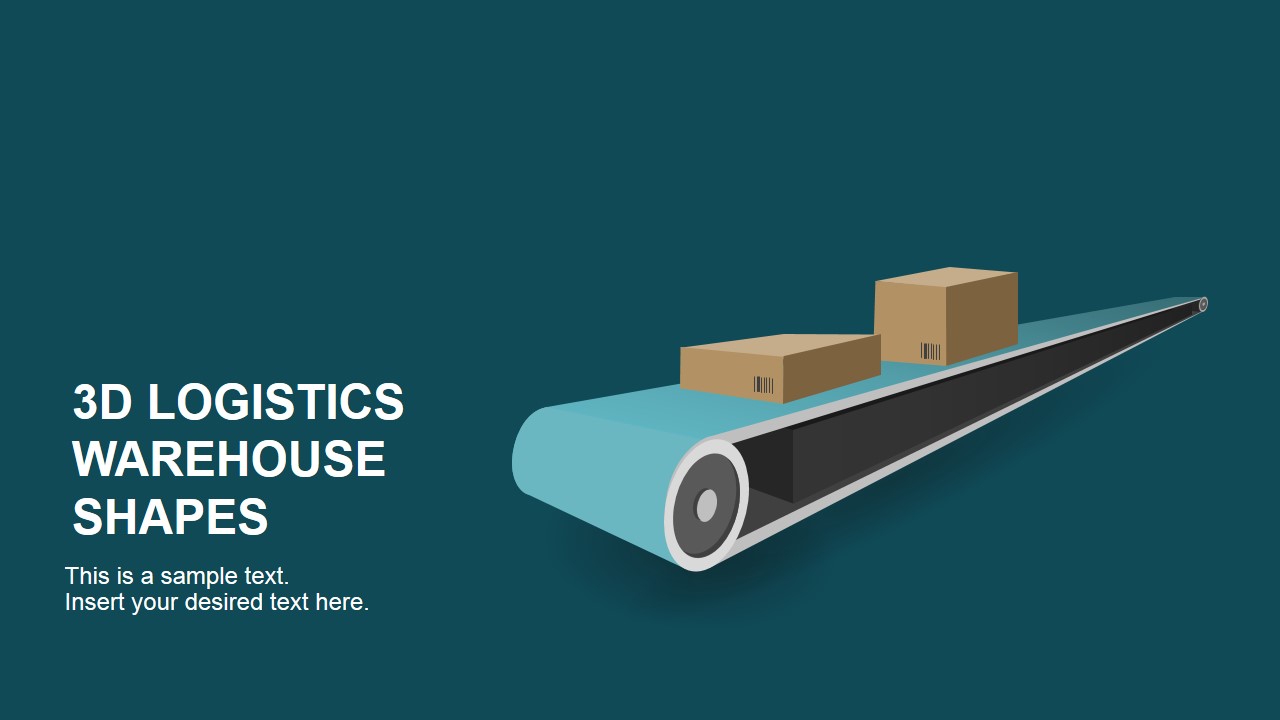
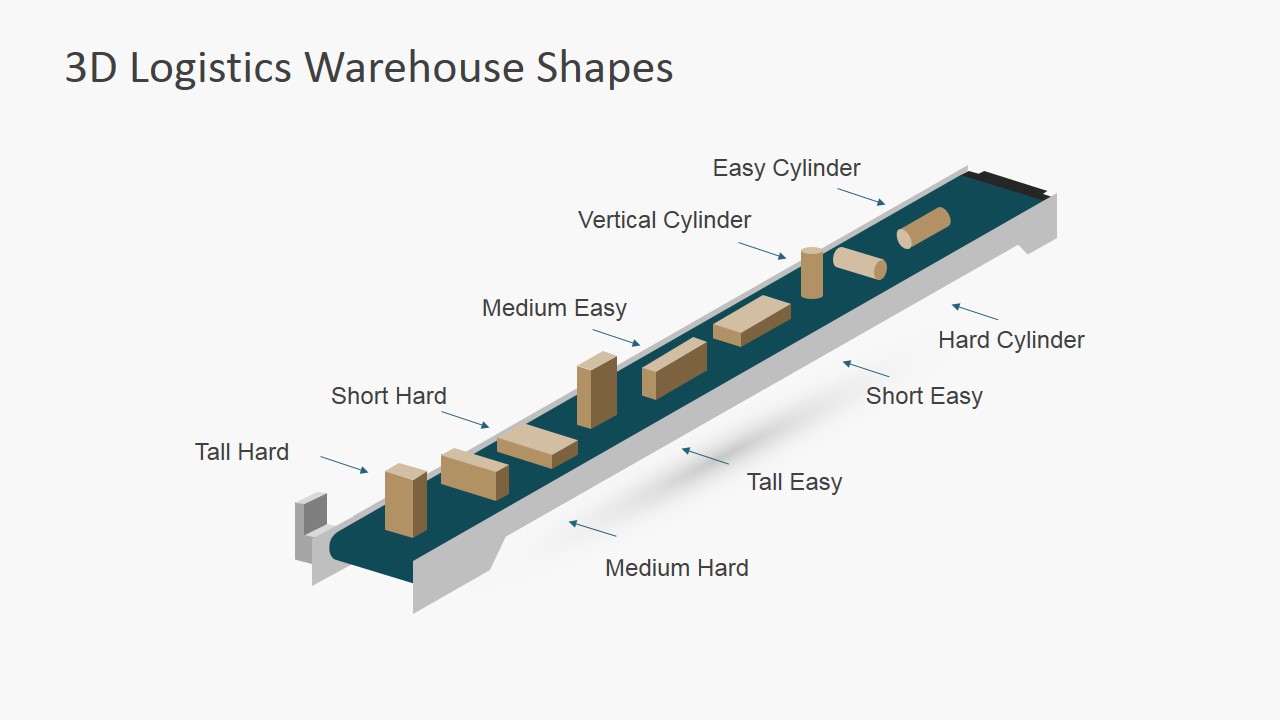
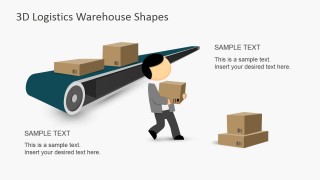
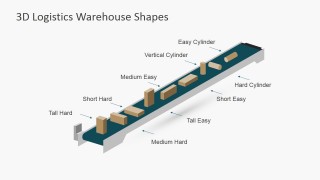
- Conveyor Belt.
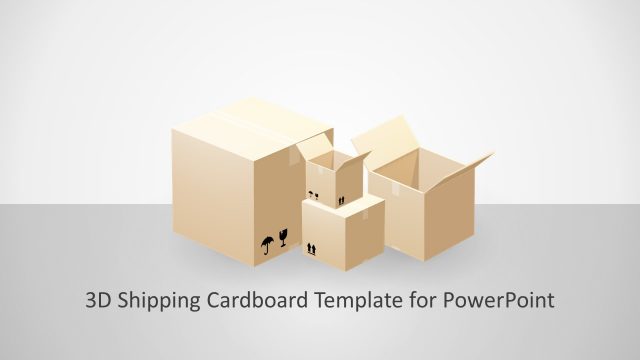
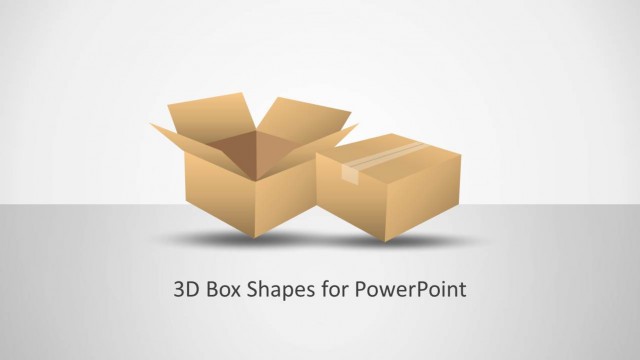
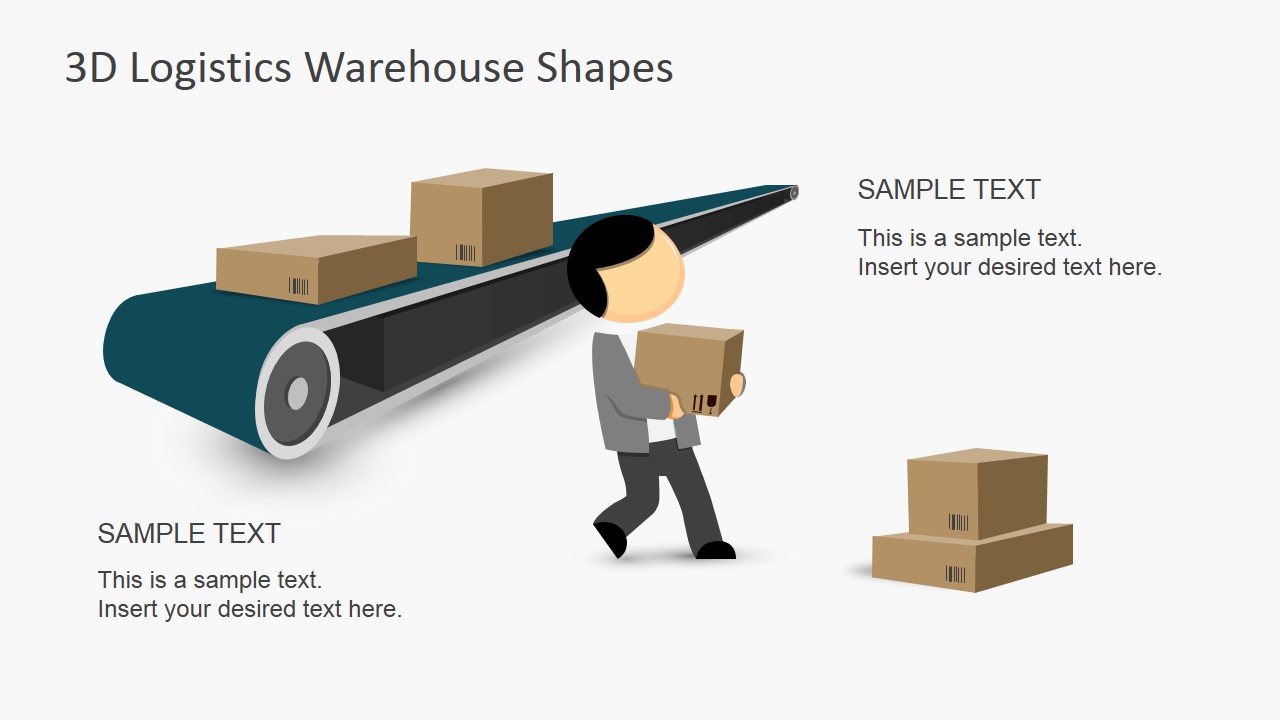
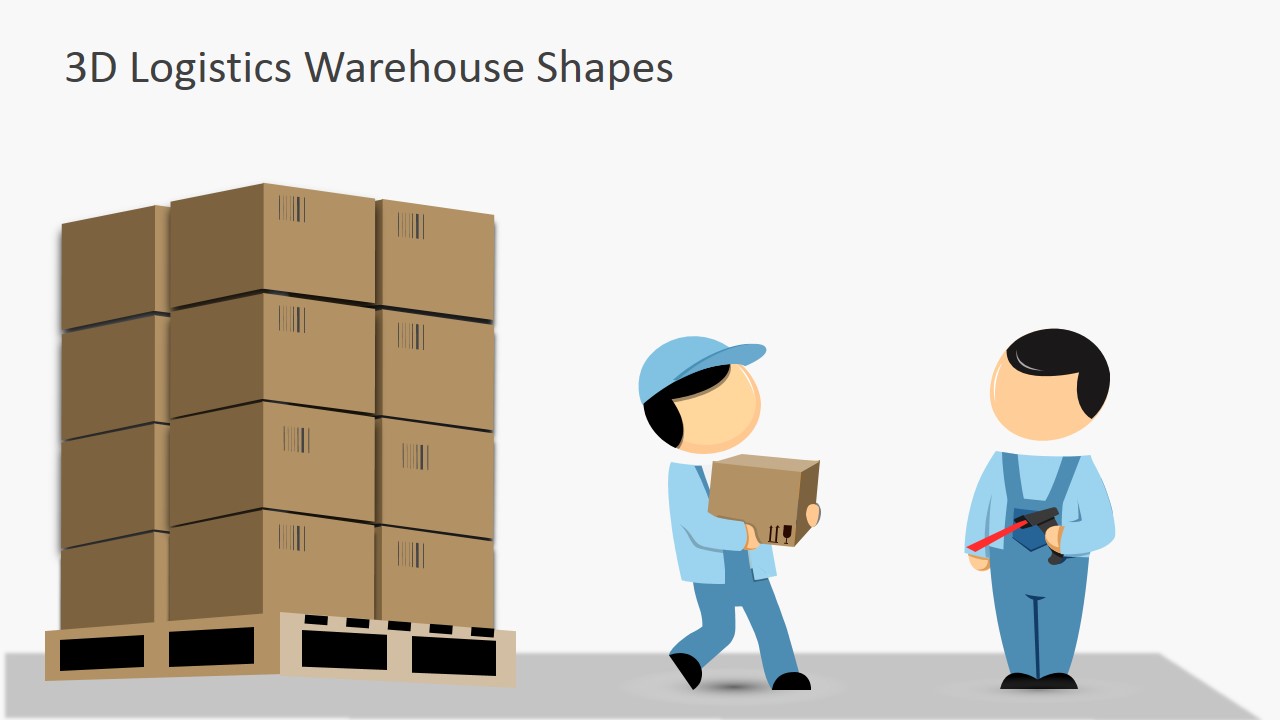
- Cardboard boxes, referencing traditional packaging.
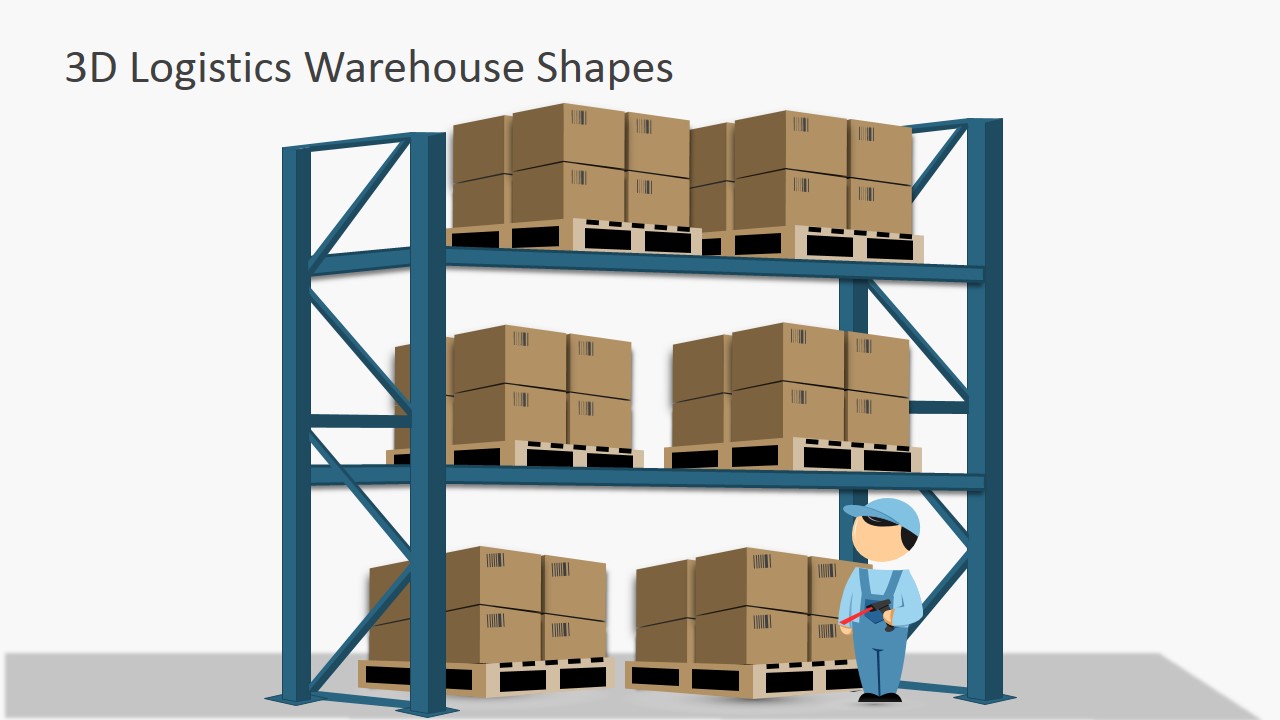
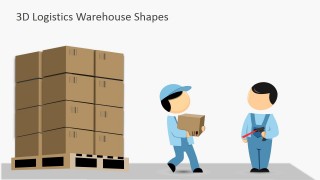
- Wooden Pallets, for packages transportations.
- Bar Codes and Barcode readers.
- Warehouse Employee workers.
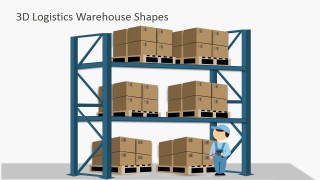
- Pallets shelves for warehouse representation.
The user can decorate warehouse presentations with professional 3D Shapes.
What’s inside this template
Example presentation scenarios
- A warehouse supervisor can use the shelving scene to explain storage zones, pallet handling, and safe movement of boxes during a team briefing.
- A supply chain consultant can use the labeled conveyor diagram to show how packages move through a material handling process for a client operations review.
- A logistics trainer can use the worker and pallet slide to teach receiving, packaging, and employee roles in a warehouse workflow.
- An operations presenter can use the barcode scanning close-up to explain inventory identification, scanning checkpoints, and package traceability.
Features
- 100% editable presentation template
- Compatible with Microsoft PowerPoint and Google Slides
- 16:9 aspect ratio slides
- Scalable vector shapes, icons and illustrations
- AI-Ready for Microsoft Copilot and Claude
- Instant access and download
Frequently asked questions
Q: How should a presenter use these 3D warehouse shapes without overloading the message?
A: Treat each 3D scene as the anchor for one operational point. Use the conveyor belt for movement, the shelving scene for storage, the worker and pallet slide for handling, and the scanner close-up for identification. Keep text short and place labels near the object being discussed so the audience connects the visual metaphor to the process step.
Q: Who is this template best suited for in a logistics presentation?
A: It fits presenters who need to make warehouse operations tangible for non-technical audiences, new employees, clients, or cross-functional managers. A logistics manager can show material flow, a trainer can explain worker tasks, and a consultant can frame a warehouse improvement discussion using recognizable objects like pallets, boxes, conveyors, and scanners.
Q: Why do the warehouse object metaphors help communicate logistics concepts?
A: The slides use familiar warehouse symbols instead of abstract process boxes. A conveyor implies movement, shelves imply inventory storage, pallets imply unit handling, and a barcode scanner implies identification and tracking. These metaphors reduce explanation time and help the audience remember where each activity fits in the physical logistics chain.
You may also like:
- Shipping Cargo Container Slides for PowerPoint
- Shipping and Logistics Icons for PowerPoint
- Transportation & Logistics Shapes for PowerPoint
- Supply Chain PowerPoint Diagram Flat Design
- Logistics Icons for PowerPoint
- Flat Conveyor Belt PowerPoint Template
- Flat Supply Chain Diagram for PowerPoint
- Value Chain Diagrams for PowerPoint
- Assembly Line PowerPoint Shapes


3D Logistics Warehouse PowerPoint Shapes
6-slide presentation template with 3D warehouse shapes, conveyor belt scenes, and barcode logistics visuals
3D Logistics Warehouse PowerPoint Shapes is a 6-slide presentation template for logistics and warehouse communication. It includes a conveyor belt cover, labeled conveyor diagram, warehouse shelving scene, worker and pallet illustration, and barcode scanning close-up. Designed for operations, supply chain, and training presenters in Microsoft PowerPoint and Google Slides.
- Category
- Shapes
- Rating


 Loading...
- Aspect ratio
- 16:9
- Item ID
- 6927-04
- Colors
 Microsoft PowerPoint
  Microsoft Copilot
  Claude for PowerPoint
 Other formats supported
Subscribe today and get immediate
access to download our PowerPoint templates.