Create an attractive way to show your business process; use the Flat Conveyor Belt PowerPoint Template. Illustrate cycles and procedures in the colorful slide designs. The user can apply the template to any type of process. A belt conveyor system consists of two or more drums, with an endless loop of carrying medium—the conveyor belt—that rotates about them. This system was popularized by the industrial revolution and powered the growth of economies systemizing the production of goods.
The template contains a PowerPoint slide with icons. These minimalist symbols relate to business activities such as shipping and delivery. They range from barcodes, to delivery trucks, to world maps. The user may employ them in the other slides to provide context.
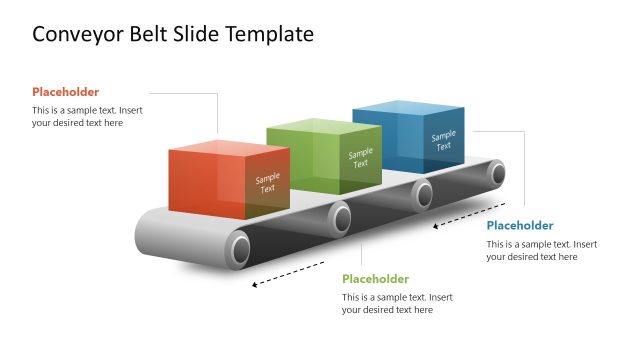
The title slide contains an editable PowerPoint Shape of a conveyor belt. This is the main concept of the template. It can be used as a business metaphor for processes descriptions. This also implies that the presentation deals with repetitive tasks. These types of jobs are usually associated with manufacturing. The user may also download other PowerPoint Templates involving processes, like the Traditional Product Development Process for PowerPoint, to add to the presentation.
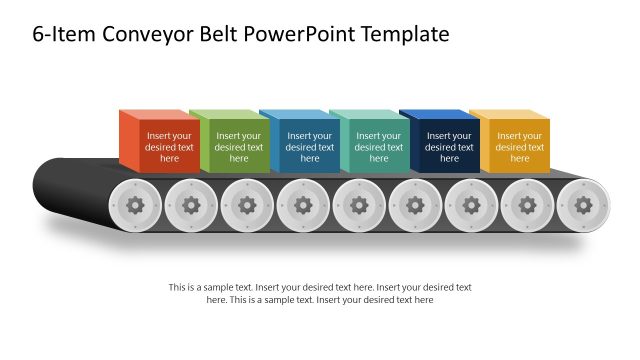
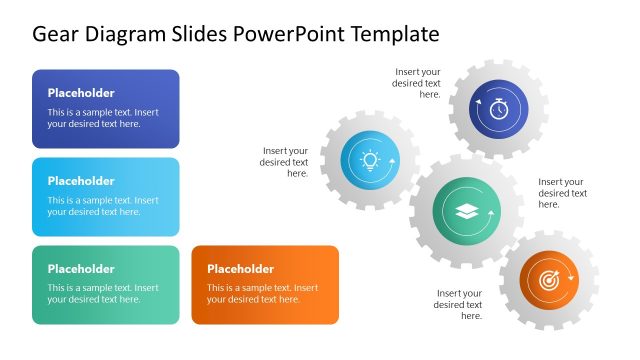
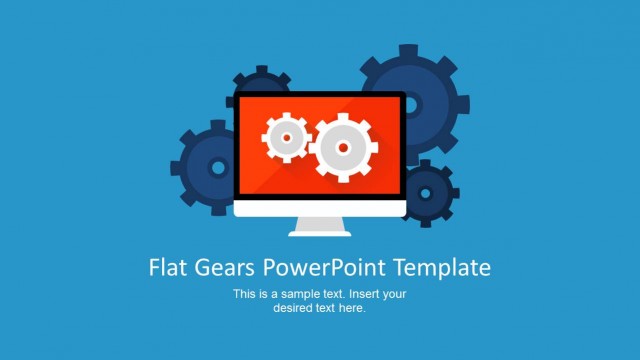
The diagram combines the Conveyor Belt with gears. These could refer to the process speed and the components that make it flow. They may also be used to refer to the optimization of processes. The gears drums in the PowerPoint Shape can represent each stage of a process. Icons placed inside the drums add visual context to the stage. The boxes may signify the flow of the process itself, and its corresponding stage of completion.
Three of the template slides have dark blue presentation backgrounds. They are shown with additional machinery related to shipping warehouses process. The presenter may use this part of the presentation to show the end processes. Text placeholders in each slide may contain additional information and descriptions.
The Flat Conveyor Belt PowerPoint Template is ideal for showing the automating process. It may include how management can make the process smoother and more efficient. The user may edit and revise the presentation to suit his or her particular need.
What’s inside this template
Example presentation scenarios
- An operations manager can present a factory workflow by assigning each stage to the circular markers on the three-, four-, or five-step conveyor belt slides.
- A logistics team can explain order fulfillment from packing to shipping with the warehouse conveyor scene, truck icon, package icon, and direction arrows.
- A process improvement consultant can show bottlenecks and handoffs by placing issue labels in the captions beneath the conveyor belt checkpoints.
- A supply chain analyst can introduce a production update with the dark conveyor and robotic arm scenes, then support the explanation with the reusable icon sheet.
Features
- 100% editable presentation template
- Compatible with Microsoft PowerPoint and Google Slides
- 16:9 aspect ratio slides
- Scalable vector shapes, icons and illustrations
- AI-Ready for Microsoft Copilot and Claude
- Instant access and download
Frequently asked questions
Q: How should a presenter explain a process clearly with this conveyor belt template?
A: Start by naming the output the audience cares about, then move left to right through the belt as a sequence of decisions or actions. Put only the stage name inside each circular marker and place the explanation in the caption below. This keeps the conveyor path readable while still giving room for operational detail.
Q: Who is this template best suited for in a business presentation?
A: It is best for operations, manufacturing, logistics, and fulfillment presenters who need to make a repeatable workflow visible. The conveyor belt layouts work well when the audience must understand handoffs, inputs, outputs, packaging steps, or shipping responsibilities without reading a dense process document.
Q: Why does the conveyor belt metaphor help communicate process flow?
A: A conveyor belt suggests movement, sequence, and throughput immediately, so the audience can grasp the logic before reading text. The boxes, arrows, gears, and robotic arm reinforce production and warehouse meaning. That visual metaphor is useful when the presenter wants to show how work advances from one stage to the next.


Flat Conveyor Belt PowerPoint Template
9-slide conveyor process presentation template with manufacturing icons and warehouse workflow diagrams
Flat Conveyor Belt PowerPoint Template is a 9-slide process diagram deck for explaining manufacturing, fulfillment, and operations workflows. It includes conveyor belt flow diagrams, circular stage markers, warehouse conveyor scenes, gear and robotic arm illustrations, and a reusable icon sheet. The template is made for Microsoft PowerPoint and Google Slides.
- Category
- Shapes
- Rating


 Loading...
- Aspect ratio
- 16:9, 4:3
- Item ID
- 6927-01
- Colors
 Microsoft PowerPoint
 Microsoft Copilot
 Claude for PowerPoint
Other formats supported
Subscribe today and get immediate
access to download our PowerPoint templates.