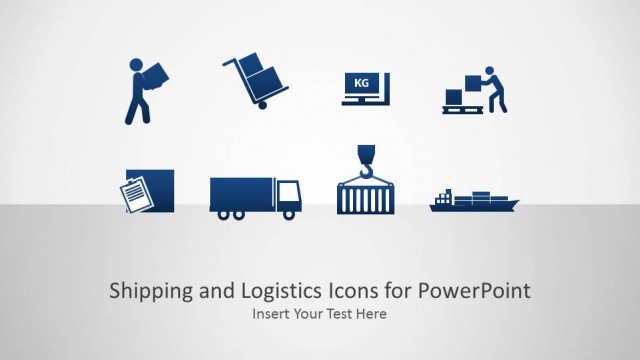
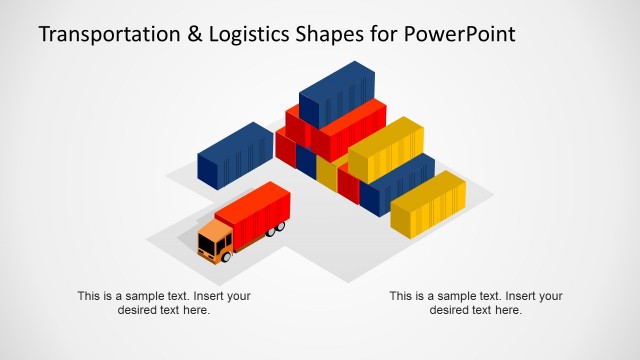
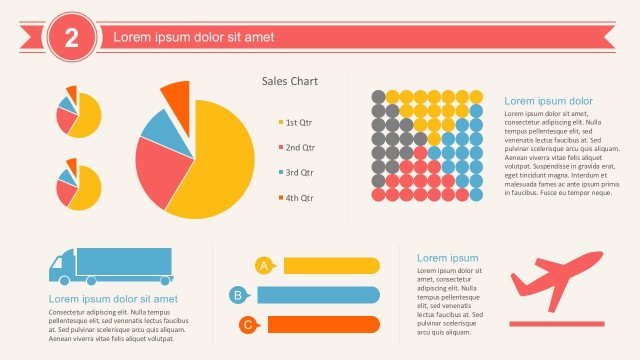
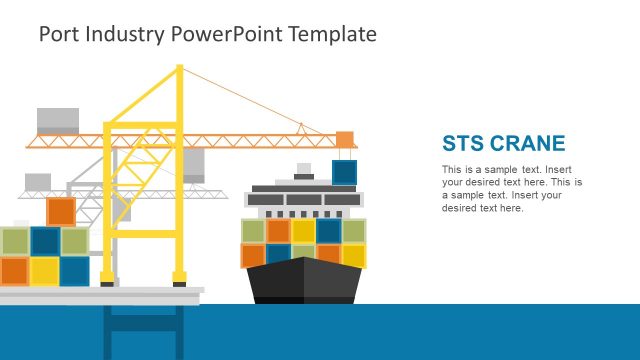
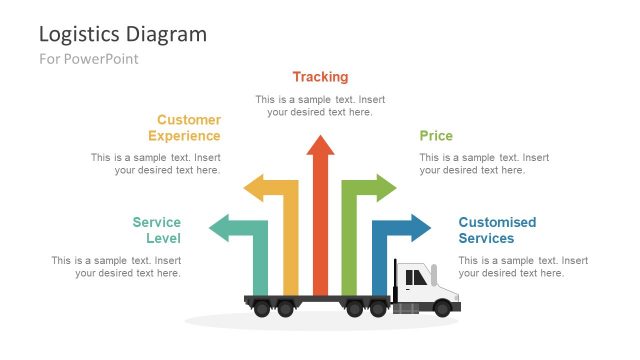
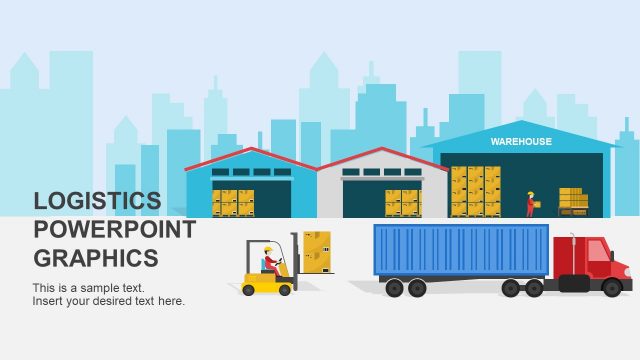
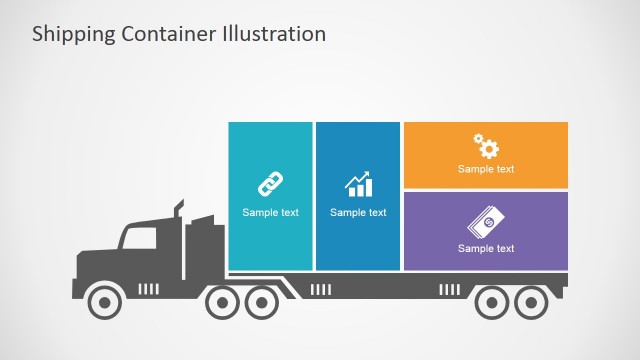
The Logistics Icons for PowerPoint Template is a presentation containing a collection of professionally designed icons, graphics, images and vectors that can be used by presenters in any presentation geared towards the exploration of logistics and supply chains. These high quality clip art icons could be used by any professional presenter to create brilliant logistics presentations to demonstrate to an audience:
- new supply chains
- new methods of delivery or transportation
- new methods of storing goods to be shipped
- a plan for a new logistics or goods delivery project or company
Because of the nature of logistics firms and the high level of planning that needs to be done to ensure that everything gets where it needs to be getting to in time and on mission, it is often the case that logistics companies require a great deal of thought before setting out. If you’re involved with supply chains, logistics or transportation and are planning to deliver a presentation to coordinate such work, this is the template package for you.
The editable logistics graphic elements include vectors that depict:
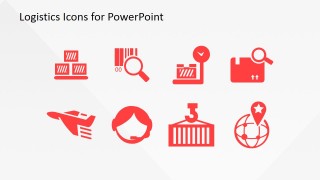
- transportation vehicles like aeroplanes, vans, articulated lorries, boats and pick-up trucks
- logistical procedures like tick lists, check sheets, barcode scanning, package inspection
- communication links like telephone operators
These icons are ideal for all lectures relating to logistics and supply chain transportation. The professional presenter who is delivering such a lecture can use the icons contained within this template to produce high quality, subject specific lectures with really interesting visual aids. The icons have been provided in a series of themed varieties: flat, red, red gradient and grey though are all of them fully customisable to ensure seamless application within any presentation. You can change anything from the color to the size or even add 3D effects to your logistics icons.
The presenter can combine this Logistics Icons for PowerPoint with any of the icons in our PowerPoint Icons gallery. Also, check our collection of logistics PowerPoint templates.
What’s inside this template
Example presentation scenarios
- A logistics manager can use the truck, ship, airplane, and forklift icons to explain transportation modes in an internal distribution update.
- A supply chain consultant can place the package search, barcode, and checklist icons into a client workflow to show inspection, tracking, and compliance checkpoints.
- A warehouse operations team can use the cargo, hand truck, forklift, and container symbols to label receiving, storage, picking, and outbound shipping sections.
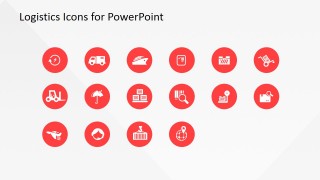
- A business educator can use the circular icon badge grid to create clear visual cues for a lecture on freight handling, global delivery, and customer support.
Features
- 100% editable presentation template
- Compatible with Microsoft PowerPoint and Google Slides
- 16:9 aspect ratio slides
- Scalable vector shapes, icons and illustrations
- AI-Ready for Microsoft Copilot and Claude
- Instant access and download
Frequently asked questions
Q: How should a presenter use these icons without cluttering a logistics slide?
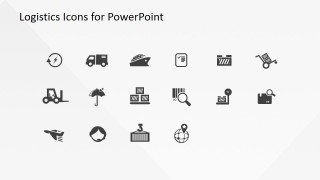
A: Start with one icon per major idea, such as truck for road delivery, ship for sea freight, or barcode search for tracking. Keep icon size consistent and place labels close to each symbol. Use the red icons for primary steps and the gray icons for supporting details so the audience can scan the slide quickly.
Q: Who benefits most from this logistics icon set?
A: This template fits presenters who already have content and need recognizable visual markers for transportation, warehousing, and fulfillment topics. Logistics managers, consultants, and trainers can use the icons to label process stages, compare freight options, or explain inspection tasks without building custom illustrations from scratch.
Q: Why does the template include red, circular, and gray versions of similar logistics symbols?
A: The style variations help assign meaning through visual hierarchy. Large red icons can introduce key operations, circular badges can mark categories or status points, and gray icons can support secondary labels. The logistics metaphors are literal, so viewers connect each symbol to vehicles, cargo, tracking, or global delivery with little explanation.
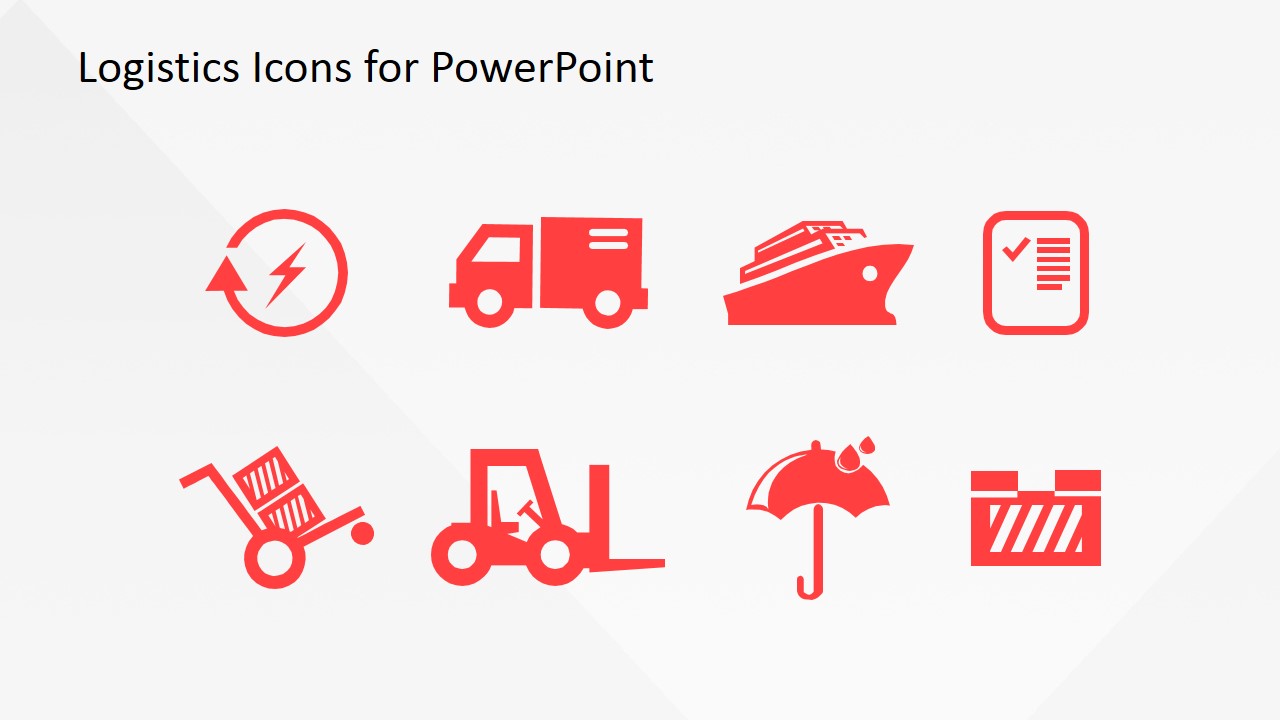
Logistics Icons for PowerPoint
4-slide logistics icon presentation template with vehicle symbols, cargo handling, and inspection graphics
Logistics Icons for PowerPoint is a 4-slide icon and clipart template for supply chain, transportation, and delivery presentations. It includes red vehicle and cargo symbols, package inspection icons, circular icon badges, and a gray icon sheet. Designed for presenters building visual aids in Microsoft PowerPoint or Google Slides.
- Category
- Shapes
- Rating


 Loading...
- Aspect ratio
- 16:9, 4:3
- Item ID
- 6720-01
- Colors
 Microsoft PowerPoint
  Microsoft Copilot
  Claude for PowerPoint
 Other formats supported
Subscribe today and get immediate
access to download our PowerPoint templates.