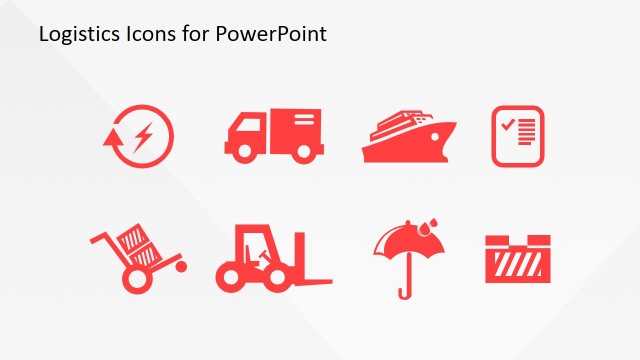
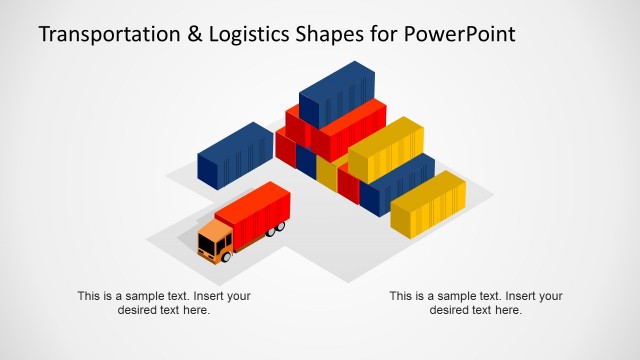
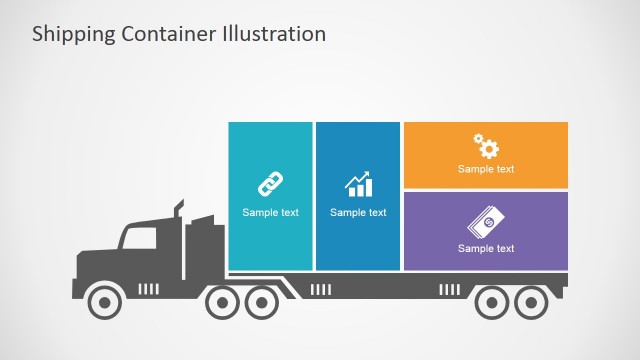
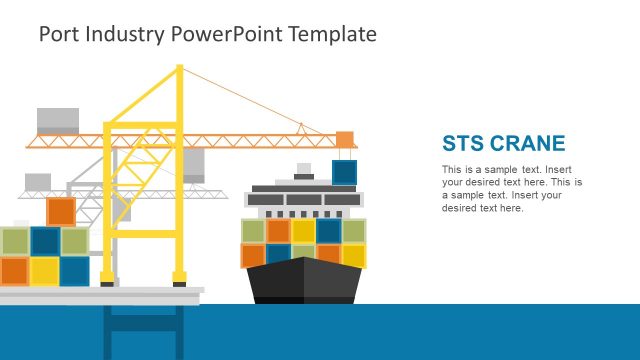
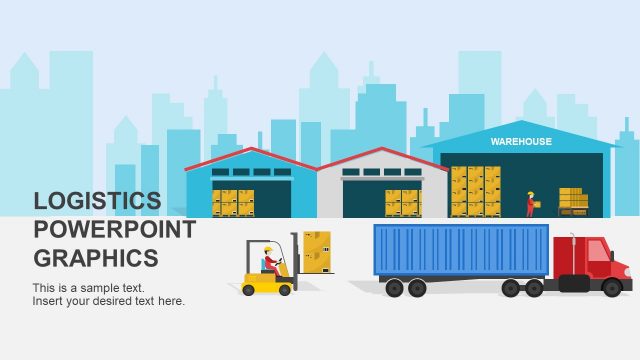
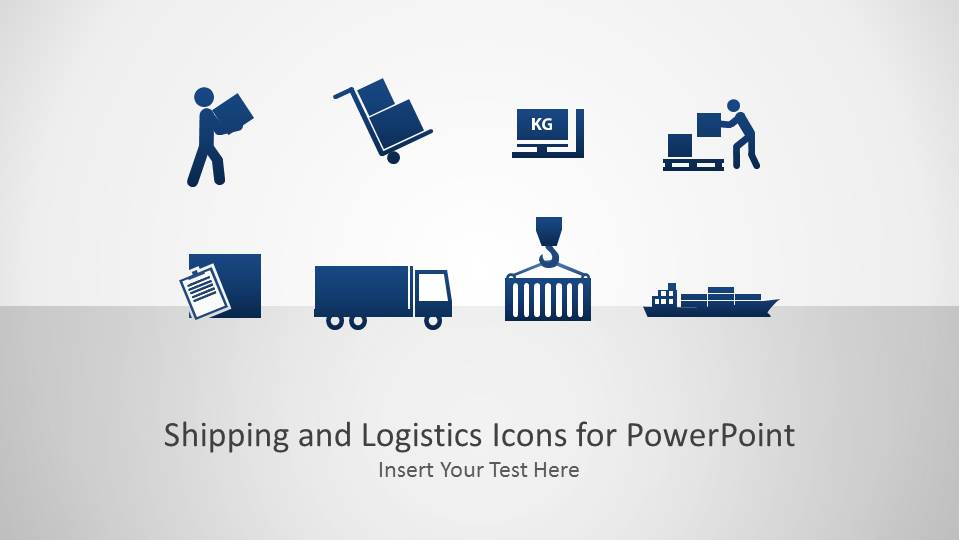
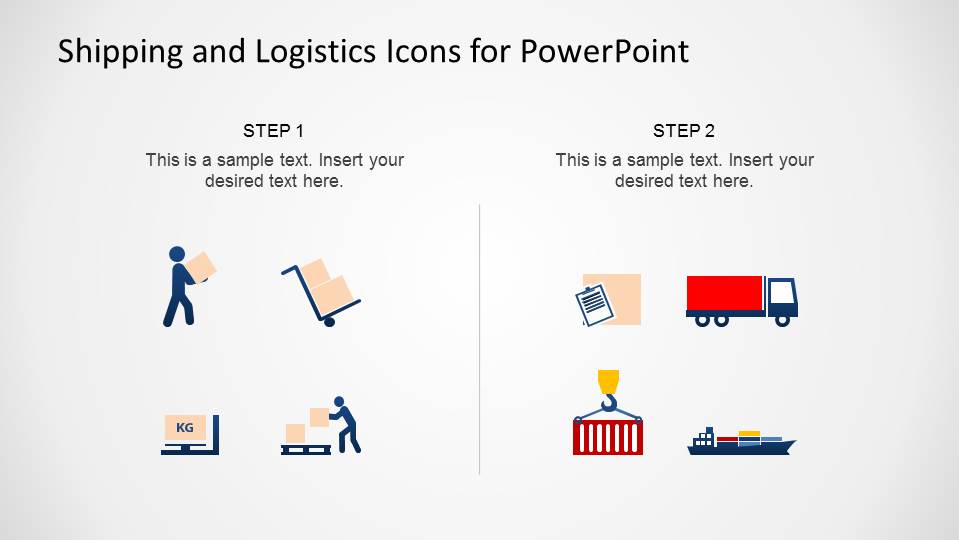
Shipping and Logistics Icons for PowerPoint is a professional presentation containing a catalog of eight PowerPoint Icons with shipping and logistics themes. Each Icon is presented in different formats:
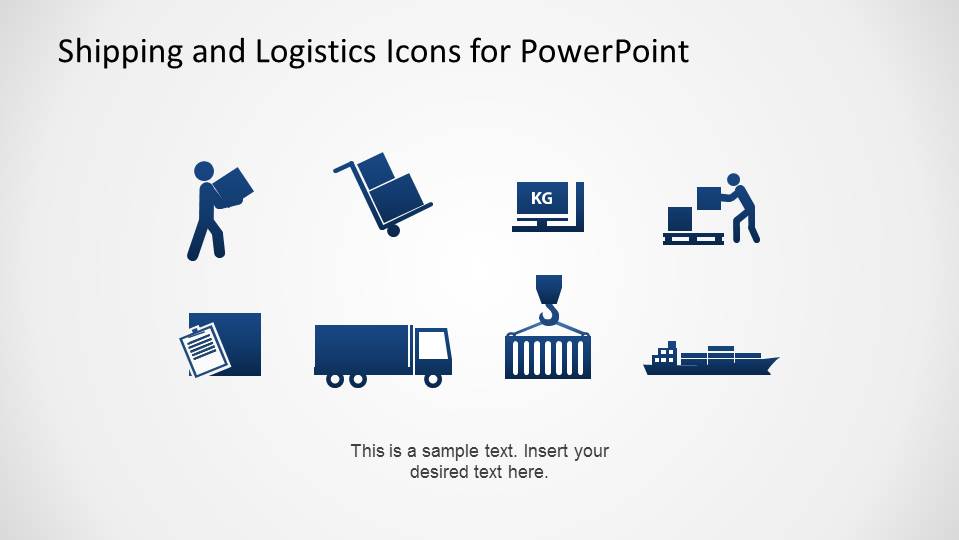
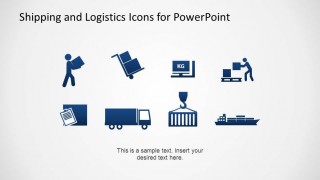
- Flat icons design
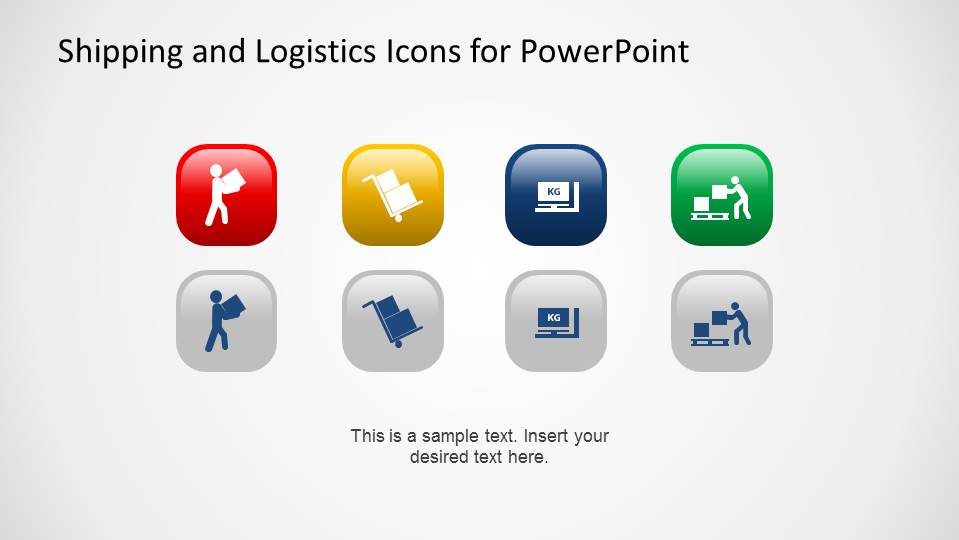
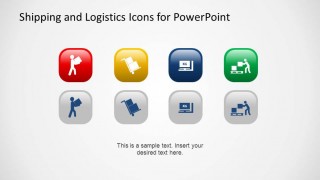
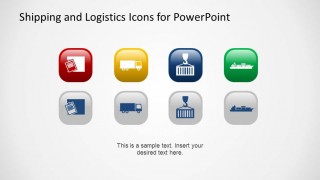
- Flat icons design with 3D lighting effect
- Colored background Icons limited
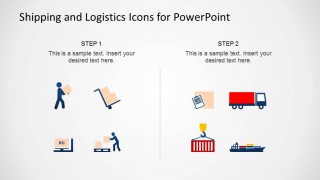
- Colored fill Icons
Each Icon is created as a PowerPoint shape, allowing the user to edit 100% of the icon properties (size, color, effects, etc) without losing graphic visual quality. The icons themes represent the following related activities (topics) in the shipping and logistics business:
- Cargo
- Box Moving
- Scale and Weight measuring
- Pallets
- Trucks
- Containers and Crane
- Ships
Impress your audience and complement your presentation with this visual appealing professional Shipping and Logistics Icons for PowerPoint.
What’s inside this template
Example presentation scenarios
- A logistics manager can explain warehouse-to-transport activities by pairing the flat icon catalog with brief notes on cargo, pallets, trucks, and ships.
- A freight sales presenter can introduce service categories by using the four-icon callout layouts to describe paperwork, truck delivery, crane loading, and vessel transport.
- A supply chain analyst can summarize a simple operational handoff by using the two-step process slide with icon clusters under each step.
- A transportation consultant can standardize visual language across a client deck by reusing the editable worker, truck, scale, crane, and ship symbols.
Features
- 100% editable presentation template
- Compatible with Microsoft PowerPoint and Google Slides
- 16:9 aspect ratio slides
- Scalable vector shapes, icons and illustrations
- AI-Ready for Microsoft Copilot and Claude
- Instant access and download
Frequently asked questions
Q: How should a presenter use these icons without making the slide feel decorative?
A: Tie each icon to a specific operational meaning before adding it to a slide. For example, use the scale icon only for weight checks, the crane icon for container handling, and the ship icon for ocean freight. The callout layouts work best when each symbol anchors one short message rather than repeating the same idea visually.
Q: Who is this template best suited for in a logistics presentation?
A: It fits presenters who need to explain services, activities, or handoffs in plain visual terms, such as logistics managers, freight providers, supply chain consultants, and operations teams. The flat icon catalog supports consistent labeling, while the two-step process slide helps describe a simple before-and-after or inbound-to-outbound flow.
Q: Why do the flat and glossy icon variations help communication?
A: The flat icons are useful for clean operational diagrams because they stay simple and readable. The glossy square icons act more like category markers, drawing attention to grouped services or decision areas. Having both styles lets the presenter choose between diagram clarity and stronger visual emphasis without changing the logistics metaphor.

Shipping and Logistics Icons for PowerPoint
7-slide presentation template with shipping icons, cargo graphics, and logistics process callouts
Shipping and Logistics Icons for PowerPoint is a 7-slide presentation template for transportation and supply chain visuals. It includes a title cover, flat icon catalog, glossy app-style icon grids, a two-step process layout, and four-icon callout layouts. The icons are editable vector PowerPoint shapes for Microsoft PowerPoint and Google Slides.
- Category
- Shapes
- Rating


 Loading...
- Aspect ratio
- 16:9, 4:3
- Item ID
- 6533-02
- Colors
 Microsoft PowerPoint
  Microsoft Copilot
  Claude for PowerPoint
 Other formats supported
Subscribe today and get immediate
access to download our PowerPoint templates.