Present your essential points in the business meetings using our Exclamation Mark PowerPoint Template. An exclamation mark is used to highlight a strong emotion, emphasis, or a surprise. We created this template using 100% editable PowerPoint shapes, fully compatible with Google Slides and Keynote. There are multiple variations of the exclamation mark in this template. The exclamation mark attracts the audience’s attention and inculcates a bit of curiosity in the public. Scholars, mentors, and trainers can use this template to make their moral, ethical, or psychological points prominent in the webinars or awareness sessions. Digital marketers can use these signs to showcase the key advertisement channels, campaign types, and lead magnets.
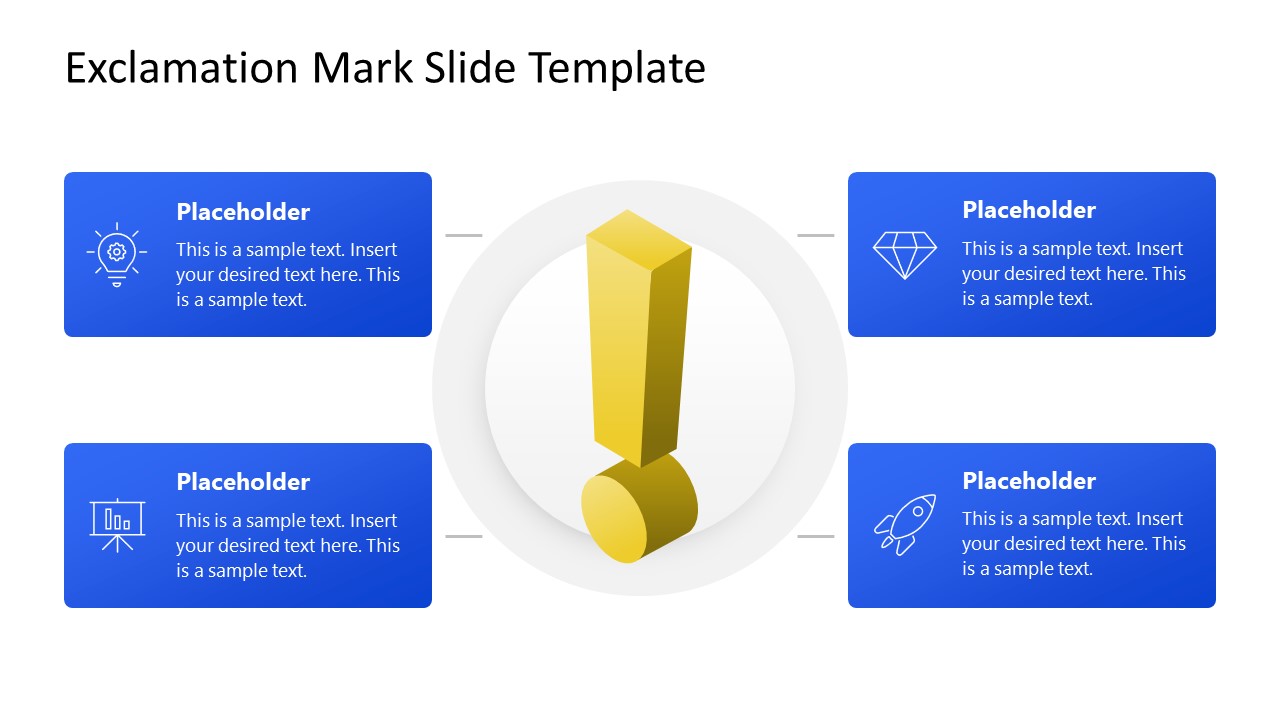
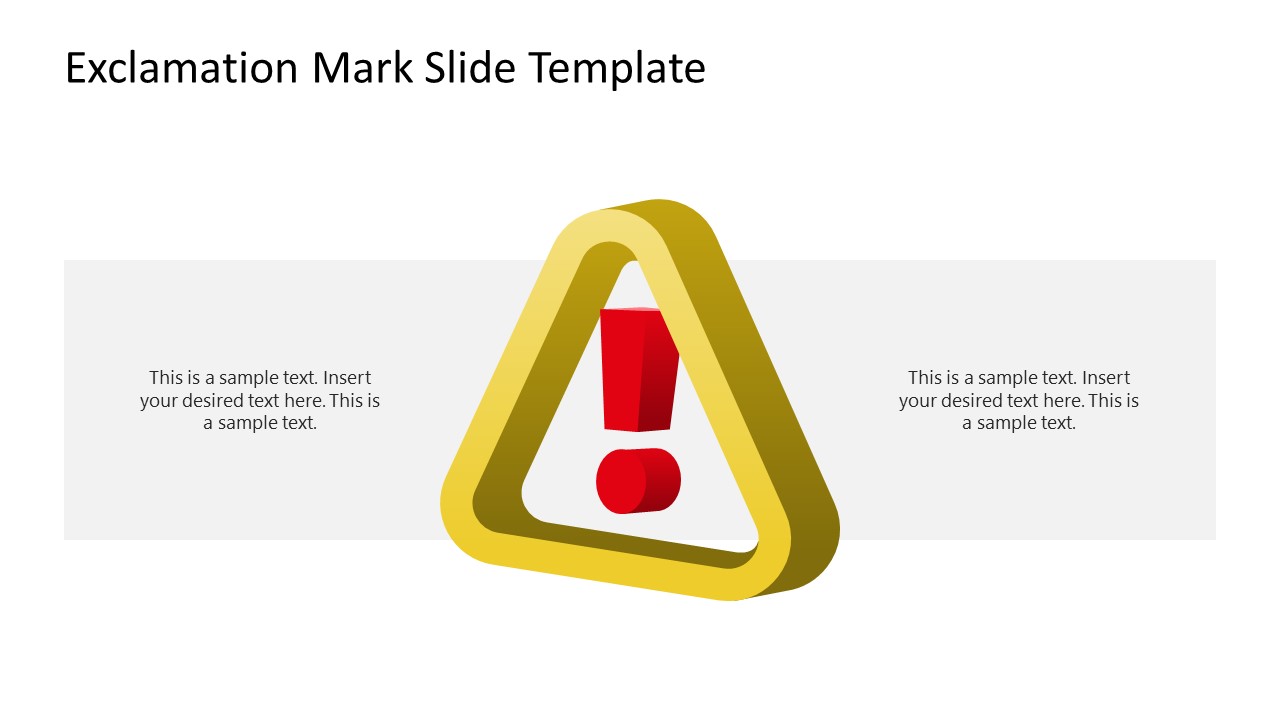
This exclamation mark template is also helpful for project managers to showcase different KPIs, improvements, or strategies to their project teams. Moreover, this engaging slide template enables professionals to mention various achievements and positive outcomes in the executive sessions. The Exclamation Mark PowerPoint Template has six slides, each with a unique variant of exclamation marks or graphical shapes. The first slide has a 3D yellow exclamation mark with two similar more minor marks on the back. A large, editable text section is provided for presenters to showcase the points they must explain to the audience. Next, we offered a single exclamation mark enclosed in a circular shape, and there were four blue-colored text boxes with infographics so that professionals could mention their ideas effectively. The third slide has a red mark in the center of a 3D triangle.
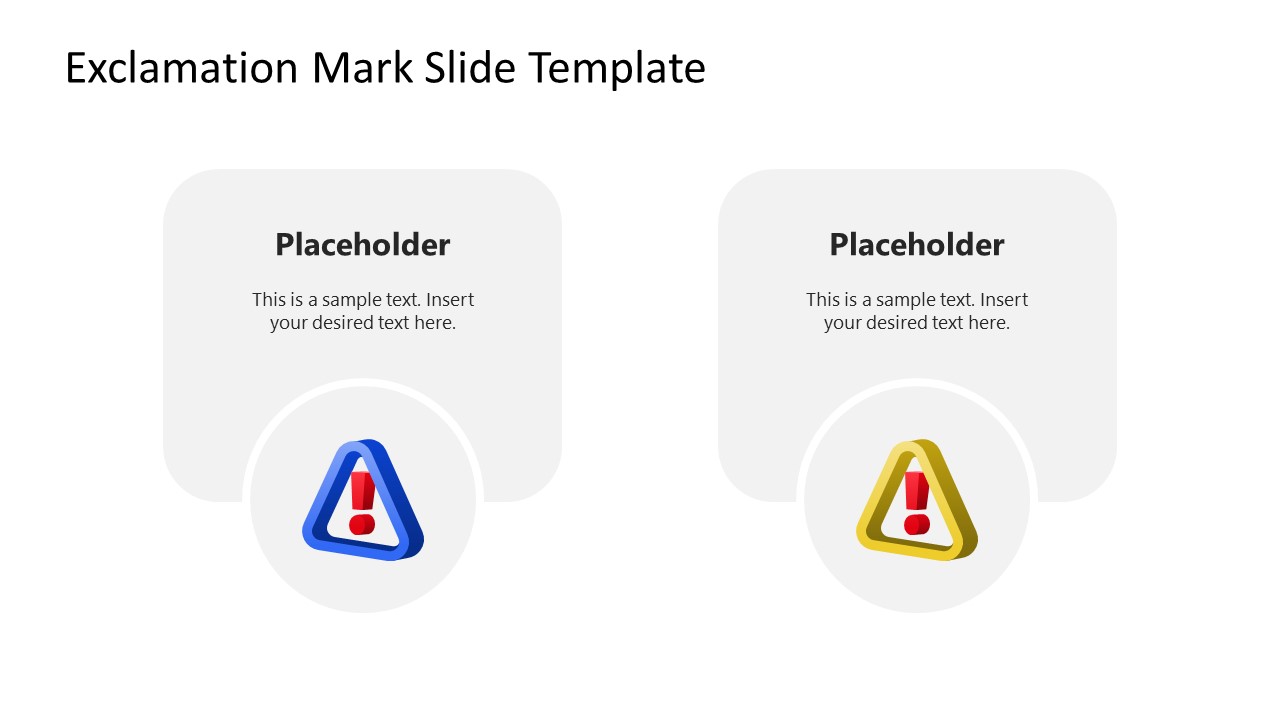
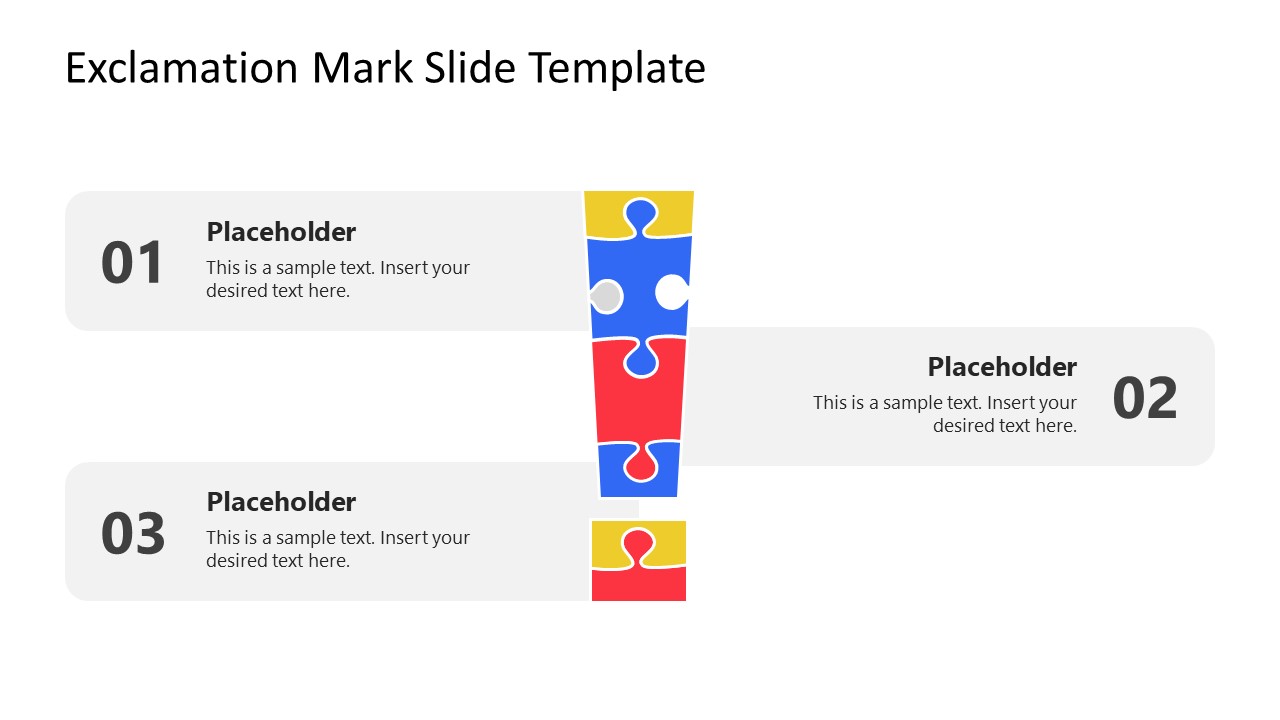
The following slide has two 3D triangles with the same marks and placeholder text segments. Further, there is a jigsaw puzzle vertical diagram for business development experts to mention the three steps of the business growth action plan. You can change the icons, shapes, or effects used in the template to fit your needs perfectly. Download our engaging exclamation mark template for presentation and edit it now!
Alternatively, you can download other exclamation slide templates for PowerPoint or slide templates including geometric shapes and visual infographics.
What’s inside this template
Example presentation scenarios
- A project manager can brief a delivery team on critical KPIs or risks using the warning triangle layout and the three-option symbol slide to separate urgency levels.
- A trainer can reinforce important lesson takeaways by placing the main rule on the 3D exclamation title slide and supporting points in the four-callout hub diagram.
- A marketing manager can present campaign priorities by using the blue callout cards for channels or tactics and the puzzle-step process for the action plan.
- A consultant can guide executives through a focused recommendation by using the two-card comparison slide to contrast two choices and the numbered puzzle layout to explain next steps.
Features
- 100% editable presentation template
- Compatible with Microsoft PowerPoint and Google Slides
- 16:9 aspect ratio slides
- Scalable vector shapes, icons and illustrations
- AI-Ready for Microsoft Copilot and Claude
- Instant access and download
Frequently asked questions
Q: How should a presenter use the exclamation mark without making the message feel exaggerated?
A: Reserve the exclamation mark slides for the few points that truly need audience attention. Use Slide 1 for the main takeaway, Slide 2 for four supporting reasons, and Slide 5 for action steps. Keeping the text short helps the symbol act as emphasis rather than decoration.
Q: Who is this template best suited for in a business or learning setting?
A: It works best for presenters who need to mark priorities, warnings, changes, or reminders in a short session. Project managers can flag risks, trainers can frame key rules, and marketers can call out campaign focus areas. The layouts are strongest when the message is urgent, important, or easy to summarize.
Q: Why does the template use warning signs, puzzle pieces, and geometric badges together?
A: Each metaphor gives a different type of emphasis. Warning triangles signal caution, puzzle pieces imply an action plan with connected parts, and geometric badges help compare categories. This lets the presenter match the visual cue to the message instead of repeating the same alert symbol on every slide.



Exclamation Mark PowerPoint Template
6-slide presentation template with exclamation mark diagrams, warning symbols, and puzzle steps
This 6-slide Exclamation Mark PowerPoint Template is a diagram set for emphasizing key messages in business, training, and awareness presentations. It includes a 3D exclamation title layout, four-callout hub diagram, warning triangle, two-card comparison, puzzle-step process, and three-option symbol layout for Microsoft PowerPoint and Google Slides.
- Category
- Diagrams
- Rating

 Loading...
- Aspect ratio
- 16:9
- Item ID
- 22899-01
- Colors
 Microsoft PowerPoint
 Microsoft Copilot
 Claude for PowerPoint
Other formats supported
Subscribe today and get immediate
access to download our PowerPoint templates.