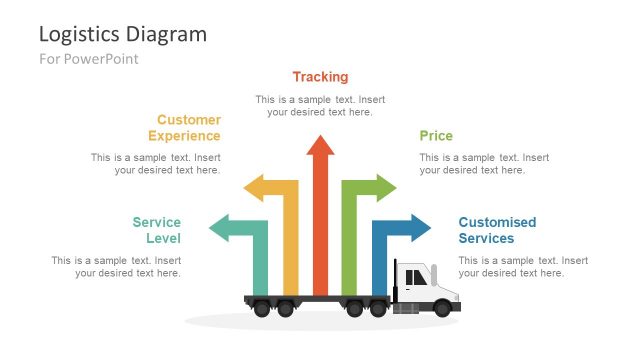
Use the Shipping Cargo Container Slides for PowerPoint for business presentations proposing a new shipping method for a company’s product distribution system. The PowerPoint template contains vector drawings of a flatbed delivery truck. It is most commonly used in transportation of large and heavy materials and products, such as home and office furniture.
Shipping and transportation is a multi-million dollar industry, servicing anything from moving furniture into a new home, to transporting luxury cars from one country to another. The ease of transportation allows the fast transfer of materials from farms to factories, lessening freight costs for the company. It effectively allows manufacturing companies to lower their materials costs by hiring professional transport companies. The shipping industry deals with four main components: connections, statistical analysis, logistics, and financials. These four cooperate to make a successful trading and shipping venture.
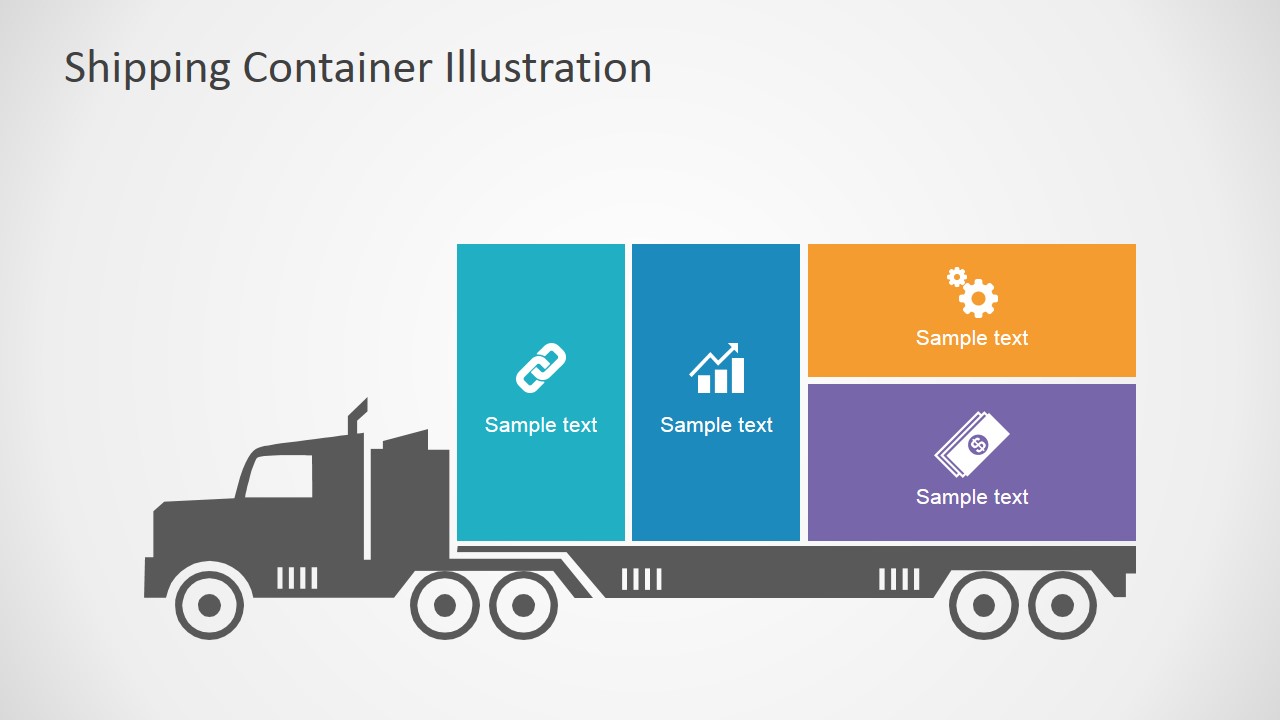
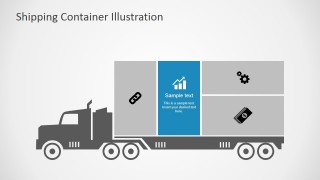
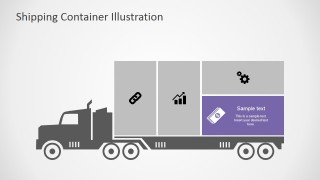
These concepts are featured in the PowerPoint template as boxes on top of the flatbed. Connections are represented by a chain link; statistical analysis, by a bar graph; logistics, by a set of gears; and financials, by a stack of bills. Connections refer to the presenter or organizer prospective shipping companies being put under consideration. Statistical analysis is greatly involved in this selection process. Trends in the weights and volume of materials have to be analyzed to determine which cargo company to hire. Analysts have to determine the most equitable and most efficient way of transportation in order to ensure that little to no resources are wasted in the process.
The Shipping Cargo Container Slides for PowerPoint is ideal for business pitches which involve an effective transport system. Using the fully editable graphics, the presenter can adjust the PowerPoint objects to match the corresponding weights of importance of each component. The user can include additional metaphors or informative images downloading PowerPoint Icons or PowerPoint Shapes from our Galleries.
What’s inside this template
Example presentation scenarios
- A logistics manager can use the flatbed truck container diagram to explain how connections, statistics, operations, and financial factors shape a freight decision.
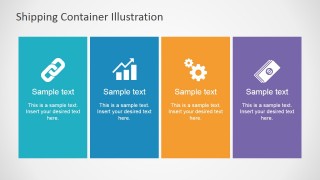
- A transportation consultant can use the four-panel icon strip to summarize the evaluation criteria behind a new shipping method for a client.
- An operations presenter can use the highlighted cargo block slides to focus discussion on one logistics topic at a time without changing the overall visual metaphor.
- A business development team can use the truck and container graphics to frame a transportation service pitch around measurable value, route planning, and cost control.
Features
- 100% editable presentation template
- Compatible with Microsoft PowerPoint and Google Slides
- 16:9 aspect ratio slides
- Scalable vector shapes, icons and illustrations
- AI-Ready for Microsoft Copilot and Claude
- Instant access and download
Frequently asked questions
Q: How should a presenter structure the message with this cargo container template?
A: Start with the full flatbed truck diagram to frame the logistics system, then move to the four-panel icon slide to define the main decision factors. Use the highlighted container slides to isolate one factor per discussion point. This keeps the audience focused on the relationship between cargo movement and business priorities.
Q: Who is this template best suited for in a logistics presentation?
A: It fits logistics managers, operations leaders, consultants, and transport service providers who need to explain shipping choices without a detailed data dashboard. The truck metaphor works well for proposal meetings, distribution planning, and supply chain briefings where the goal is to make criteria such as connections, analysis, operations, and cost easy to compare.
Q: Why use a truck and container metaphor instead of a standard list of topics?
A: The flatbed truck makes each topic feel like part of the same load, so the audience sees logistics as an integrated system rather than separate bullet points. The highlighted container variations also create a simple visual rhythm: show the whole shipment, then spotlight one component at a time.




Shipping Cargo Container Slides for PowerPoint
6-slide presentation template with cargo truck diagrams and logistics icons for shipping proposals
Shipping Cargo Container Slides for PowerPoint is a 6-slide logistics infographic template for Microsoft PowerPoint and Google Slides. It shows a flatbed truck container diagram, four-panel icon strip, highlighted cargo block variations, and editable logistics icons for connections, statistics, operations, and financial topics.
- Category
- Shapes
- Rating


 Loading...
- Aspect ratio
- 16:9, 4:3
- Item ID
- 7021-01
- Colors
 Microsoft PowerPoint
  Microsoft Copilot
  Claude for PowerPoint
 Other formats supported
Subscribe today and get immediate
access to download our PowerPoint templates.