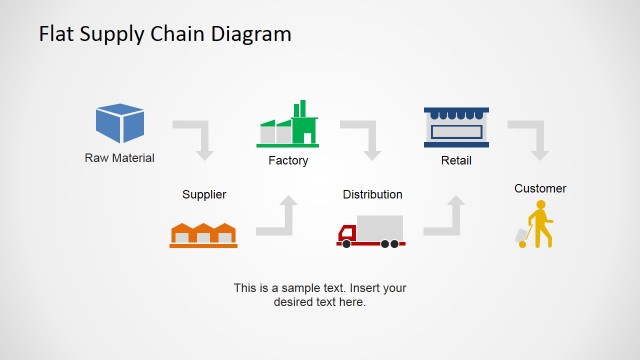
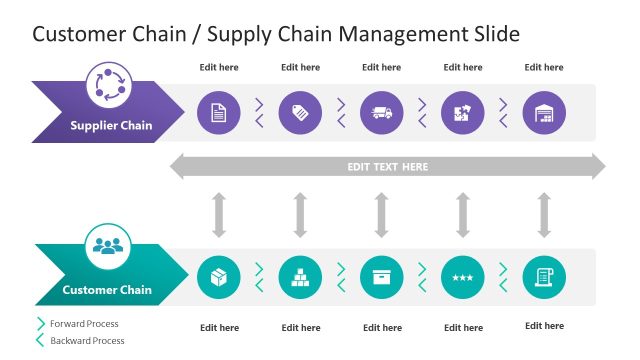
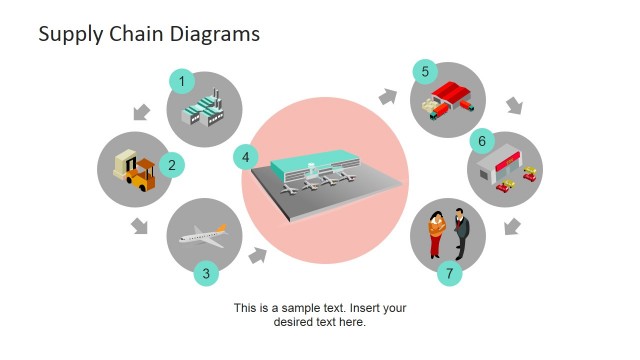
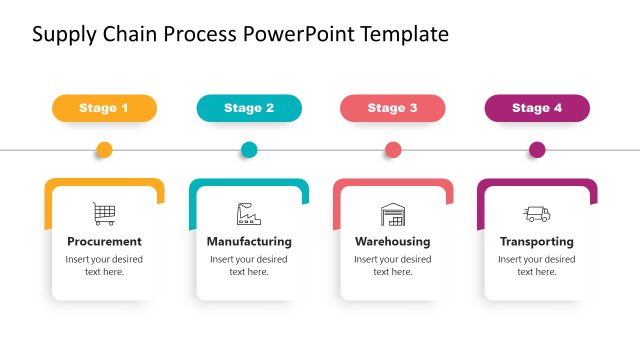
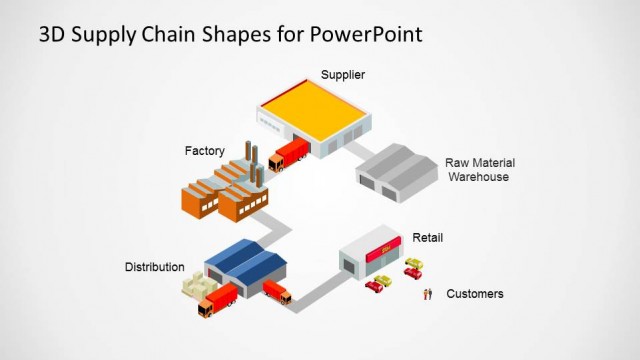
Supply Chain PowerPoint Diagram Flat Design is a PowerPoint presentation direct to the point illustration of SCM – designed to be easily understood by all employee levels even outside of the operations management. The presentation consists of eight (8) editable slides where you can freely demonstrate the principles of supply chain management. The first and second slides give a summary of the supply chain while the rest of the slides allow for thorough information for each stage. These PowerPoint slides are created to clearly and concisely depict the stages in the supply chain.
The supply chain is the process in the business that entails the development of the product from raw materials up to the product or service delivered to the customer. This part of the business is often confused with other processes. However, the key in differentiating this from other similar business process such as value chain and logistics is understanding how other organizations or business entities are involved in the development of a product or service. In this process, we focus our attention in the progression of the product as a raw material up to its delivery to the consumers. I would call it as a “macro operation” of a company. The basic understanding of this process is the first step in strategizing in the supply chain management – one of the crucial steps in optimizing a company’s operations. A clear comprehension of all the stages involved in this system allows the management to create a formula that will effectively lower the cost of the business’s major operations.
This supply chain PowerPoint diagram is created to ensure that your audience will fully grasp the relevance of supply chain in the overall operation of the business. It defines the important roles of other companies involved in the movement of a product or service from the raw materials supplier up to the customer.
Capture your audience’s attention with this impressive yet simple Supply Chain Diagram Template.
What’s inside this template
Example presentation scenarios
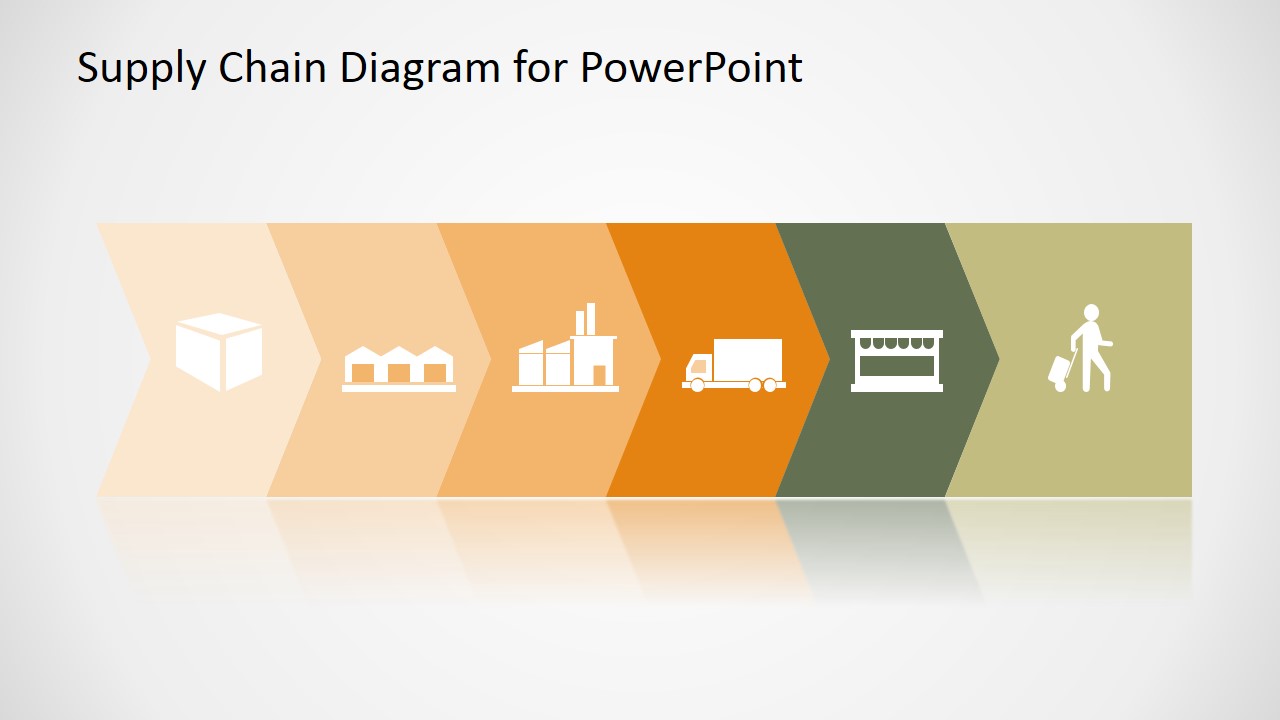
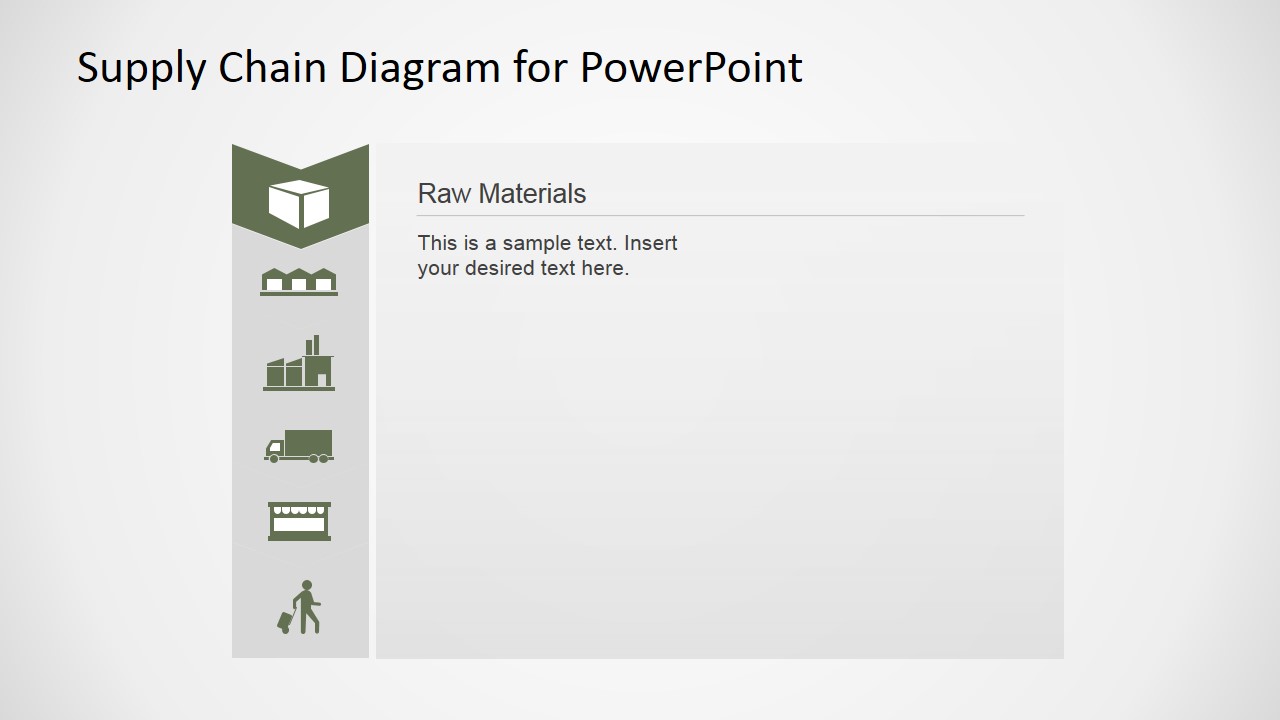
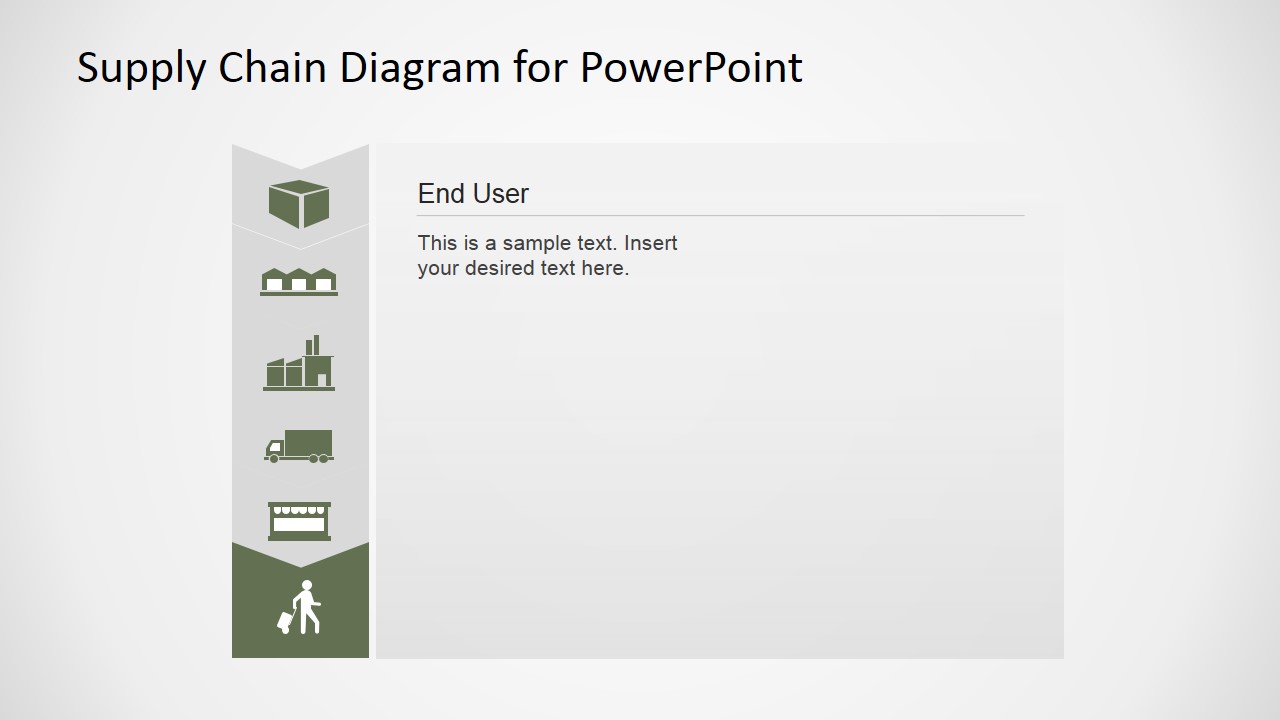
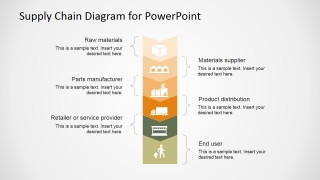
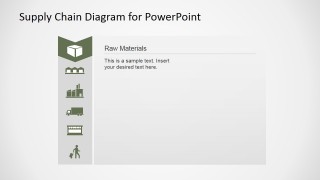
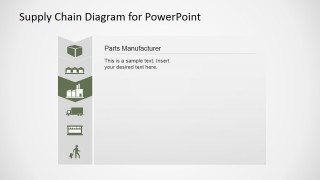
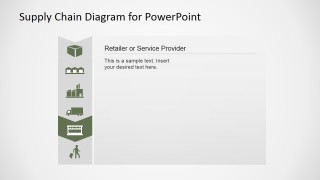
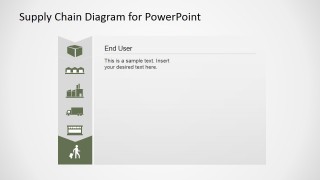
- An operations manager can train new employees on SCM basics by starting with the chevron process and then walking through the raw materials, supplier, manufacturer, distribution, retail, and end user detail slides.
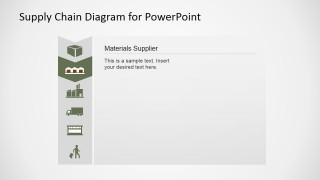
- A procurement leader can brief executives on supplier dependencies by using the vertical stage map and the dedicated materials supplier slide to clarify where external partners affect the chain.
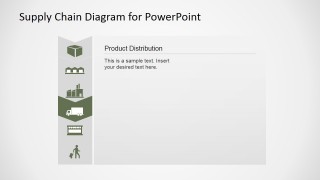
- A logistics presenter can explain distribution responsibilities by using the product distribution detail slide with the truck icon highlighted and adding route, carrier, or handoff notes in the large content panel.
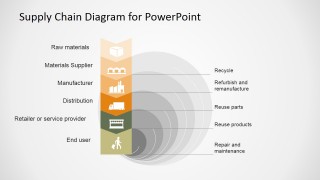
- A sustainability or service team can discuss reverse flows by using the circular loop slide that labels recycle, refurbish and remanufacture, reuse parts, reuse products, and repair and maintenance.
Features
- 100% editable presentation template
- Compatible with Microsoft PowerPoint and Google Slides
- 16:9 aspect ratio slides
- Scalable vector shapes, icons and illustrations
- AI-Ready for Microsoft Copilot and Claude
- Instant access and download
Frequently asked questions
Q: How should a presenter explain the supply chain without overwhelming a non-operations audience?
A: Start with Slide 1 to show the complete chain as a simple left-to-right story. Move to the annotated vertical map on Slide 3 to name each participant, then use only the most relevant stage detail slides. This keeps the audience oriented before discussing supplier, manufacturer, distribution, retail, or end user responsibilities.
Q: Who is this template best suited for in a business presentation?
A: This template fits operations managers, procurement teams, logistics leaders, and business trainers who need to explain SCM roles rather than present financial performance. The stage-by-stage slides are especially useful for onboarding, supplier briefings, internal process reviews, and presentations where the audience needs a shared vocabulary for the supply chain.
Q: Why does the design use chevrons, vertical stage markers, and repeated highlighted icons?
A: The chevrons create a forward-motion metaphor for product flow, while the vertical navigator turns each detail slide into a visible location within the larger chain. Repeating the same icon stack reduces reorientation time, so the audience can focus on the current stage instead of relearning the diagram on every slide.




Supply Chain PowerPoint Diagram Flat Design
9-slide presentation template for SCM process maps, reuse loops, and supply chain stage details
This 9-slide diagram template explains supply chain management with a horizontal chevron process, vertical stage map, circular reuse and repair loop, and stage detail pages. It is built for operations, procurement, logistics, and training presenters who need editable SCM visuals in Microsoft PowerPoint and Google Slides.
- Category
- Diagrams
- Rating


 Loading...
- Aspect ratio
- 16:9, 4:3
- Item ID
- 6548-03
- Colors
 Microsoft PowerPoint
  Microsoft Copilot
  Claude for PowerPoint
 Other formats supported
Subscribe today and get immediate
access to download our PowerPoint templates.