Transportation & Logistics Shapes for PowerPoint is a presentation template containing useful icons and shapes for PowerPoint presentations on global logistics and transportation. Using the objects, the user can make awesome visuals that simplify the discussion for easier understanding. Create exclusive reports for professional audiences.
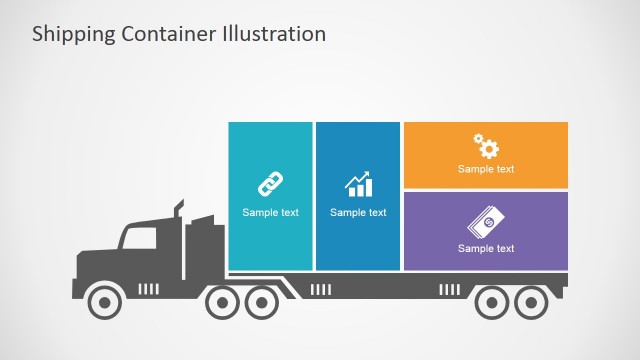
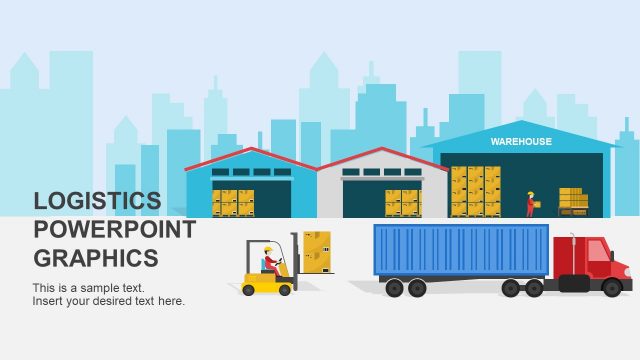
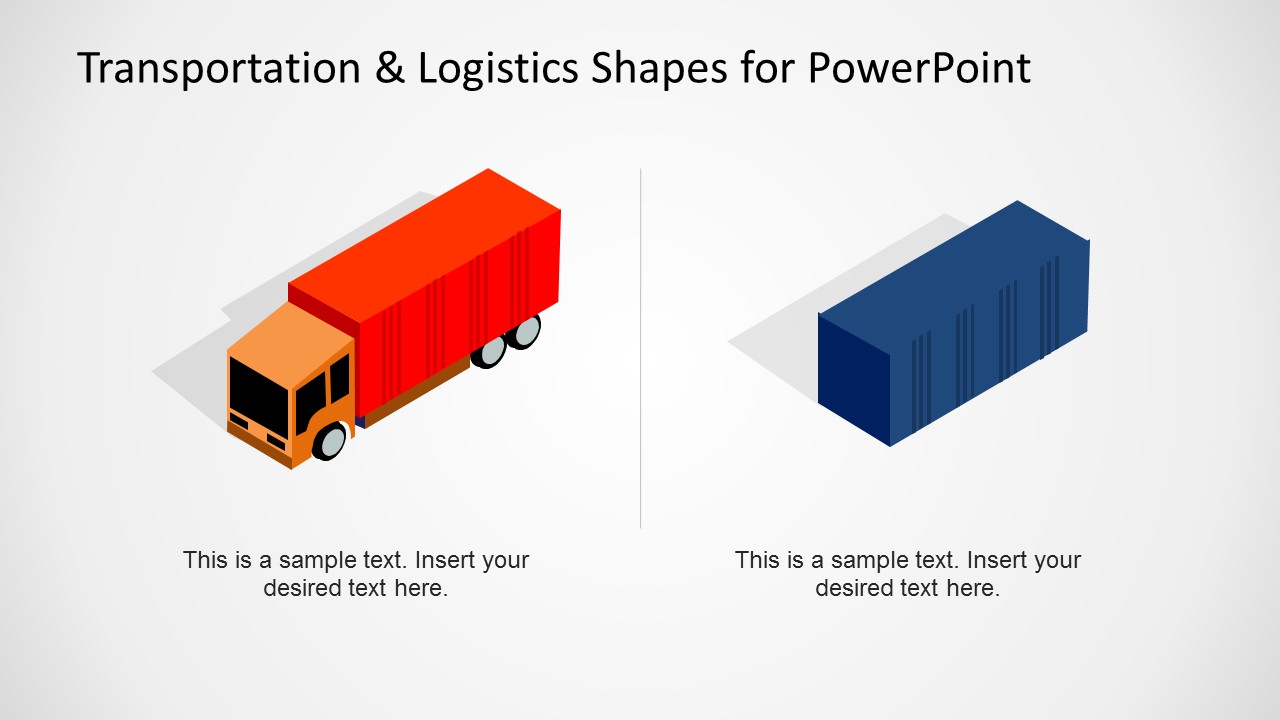
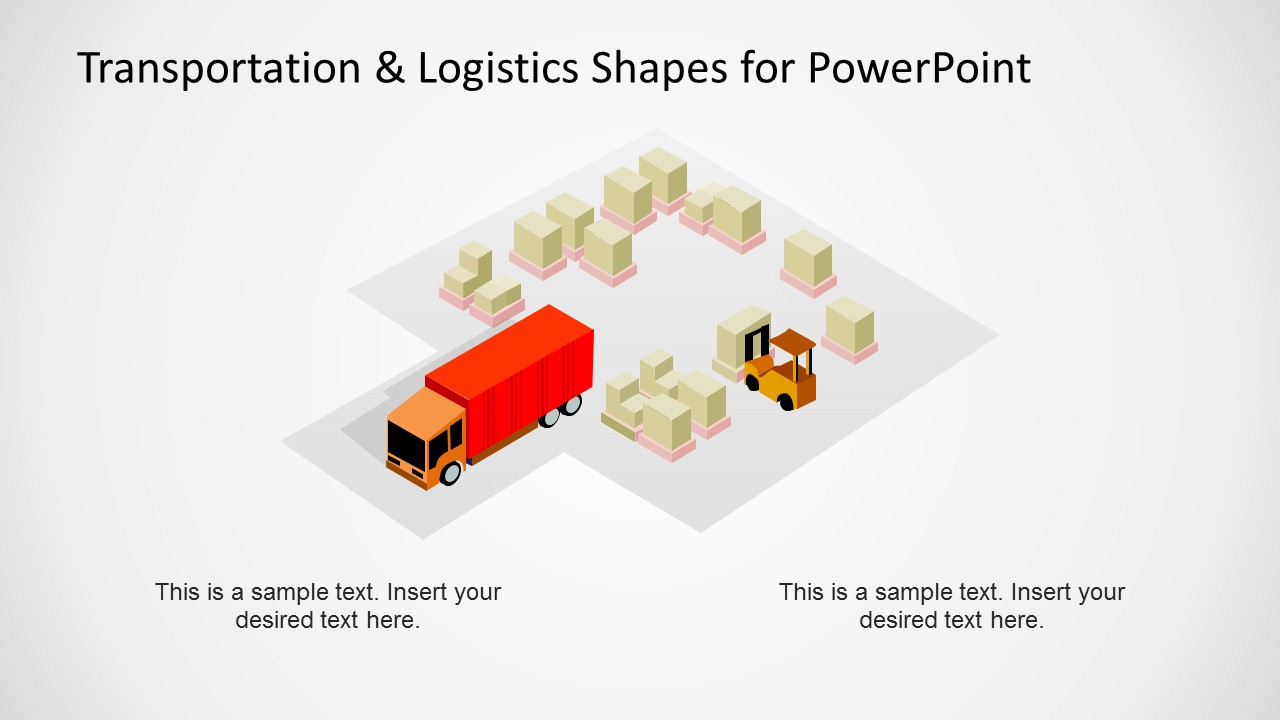
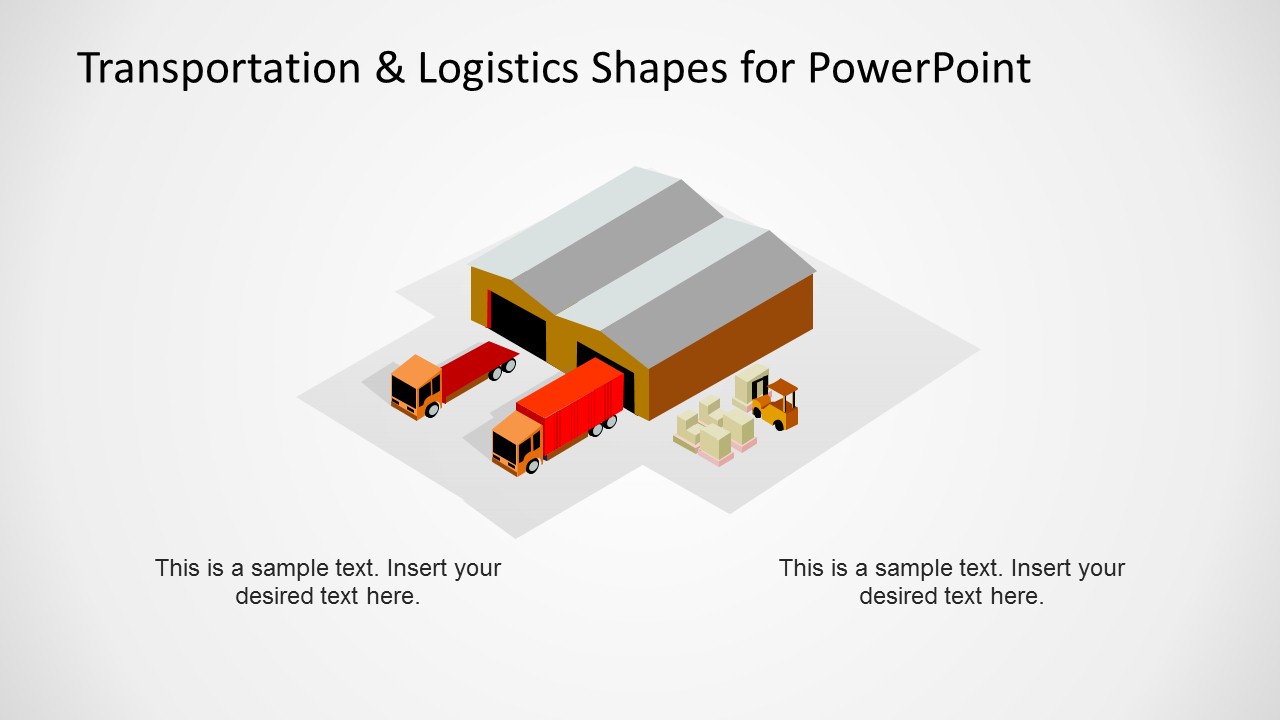
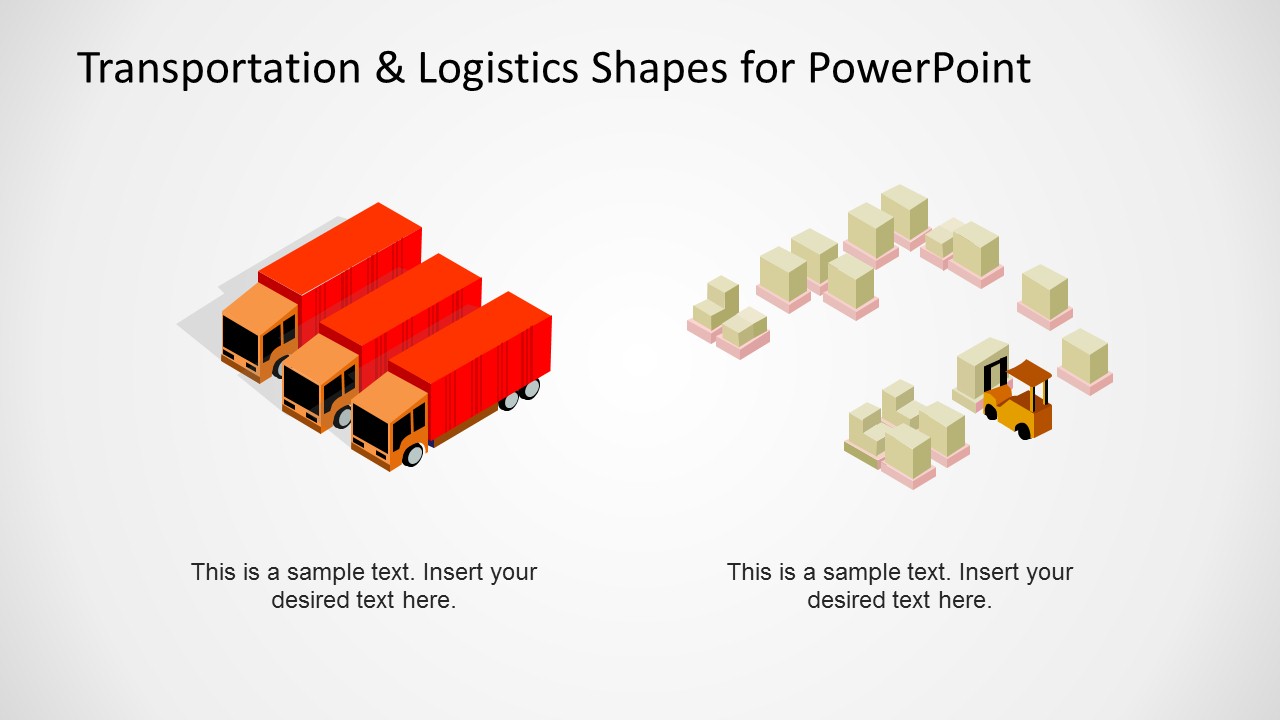
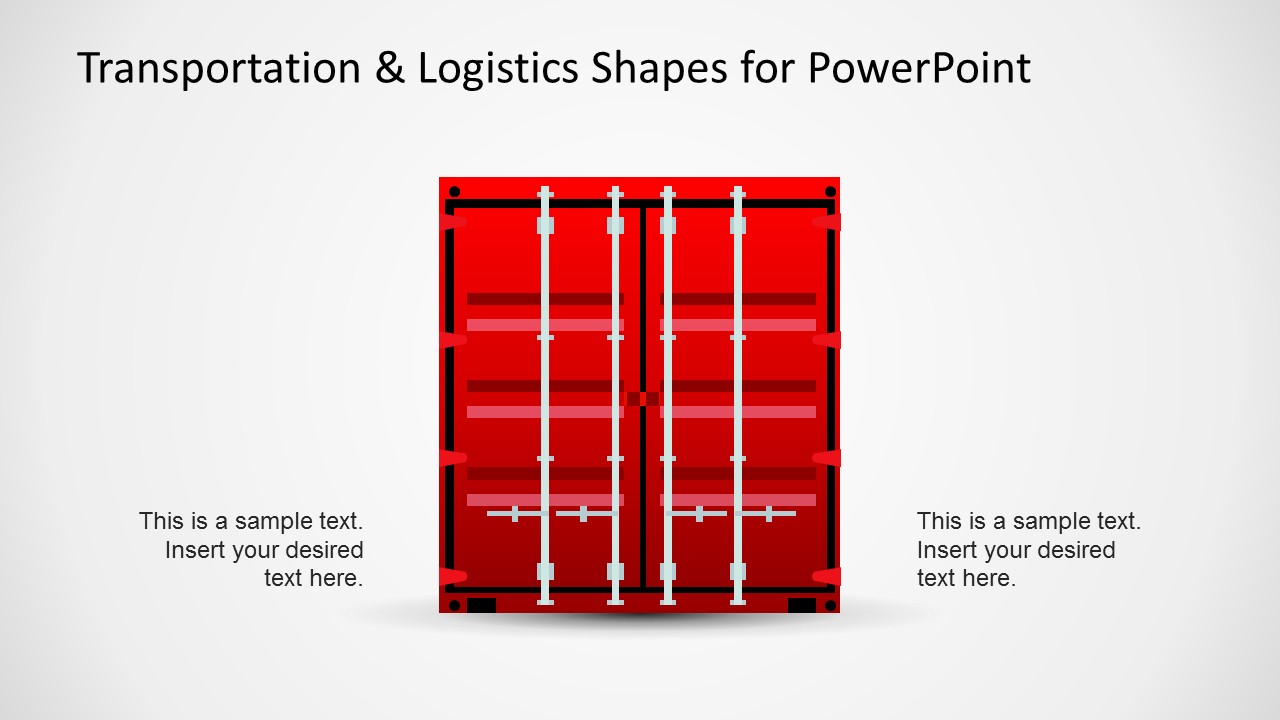
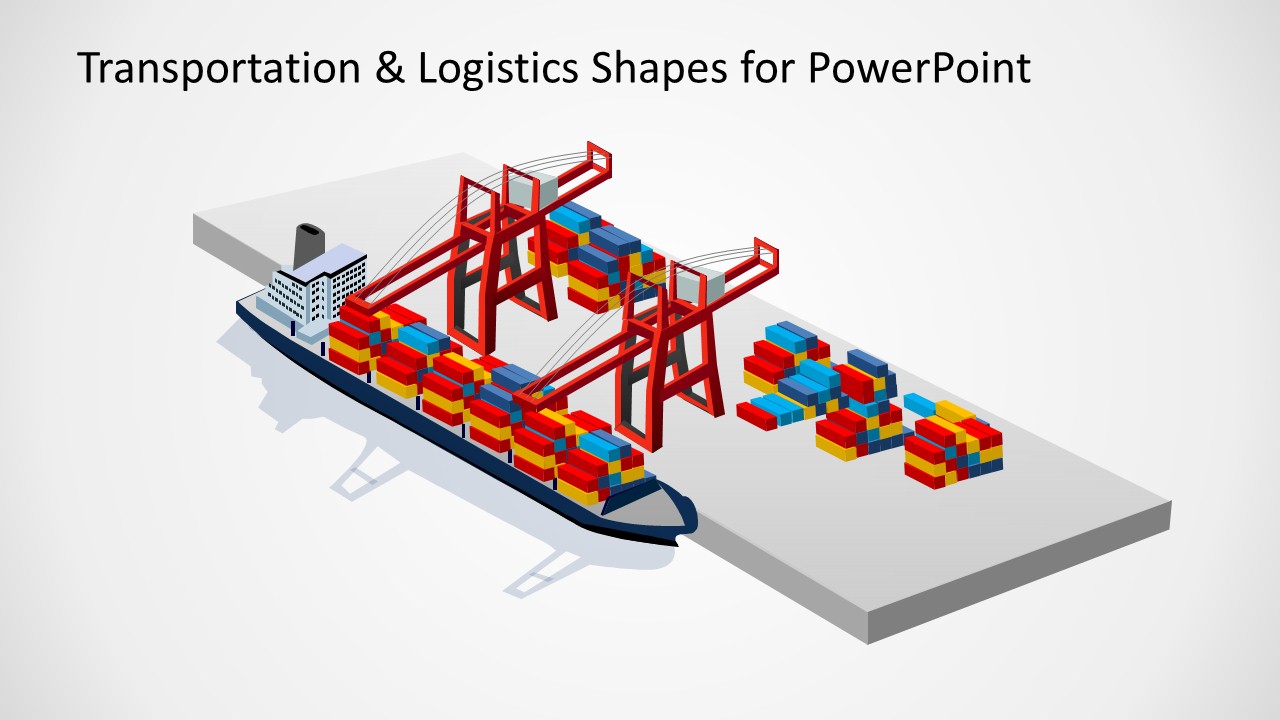
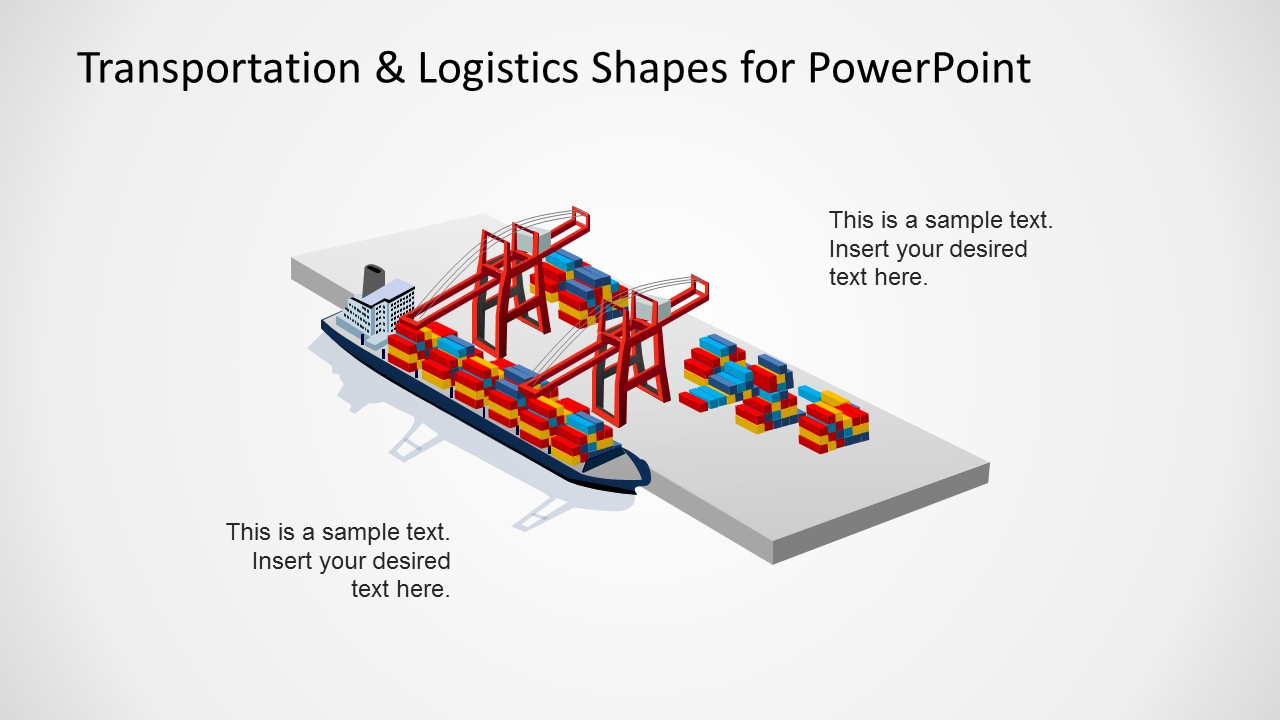
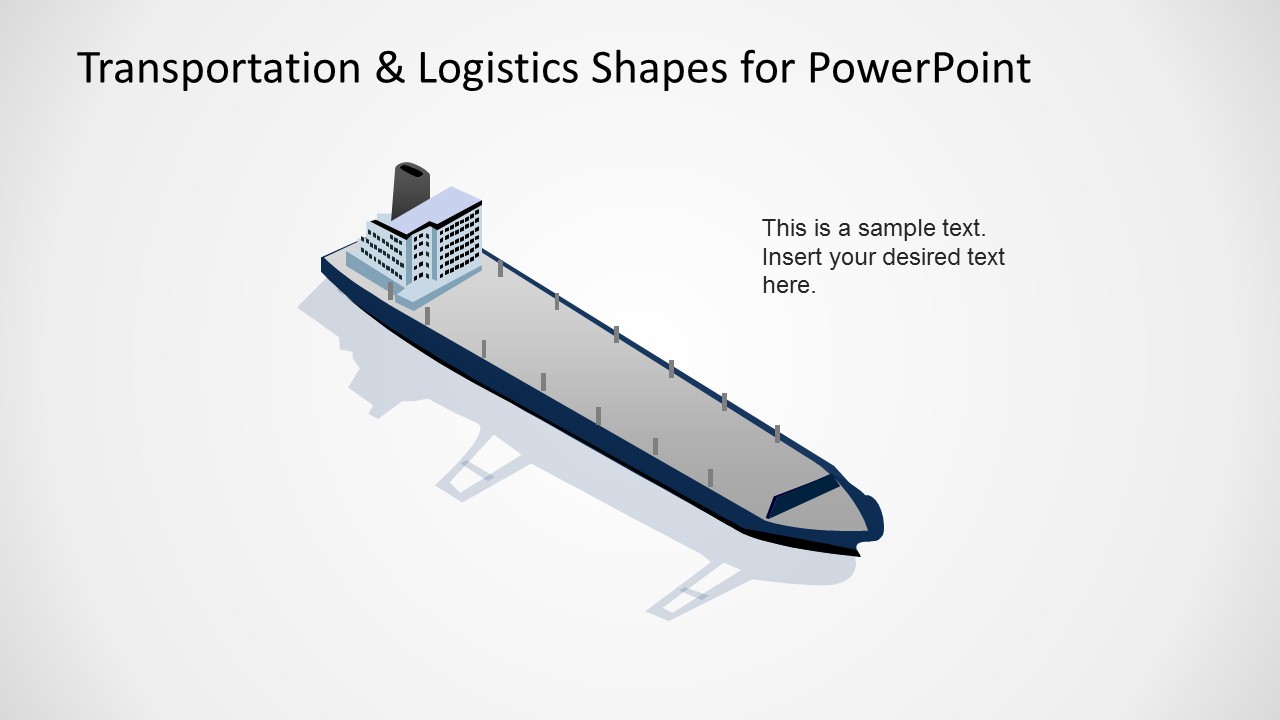
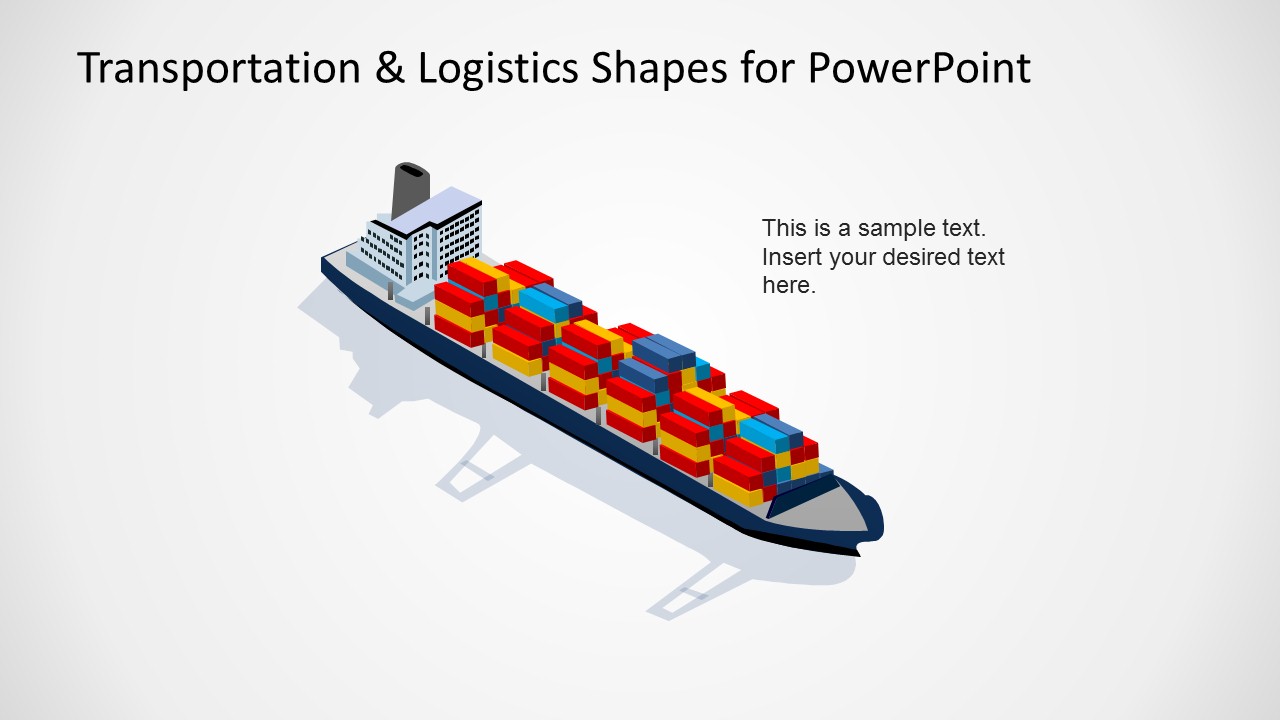
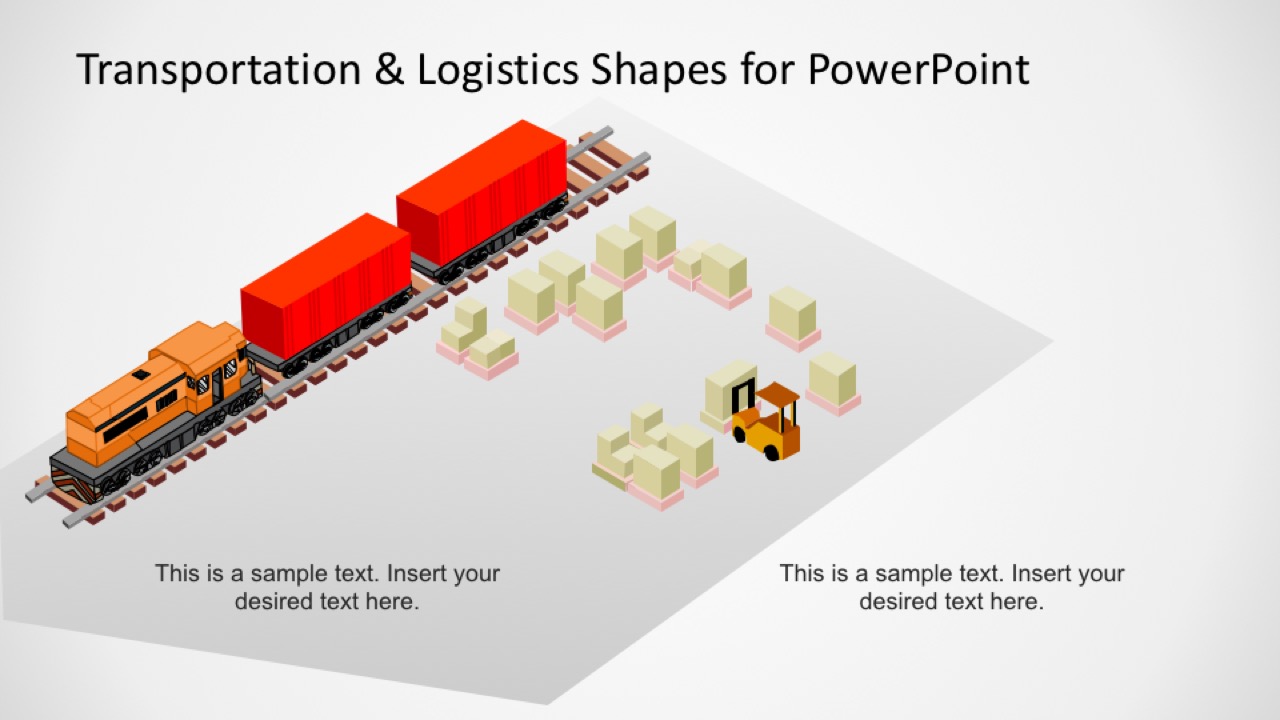
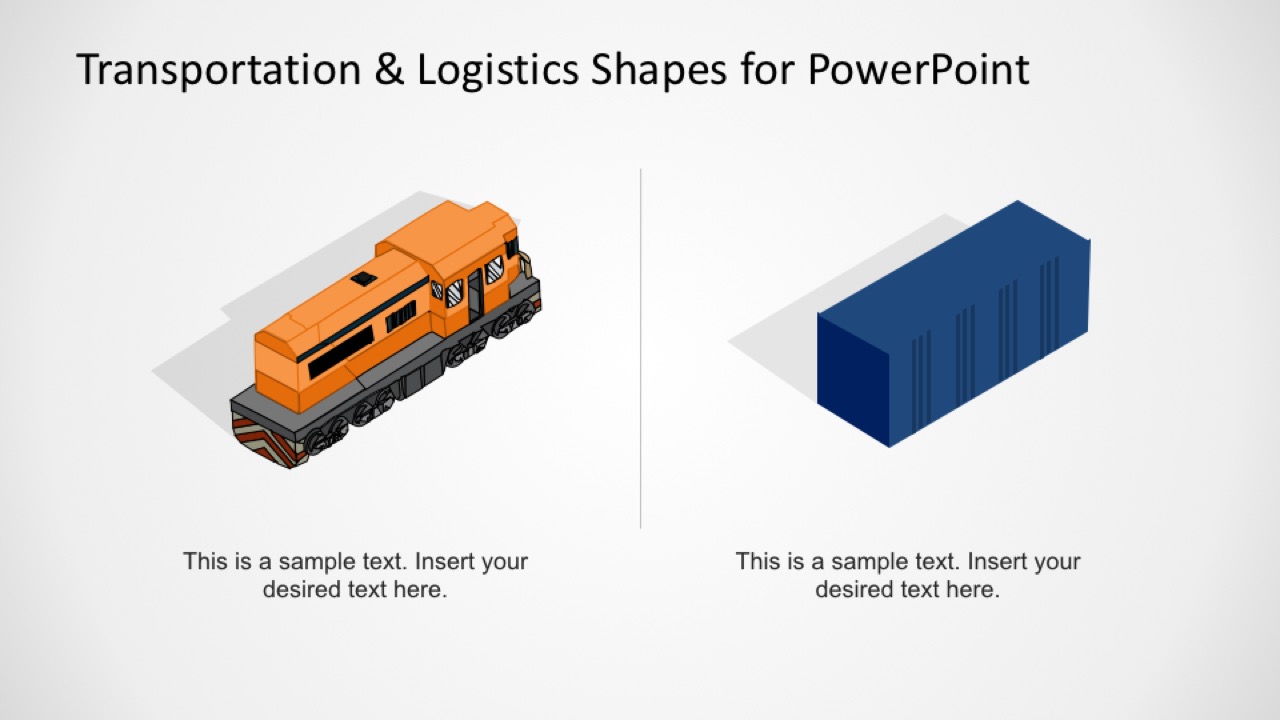
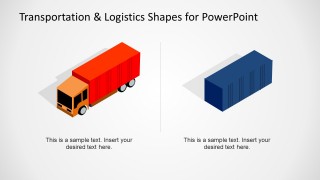
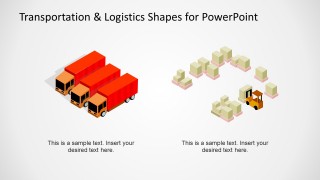
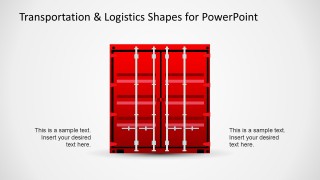
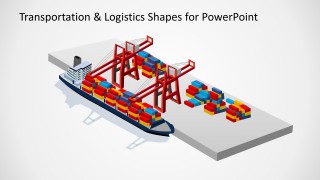
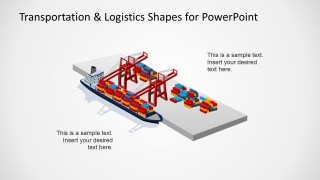
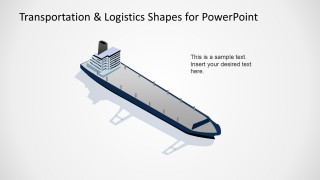
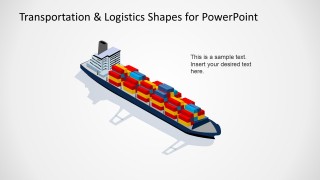
Containers, trucks, warehouse icon shapes for PowerPoint as well as vessels and other maritime transportation methods are present in the design. The shapes also contain isometric clipart of trains, rails and cargo ships. All of them are generated with PowerPoint shapes, allowing the user to fully customize their appearance. There are 13 novel slides with various pictures in the PowerPoint template. They can be used to illustrate a shipping process. For example, a package is to be delivered. A truck shape can represent the local pick-up procedure. After that, the package is transferred to a cargo container where it is stored. The container is transported to a courier ship that brings it to another location. The container is pulled out of the ship and is transferred to a delivery truck. The procedure goes on.
Logistics is defined as the management or operation work related to supplies, manpower and facilities. On the other hand, transportation is the method of moving a person or good from one place to another using a particular platform.
The slide designs are ideal for trade presentations. It can also be applied to courier shipping reports. When the discussion is about logistics, the PowerPoint shapes can come very useful. They can serve as clipart or descriptive visual aids. The user can even make them as bullets in a detailed discourse.
Powerful and effective, Transportation & Logistics Shapes for PowerPoint can upscale all kinds of logistics-focused presentation. Download Logistics Icons for PowerPoint for another stylish icon-collective template from the SlideModel gallery.
What’s inside this template
Example presentation scenarios
- A logistics manager can explain an end-to-end shipment route by placing the truck, container, vessel, and rail freight illustrations in the order goods move through the network.
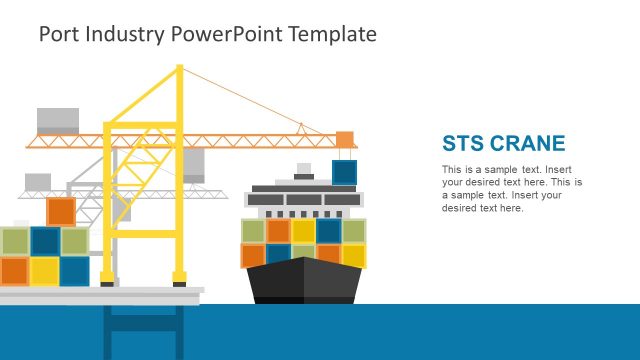
- A supply chain analyst can present a freight operations update by using the port cargo ship scene and warehouse loading dock scene to separate maritime and inland handling stages.
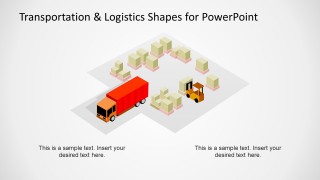
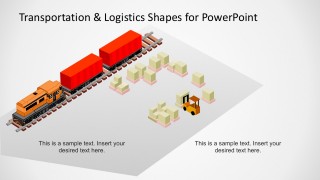
- An operations trainer can teach warehouse handoff procedures with the forklift, package storage, and truck loading dock illustrations as step-by-step visual anchors.
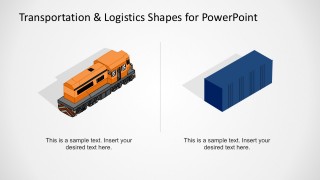
- A trade presenter can introduce intermodal shipping concepts by comparing the truck, shipping container, cargo vessel, and train visuals within one process narrative.
Features
- 100% editable presentation template
- Compatible with Microsoft PowerPoint and Google Slides
- 16:9 aspect ratio slides
- Scalable vector shapes, icons and illustrations
- AI-Ready for Microsoft Copilot and Claude
- Instant access and download
Frequently asked questions
Q: How should a presenter organize these logistics shapes into a clear shipment story?
A: Start with the container yard or warehouse loading scene to define the origin, then move to truck transport, port handling, cargo vessel movement, and rail freight if the story includes intermodal transfer. Keep each step tied to one operational action, such as pickup, consolidation, loading, transit, unloading, or final transfer.
Q: Who is this template best suited for in a business presentation?
A: This template fits logistics managers, supply chain analysts, freight forwarders, warehouse trainers, and trade presenters who need to make physical movement easy to understand. It is strongest when the audience must see how trucks, containers, forklifts, vessels, docks, and rail assets connect inside a shipping or distribution process.
Q: Why do the isometric transportation metaphors work for logistics communication?
A: The isometric style turns abstract logistics terms into recognizable operational objects: containers, docks, cranes, trucks, vessels, and trains. That physical metaphor helps audiences understand handoffs, capacity points, and transport modes without reading long explanations. The consistent angle also lets separate scenes feel like parts of one supply chain system.

Transportation & Logistics Shapes for PowerPoint
10-slide presentation template with isometric logistics shapes, cargo vessels, containers, trucks, and rail freight
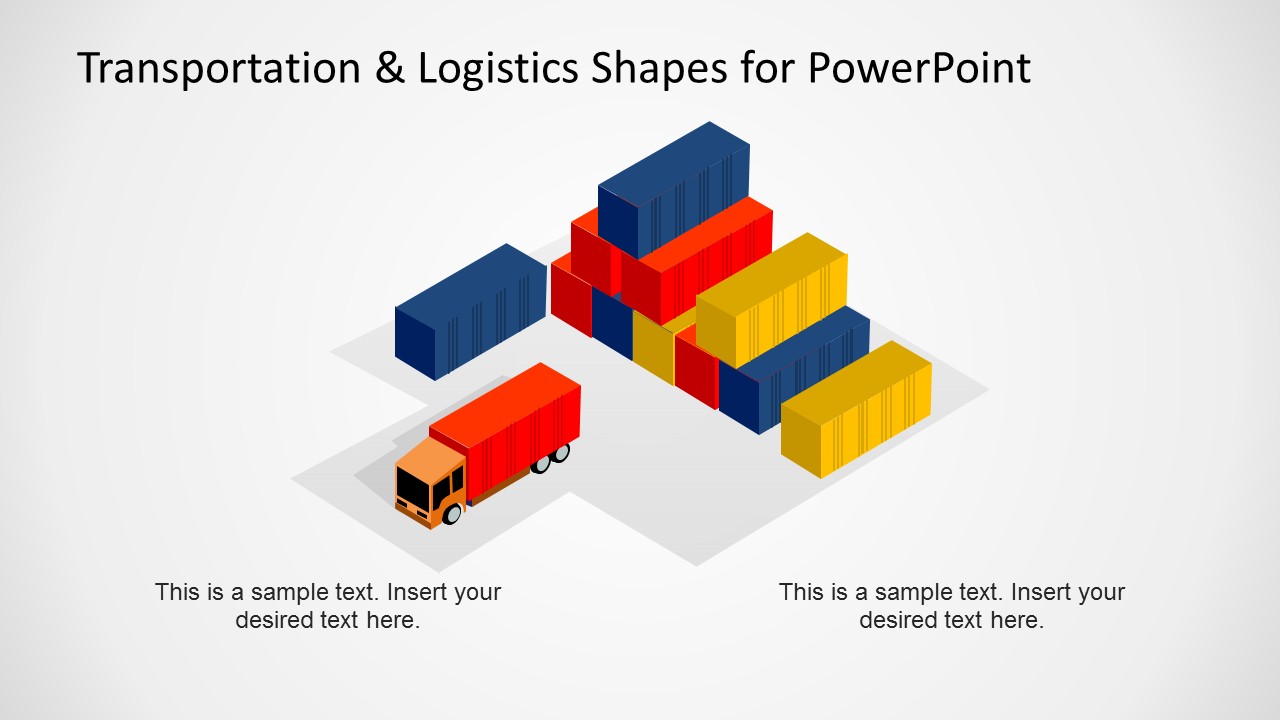
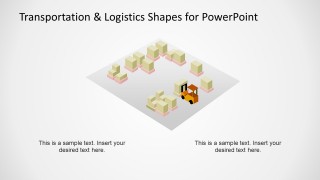
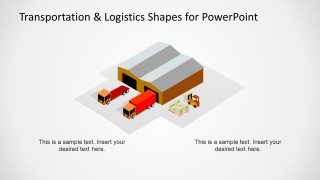
Transportation & Logistics Shapes for PowerPoint is a 10-slide presentation template for building logistics visuals in Microsoft PowerPoint and Google Slides. It includes editable isometric container yard scenes, truck and container comparisons, warehouse loading docks, port cargo ship scenes, and rail freight illustrations for supply chain, shipping, and operations presentations.
- Category
- Shapes
- Rating


 Loading...
- Aspect ratio
- 16:9
- Item ID
- 6533-01
- Colors
 Microsoft PowerPoint
  Microsoft Copilot
  Claude for PowerPoint
 Other formats supported
Subscribe today and get immediate
access to download our PowerPoint templates.