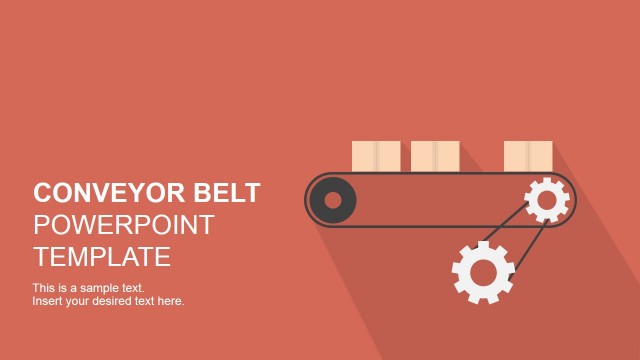
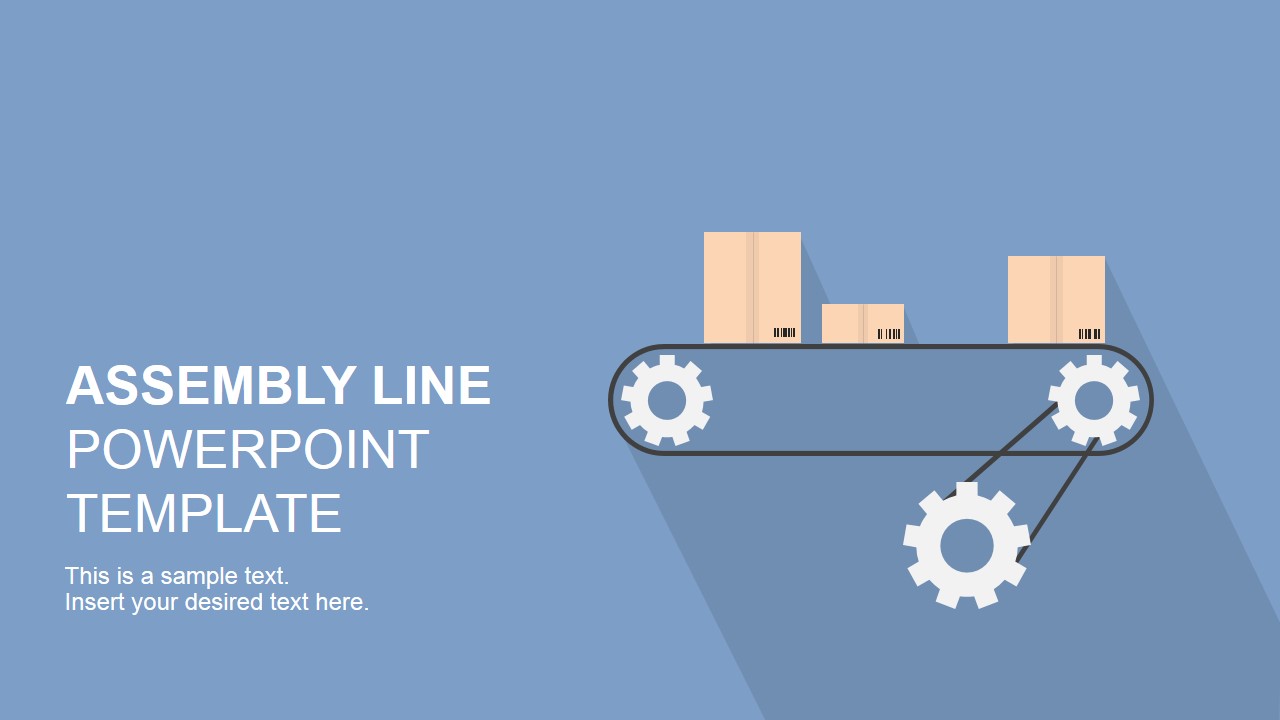
Assembly Line PowerPoint Shapes – An assembly line is a process created for manufacturing. Parts are added to the manufactured product as it moves through the assembly from workstation to workstation. Each part is added in sequence until the final product is produced. The assembled product is moved mechanically through the assembly line, improving the logistics of moving pieces. The assembly line manufacturing process developed the specialization concept, where workers focused in a small amount of tasks in order to produce faster and better. Finally Automation and robotics substituted workers on the work stations, generating the modern assembly line the industry utilizes today.
The main concepts in an assembly line are:
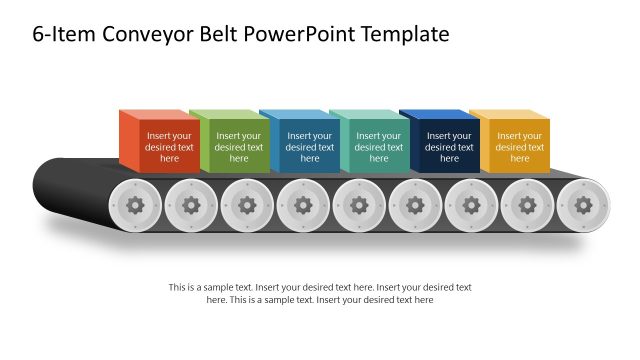
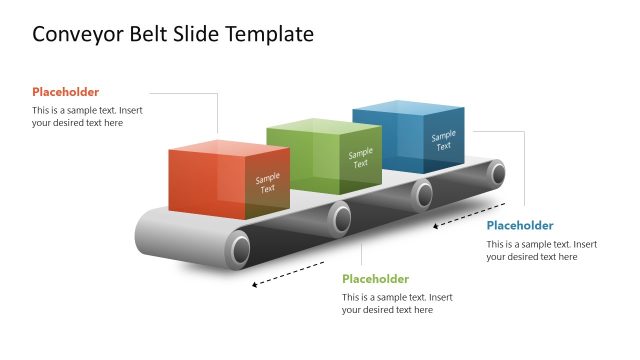
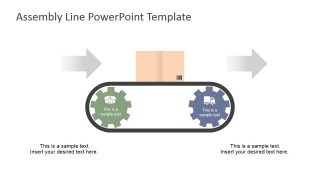
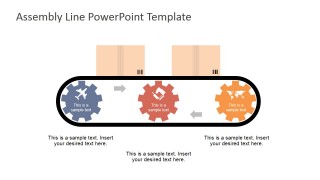
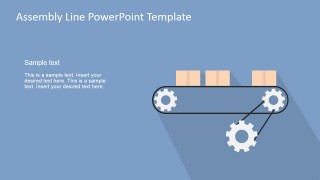
- The conveyor belt: The products are moved through a conveyor belt transporting the semi-assembled products. Each time the belt stops in a work station a worker (or automation machine) places a new piece into the product or implements a task.
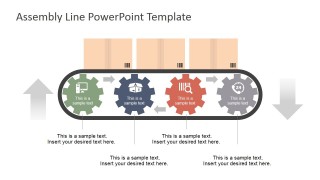
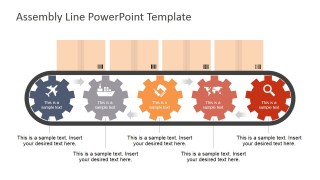
- The Workstation: Each product is assembled from different parts. Each workstation is specialized in that part or task (could be the installation of an electronic circuit or the task of painting the label)
- The Product: The process was created to build products. The product plays a central role in the assembly line.
Different business metaphors can be applied to the assembly line concept. Generally applied to teamwork, business processes or marketing tactics, the main three concepts described earlier are a conceptual aid that leader and presenters can use to describe real business situations through metaphors.
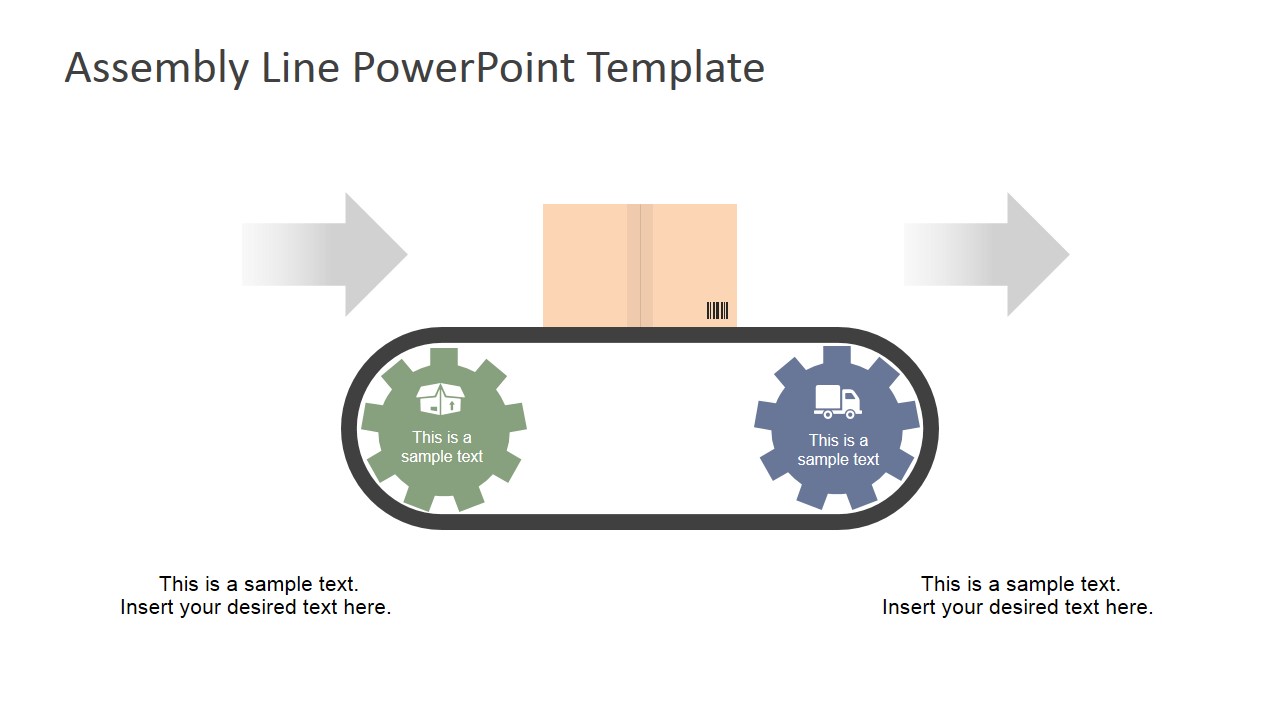
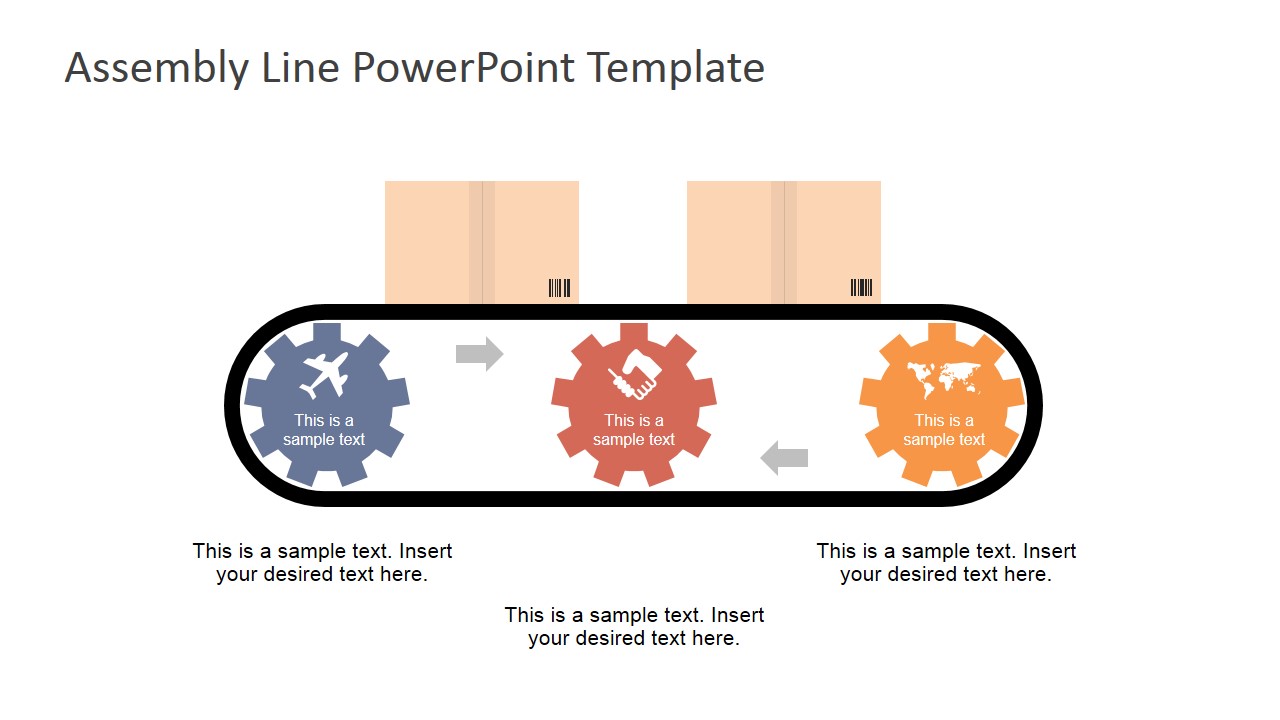
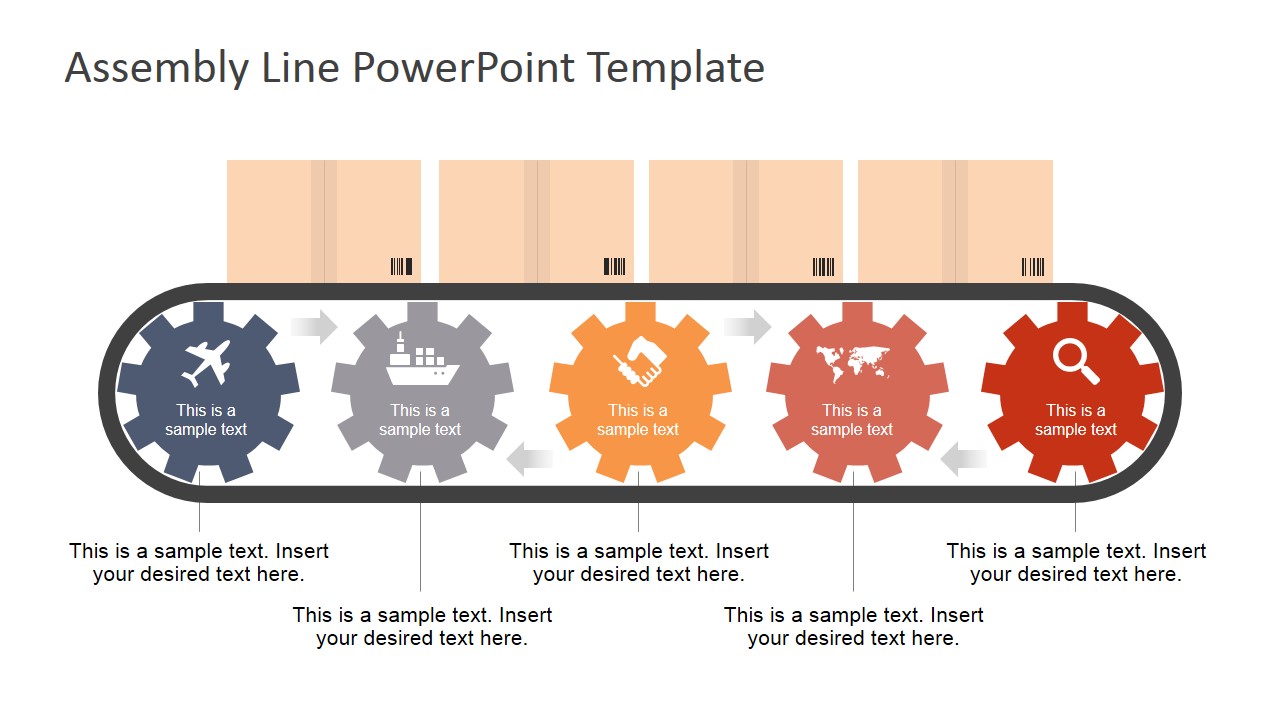
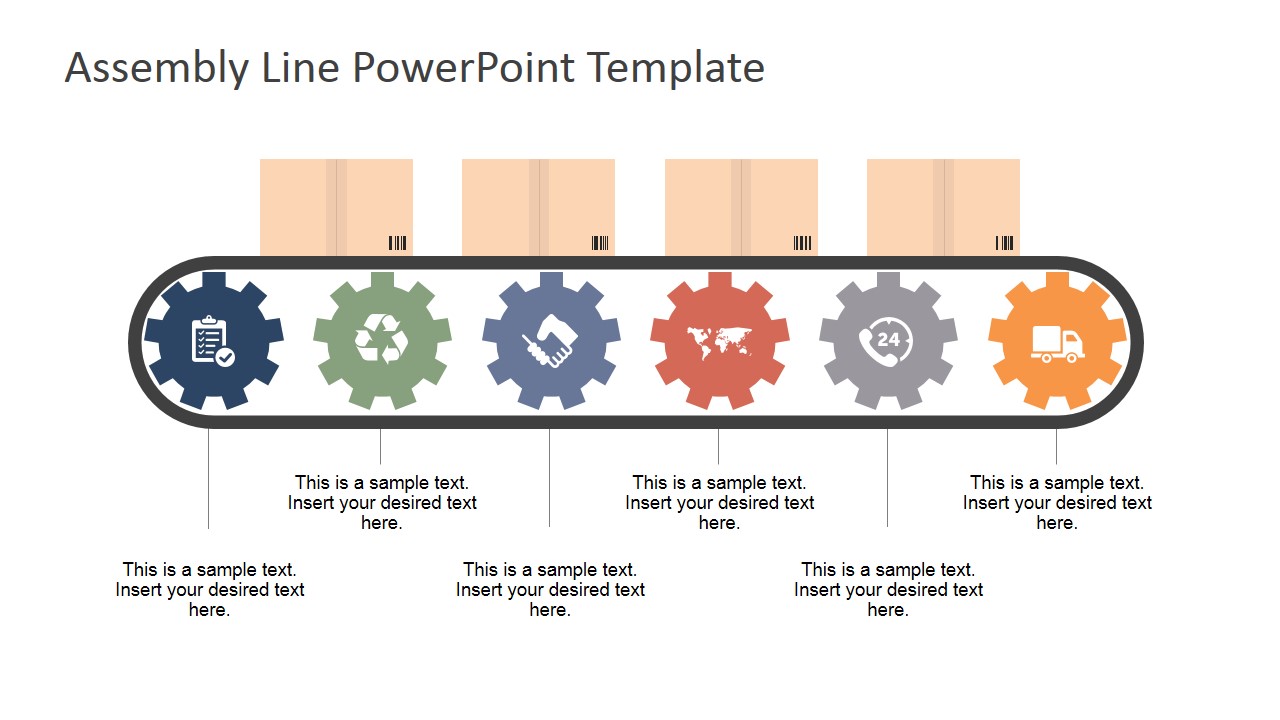
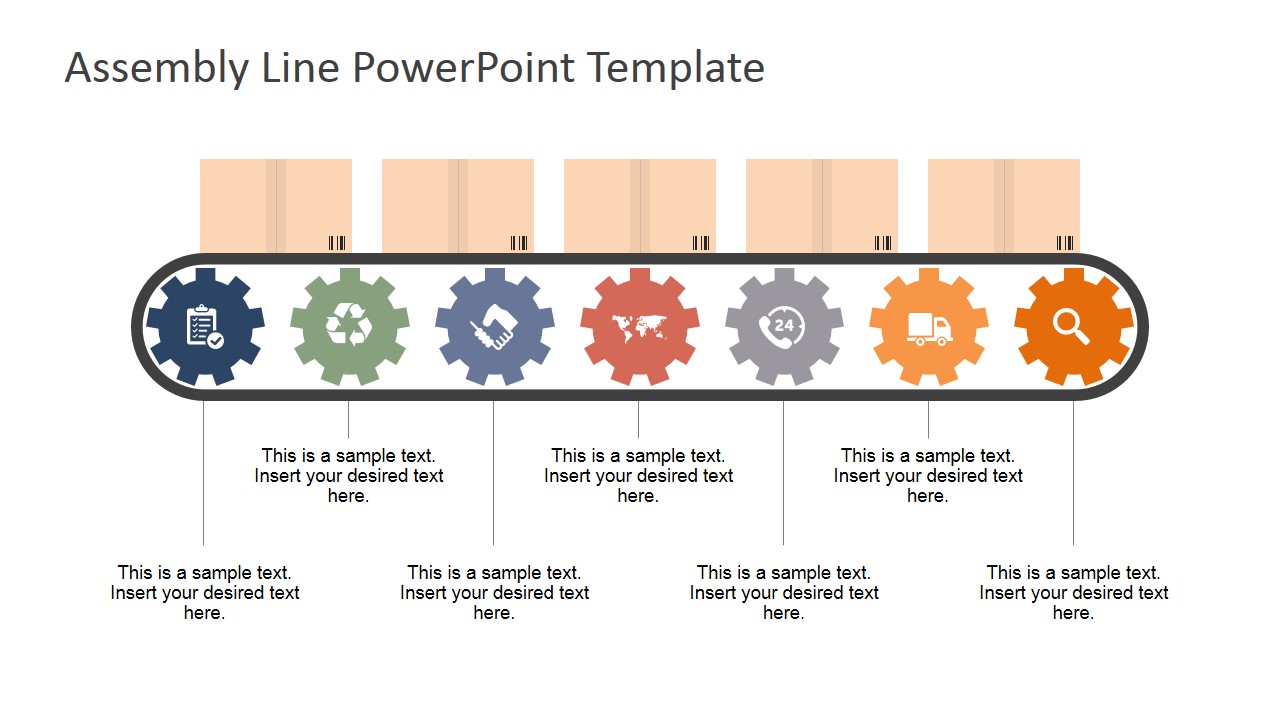
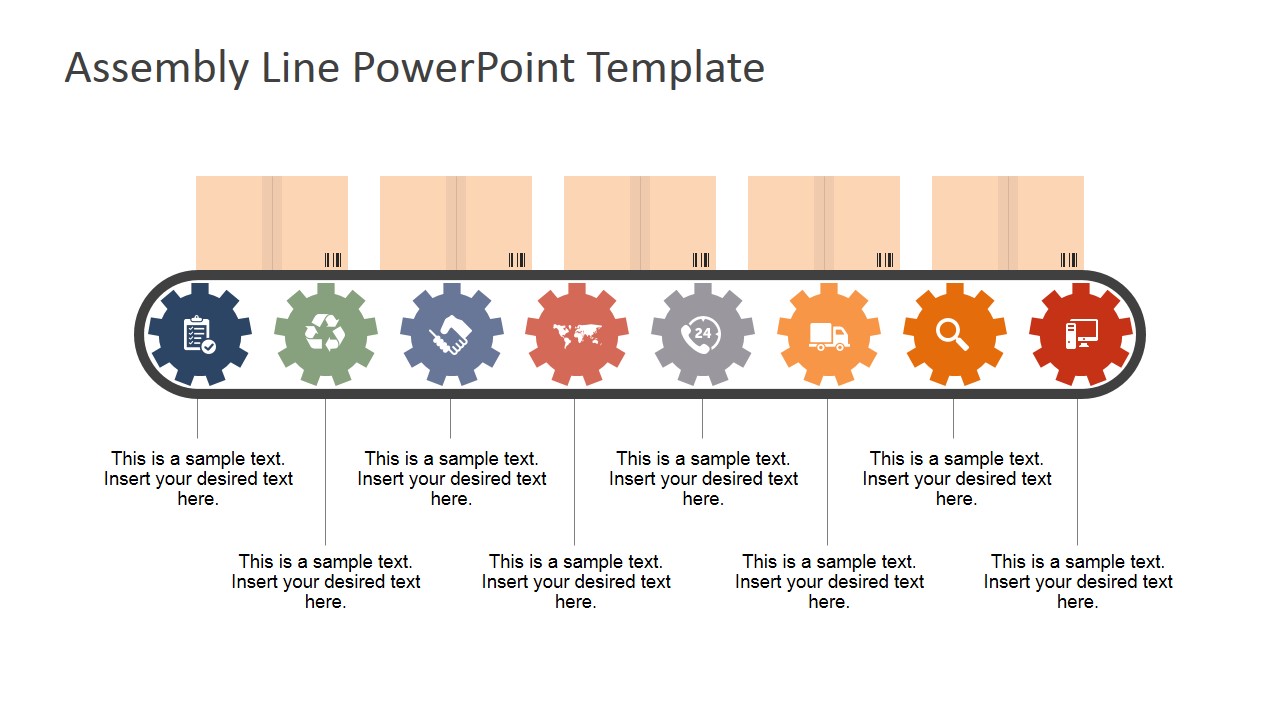
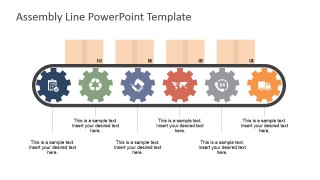
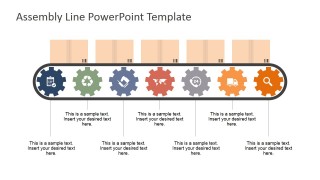
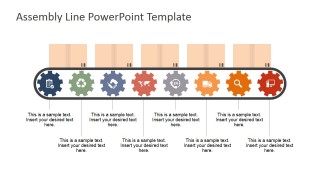
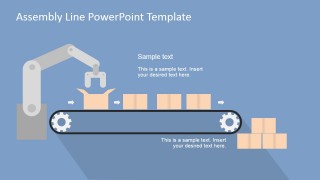
The Assembly Line PowerPoint Shapes provides PowerPoint Conveyor belts shapes, created in flat design. Each belt consists of different workstations which purpose is described through a gear clipart with a PowerPoint Icon. The presenter can describe processes ranging from two (2) to eight (8) steps. The PowerPoint template provides several assembly line scenes as:
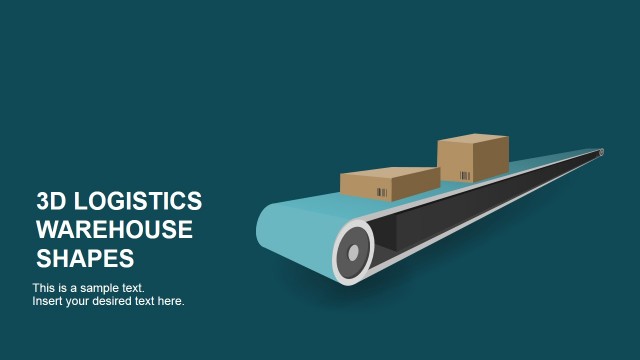
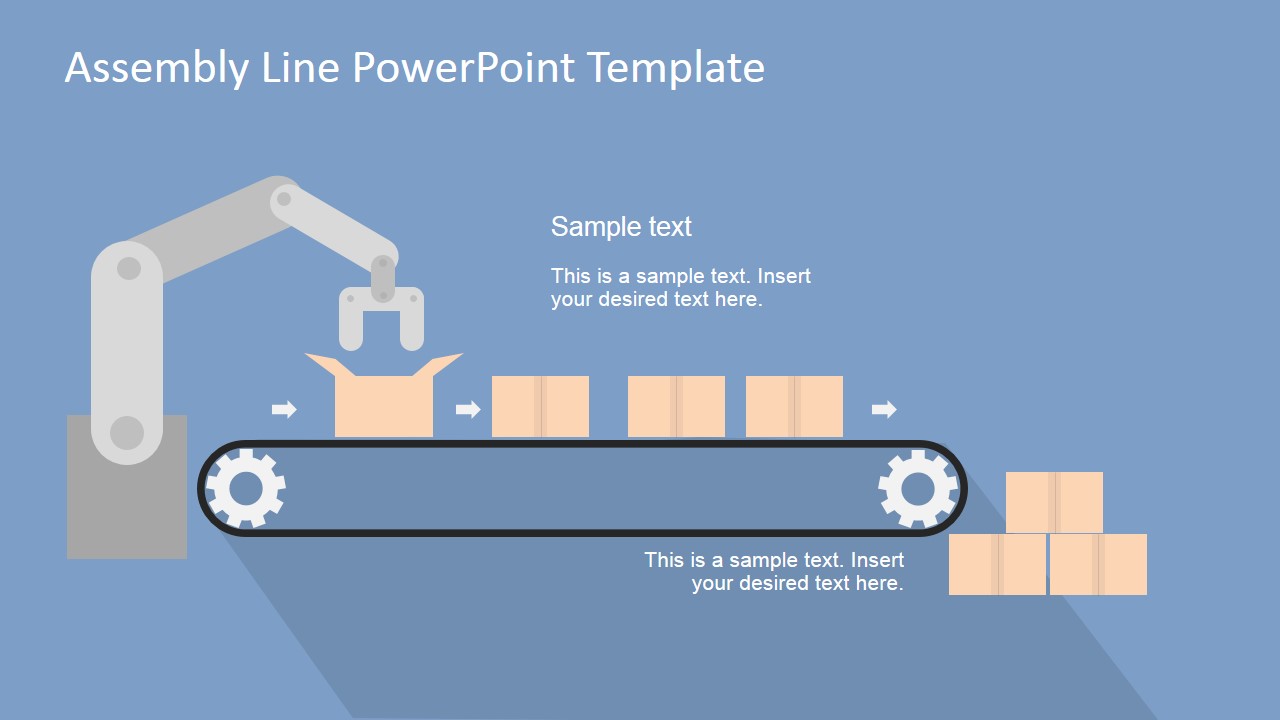
- Product Moving through the conveyor belt, using a cardboard box clipart as the product.
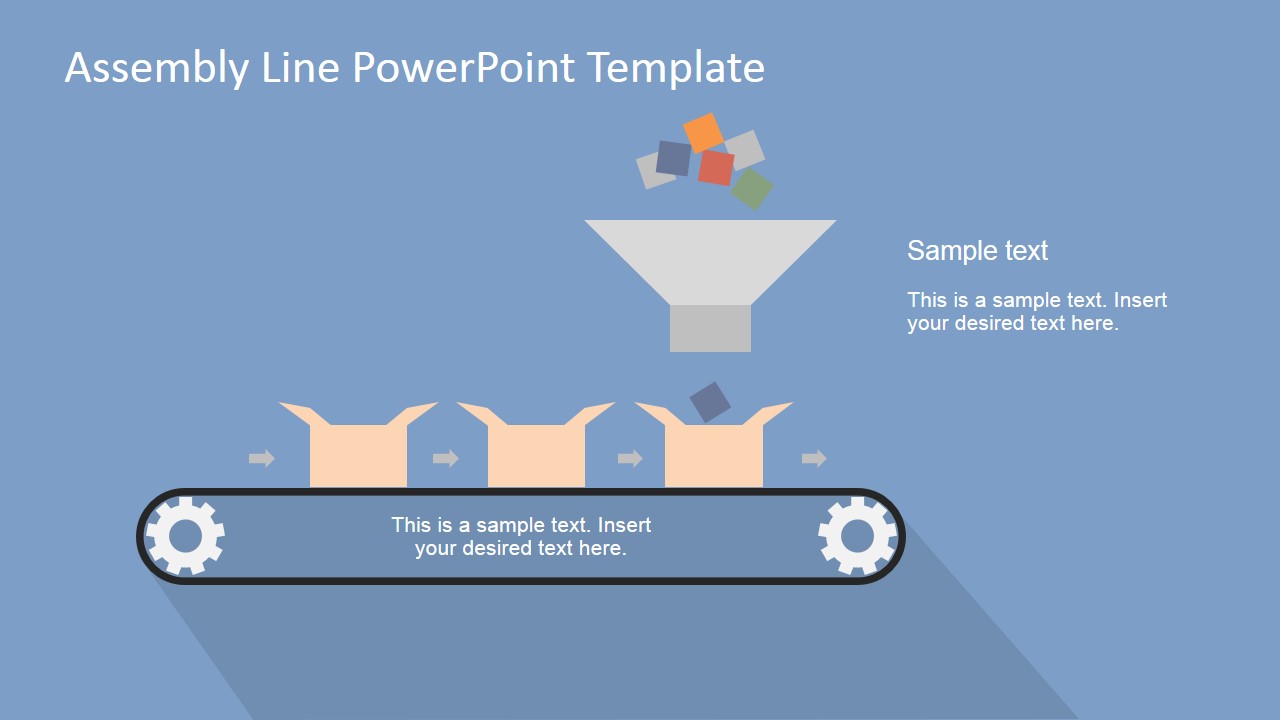
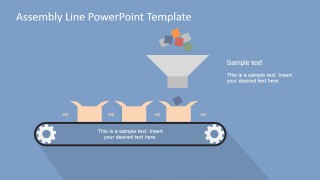
- Assembly of the Product: The scene presents a flat design funnel where pieces are introduced into the box.
- Automation Process: A Robotic Arm is placing pieces into the assembled product.
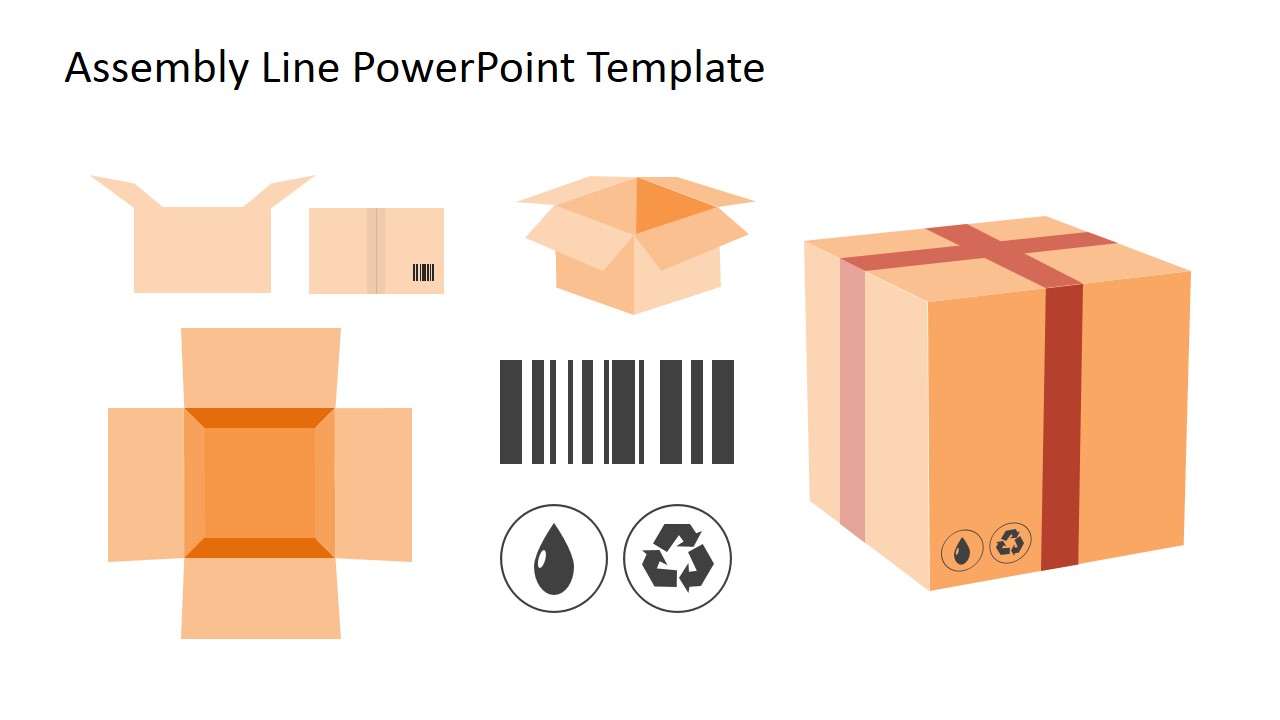
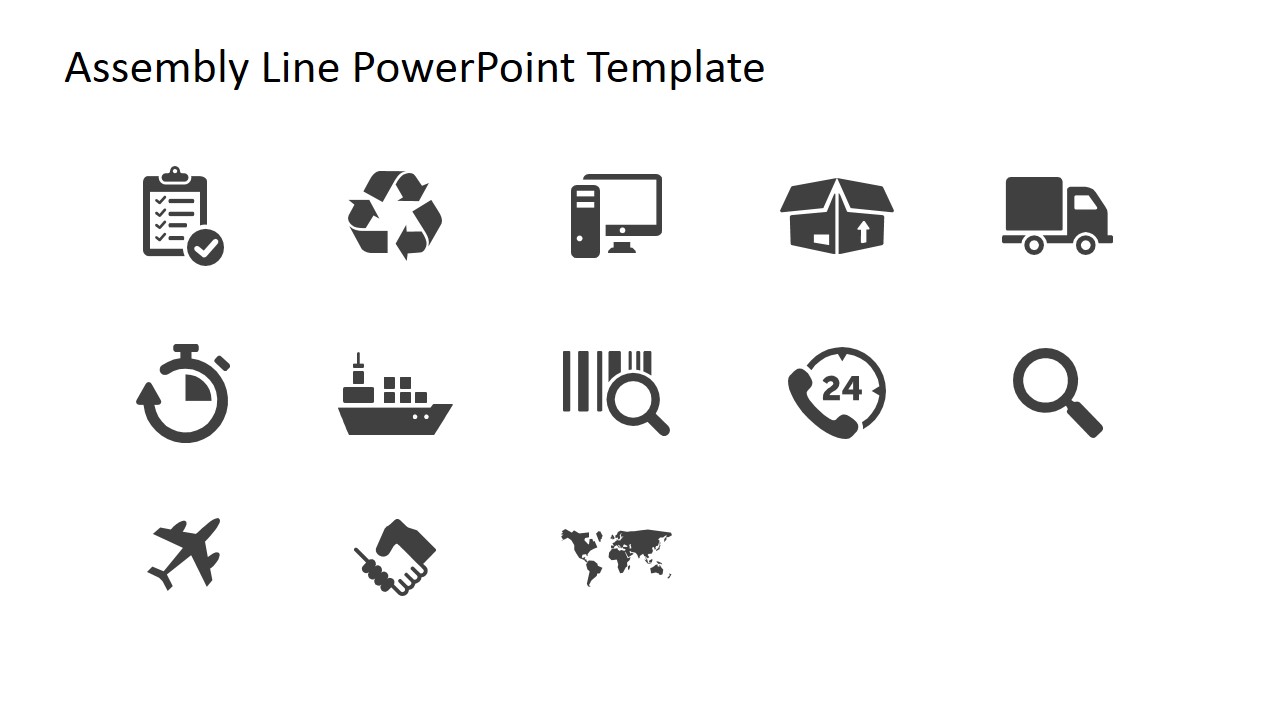
Finally the template provides a comprehensive set of PowerPoint Shapes and Icons that can be used to decorate different aspects of logistics and manufacturing.
Impress your audience applying the assembly line powerpoint template metaphors, and describe your business process with a visual deck that appeals to executives.
What’s inside this template
Example presentation scenarios
- An operations manager can explain a new production workflow by placing each task on the 2- to 8-step conveyor belt layouts and connecting responsibility to each gear workstation.
- A supply chain presenter can show how items move from input to package using the funnel packaging flow, box artwork, and logistics icon library.
- A manufacturing trainer can teach assembly line roles by using the gear workstation diagrams to separate repeated tasks, quality checks, and handoffs.
- An automation consultant can introduce robotics in production by using the robotic arm conveyor scene to compare manual stations with automated placement.
Features
- 100% editable presentation template
- Compatible with Microsoft PowerPoint and Google Slides
- 16:9 aspect ratio slides
- Scalable vector shapes, icons and illustrations
- AI-Ready for Microsoft Copilot and Claude
- Instant access and download
Frequently asked questions
Q: How should I present a process with these assembly line slides without overcrowding the diagram?
A: Assign one idea to each workstation gear and keep captions short. Start with the 2- or 3-step conveyor if the workflow is simple, then move to the 6-, 7-, or 8-step layouts only when every station has a clear role. Use the boxes and arrows to reinforce flow, not to carry extra detail.
Q: Who is this template best suited for in a business presentation?
A: This template fits operations, manufacturing, logistics, and process improvement presenters who need to make a sequence easy to follow. It is strongest when the audience must understand order, handoffs, or specialization across workstations. The robotic arm, packaging flow, and icon slides also fit automation or fulfillment discussions.
Q: Why use an assembly line metaphor instead of a generic process diagram?
A: The assembly line metaphor makes sequence, movement, and output visible in one image. Gear workstations imply specialized tasks, boxes show work in progress, and the conveyor belt creates a left-to-right reading path. That visual language helps audiences understand dependencies faster than a plain list of process steps.


Assembly Line PowerPoint Shapes
13-slide presentation template with conveyor belt process diagrams, workstation gears, and packaging icons
Assembly Line PowerPoint Shapes is a 13-slide presentation template for explaining manufacturing and process flow with editable conveyor belt diagrams. It includes 2- to 8-step assembly line layouts, funnel packaging flow, robotic arm automation scene, packaging assets, and logistics icon library for operations, supply chain, and business process presentations in PowerPoint and Google Slides.
- Category
- Shapes
- Rating

 Loading...
- Aspect ratio
- 16:9, 4:3
- Item ID
- 6927-02
- Colors
 Microsoft PowerPoint
  Microsoft Copilot
  Claude for PowerPoint
 Other formats supported
Subscribe today and get immediate
access to download our PowerPoint templates.