The Blake and Mouton Managerial Grid in Presentations
Struggling to explain leadership styles? Use the Blake and Mouton Managerial Grid to visualize the balance between task efficiency and team well-being.
How to Change Slide Dimensions in Canva
Perfecting your layout starts with the right aspect ratio. Grab our tips on how to change slide dimensions in Canva to fit your project requirements.

How to Present Customer Success Studies
Most customer success case studies fail because the story is structured like a press release. Here is how to build one that actually persuades.
Tech Stack Icons for Your Software Architecture Presentations
Official icon sets from Azure, AWS, and Google Cloud give software architecture presentations visual clarity. Learn where to find them and use them correctly.
How to Prototype an App with PowerPoint
Discover how PowerPoint replaces complex design tools for app prototyping. Build clickable screens, simulate navigation, and more.
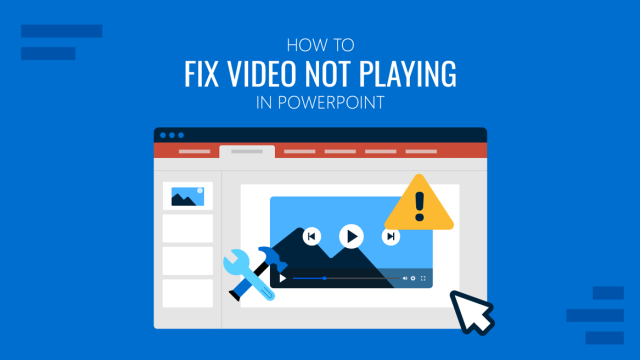
How to Fix Video Not Playing in PowerPoint
Don’t neglect aspects like playback in video presentations. Learn how to fix video not playing in PowerPoint with this guide.
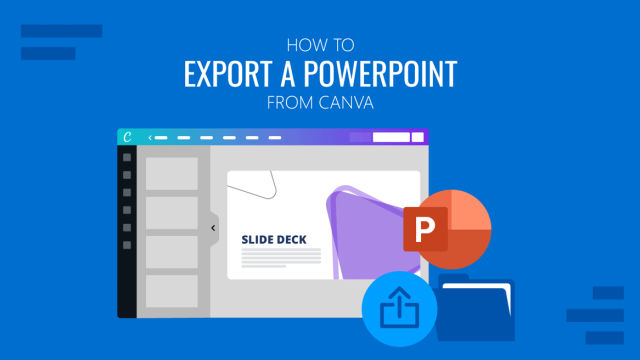
How to Export Canva to PowerPoint
Unlock the best of both worlds by migrating your Canva layouts into a native PPT format. Keep your workflow fluid and your presentation deck flexible.
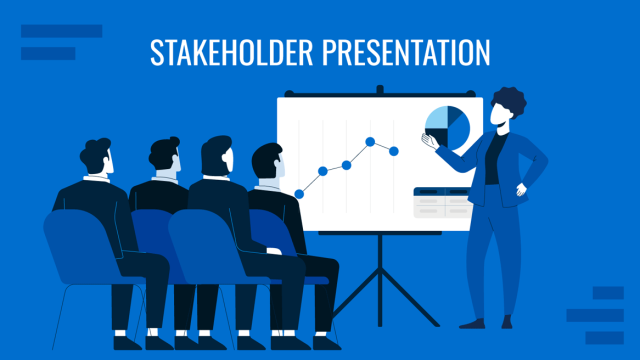
How to Create Effective Stakeholder Presentations
A stakeholder presentation is built around decisions, not information. Learn how to structure and present to any stakeholder audience with confidence.
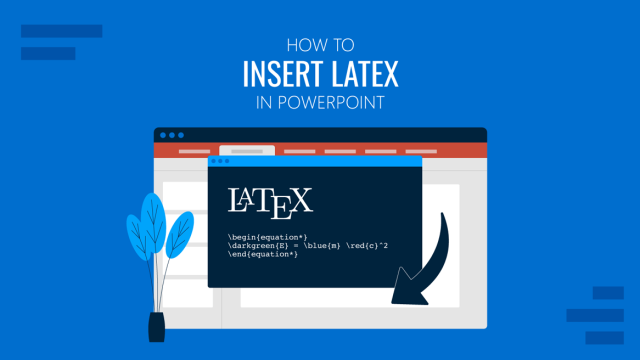
How to Insert LaTeX in PowerPoint
Stop struggling with messy math symbols. Learn how to use LaTeX to render crisp, professional equations in your PowerPoint presentations.