
The Power Position: How to Stand with Confidence While Presenting
Master confident body language with the Power Position. Stand tall, project authority, and command any presentation.
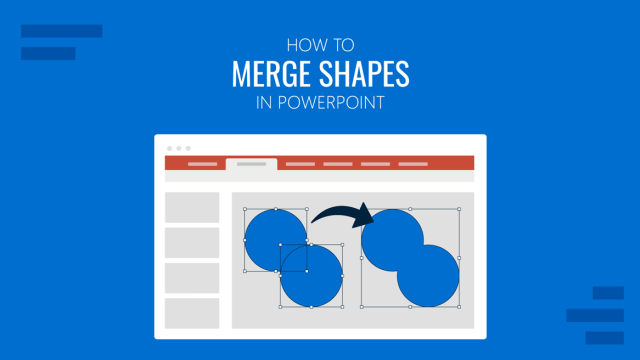
How to Merge Shapes in PowerPoint
Discover step-by-step instructions to merge shapes in PowerPoint using built-in tools for clean, custom designs.

Mastering the Lighthouse Method for Confident Eye Contact in Presentations
Elevate your presentation skills by honing the Lighthouse Method of public speaking for confident eye contact with your audience. See more here!
Accessibility in PowerPoint: Making EAA Compliant Slides
Learn how to make PowerPoint presentations accessible with a 20-point EAA-ready checklist for inclusive design.
Microsoft Copilot for PowerPoint
Discover the applications of Microsoft Copilot to enrich your PowerPoint presentations. From designer assistant to content generation, see more here!
The 2-Minute Story Rule: How to Share Impactful Stories Without Losing Attention
Keep presentations engaging with the 2-Minute Story Rule. Share impactful stories that hold attention without dragging.
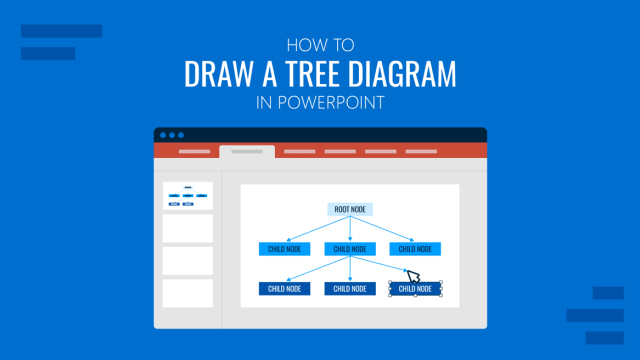
How to Draw a Tree Diagram in PowerPoint
Create a professional tree diagram in PowerPoint with step-by-step instructions, design tips, and customization ideas.
Presentation Software: Quick Guide to Cut Time-to-Presentation
Discover the best presentation software, from PowerPoint to AI tools, with unique options for business, training, and education.
How to Make Interactive Google Slides
Connecting with your audience on a deeper level is possible. Get to know how to make interactive Google Slides deck with this guide.