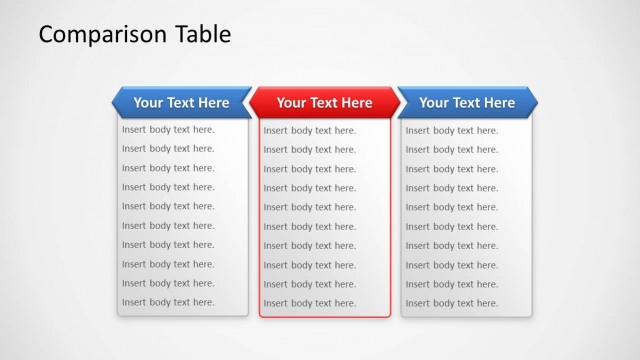
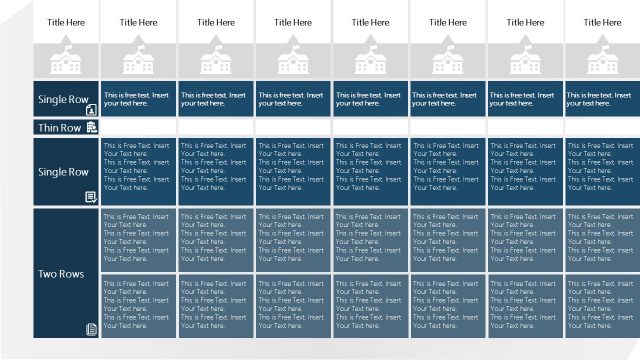
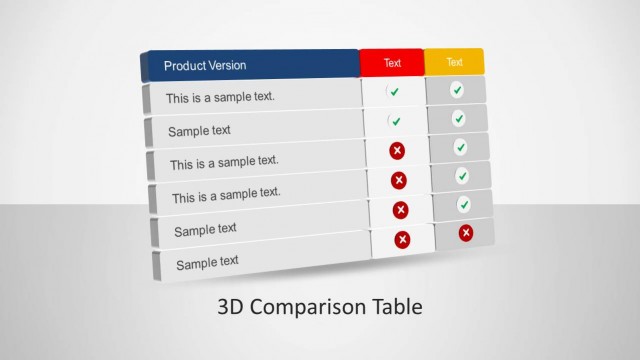
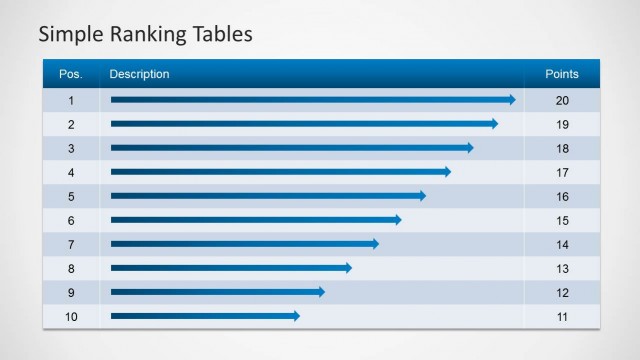
Table Template for PowerPoint– a generic PowerPoint design containing awesome table charts for presentations. The neat layout gives a simple yet elegant feel on the report. Outstanding and professional, the template can display a minimalistic approach. This can help the audiences understand the topic easily and identify relationships between the illustrated variables.
The presenter can use the diagrams to make a presentation dashboard using PowerPoint. It is perfect for a detailed comparison between products and features. It is ideal in compressing multiple but related information. The template can be used in making a payroll, financial report, elements and structural planning. It is completely custom-ready through the PowerPoint shapes or objects menu. The user can opt to personalize the layout to supplement a broader report and fit to its theme.
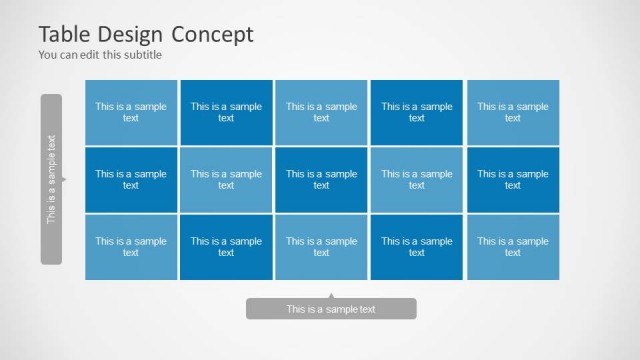
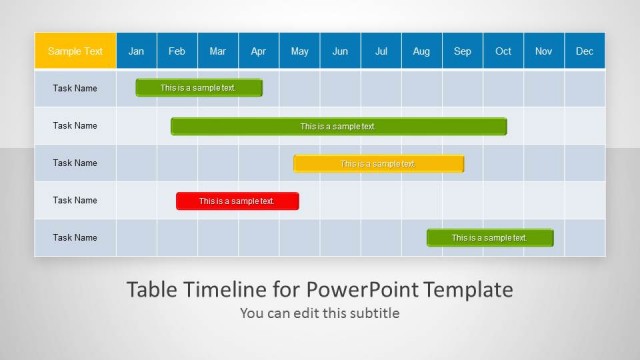
In the first slide, a blue-filled row serves as the title heading. It is where the user can write the main topic of the whole discussion. Like any graphical or chart presentation of data, labels are entered on the vertical and horizontal sides. The featured table has 5 columns and 9 rows. The last row says Total. The corresponding value is found on the cell where the arrow and column meets. The second slide has the exact same shapes except for its black color. Lastly, the third slide minimizes the table on the right side to give way to a set of legends. The color legends are can be found on the left side.
Tables organize the data to make a more comprehensive demonstration. They are perfect in relating creativity to textual contents. The concept is to mix text to a colorful text box and come up with a beautiful collection of information. Some great examples are Microsoft excel spreadsheets and the Table of Elements in chemistry and physics.
Use Table Template for PowerPoint to develop meaningful visuals. Open PowerPoint Text and Table Templates for downloadable designs from the SlideModel gallery.
What’s inside this template
Example presentation scenarios
- A product manager can use the full-slide table to compare feature values across columns and summarize totals for a product planning meeting.
- A finance analyst can present payroll, expense, or budget rows with the total row visible at the bottom of the blue or black table.
- An operations lead can use the compact table with side legends to explain status categories while keeping the numeric matrix on the same slide.
- A project manager can replace the sample row and column labels to report related tasks, quantities, scores, or milestones in a simple planning matrix.
Features
- 100% editable presentation template
- Compatible with Microsoft PowerPoint and Google Slides
- Scalable vector shapes, icons and illustrations
- AI-Ready for Microsoft Copilot and Claude
- Instant access and download
Frequently asked questions
Q: How should a presenter structure the information inside these table slides?
A: Start with the row and column labels before discussing individual values. Use the title bar to state the decision or report topic, then guide the audience across the columns and down the rows. Reserve the total row for the key takeaway so listeners know which numbers matter most.
Q: Who is this table template best suited for?
A: This template is best for analysts, managers, and planners who must present exact values rather than trends. Product comparisons, cost summaries, payroll lists, and operational planning work well because the grid keeps related items aligned while the total row gives the presenter a clear closing point.
Q: Why does the template include both full-size tables and a small table with labels?
A: The full-slide tables prioritize data density and make the grid the main message. The small table slide changes the communication mode by pairing the table with three explanatory labels. That split helps when the audience needs context, category definitions, or a short interpretation before reading the numbers.
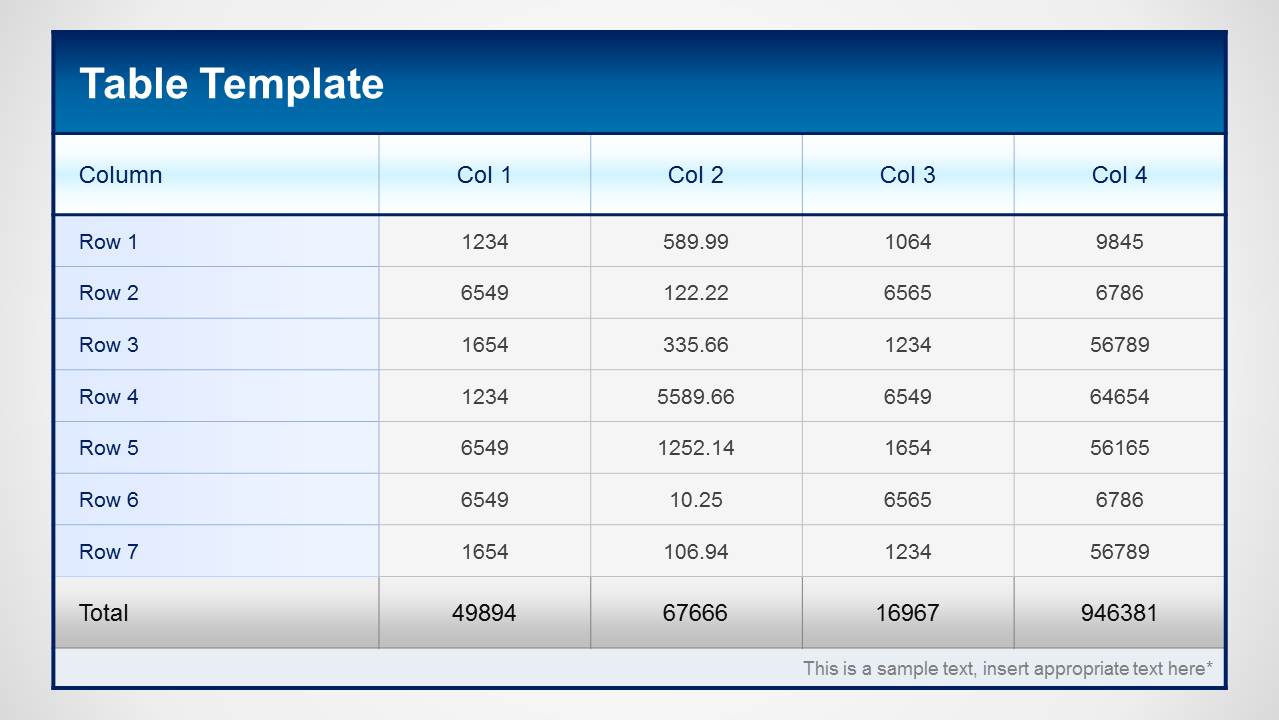
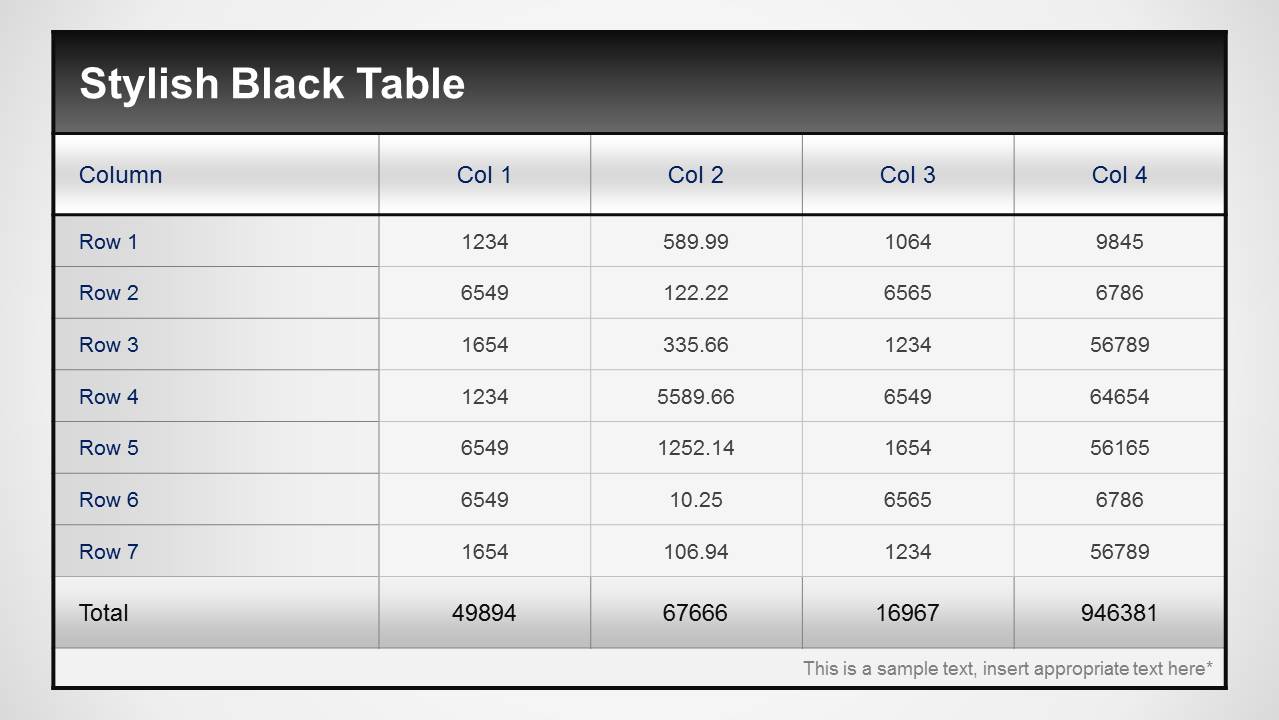
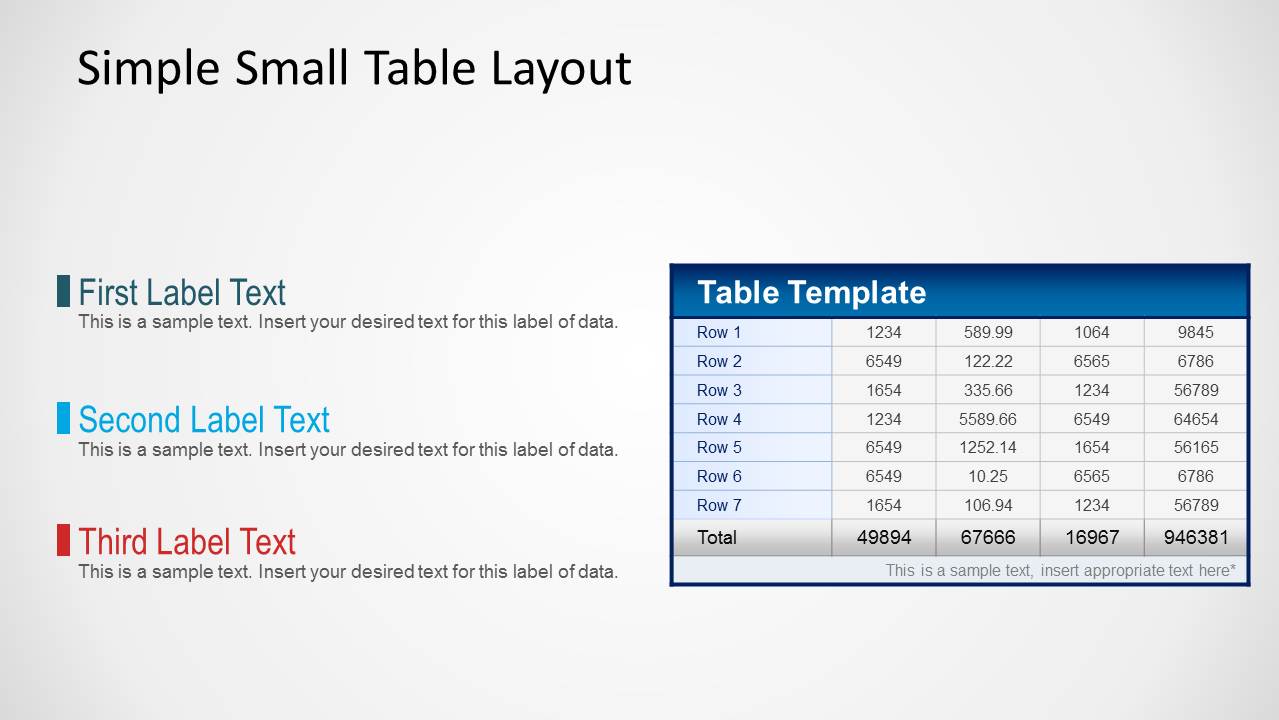
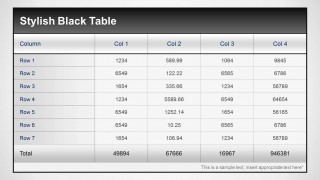
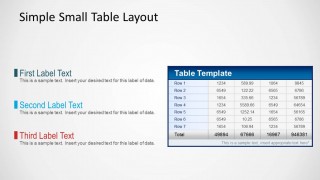
Table Template for PowerPoint
3-slide PowerPoint table template for comparison reports, totals, and labeled data summaries
The Table Template for PowerPoint is a 3-slide table slide template for organizing business data in PowerPoint. It includes a blue full-page table, a black full-page table, and a small table with side legends. It suits product comparisons, financial summaries, planning lists, and report details.


 Loading...
 Microsoft PowerPoint
  Microsoft Copilot
  Claude for PowerPoint
 Other formats supported
Subscribe today and get immediate
access to download our PowerPoint templates.