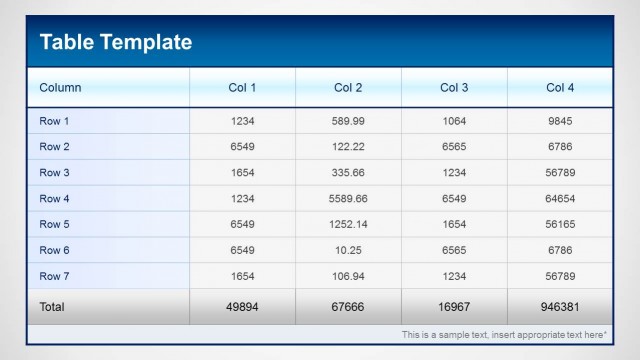
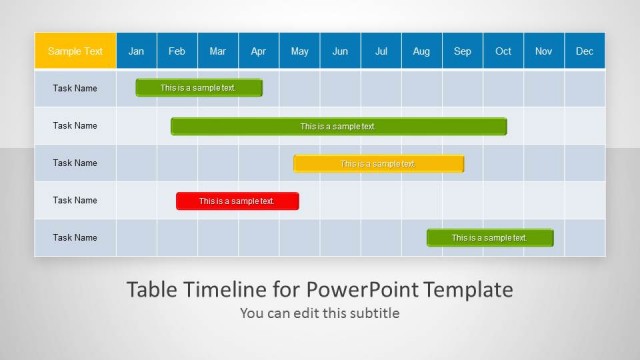
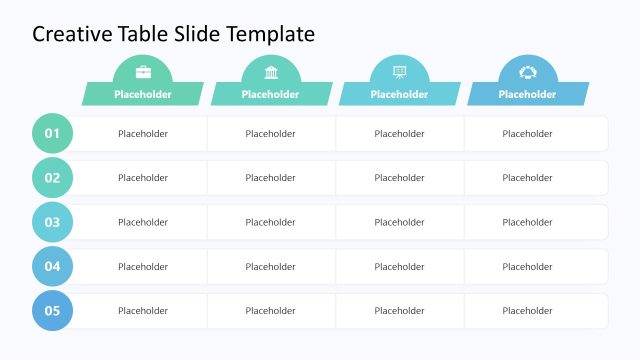
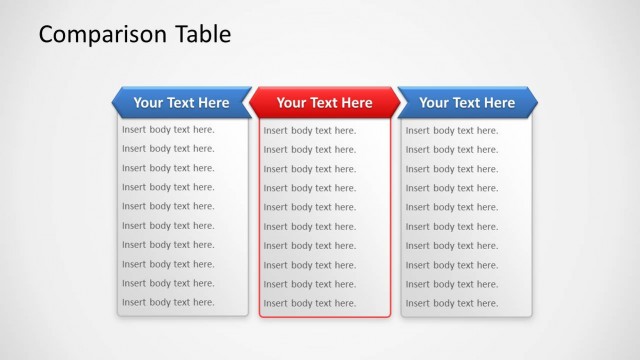
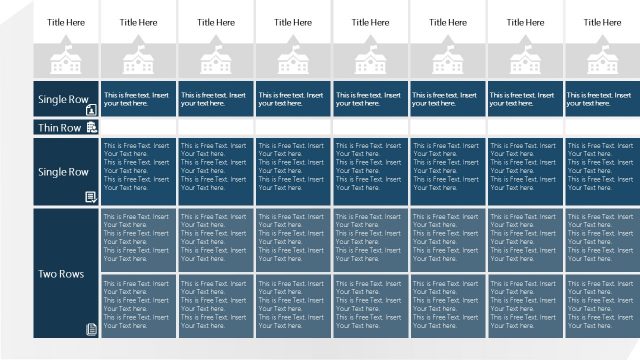
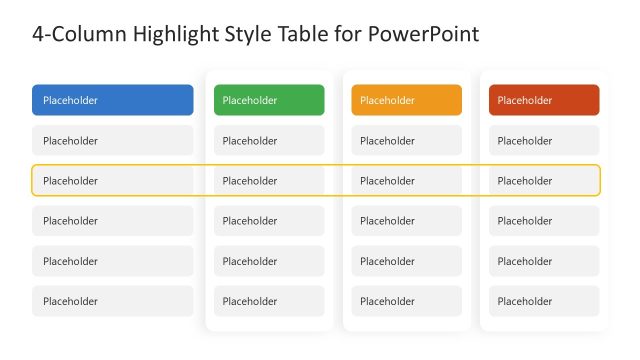
Table Design Concept for PowerPoint is a template for making tables in PowerPoint using professionally crafted layouts.
With the diverse table layouts in this template you get the choice of creating tables using creative designs with a well-matched blue color tone. You can even customize the color and look of sample tables by editing them using PowerPoint Ribbon Menu options.
The available table designs come in layouts suitable for making itineraries, schedules, time tables, depicting statistical information, making timelines, for project management purposes and more.
What’s inside this template
Example presentation scenarios
- A project manager can present a workstream schedule by placing teams or phases across the 5-column matrix and using the side label to name the planning category.
- A consultant can compare client options with the checkerboard table, separating decision criteria by row and using blue cells to emphasize the most important entries.
- An operations lead can report weekly status updates with the 3-column table, grouping responsibilities, deadlines, and notes into larger readable cells.
- A training coordinator can build a course timetable by using the matrix rows for sessions and the columns for days, modules, or time blocks.
Features
- 100% editable presentation template
- Compatible with Microsoft PowerPoint and Google Slides
- Scalable vector shapes, icons and illustrations
- AI-Ready for Microsoft Copilot and Claude
- Instant access and download
Frequently asked questions
Q: How should a presenter choose the right table layout in this template?
A: Start with the amount of text and the comparison logic. Use the 5-column matrix when categories are compact and equal in weight. Use the 3-column table when entries need more sentence space. Use the checkerboard layouts when the audience must scan across rows without losing their place.
Q: Who is this template best suited for in a business presentation?
A: It works best for presenters who need to organize structured information rather than tell a highly visual story. Project managers, consultants, operations leads, and training coordinators can use the table layouts for schedules, itineraries, responsibility matrices, option comparisons, and status summaries that need clear row and column alignment.
Q: Why do these table designs use side labels, footer callouts, and alternating fills?
A: The layout treats the table like a guided reading surface. The side label names the category before the audience enters the grid, the alternating blue and white fills reduce row and column fatigue, and the footer callout gives the presenter a place to state the takeaway after the audience has scanned the cells.
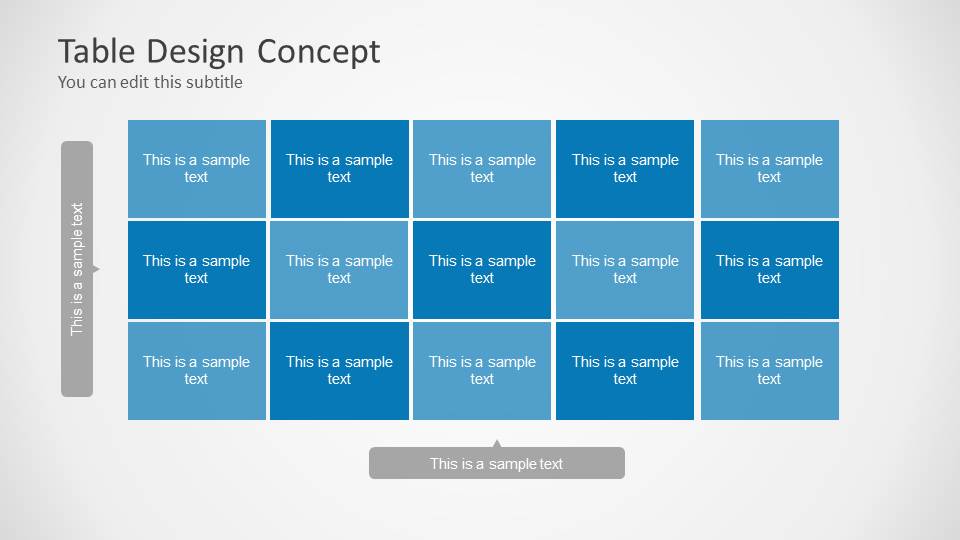


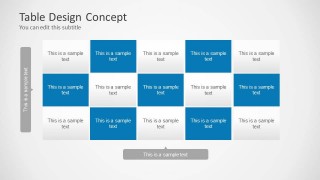
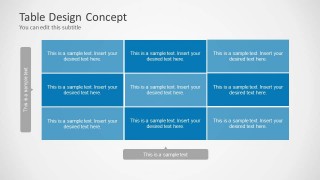
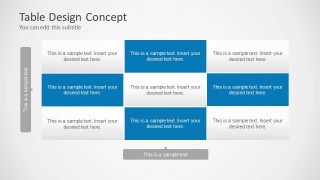
Table Design Concept for PowerPoint
6-slide PowerPoint table design template with blue matrix layouts for schedules, comparisons, and timelines
Table Design Concept for PowerPoint is a 6-slide presentation template for building editable table layouts in PowerPoint. It includes 5-column matrices, 3-column tables, checkerboard comparison grids, and labeled sidebars with footer callouts. It is intended for presenters who need schedules, itineraries, timelines, project summaries, or structured text tables.


 Loading...
 Microsoft PowerPoint
  Microsoft Copilot
  Claude for PowerPoint
 Other formats supported
Subscribe today and get immediate
access to download our PowerPoint templates.