Slide 4 of 6 from Table Design Concept for PowerPoint
8060-01-table-design-concept-powerpoint-4
5-Column Table Layout for Presentations
- Table
- Comparison Table
- Comparison Slide
- 16:9
- 100% Editable
The 5-Column Table Layout from the Table Design Concept for PowerPoint template offers a structured format ideal for business presentations requiring clear data comparison. This slide template features editable shapes and a clean design that supports project timelines and schedule presentations, enhancing clarity within a corporate slide deck or pitch deck template.
What’s on This Slide
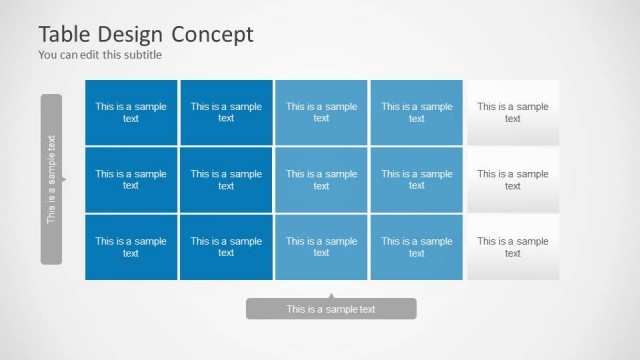
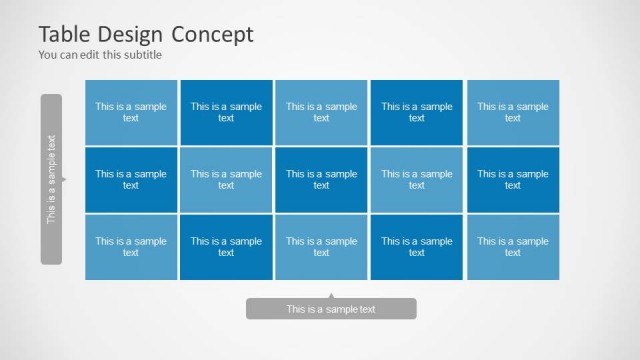
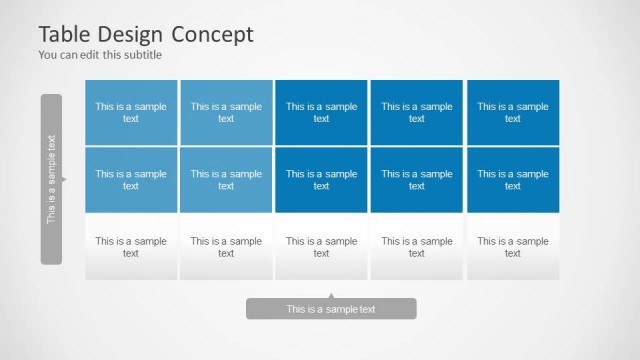
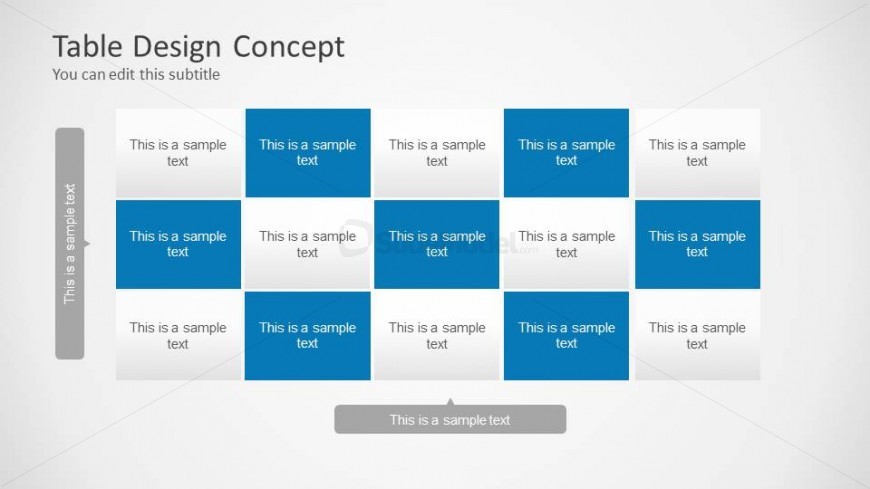
The layout features a 5-column table with alternating colored cells. The top row contains five cells, with the third cell highlighted in blue. The second row mirrors the first, while the third row also follows the same pattern. Each cell contains a text placeholder aligned to the center, with a footer callout positioned below the table. The overall background is light gray, providing contrast to the blue and white cells. The visual hierarchy emphasizes the blue cells, creating a structured appearance.
How to Use It
This layout serves as a 5-column matrix for presenting data or comparisons. It is suitable for displaying schedules, project timelines, or structured information in a clear format. Positioned as the fourth slide in a sequence, it effectively follows introductory content and sets the stage for detailed discussions. This design is ideal for business presentations where organized data representation is essential, allowing for easy comprehension and analysis.
Text Placeholders & Capacity
Keep your copy within these limits so it fits without resizing. Cells can hold roughly 3-4 lines of text each, depending on content length.
| Placeholder | Count | Max characters (approx.) |
|---|---|---|
| Cell | 15 | 20 |
| Footer | 1 | 30 |
| Slide title | 1 | 50 |
| Subtitle | 1 | 50 |
Slide Keywords
Download unlimited PowerPoint templates, charts and graphics for your presentations with our annual plan.
DOWNLOADReturn to Table Design Concept for PowerPoint.