Slide 5 of 6 from Table Design Concept for PowerPoint
8060-01-table-design-concept-powerpoint-5
5-Column Table Layout for Presentations
- Table
- Data Table
- Comparison Slide
- 16:9
- 100% Editable
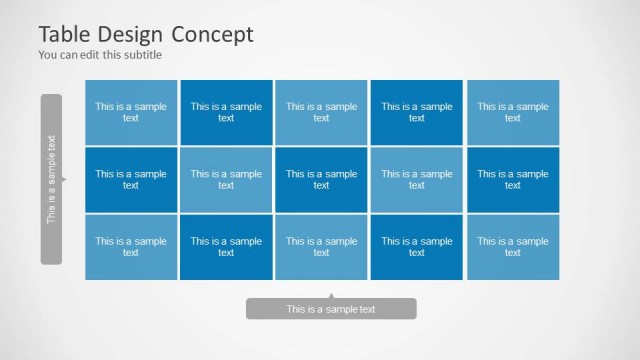
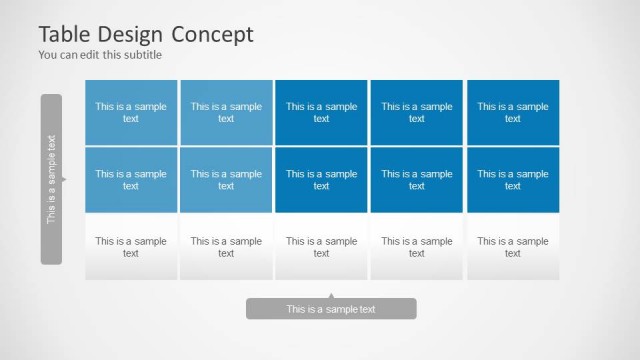
The 5-Column Table Layout from the Table Design Concept for PowerPoint template offers a structured format ideal for project timelines and data comparisons. This slide template features editable shapes and a clear grid design with alternating shades of blue, enhancing readability for business presentations and corporate slide decks. It supports organized presentation of schedules and itineraries, making it suitable for professional and educational contexts.
What’s on This Slide
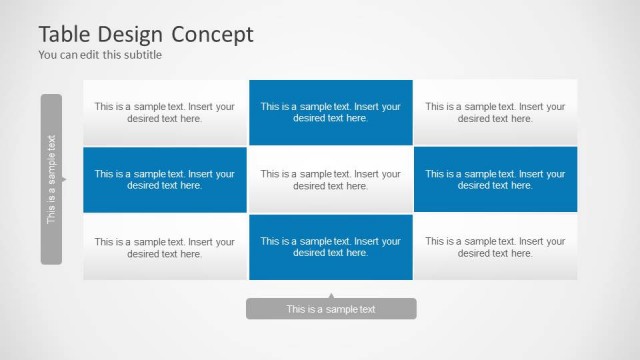
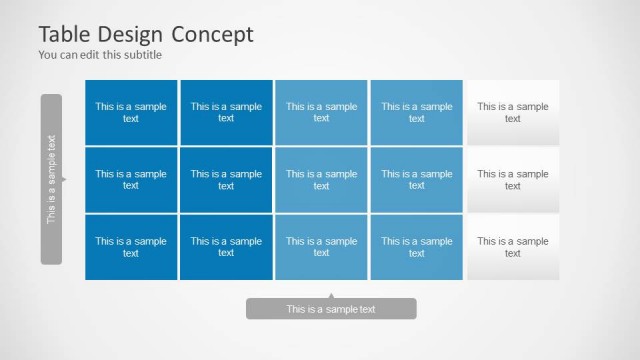
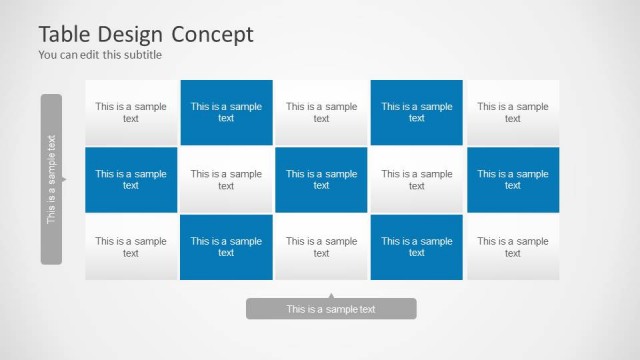
The layout features a 5-column table with three rows of text placeholders. Each column is equally sized, with alternating shades of blue for visual differentiation. The top section contains a title and subtitle, aligned left and center respectively. Below, each cell contains a placeholder for text, with the text aligned to the center. A footer placeholder is present at the bottom center. The overall composition is structured, with clear boundaries around each cell, creating a grid-like appearance. The background is light, enhancing readability.
How to Use It
This layout serves as a structured table for presenting data or information in a clear format. It is suitable for schedules, project summaries, or comparison data. Positioned in the middle of a presentation, it can effectively summarize key points after introducing concepts. Ideal for business meetings, educational settings, or reports, it allows for organized display of multiple data points. This layout can be used individually or as part of a larger presentation to convey structured information efficiently.
Text Placeholders & Capacity
Keep your copy within these limits so it fits without resizing. Node slots can accommodate concise text, roughly 10-12 words each.
| Placeholder | Count | Max characters (approx.) |
|---|---|---|
| Slide title | 1 | 40 |
| Subtitle | 1 | 40 |
| Item body | 15 | 50 |
| Footer | 1 | 40 |
Slide Keywords
Download unlimited PowerPoint templates, charts and graphics for your presentations with our annual plan.
DOWNLOADReturn to Table Design Concept for PowerPoint.