Slide 6 of 6 from Table Design Concept for PowerPoint
8060-01-table-design-concept-powerpoint-6
5-Column Table Layout for Presentations
- Table
- Comparison Table
- Comparison Slide
- 16:9
- 100% Editable
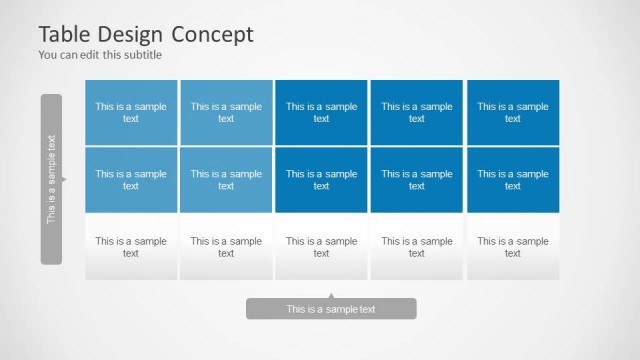
The 5-Column Table Layout from the Table Design Concept for PowerPoint template offers a structured format ideal for project timelines and comparison matrices. This slide template features editable shapes and a clear visual hierarchy, making it suitable for business presentations that require organized data presentation within a slide deck.
What’s on This Slide
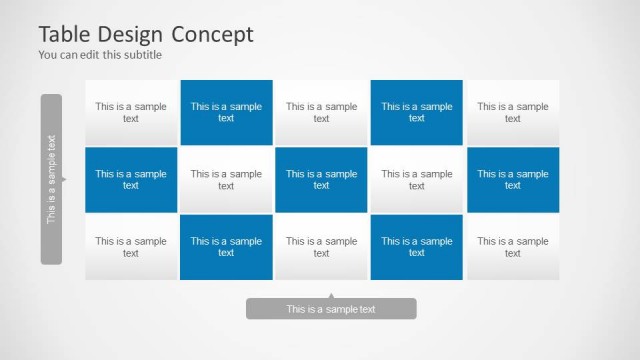
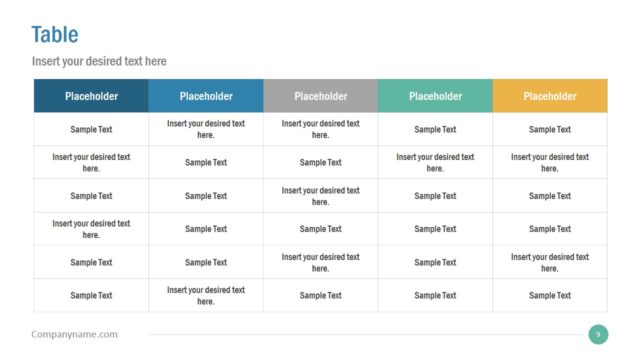
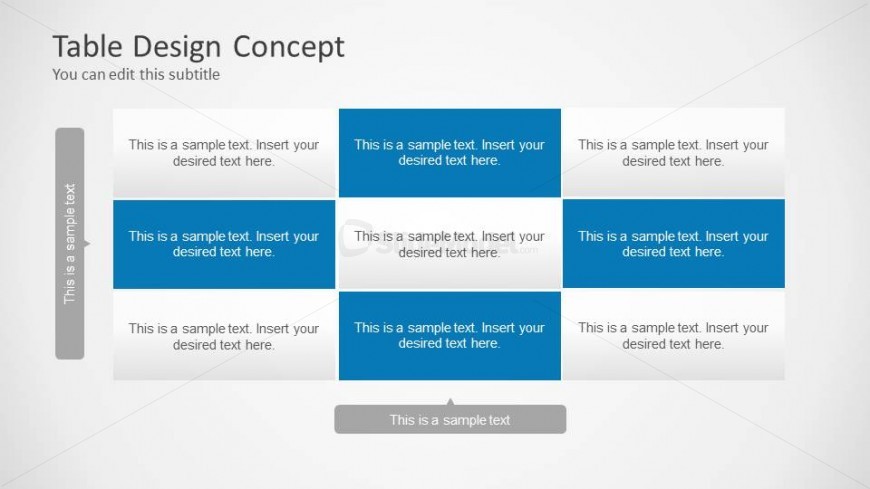
The layout features a 5-column table with alternating background colors for visual distinction. The table is divided into three rows, with each cell containing a text placeholder aligned to the center. The first column on the left is a sidebar with a vertical orientation, containing a text placeholder. The remaining columns are evenly spaced, with the second and fourth columns having a blue background, while the others are white. The overall composition is structured, with clear boundaries separating each cell and a consistent visual hierarchy.
How to Use It
This layout serves as a structured table for presenting data or comparisons in a clear format. It fits well in a presentation sequence after introducing a topic or problem, allowing for detailed analysis or summarization. Ideal scenarios include project timelines, schedules, or comparison matrices. The layout can be used to organize information systematically, making it easy for the audience to follow and understand the presented data.
Text Placeholders & Capacity
Keep your copy within these limits so it fits without resizing. Cell slots can hold roughly 8-10 words each.
| Placeholder | Count | Max characters (approx.) |
|---|---|---|
| Cell | 15 | 40 |
| Slide title | 1 | 50 |
| Subtitle | 1 | 50 |
Slide Keywords
Download unlimited PowerPoint templates, charts and graphics for your presentations with our annual plan.
DOWNLOADReturn to Table Design Concept for PowerPoint.