Slide 3 of 6 from Table Design Concept for PowerPoint
8060-01-table-design-concept-powerpoint-3
5-Column Table Layout for Presentations
- Table
- Comparison Table
- Evaluation Slide
- 16:9
- 100% Editable
The 5-Column Table Layout from the Table Design Concept for PowerPoint template offers a structured format ideal for presenting project timelines, feature comparisons, or detailed data in business presentations. This slide layout uses clear visual hierarchy and editable shapes to enhance readability, making it a practical choice for corporate presentation slide decks requiring organized information display.
What’s on This Slide
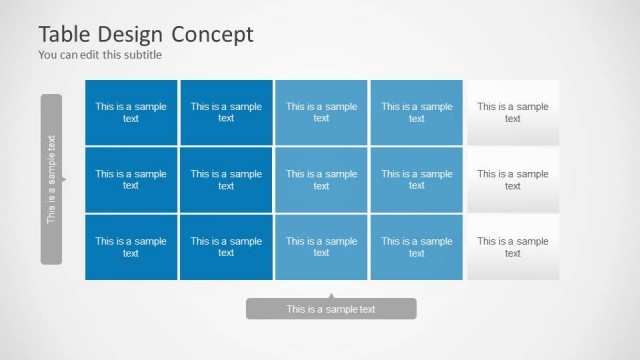
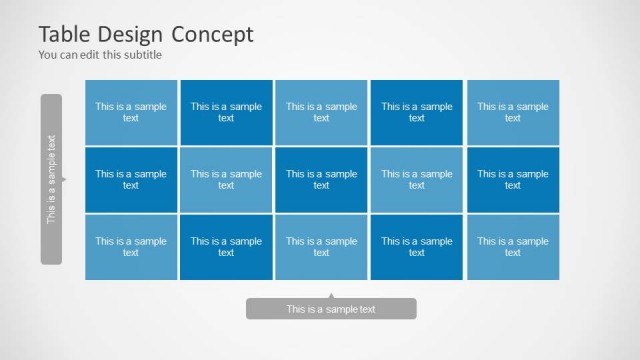
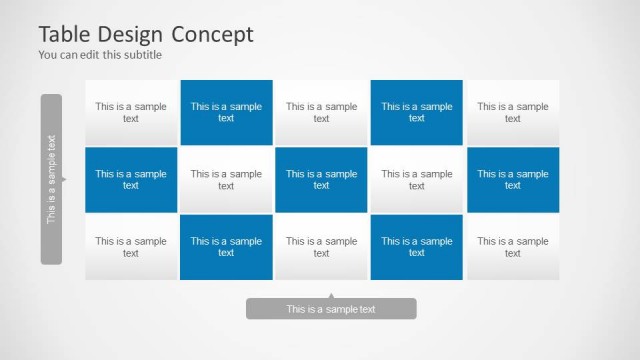
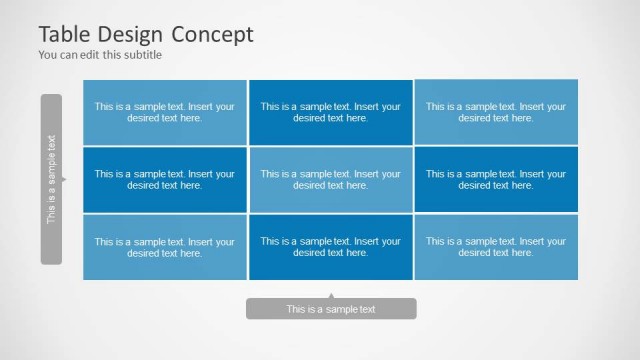
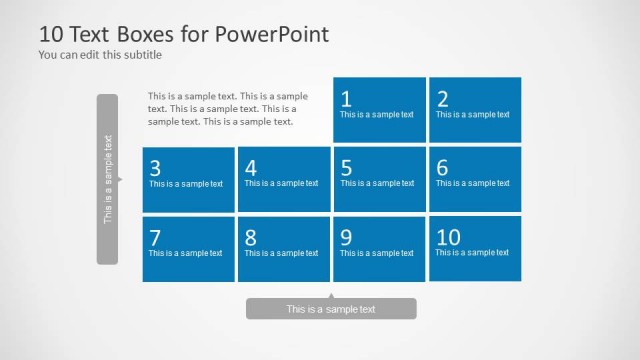
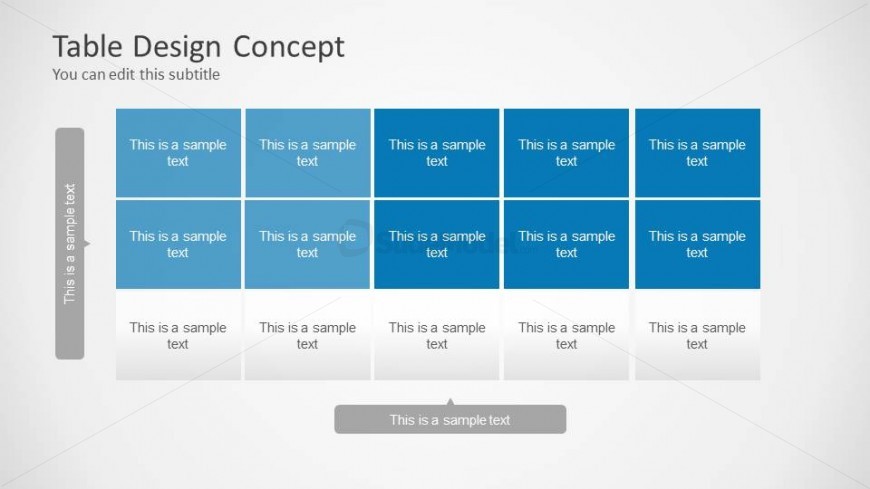
The layout features a 5-column table with alternating blue and white cells. The top row contains five blue cells, each with a placeholder for text. Below, there are two rows of alternating blue and white cells, each containing text placeholders. A vertical sidebar on the left has a text placeholder aligned vertically. The bottom of the slide includes a footer callout with a text placeholder. The overall design is structured, with clear visual hierarchy and alignment of elements, creating a cohesive table format.
How to Use It
This layout serves as a structured table for presenting data or comparisons. It fits well in a presentation sequence after introducing a topic or problem, allowing for detailed breakdowns of information. This format is suitable for schedules, project timelines, or feature comparisons, providing a clear visual representation of data. It is ideal for business scenarios where organized information is crucial, such as project updates or strategic planning discussions.
Text Placeholders & Capacity
Keep your copy within these limits so it fits without resizing. Node body slots can hold roughly 4-5 words each.
| Placeholder | Count | Max characters (approx.) |
|---|---|---|
| Slide title | 1 | 30 |
| Subtitle | 1 | 30 |
| Item body | 15 | 20 |
| Footer | 1 | 30 |
| Item heading | 5 | 20 |
Slide Keywords
Download unlimited PowerPoint templates, charts and graphics for your presentations with our annual plan.
DOWNLOADReturn to Table Design Concept for PowerPoint.