Slide 2 of 6 from Table Design Concept for PowerPoint
8060-01-table-design-concept-powerpoint-2
5-Column Table Layout for Presentations
- Table
- Comparison Table
- Comparison Slide
- 16:9
- 100% Editable
The 5-Column Table Layout from the Table Design Concept for PowerPoint template offers a clear structure for presenting project timelines, schedules, or data comparisons. This slide template features editable shapes and vector icons to enhance readability and organization within business presentations or pitch deck templates. Its symmetrical design supports effective communication of complex information in slide decks.
What’s on This Slide
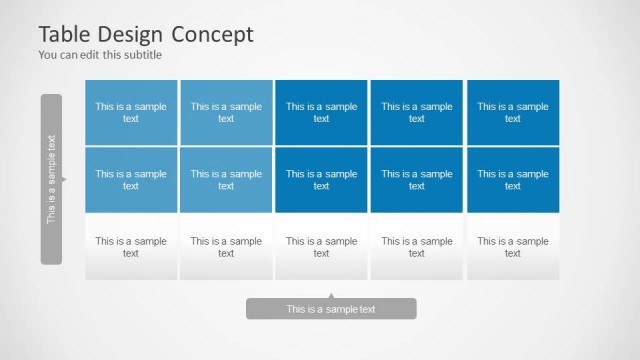
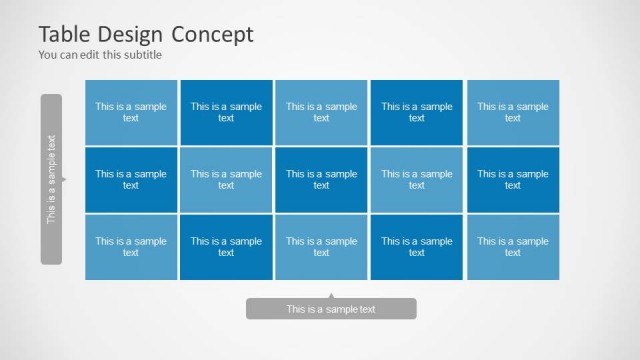
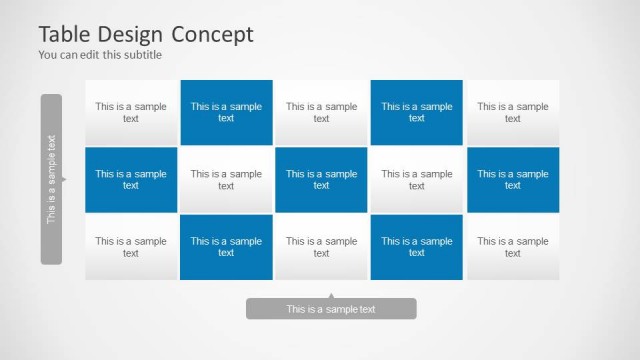
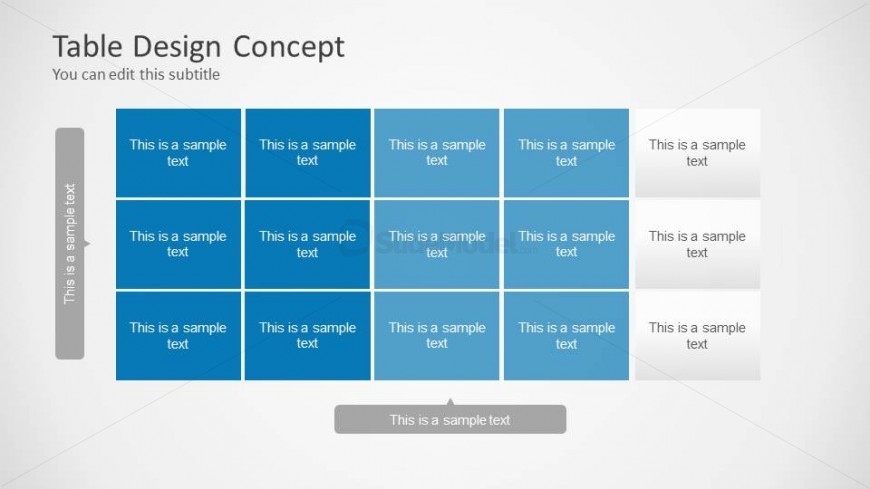
The layout features a 5-column table with three rows of rectangular cells. Each cell contains a placeholder for text, aligned centrally within the cells. The first column on the left has a vertical text placeholder, while the last column on the right has a wider cell for additional text. The background is a light gradient, enhancing the visibility of the blue cells. The overall structure is organized and symmetrical, with clear boundaries separating each cell. The visual hierarchy emphasizes the central text placeholders.
How to Use It
This layout serves as a structured table for presenting data or comparisons in a clear format. It fits well in a presentation sequence after introducing a topic, allowing for detailed breakdowns of information. Suitable for business scenarios such as project timelines, schedules, or comparison matrices, this layout helps organize content effectively. It can be used individually to present specific data points or collectively in a series to compare multiple items or categories.
Text Placeholders & Capacity
Keep your copy within these limits so it fits without resizing. Each cell can hold roughly 5-6 words comfortably.
| Placeholder | Count | Max characters (approx.) |
|---|---|---|
| Cell | 15 | 25 |
| Item heading | 1 | 25 |
| Footer | 1 | 25 |
Slide Keywords
Download unlimited PowerPoint templates, charts and graphics for your presentations with our annual plan.
DOWNLOADReturn to Table Design Concept for PowerPoint.