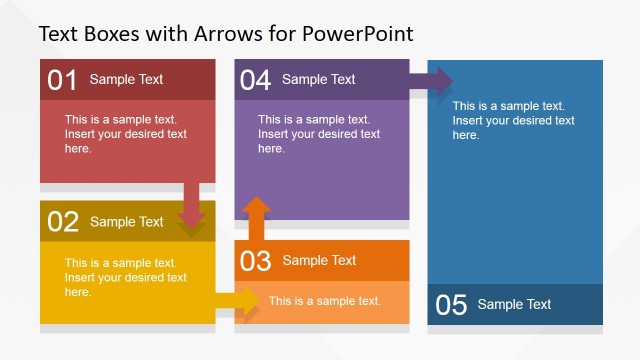
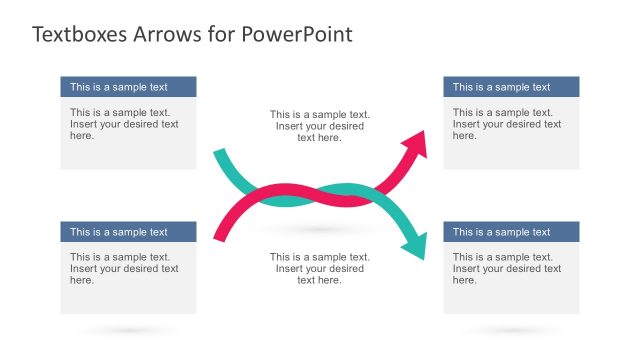
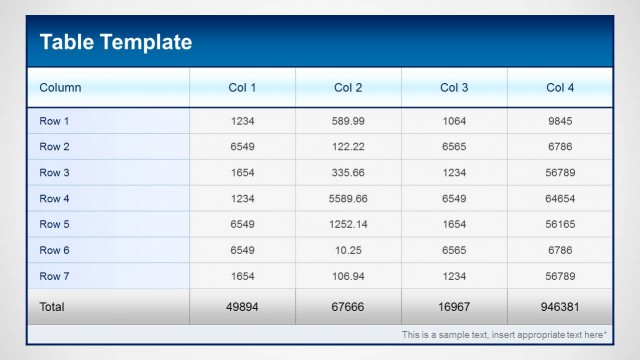
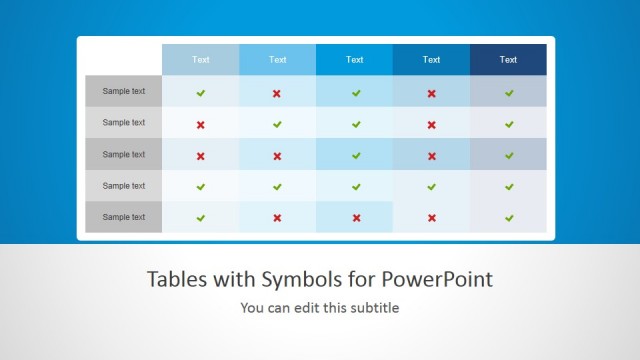
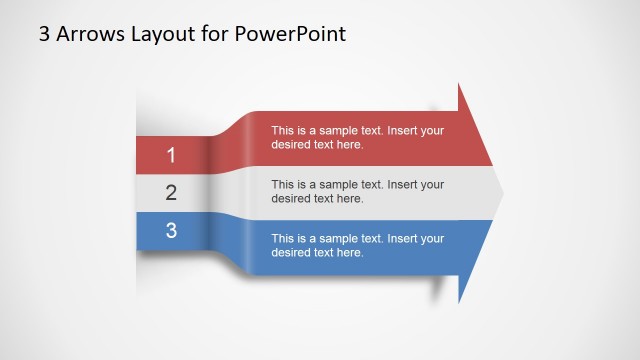
Create awesome tables in PowerPoint using this simple template for presentations. You can edit the text inside the tables as well as choose from multiple table designs and layouts to decorate your slides.
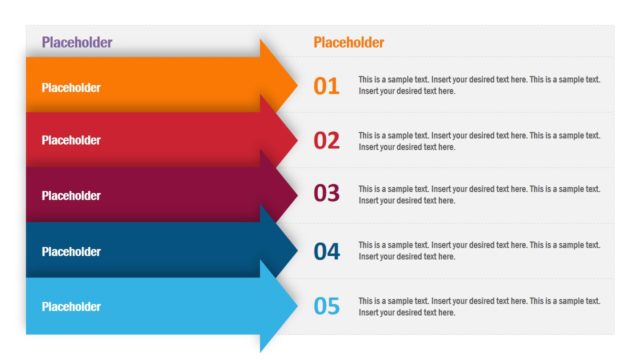
This table PPT template is very useful to make presentations with detailed product features in a single slide or compare product plans in a SaaS model. You can use the table with arrows template for Microsoft PowerPoint to make a comparison slide design or describe product and service features like a pricing table.
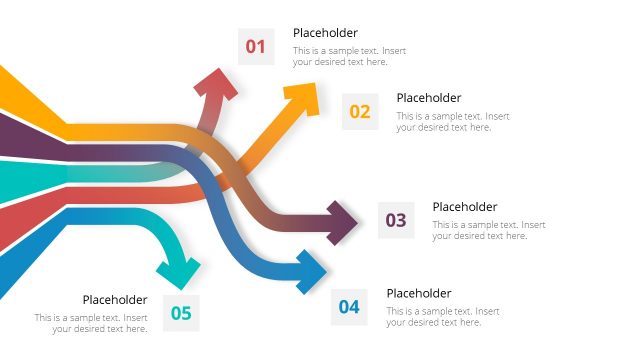
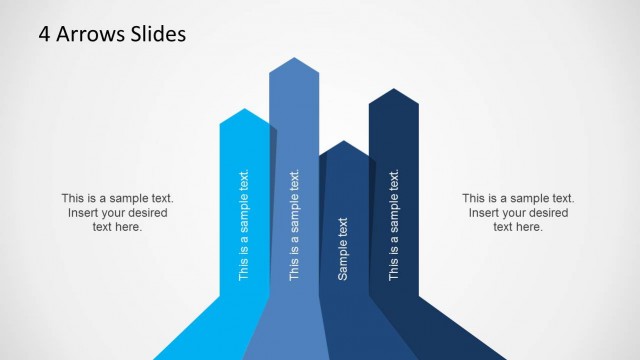
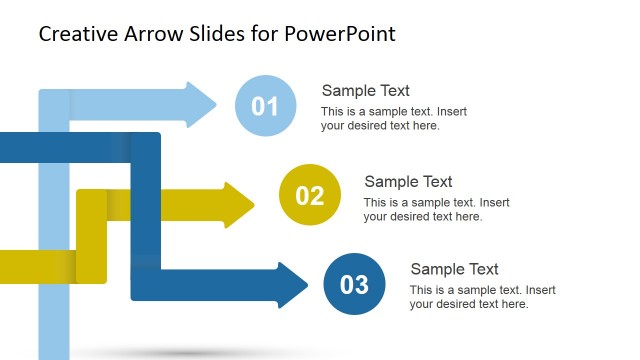
Alternatively you can download other nice table PPT templates with creative shapes including editable graphics in PowerPoint and creative arrows like the chevron arrows with styles.
What’s inside this template
Example presentation scenarios
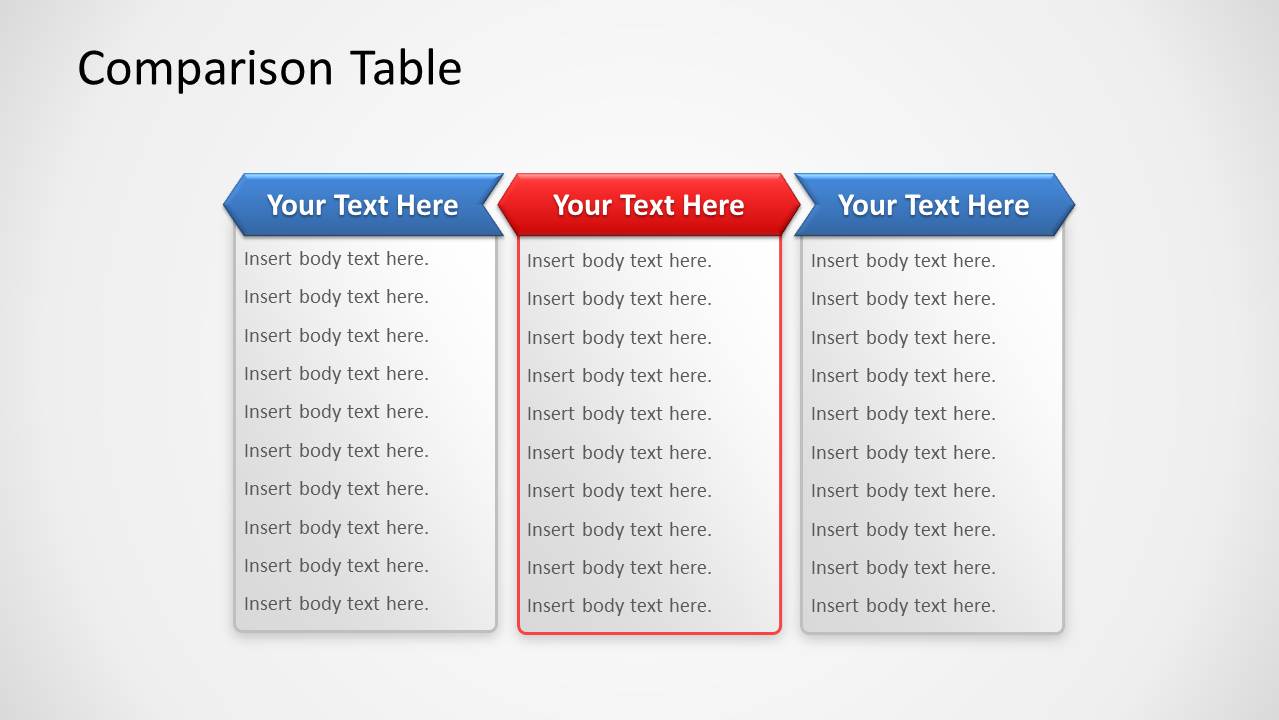
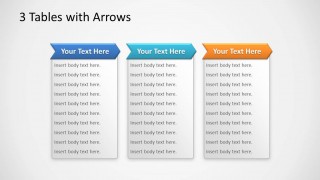
- A SaaS marketing manager can compare subscription plan features using the 3-column comparison table with a highlighted middle option.
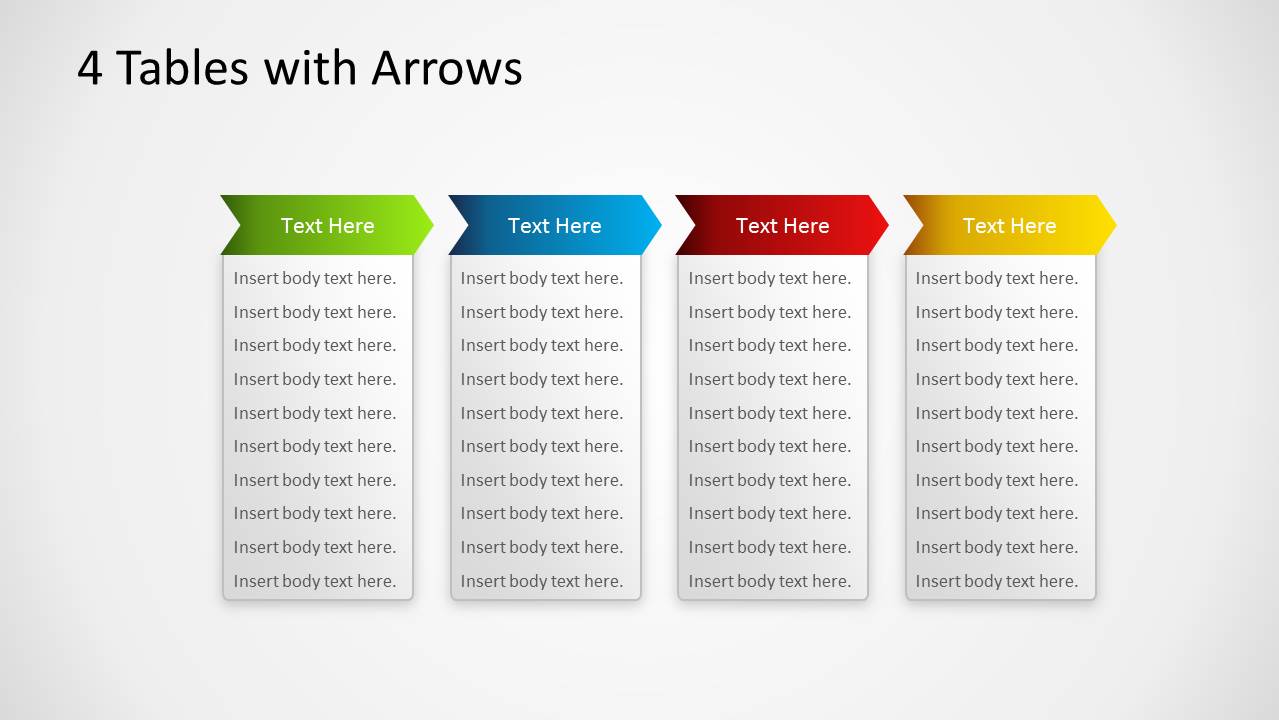
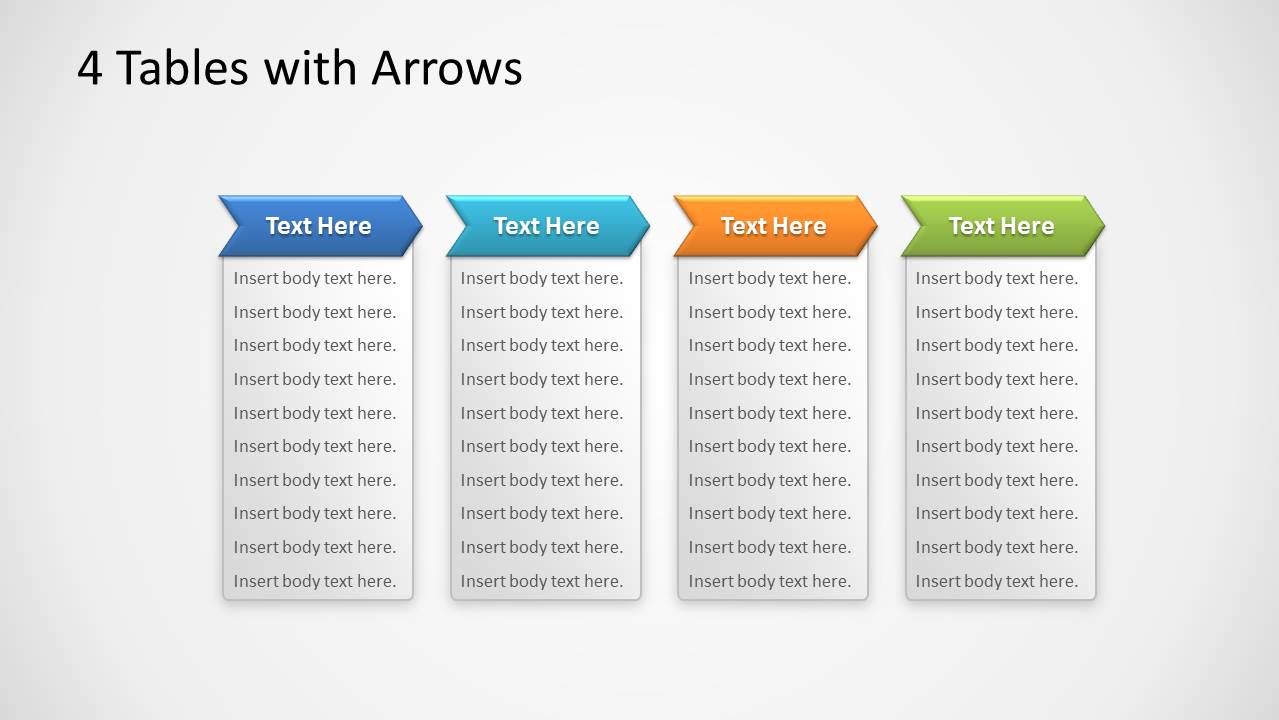
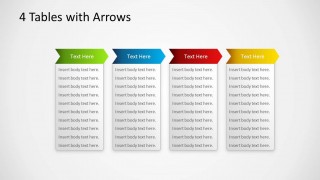
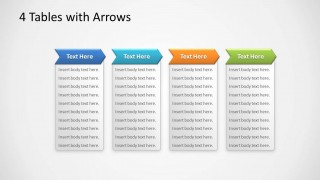
- A product manager can present feature sets across multiple releases using the 4-column arrow table layouts and concise body text blocks.
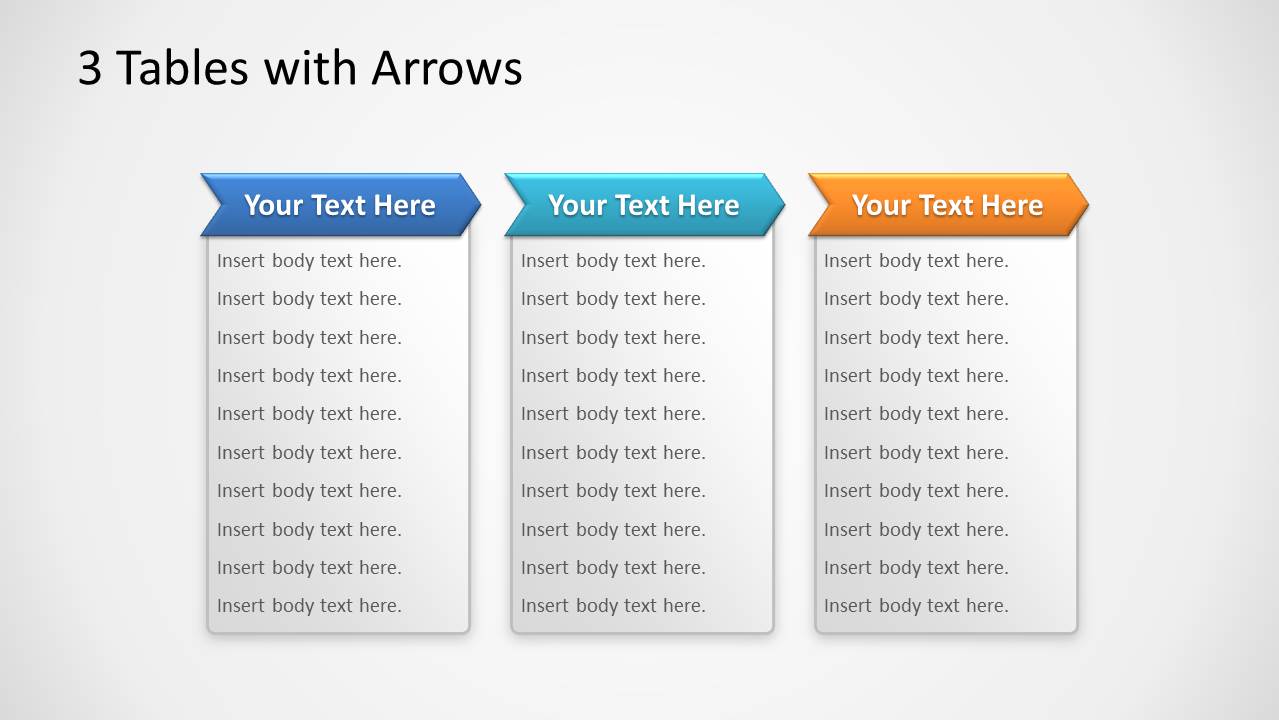
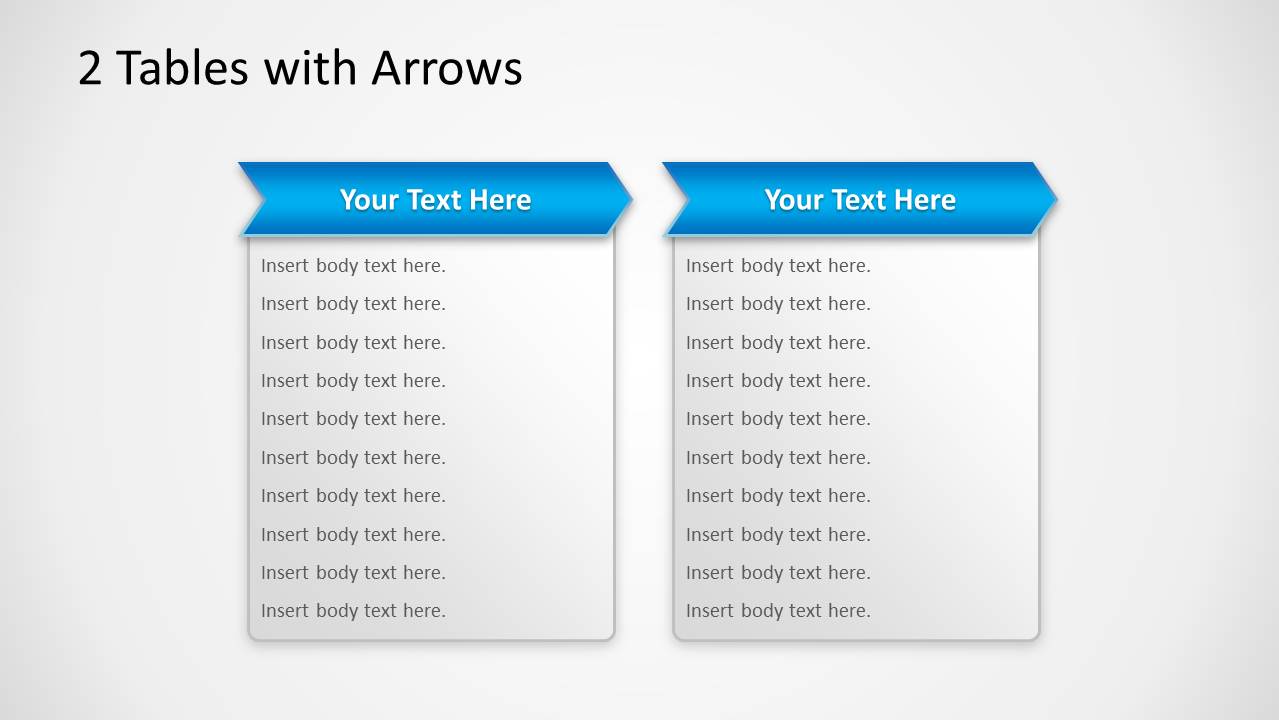
- A sales consultant can summarize service packages for a client using the 2-column or 3-column table layouts for direct side-by-side comparison.
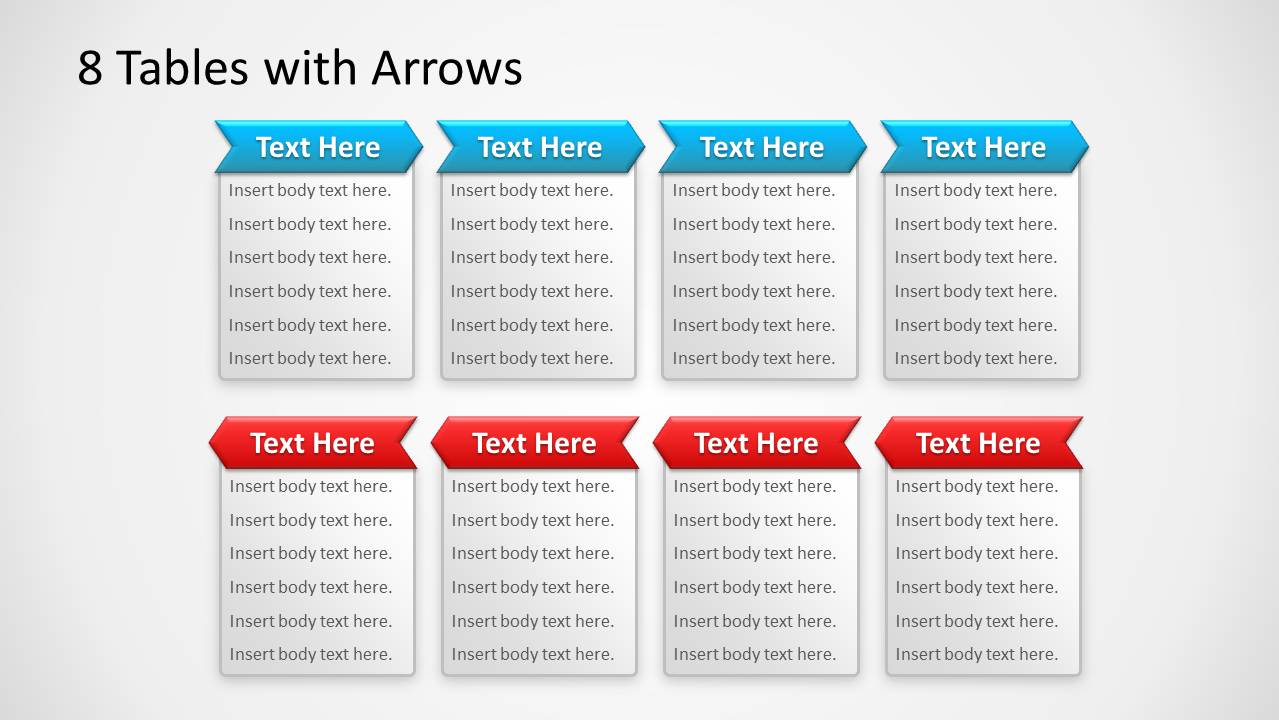
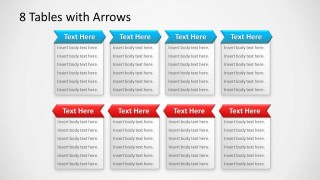
- A business analyst can organize competing vendor capabilities using the 8-table layout, separating groups by the blue and red arrow headers.
Features
- 100% editable presentation template
- Compatible with Microsoft PowerPoint and Google Slides
- 16:9 aspect ratio slides
- Scalable vector shapes, icons and illustrations
- AI-Ready for Microsoft Copilot and Claude
- Instant access and download
Frequently asked questions
Q: How should a presenter organize content in these arrow table slides?
A: Start by deciding the comparison basis before filling the table: plans, features, service tiers, vendors, or product options. Keep each arrow header short and parallel in wording. Use the body area for comparable bullet points, not paragraphs. On the 3-column comparison table, reserve the highlighted center column for the recommended option or the current focus.
Q: When is this template the right choice for a business presentation?
A: This template fits presentations where the audience must scan text-heavy options and make a quick comparison. It is useful for product managers, sales teams, and consultants explaining feature sets, service bundles, or package differences. The 2, 3, 4, and 8-table variants let the presenter match the layout to the number of options being compared.
Q: Why use arrow-shaped headers instead of standard table headers?
A: The arrow headers act as a directional metaphor, guiding the eye from left to right across the options. That makes the table feel less static and helps viewers read each column as a distinct path or choice. The strong colored headers also create a clear visual hierarchy above the lighter text panels.
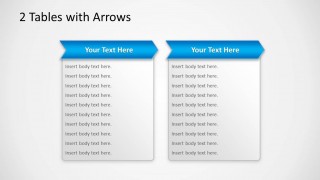
Tables with Arrows Template for PowerPoint
6-slide presentation template for arrow tables, product feature comparisons, and pricing-style descriptions
Tables with Arrows Template for PowerPoint is a 6-slide table presentation template for comparing features, plans, or service descriptions. Visible layouts include a 3-column comparison table, 8-card arrow table, 4-column feature tables, 3-column table, and 2-column table. It is designed for business presenters using Microsoft PowerPoint or Google Slides.
- Category
- Text & Tables
- Rating


 Loading...
- Aspect ratio
- 16:9, 4:3
- Item ID
- 1145
- Colors
 Microsoft PowerPoint
  Microsoft Copilot
  Claude for PowerPoint
 Other formats supported
Subscribe today and get immediate
access to download our PowerPoint templates.