Slide 1 of 6 from Table Design Concept for PowerPoint
8060-01-table-design-concept-powerpoint-1
5-Column Table Layout for Presentations
- Table
- Comparison Table
- Context Slide
- 16:9
- 100% Editable
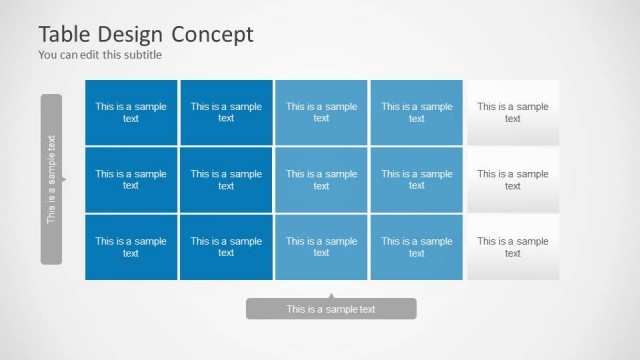
The 5-Column Table Layout from the Table Design Concept for PowerPoint template offers a clear and editable slide for organizing project timelines and schedules. This slide template uses alternating colored cells and a structured format to enhance data presentation in business presentations or corporate slide decks. Its design supports easy customization with editable shapes, making it suitable for professional environments requiring concise comparison tables.
What’s on This Slide
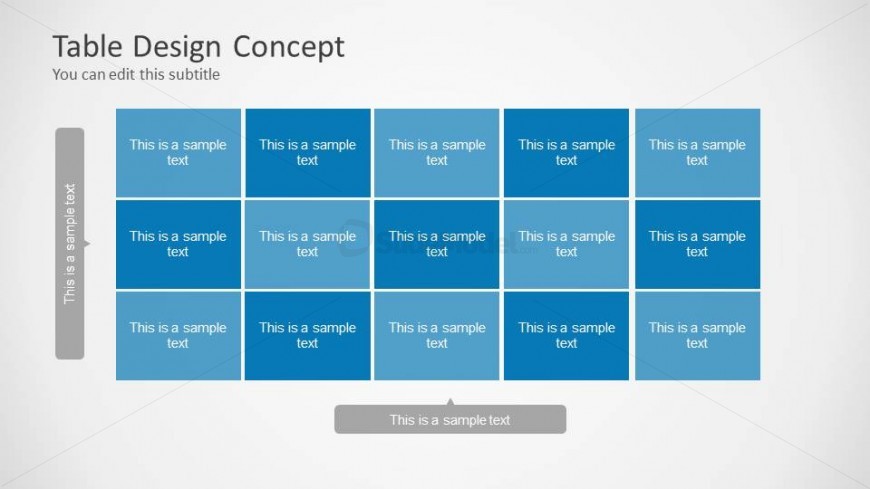
The layout features a 5-column table with alternating colored cells. The top section includes a title and subtitle, centered above the table. Each column contains a placeholder for text, with the first column having a vertical label on the left side. The table is structured with three rows of cells, each containing the same placeholder text. A footer placeholder is located at the bottom center of the slide. The overall color scheme includes shades of blue, creating a clear visual hierarchy.
How to Use It
This layout serves as a structured table for presenting data or comparisons. It is suitable for displaying schedules, project timelines, or organized information. This slide fits early in a presentation, introducing key data points or summaries. It is ideal for business meetings, educational settings, or any context requiring clear data presentation. The design allows for easy editing and customization to fit specific content needs.
Text Placeholders & Capacity
Keep your copy within these limits so it fits without resizing. Node body slots can accommodate roughly 4-5 words each.
| Placeholder | Count | Max characters (approx.) |
|---|---|---|
| Slide title | 1 | 30 |
| Subtitle | 1 | 30 |
| Item body | 15 | 20 |
| Footer | 1 | 30 |
Slide Keywords
Download unlimited PowerPoint templates, charts and graphics for your presentations with our annual plan.
DOWNLOADReturn to Table Design Concept for PowerPoint.