Table of Content Slides for PowerPoint is a simple PowerPoint template design that you can download to include in your presentation. This table of content template for PowerPoint contains unique slide designs to be used as TOC slides or agenda slides in your presentation. The slides have an original design with a globe illustration created in PowerPoint and space to add up to five presentation topics.
What’s inside this template
Example presentation scenarios
- A project manager can use the 4-item table of contents slide to introduce the sequence of a stakeholder update and set expectations before discussing status, risks, milestones, and next steps.
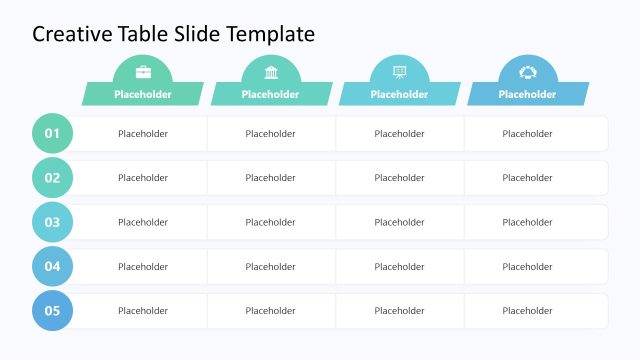
- A consultant can use the 5-item agenda layout to frame a client workshop, naming each discussion block beside the numbered markers so the audience can follow the session plan.
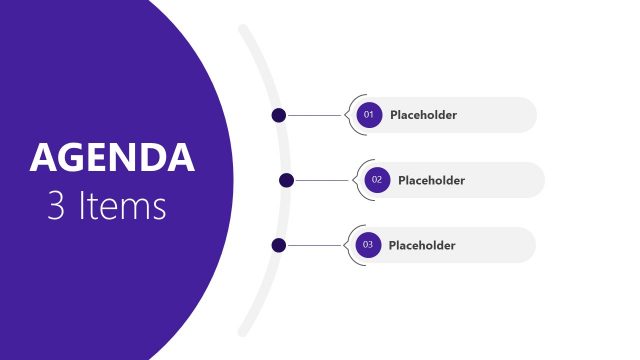
- A trainer can use the 3-item table of contents slide to preview learning modules at the start of a course, using the globe graphic as a neutral visual anchor.
- An executive can use one agenda layout in a quarterly report deck to show the major sections before moving into performance, initiatives, market context, and decisions.
Features
- 100% editable presentation template
- Compatible with Microsoft PowerPoint and Google Slides
- 16:9 aspect ratio slides
- Scalable vector shapes, icons and illustrations
- AI-Ready for Microsoft Copilot and Claude
- Instant access and download
Frequently asked questions
Q: How should a presenter choose between the 3-item, 4-item, and 5-item table of contents slides?
A: Pick the layout that matches the true number of audience decisions or content blocks, not the amount of detail available. The 3-item version works for executive summaries, the 4-item version supports balanced meeting agendas, and the 5-item version fits workshops or reports with more chapters. Keep each text band short so the numbered markers remain the main navigation cue.
Q: Who is this template best suited for during a business presentation?
A: This template fits presenters who need to orient an audience before the main discussion begins. Project managers, consultants, trainers, and executives can use it to show the path of a meeting, report, or learning session. The table of contents structure is most useful when listeners need a quick map of what will be covered and in what order.
Q: Why does the globe and numbered-marker design help communicate an agenda?
A: The globe creates a broad business context without competing with the agenda text, while the blue numbered circles give the audience an obvious reading order. The horizontal bands keep each item aligned and separate, so the slide behaves like a navigation map rather than a dense list. This improves orientation at the start of a deck.
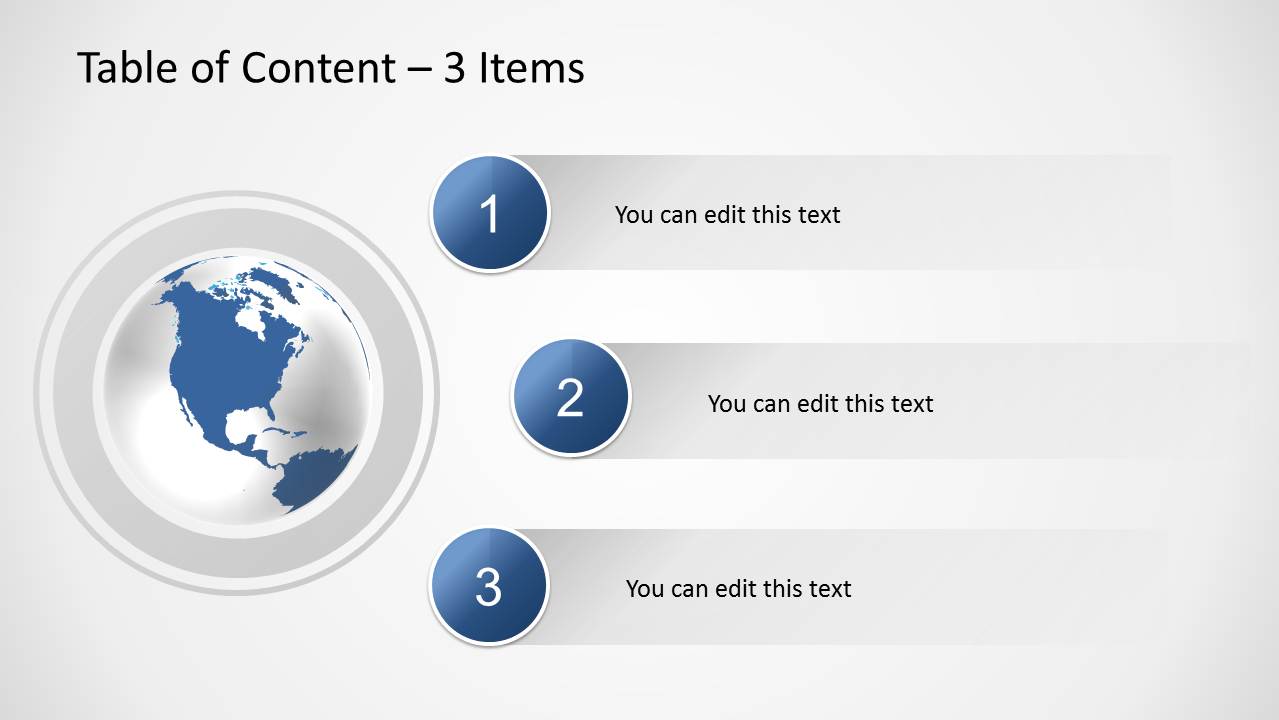
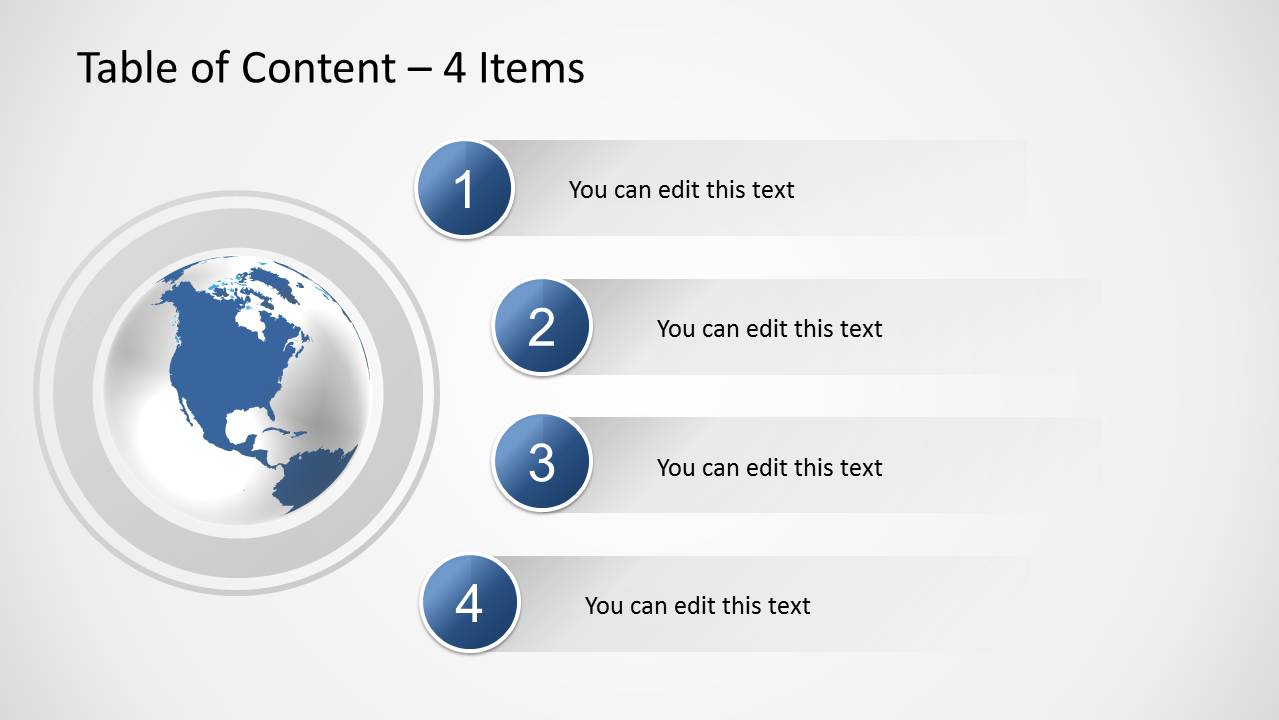
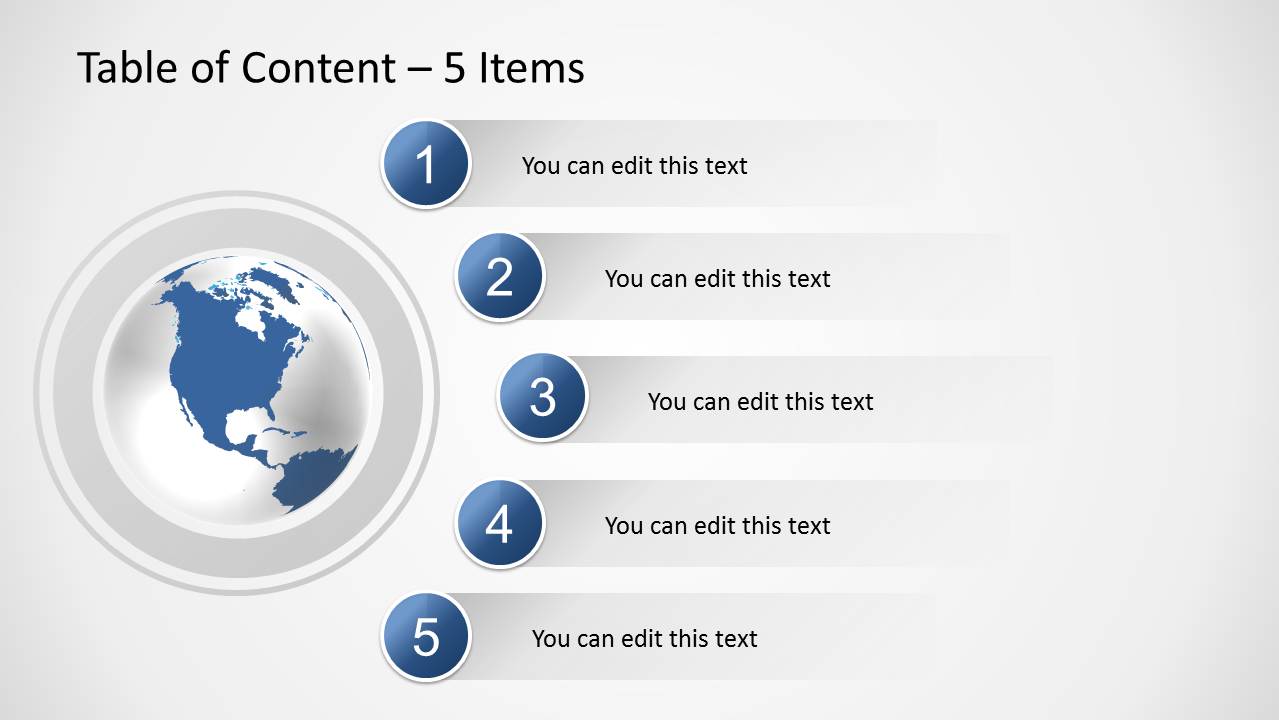
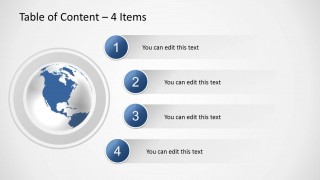
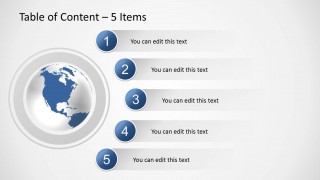
Table of Content Slides for PowerPoint
3-slide presentation template with agenda tables, numbered topics, and globe-based table of contents layouts
Table of Content Slides for PowerPoint is a 3-slide agenda and table of contents presentation template for Microsoft PowerPoint and Google Slides. It includes 3-item, 4-item, and 5-item agenda layouts with numbered circular markers, horizontal text bands, and an editable globe illustration for business, training, or report introductions.
- Category
- Text & Tables
- Rating


 Loading...
- Aspect ratio
- 16:9
- Item ID
- 6185-06
- Colors
 Microsoft PowerPoint
  Microsoft Copilot
  Claude for PowerPoint
 Other formats supported
Subscribe today and get immediate
access to download our PowerPoint templates.