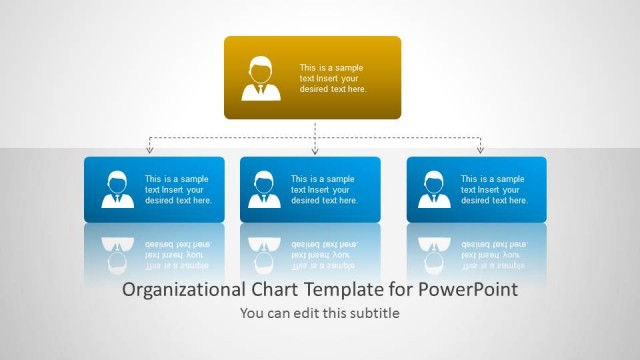
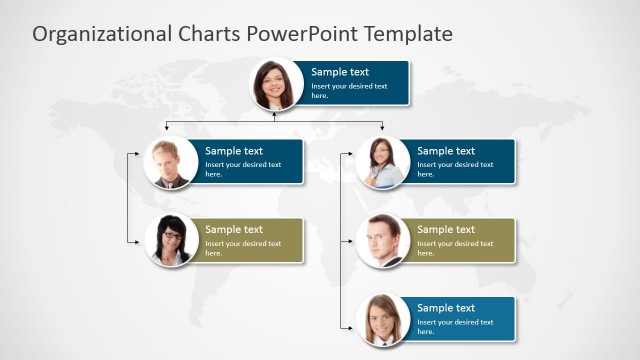
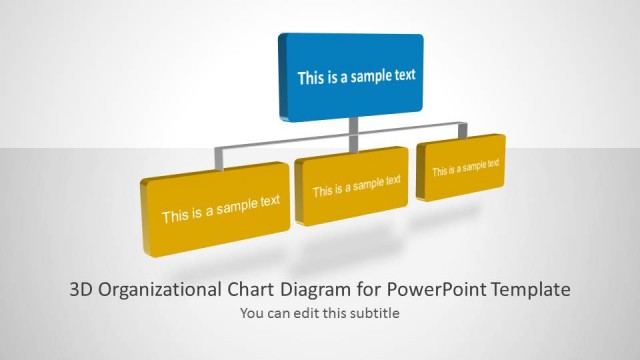
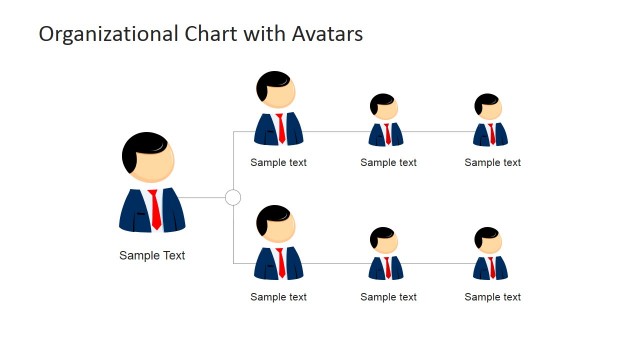
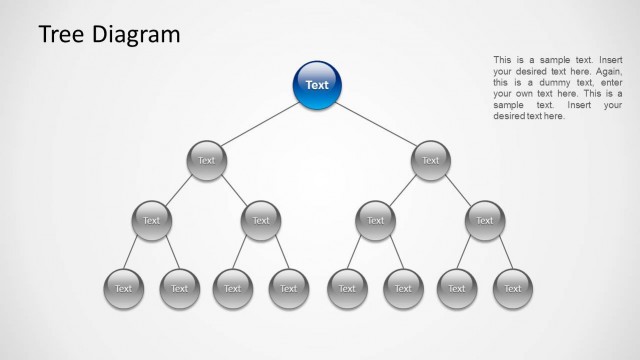
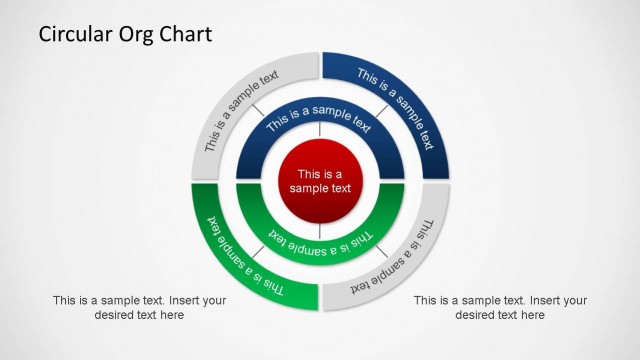
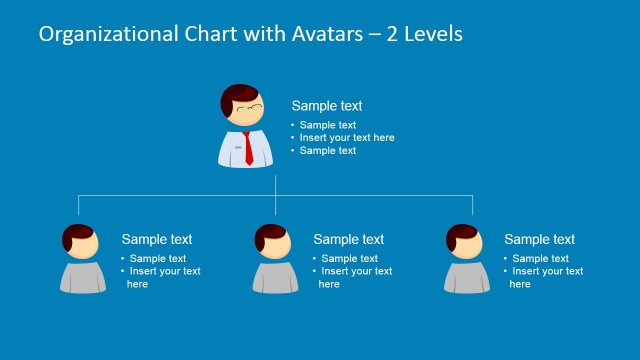
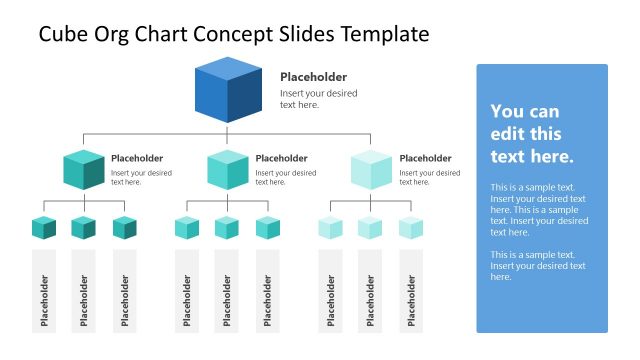
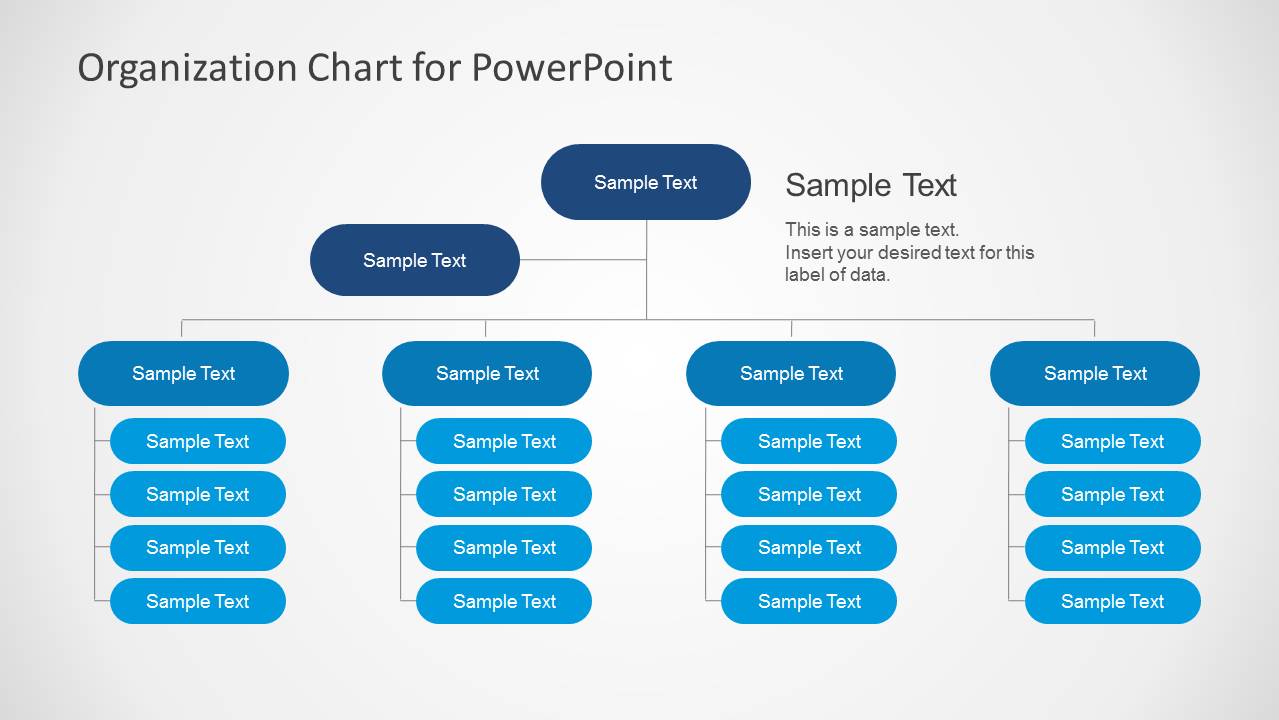
Simple Organizational Chart Template for PowerPoint is a presentation template containing several org chart illustrations created with PowerPoint shapes. You can download and use this Org Chart Templates in order to easily make org charts for your slides.
Organogram or organization chart shows a line relationship or chain of command for business presentations including top managers, supervisors and workers.
Alternatively you can download other creative organization charts like the 3D org chart template for PowerPoint presentations.
What’s inside this template
Example presentation scenarios
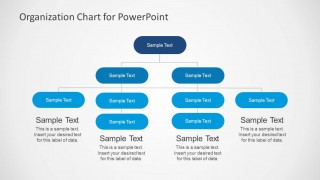
- An HR manager can use the multi-level org chart to introduce a department structure, show managers and direct reports, and clarify who owns each team.
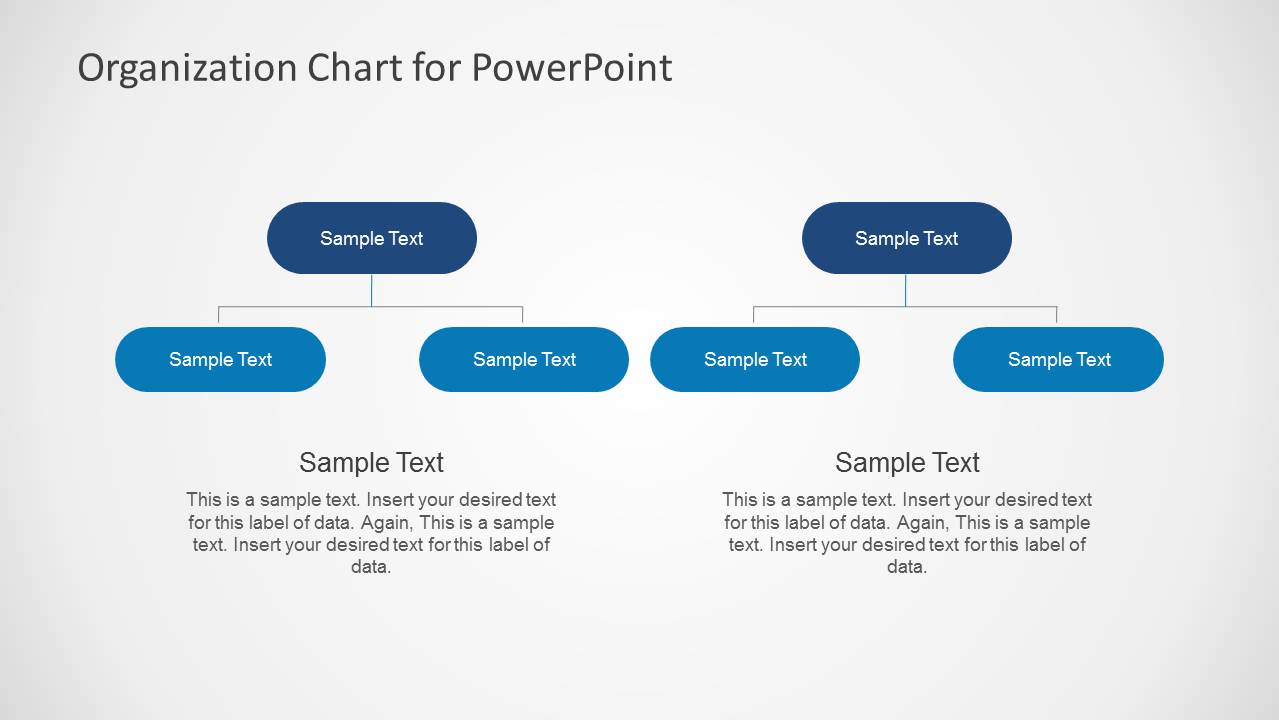
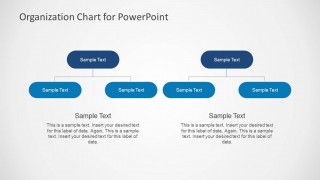
- An operations leader can use the side-by-side hierarchy chart to compare two business units, regional teams, or reporting models during an internal planning meeting.
- A project manager can use the compact leadership tree to explain workstream ownership, escalation paths, and direct reporting lines for a new initiative.
- A consultant can use the simple paired tree diagrams to map a client's current structure against a proposed structure while keeping the discussion focused on roles.
Features
- 100% editable presentation template
- Compatible with Microsoft PowerPoint and Google Slides
- Scalable vector shapes, icons and illustrations
- AI-Ready for Microsoft Copilot and Claude
- Instant access and download
Frequently asked questions
Q: How should a presenter make the hierarchy easy to understand with these slides?
A: Start with the simplest chart that still answers the audience's question. Use the top node for the accountable leader, the next row for managers, and the lower rounded rectangles for teams or individual roles. Keep job titles short inside the boxes, then place longer explanations in the caption areas so the hierarchy remains readable.
Q: Who is this org chart template best suited for?
A: This template fits HR, operations, executive, and project presentations where the main task is to explain accountability and reporting lines. It is especially useful when the presenter needs a clean hierarchy view rather than employee photos or detailed profiles. The side-by-side layouts also help compare two teams or reporting models.
Q: Why do the tree diagrams work well for organizational communication?
A: The tree structure turns abstract authority into a visible chain of command. Top-down connector lines show who reports to whom, while repeated rounded rectangles create a predictable reading pattern. The slides leave white space around each branch, which helps audiences follow the structure before discussing exceptions, dotted-line relationships, or role details.


Simple Organizational Chart Template for PowerPoint
4-slide PowerPoint org chart template for hierarchy diagrams, reporting lines, and team structure.
The Simple Organizational Chart Template for PowerPoint is a 4-slide diagram set for presenting reporting lines, departments, and team structures. It includes a multi-level org chart, side-by-side hierarchy charts, a compact leadership tree, and caption areas for role notes. It is designed for managers, HR teams, and business presenters in PowerPoint.


 Loading...
 Microsoft PowerPoint
  Microsoft Copilot
  Claude for PowerPoint
 Other formats supported
Subscribe today and get immediate
access to download our PowerPoint templates.