Slide 2 of 4 from Simple Organizational Chart Template for PowerPoint
6169-01-organization-chart-2
Dual Organizational Chart for PowerPoint
- Diagram
- Matrix Grid
- Org Structure Slide
- 16:9
- 100% Editable
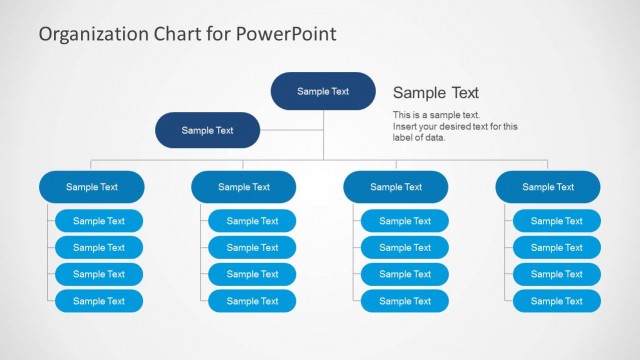
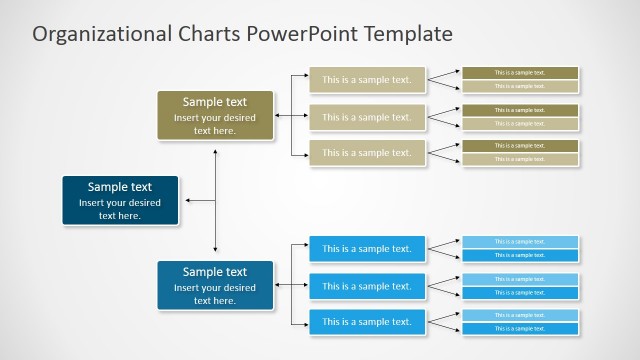
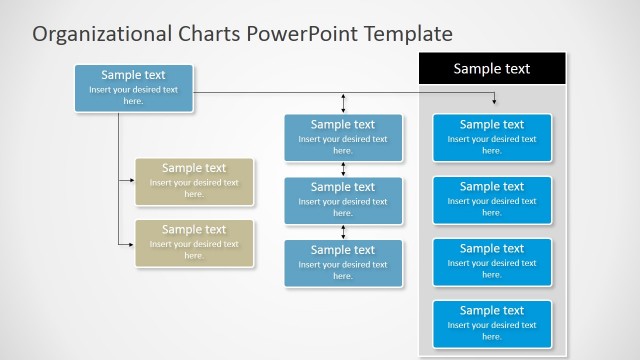
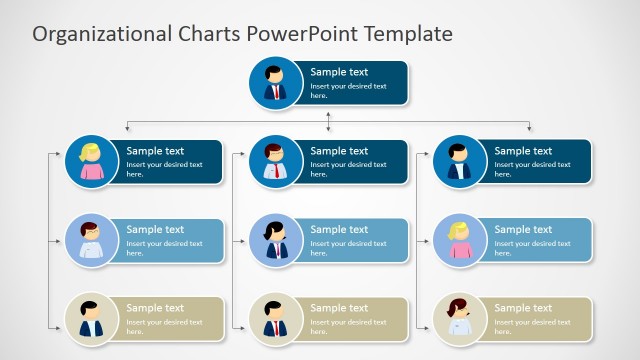
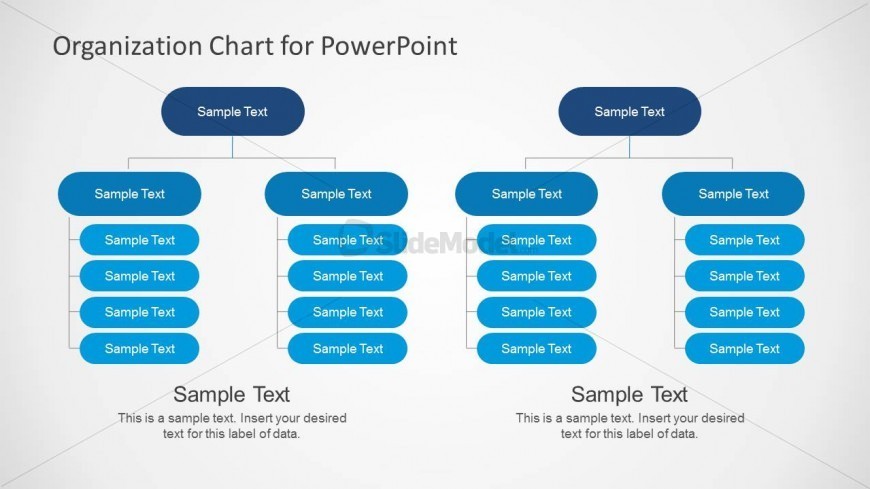
The Dual Organizational Chart Layout from the Simple Organizational Chart Template for PowerPoint offers a clear side-by-side comparison of team structures. This slide layout is ideal for illustrating departmental hierarchies and organizational assessments using editable shapes and vector icons, making it suitable for business presentations and corporate slide decks.
What’s on This Slide
The layout features two organizational charts side by side. Each chart has a rounded top node labeled 'Sample Text' positioned centrally at the top. Below, two branches extend downward, each leading to multiple rounded nodes. Each node contains 'Sample Text' placeholders aligned vertically. The charts are separated by a vertical line, enhancing clarity. Text placeholders are present for titles and descriptions at the bottom. The background is light, providing contrast to the blue nodes, which are visually prominent.
How to Use It
This layout serves to compare two organizational structures or departments side by side. It fits well in presentations discussing team hierarchies, departmental structures, or reporting lines. Suitable for HR presentations, management meetings, or organizational assessments, it allows for clear visual differentiation between two entities. This structure is particularly useful when illustrating changes in organization or comparing roles across teams.
Text Placeholders & Capacity
Keep your copy within these limits so it fits without resizing. Node labels can accommodate roughly 3-4 words each.
| Placeholder | Count | Max characters (approx.) |
|---|---|---|
| Slide title | 1 | 30 |
| Item heading | 8 | 20 |
| Body paragraph | 2 | 100 |
Slide Keywords
Download unlimited PowerPoint templates, charts and graphics for your presentations with our annual plan.
DOWNLOADReturn to Simple Organizational Chart Template for PowerPoint.