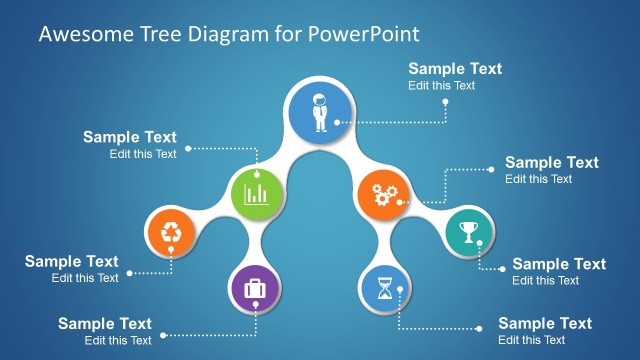
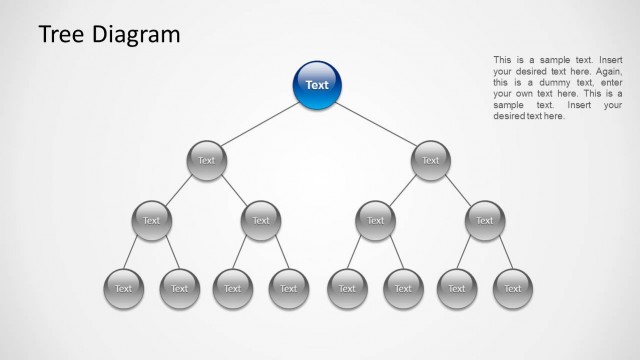
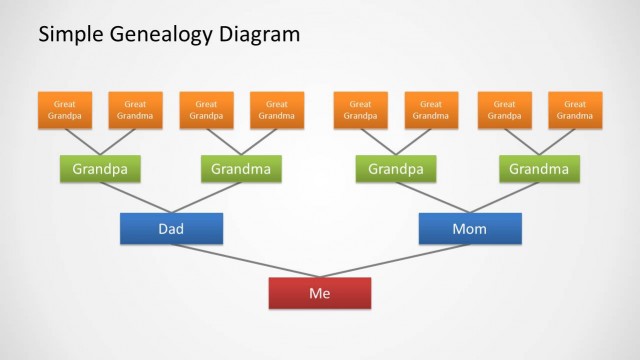
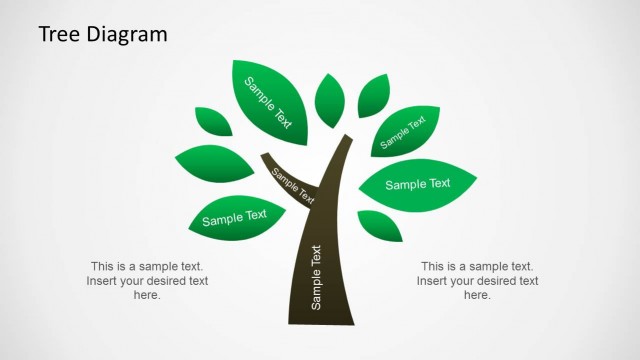
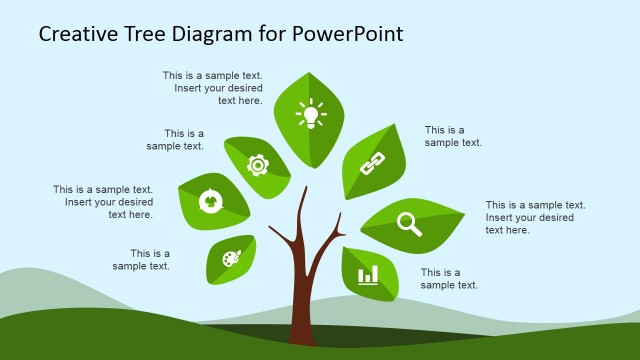
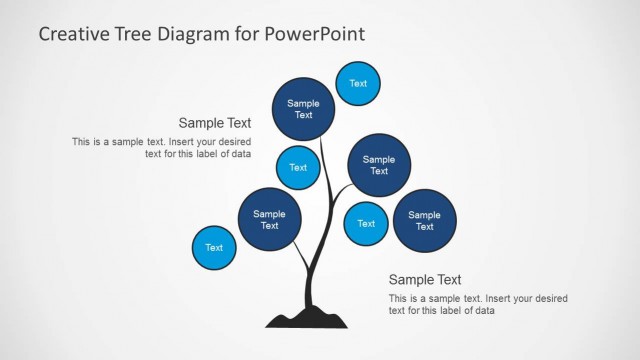
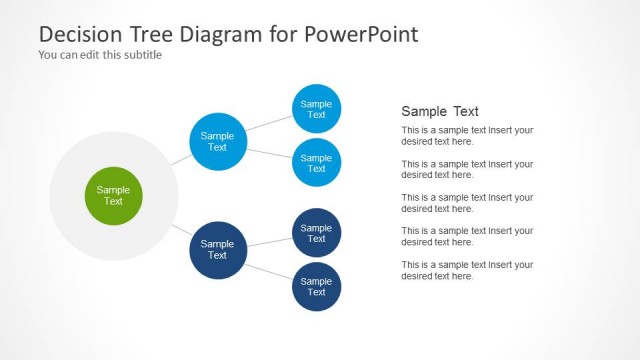
Phone Tree Diagram PowerPoint Template is a tree diagram template design created in Microsoft PowerPoint. You can download the phone tree diagram template to make attractive slide designs in Microsoft PowerPoint using a nice tree diagram visualization. Tree diagrams can help to represent a hierarchical nature of a structure in a graphical form so using this PowerPoint template you can easily represent a tree structure in your own presentation slides.
This phone tree diagram was created with PowerPoint shapes and features a hand-drawn style like the hand drawn Flow chart template for PowerPoint
What’s inside this template
Example presentation scenarios
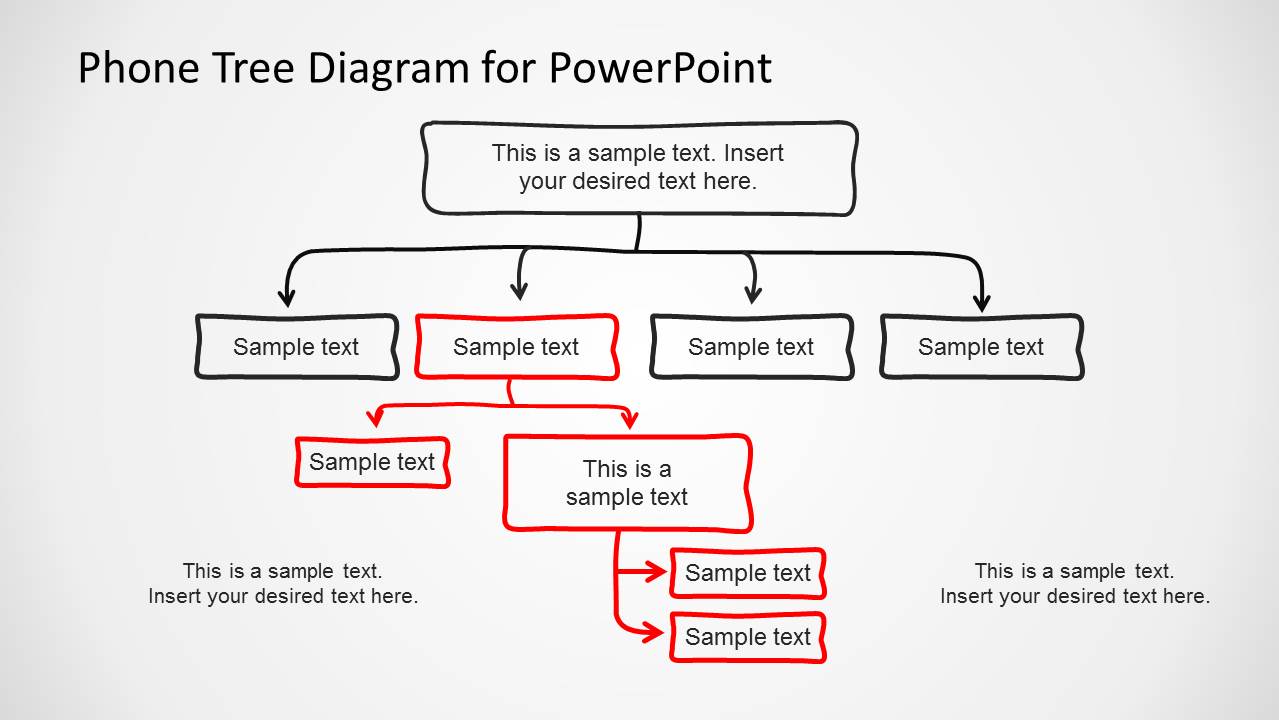
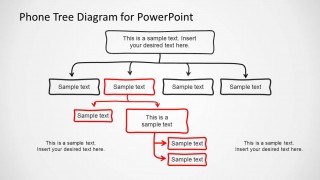
- An operations manager can present an after-hours escalation plan by assigning each role to the multilevel phone tree and showing the order of calls through the branch connectors.
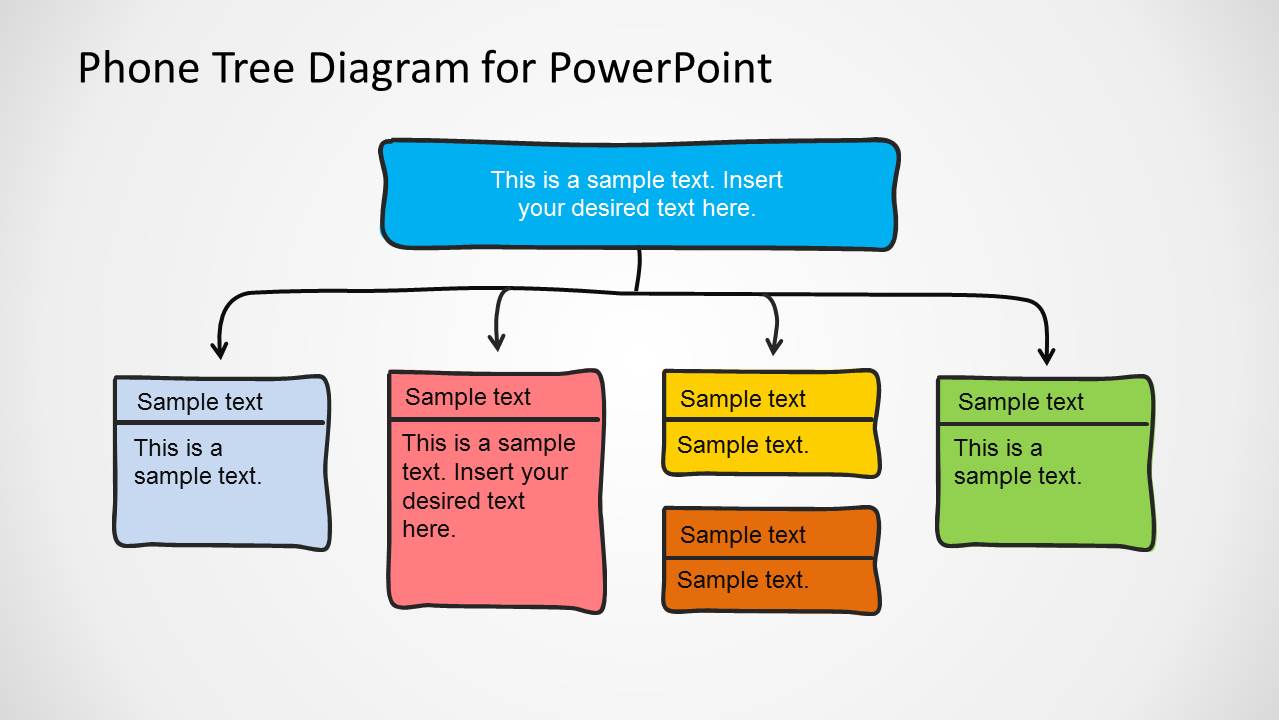
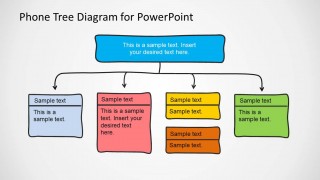
- A sales leader can explain account coverage by placing territory owners in the four-branch card layout and using the child nodes to show reps or follow-up groups.
- An HR presenter can introduce departmental reporting lines by adapting the org chart style nodes into manager and team member relationships.
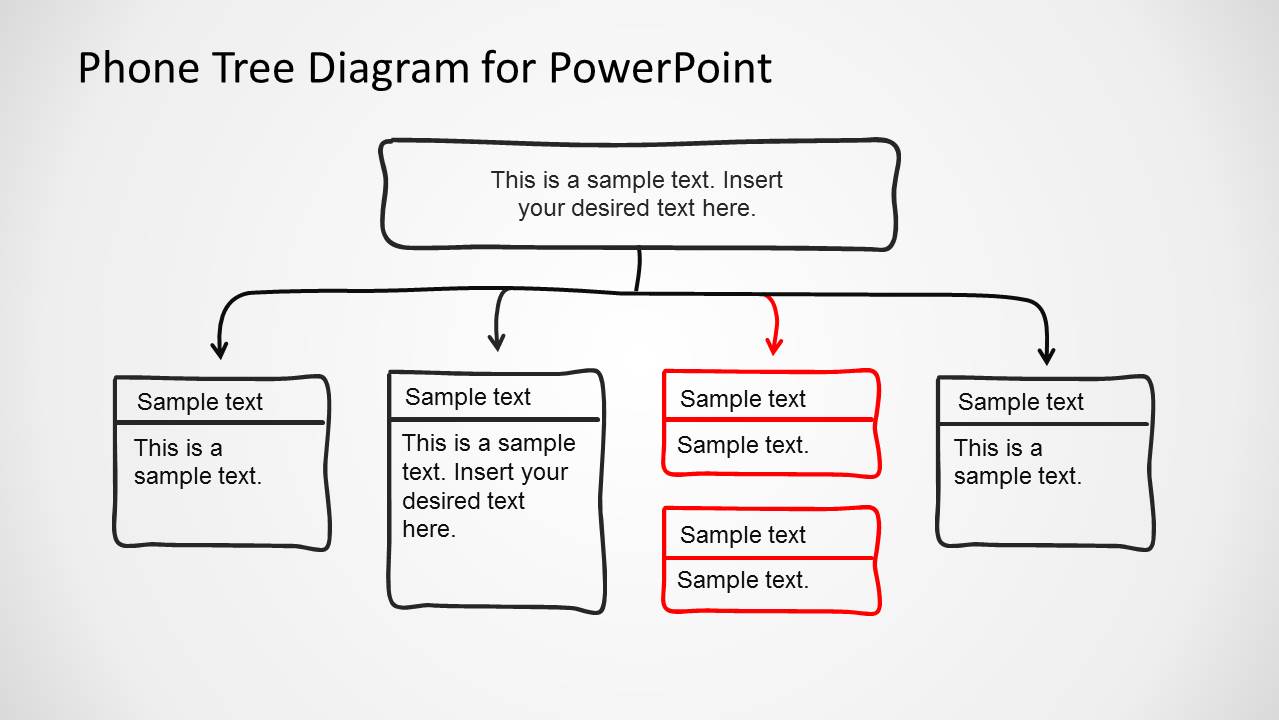
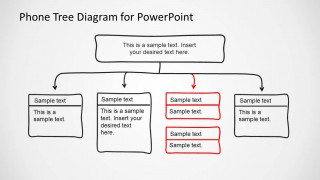
- An emergency response coordinator can use the red highlighted path slides to show which contact route should be activated first during a specific incident.
Features
- 100% editable presentation template
- Compatible with Microsoft PowerPoint
- 16:9 aspect ratio slides
- Scalable vector shapes, icons and illustrations
- AI-Ready for Microsoft Copilot and Claude
- Instant access and download
Frequently asked questions
Q: How should a presenter make the phone tree easy to follow?
A: Start with the top node as the single decision or origin contact, then move left to right across the first-level branches. Keep each node to a name, role, or short action. Use the red highlighted path slides only for the route that matters most, so the audience does not have to decode every possible branch at once.
Q: Who is this template best suited for?
A: This template works best for presenters who need to explain responsibility chains rather than detailed procedures. Operations managers, HR teams, sales supervisors, and emergency coordinators can use the branching nodes to show who contacts whom, who owns a group, or how a message should cascade across a team.
Q: Why use a hand-drawn tree metaphor for a communication structure?
A: The tree metaphor turns a hierarchy into a simple visual path from root contact to branch recipients. The hand-drawn style makes the structure feel like a working plan instead of a rigid org chart. Colored nodes and red highlighted branches direct attention to levels, groups, and the active route.
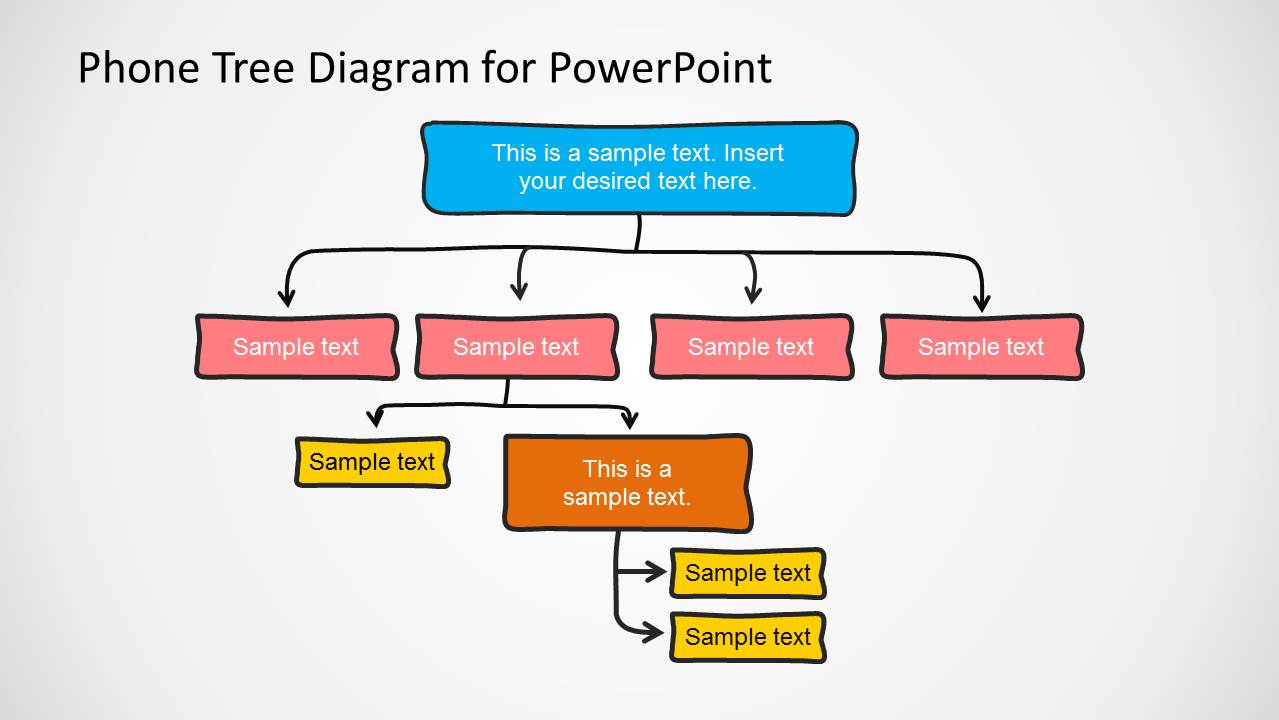
Phone Tree Diagram PowerPoint Template
4-slide PowerPoint presentation template for phone tree diagrams and hierarchical org chart branching.
Phone Tree Diagram PowerPoint Template is a 4-slide Microsoft PowerPoint deck for showing call cascades, hierarchy, and reporting paths. It includes a multilevel branching phone tree, a four-branch card layout, highlighted red routing paths, and hand-drawn node boxes for org chart or communication planning.
- Category
- Tree Diagrams
- Rating


 Loading...
- Aspect ratio
- 16:9
- Item ID
- 6588-01
- Colors
 Microsoft PowerPoint
  Microsoft Copilot
  Claude for PowerPoint
 Other formats supported
Subscribe today and get immediate
access to download our PowerPoint templates.