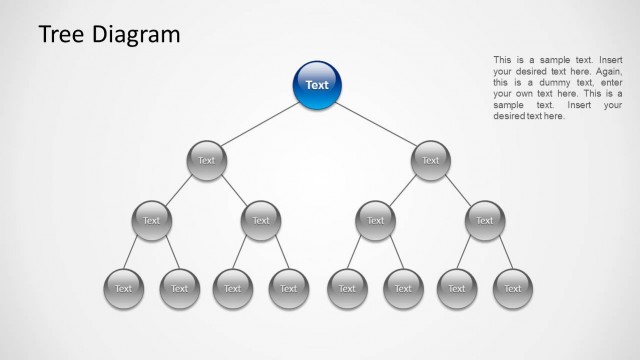
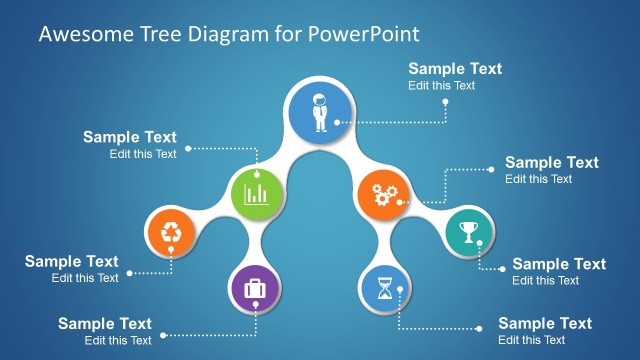
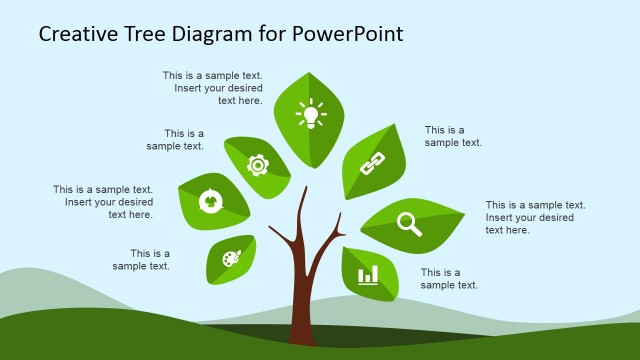
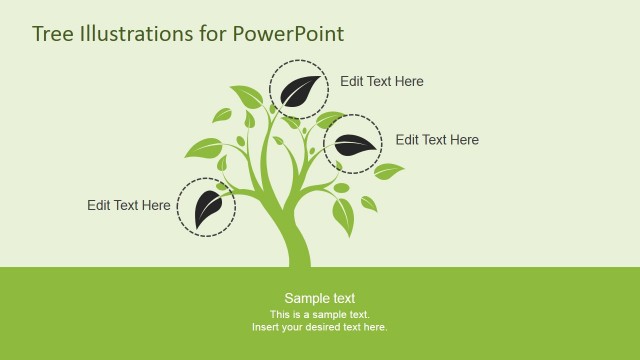
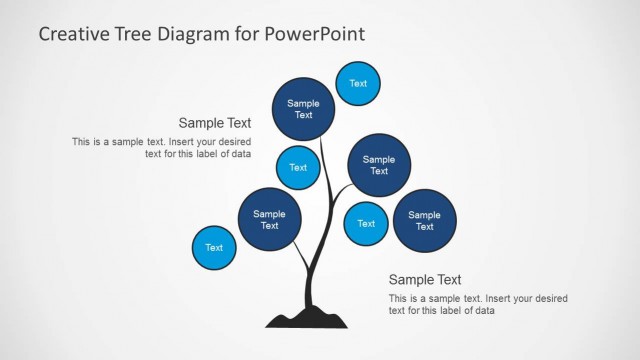
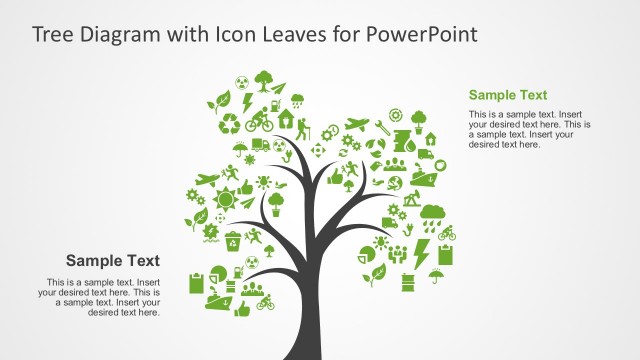
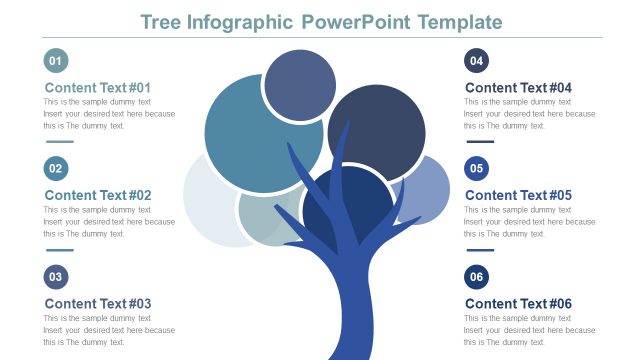
Tree Diagram for PowerPoint its an amazing presentation , with awesome tree illustration design and green leaves. You can download this PowerPoint template to describe high level decision making processes and events trees.
The Tree Diagrams are built with the assembly of independent PowerPoint objects , enabling the user to edit , manipulate and customize each component of the diagram as individual shapes.The layout also contains different text boxes matching the color palette.
What’s inside this template
Example presentation scenarios
- A strategy consultant can use the leaf-labeled tree to show how several growth initiatives connect to one core strategic theme.
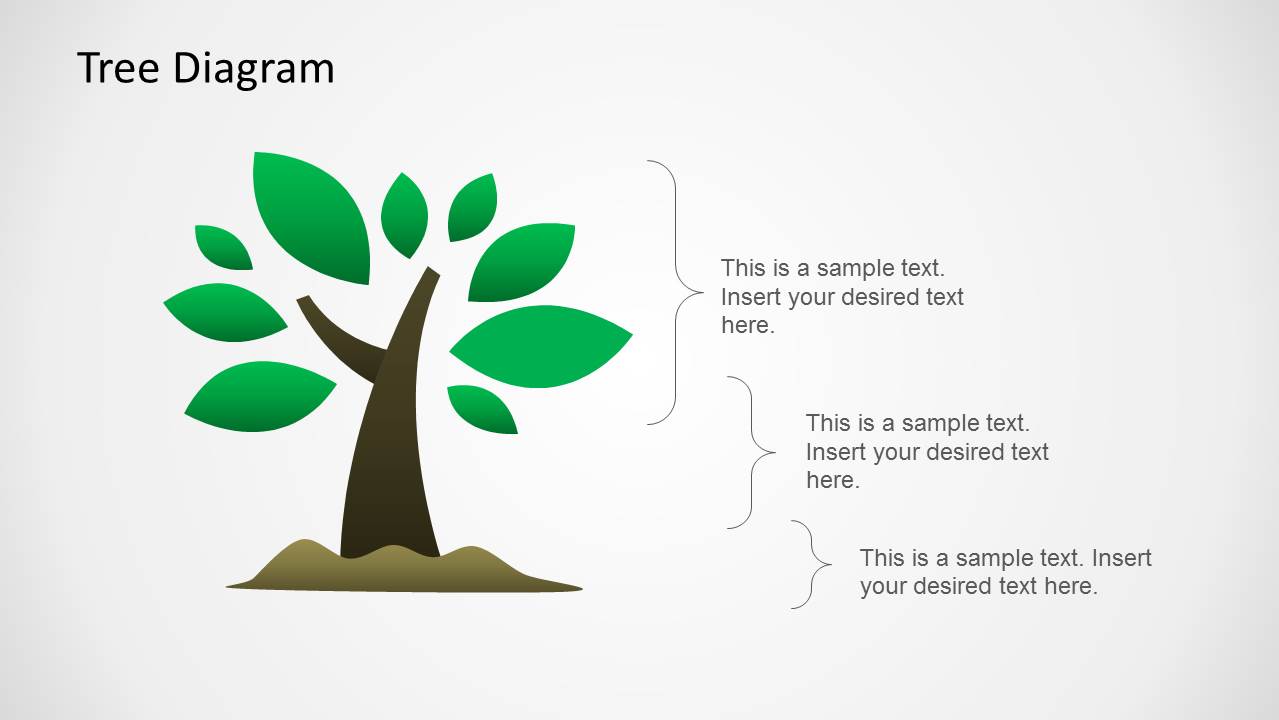
- A project manager can use the bracketed annotation slide to explain decision branches, risks, or dependencies during a planning workshop.
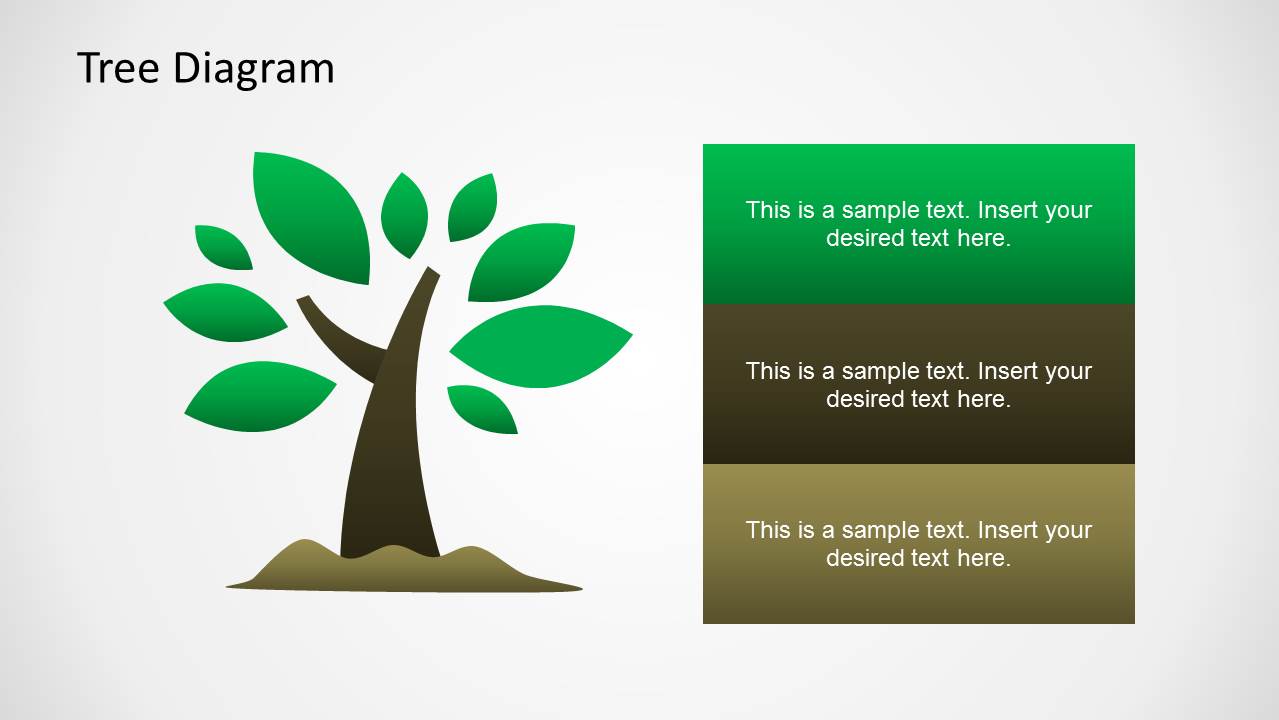
- A trainer can use the stacked text panel layout to group lessons, behaviors, or learning outcomes next to the tree metaphor.
- An educator can use the circular node tree to present root causes, related concepts, or outcomes in a simple visual map.
Features
- 100% editable presentation template
- Compatible with Microsoft PowerPoint and Google Slides
- Scalable vector shapes, icons and illustrations
- AI-Ready for Microsoft Copilot and Claude
- Instant access and download
Frequently asked questions
Q: How should I present a decision or growth message with this tree diagram?
A: Place the central idea on the trunk or near the base, then assign each leaf, circle, or callout to a separate branch of the explanation. Keep labels short so the audience can read the structure quickly. Use the lower text boxes or stacked panels for implications, not for repeating every label.
Q: Who is this template best suited for?
A: It works best for presenters who need to explain relationships rather than numeric performance. Consultants, managers, trainers, and educators can use the tree metaphor to show growth drivers, decision outcomes, causes, or learning themes. The four layouts give enough variation for a short concept explanation or workshop segment.
Q: Why does the tree metaphor help communicate this type of content?
A: A tree naturally suggests a common root, branching paths, and visible outcomes. That makes it easier to show how one core issue connects to several options or results. The leaf labels, bracket callouts, text panels, and circular nodes give the presenter different levels of detail without changing the core metaphor.
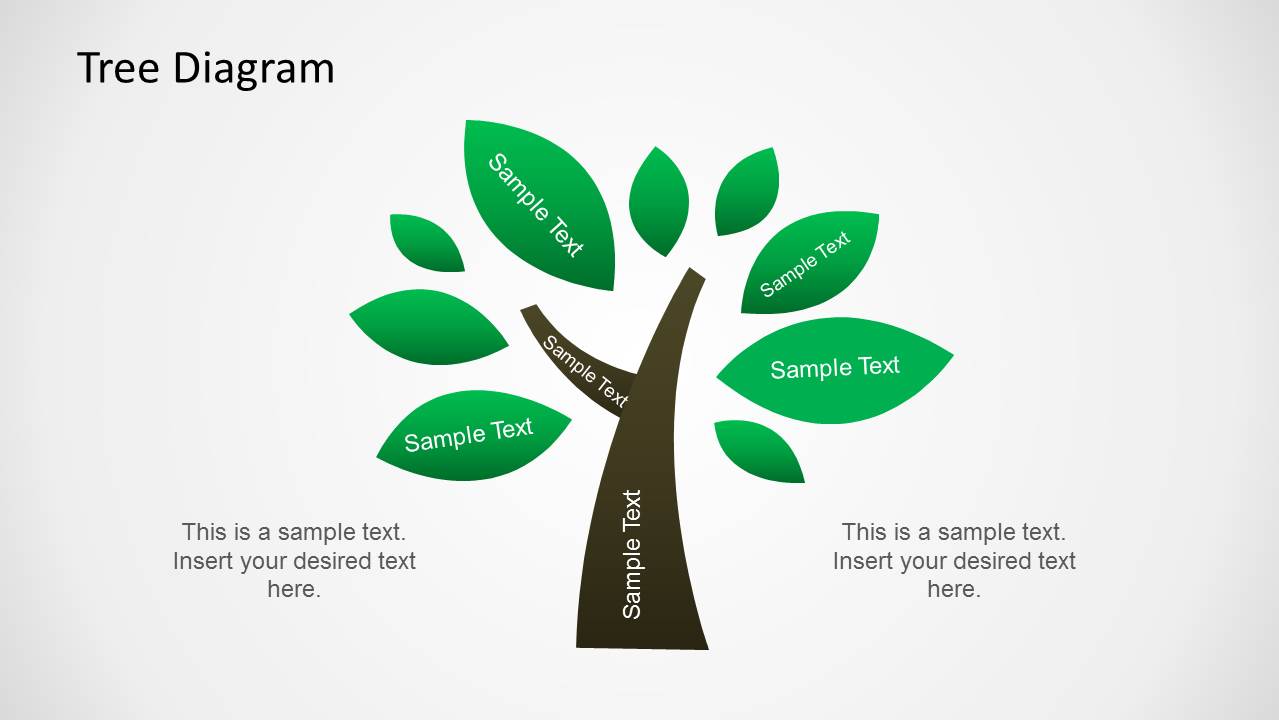


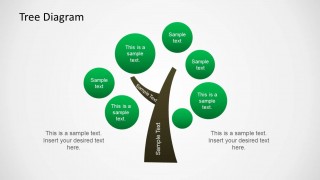
Tree Diagram Illustration for PowerPoint
4-slide PowerPoint presentation template with tree metaphor diagrams, leaves, and decision text areas
Tree Diagram Illustration for PowerPoint is a 4-slide presentation template built around a green tree metaphor. Visible layouts include a leaf-labeled tree, bracketed annotation diagram, stacked text panels, and circular fruit node variant. It is intended for presenters explaining decision branches, growth themes, event trees, or hierarchical ideas in PowerPoint.

 Loading...
 Microsoft PowerPoint
  Microsoft Copilot
  Claude for PowerPoint
 Other formats supported
Subscribe today and get immediate
access to download our PowerPoint templates.