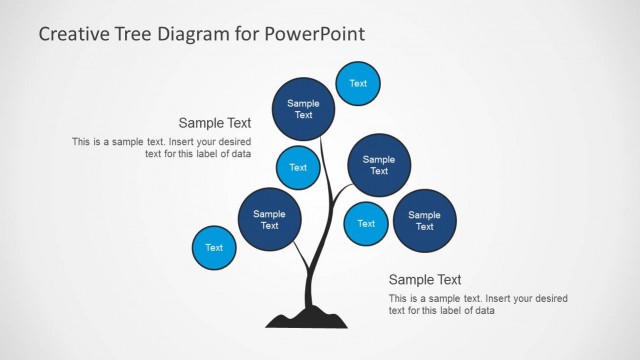
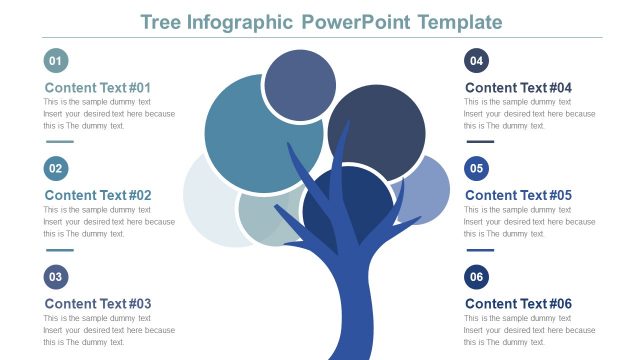
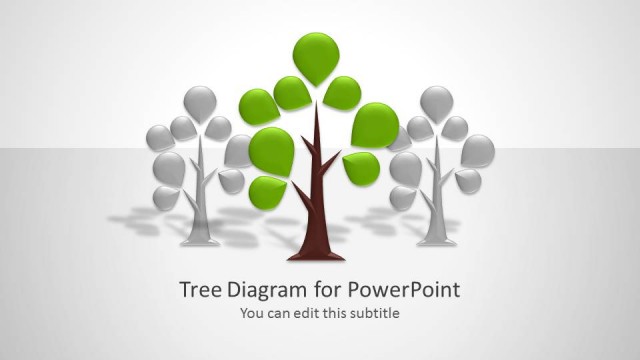
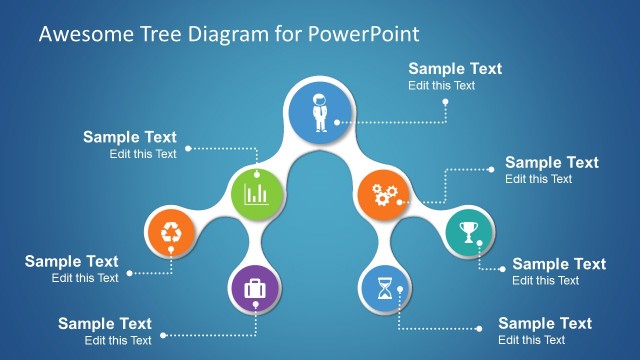
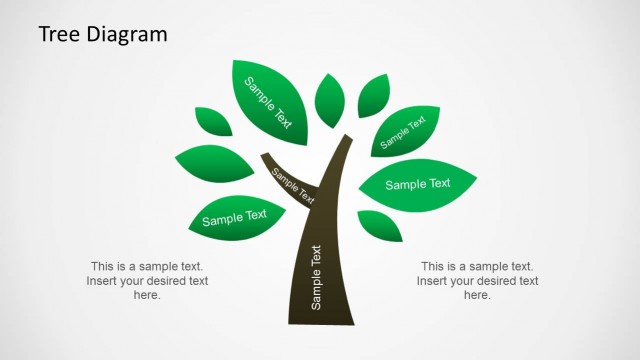
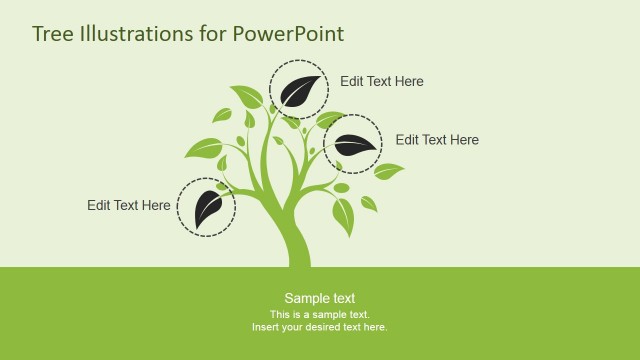
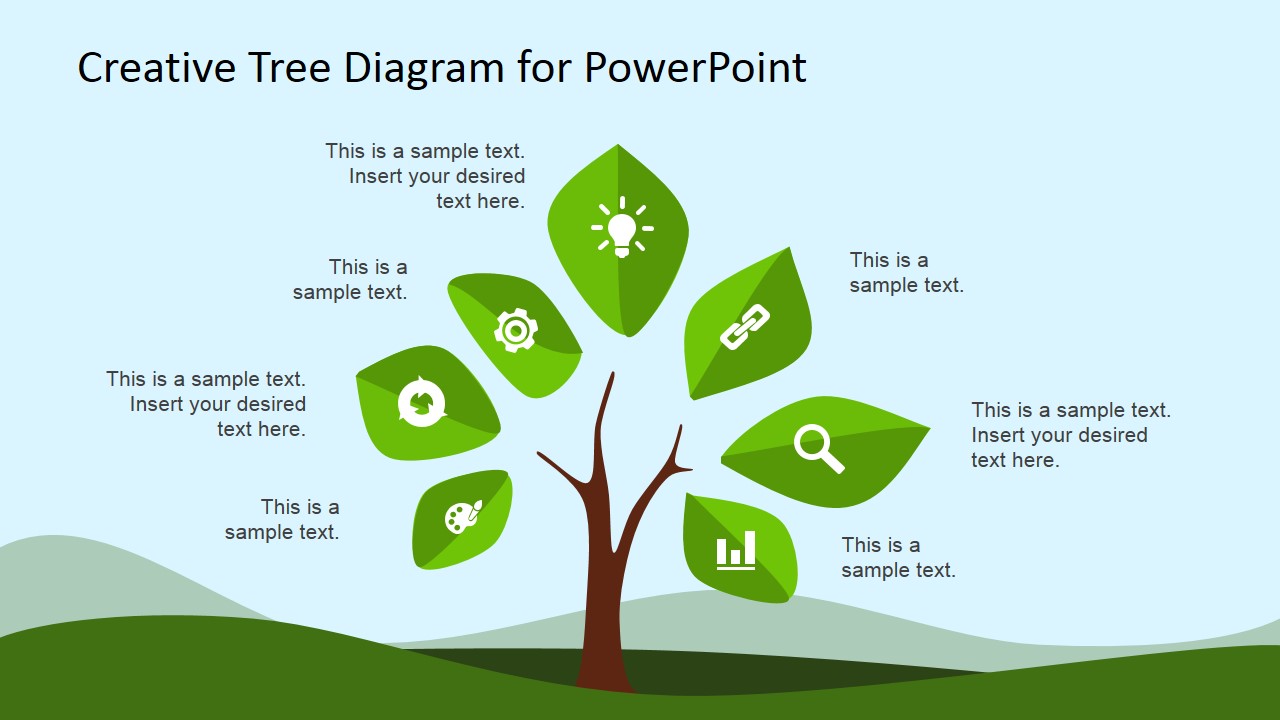
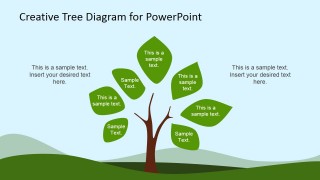
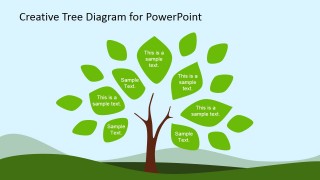
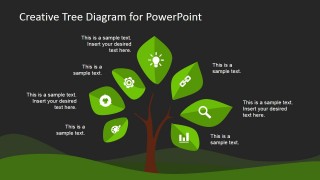
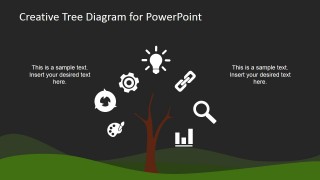
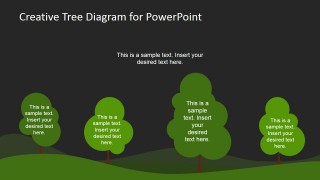
This is a Tree Diagram PowerPoint Template design that you can download and use to make presentations in PowerPoint. This creative tree diagram design has a nice illustration created as PowerPoint shapes and inspired in a real tree shape. You can use this presentation design as a metaphor to represent a Unique Value Proposition or core concepts in a business presentation or animate the leaves to represent a grow or shrink effect in PowerPoint.
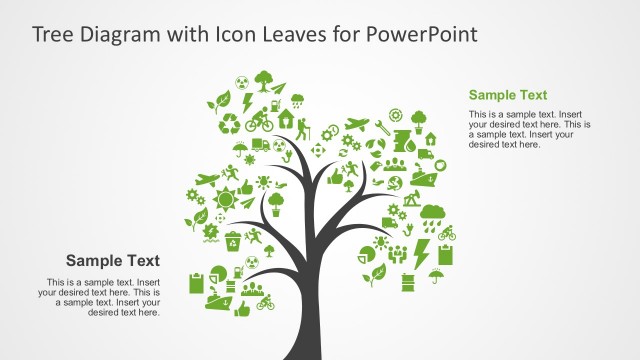
Inside this presentation template you can find useful presentation ideas combining flat icons and clipart designs that you can copy into your presentations. There are icons and clipart for several business needs including light bulb clipart. You can use this creative tree growth PowerPoint presentation as a metaphor to decorate your slides and present a growth scenario. By duplicating the green leaves you can give an impression of growth between the slides.
What’s inside this template
Example presentation scenarios
- A strategy consultant can present growth pillars to executives by assigning each leaf in the tree diagram to a driver such as market, product, operations, or customer focus.
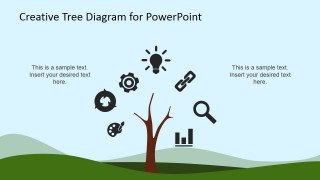
- A marketing presenter can explain a value proposition by pairing the icon canopy layout with short labels for benefits, proof points, and customer outcomes.
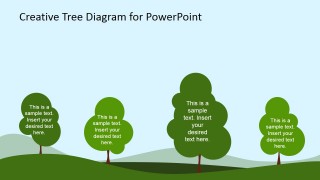
- A sales leader can map account development or pipeline health by using the multi-tree landscape slide to compare segments, territories, or opportunity groups.
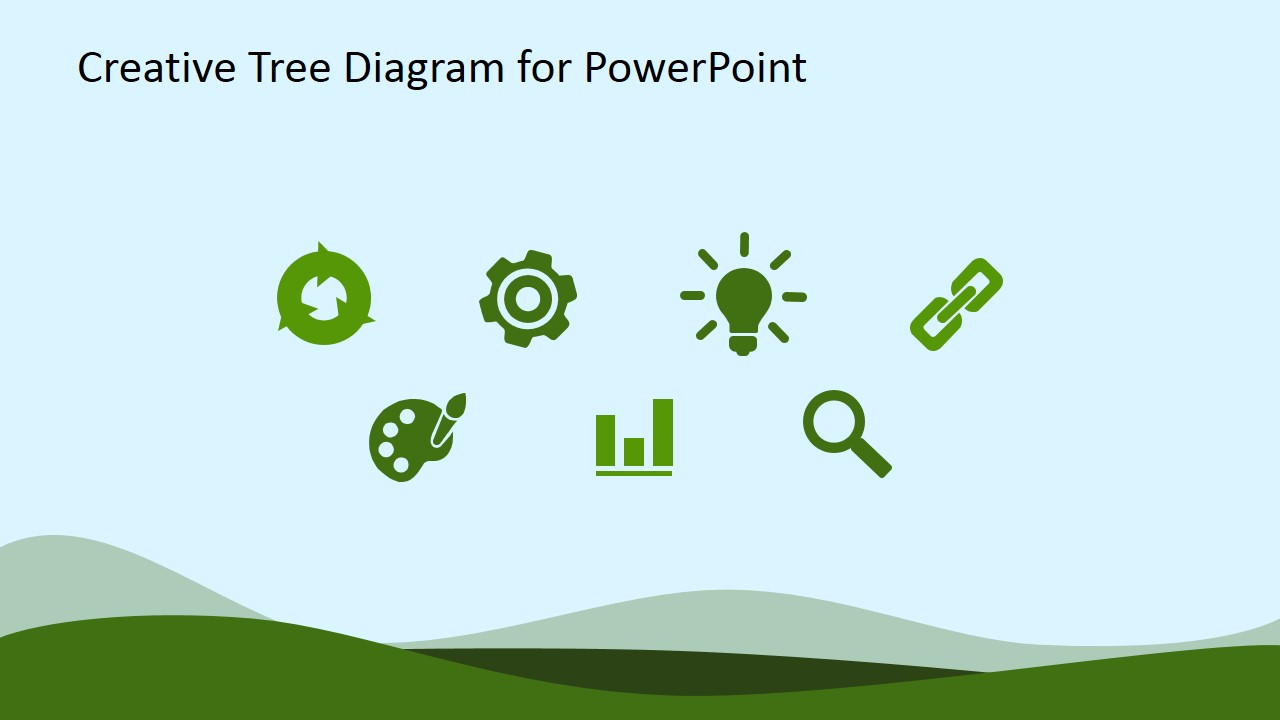
- A trainer can introduce a concept framework by using the standalone icon set slide as a visual legend before moving to the labeled tree diagrams.
Features
- 100% editable presentation template
- Compatible with Microsoft PowerPoint and Google Slides
- 16:9 aspect ratio slides
- Scalable vector shapes, icons and illustrations
- AI-Ready for Microsoft Copilot and Claude
- Instant access and download
Frequently asked questions
Q: How should a presenter structure a message around the tree metaphor?
A: Start with the tree as the main idea, then assign each leaf or icon to one supporting concept. Keep every label short so the audience reads the diagram as branches of one system, not as separate bullet points. The multi-tree slide works well after that when you need to compare several categories or business units.
Q: Who is this template best suited for?
A: It fits presenters who need to make abstract growth, hierarchy, or value concepts easier to understand. Sales, marketing, consulting, and training teams can use the leaf text diagrams to group ideas and the icon slides to introduce themes such as creativity, search, links, measurement, and improvement.
Q: Why use a tree diagram instead of a standard list?
A: The tree metaphor shows that ideas are connected to a common trunk and can grow outward into leaves, icons, or separate trees. This improves recall because the audience sees relationship and scale at the same time. The light and dark versions also let the presenter set a different mood without changing the message structure.




Creative Tree Diagram PowerPoint Template
12-slide presentation template with tree diagram, growth metaphor, and editable nature icons
Creative Tree Diagram PowerPoint Template is a 12-slide diagram deck for showing growth, hierarchy, or core concepts with a tree metaphor. It includes leaf-based text diagrams, icon canopy layouts, multi-tree landscape slides, and standalone icon sets for business presenters in Microsoft PowerPoint and Google Slides.
- Category
- Shapes
- Rating


 Loading...
- Aspect ratio
- 16:9
- Item ID
- 6673-01
- Colors
 Microsoft PowerPoint
  Microsoft Copilot
  Claude for PowerPoint
 Other formats supported
Subscribe today and get immediate
access to download our PowerPoint templates.