Genealogy Tree Diagram is a simple design to model a genealogy tree using Microsoft PowerPoint. The template comes with different colorful designs, with scope for customizing existing slides.
You can create and display family trees by simply adding text to diagrams, as well as adjust the diagram according to need.
What’s inside this template
Example presentation scenarios
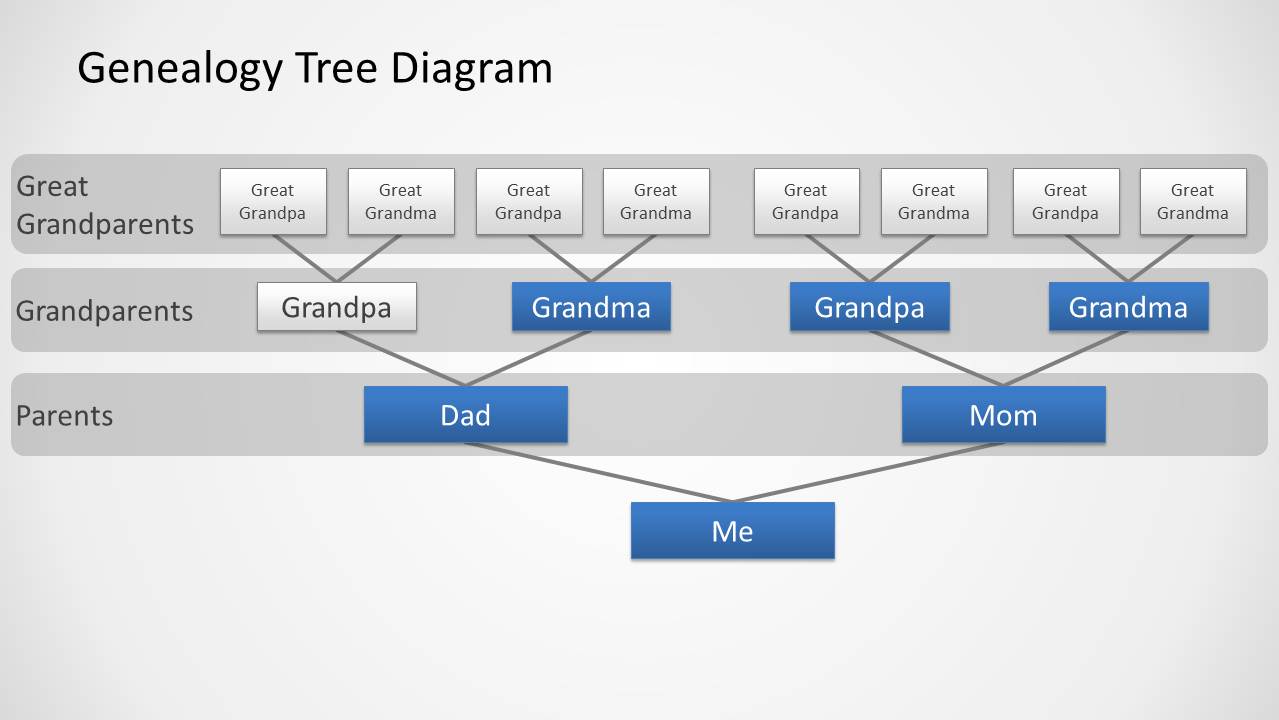
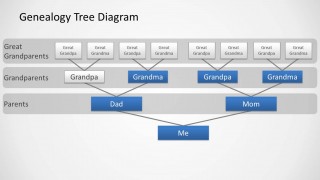
- A genealogist can use the banded generation tree to explain how a person connects to parents, grandparents, and great grandparents during a family history presentation.
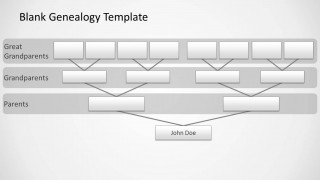
- A teacher can use the blank genealogy template to guide students through a lineage-mapping exercise while they fill in names and family relationships.
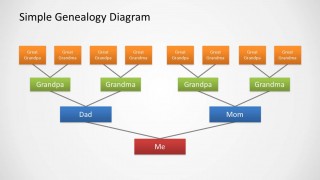
- A community presenter can use the simple genealogy diagram to introduce a heritage story by showing the main family branches before adding biographical details.
- A researcher can use the labeled generation bands to check that family records are organized by relationship level before discussing evidence or missing information.
Features
- 100% editable presentation template
- Compatible with Microsoft PowerPoint and Google Slides
- Scalable vector shapes, icons and illustrations
- AI-Ready for Microsoft Copilot and Claude
- Instant access and download
Frequently asked questions
Q: How should a presenter explain the family structure without overwhelming the audience?
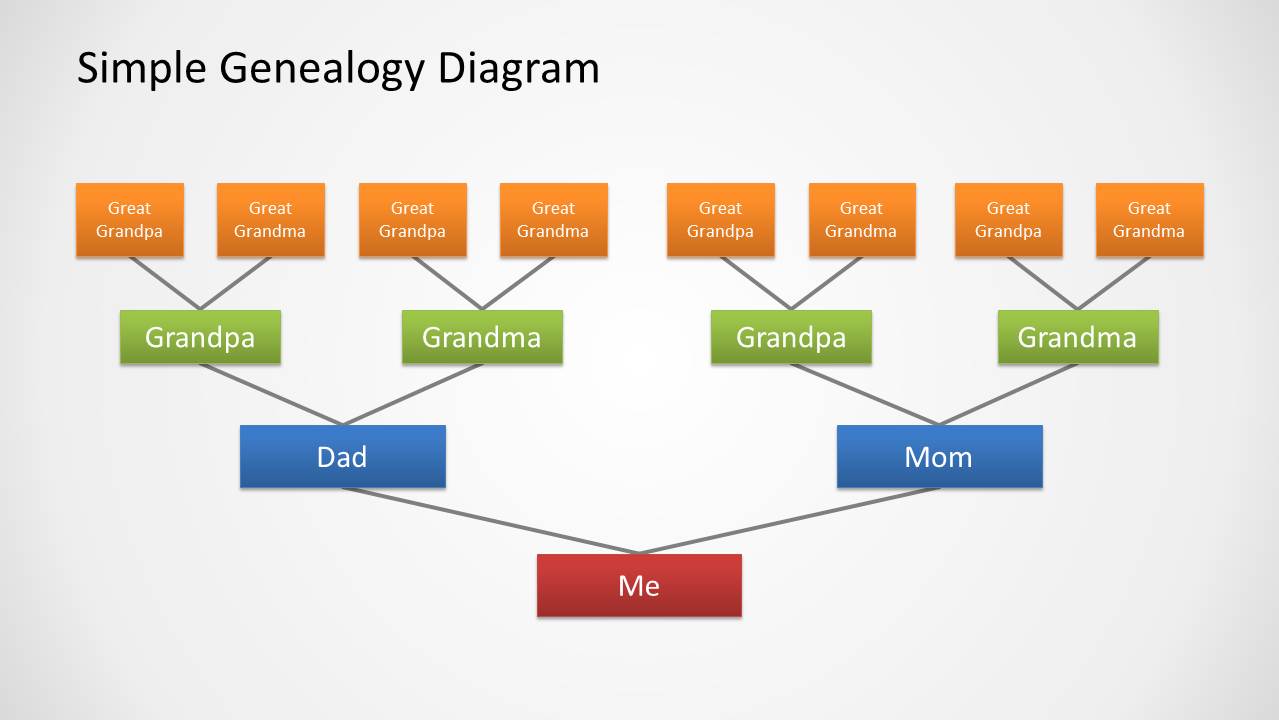
A: Start with the bottom focal person, then move upward one generation at a time. The colored person boxes and connector lines make it easy to explain parents first, then grandparents, then great grandparents. Keep each box to a name or short label so the audience can follow the relationship path rather than read dense text.
Q: Who is this template best suited for?
A: This template fits presenters who need a compact ancestry view for a class, family meeting, heritage talk, or genealogy research update. It is strongest when the goal is to show direct lineage over a few generations. The blank slide works well when names are still being collected or verified.
Q: Why does the generation-band layout help communicate genealogy?
A: The generation bands act like visual shelves, separating great grandparents, grandparents, parents, and the focal person. That structure reduces ambiguity because each name box sits on a clear relationship level. The branching connectors reinforce the family tree metaphor, helping the audience see both hierarchy and lineage at the same time.

Genealogy Tree Diagram for PowerPoint
3-slide PowerPoint diagram template for genealogy trees, family lineage, and generation labels
Genealogy Tree Diagram for PowerPoint is a 3-slide diagram template for building family lineage visuals. It includes a simple family tree, a banded generation tree with great grandparents, grandparents, and parents, and a blank genealogy template. It is for family history, education, or ancestry presenters using PowerPoint.


 Loading...
 Microsoft PowerPoint
  Microsoft Copilot
  Claude for PowerPoint
 Other formats supported
Subscribe today and get immediate
access to download our PowerPoint templates.