Flat Business Metaphor PowerPoint Shapes – Create professional presentations with high visual impact with the use of Metaphor PowerPoint shapes. An image is worth a thousand words, prays the saying. In today’s digital visual world, PowerPoint presentations need to take the most of high impact visuals, rather than text.
The PowerPoint Template provides thirteen (13) business metaphors, created with cool flat shapes and a warm dark palette. Each shapes is created as PowerPoint objects, allowing the user to fully customize its appearance and effects. The shapes are decorated with modern smooth animations, adding a professional touch to the deck.
The included metaphors are:
- Overview, depicted with a vintage plane vector.
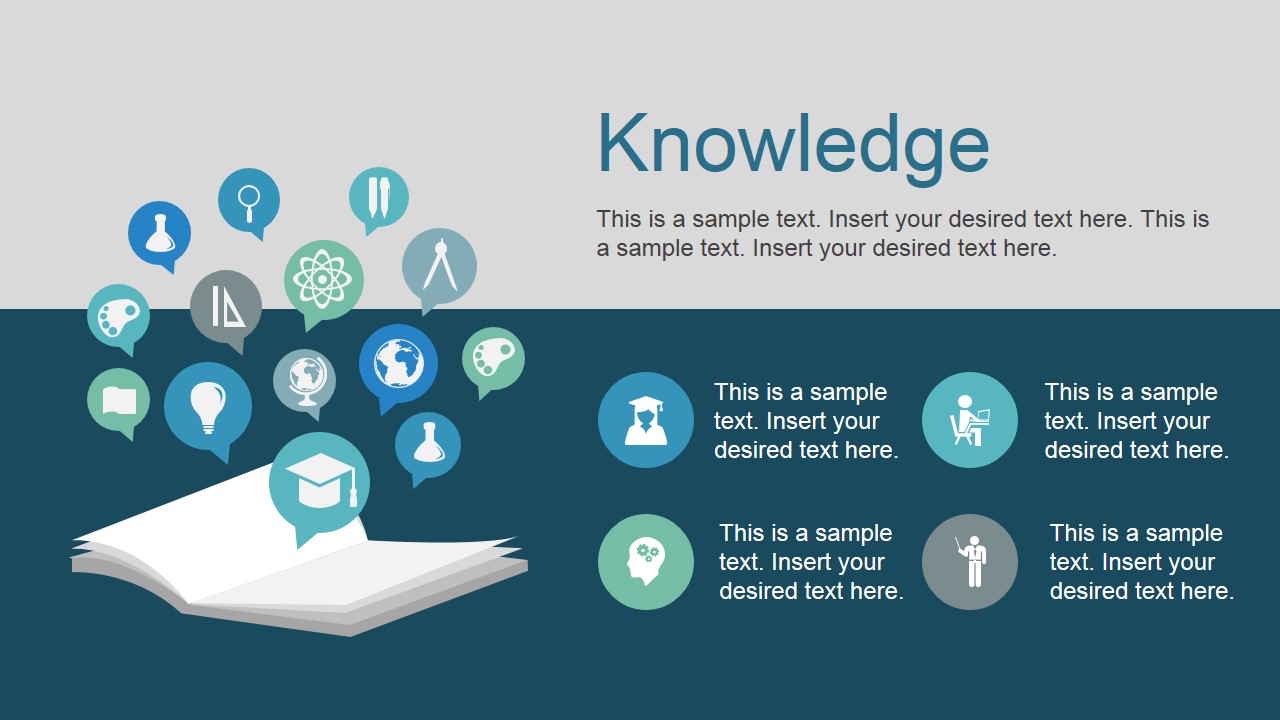
- Knowledge, described as an open book with topics PowerPoint Icons.
- Roadmap, created with a four milestones timeline.
- Opportunity, showing a flat hand clipart with a key opening a door (keyhole metaphor), in front of a lock, ready to be opened.
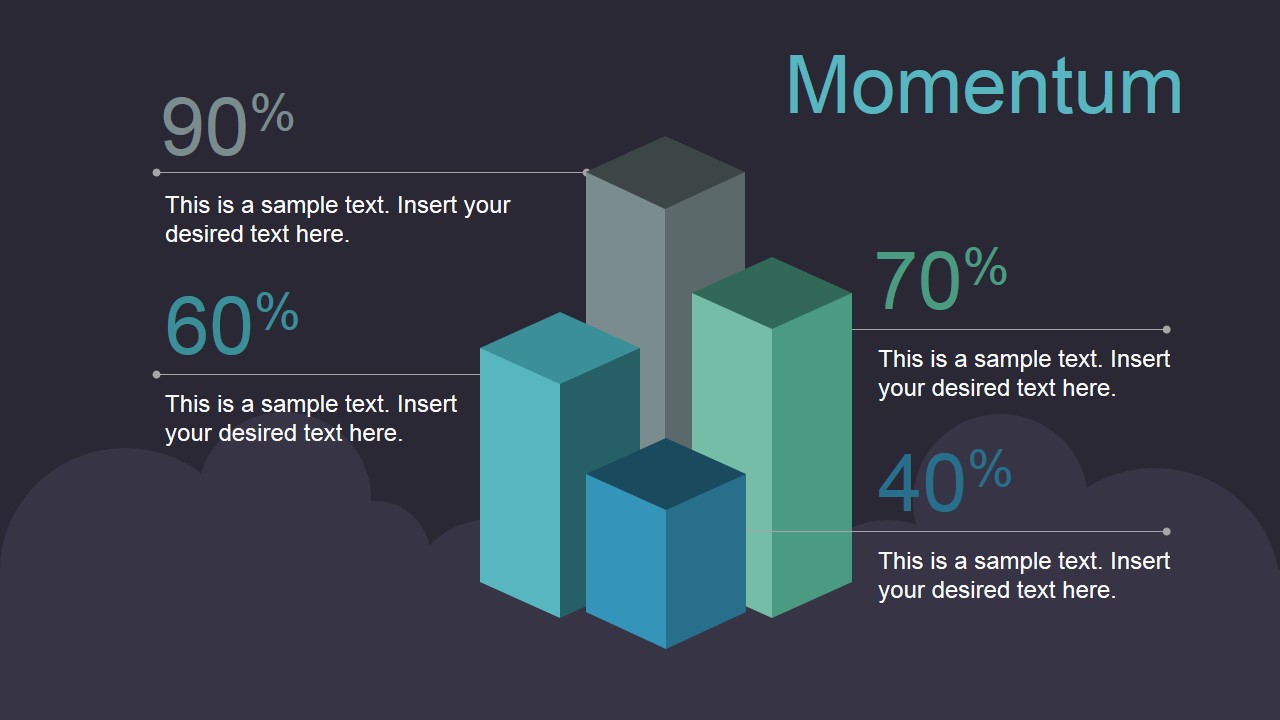
- Momentum, four animated columns charts describe the momentum KPI’s of your business.
- Locations, pictured as a slide with a London sightseeing silhouette.
- Success, describing a chart with space rockets flat vectors.
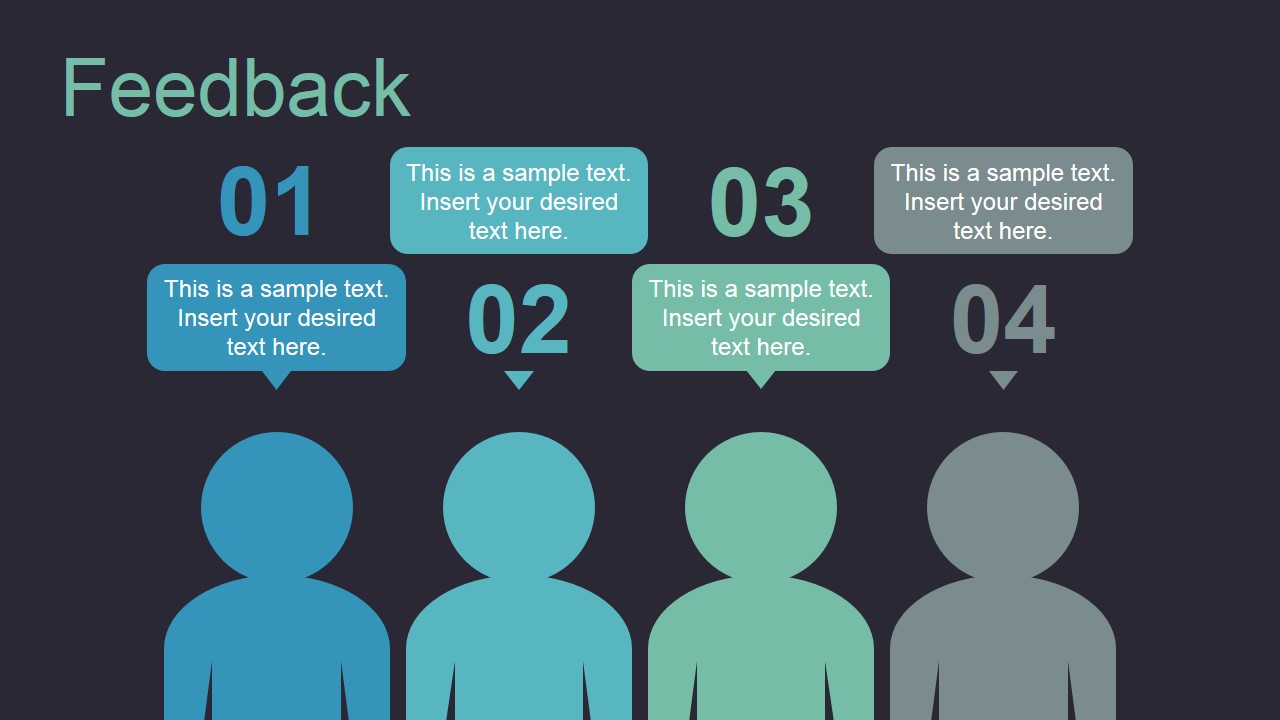
- Feedback, showing four customers PowerPoint Shapes and their comments.
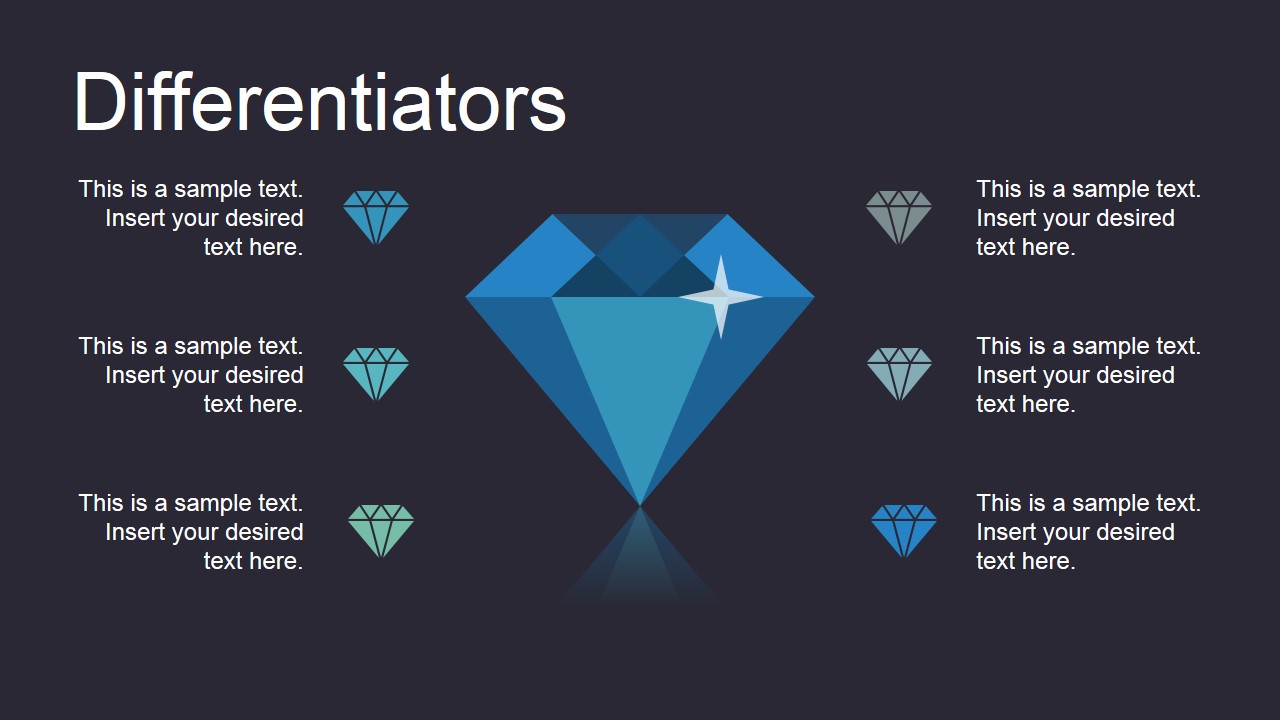
- Differentiators, diamond jewels represent the competitive advantages of your business.
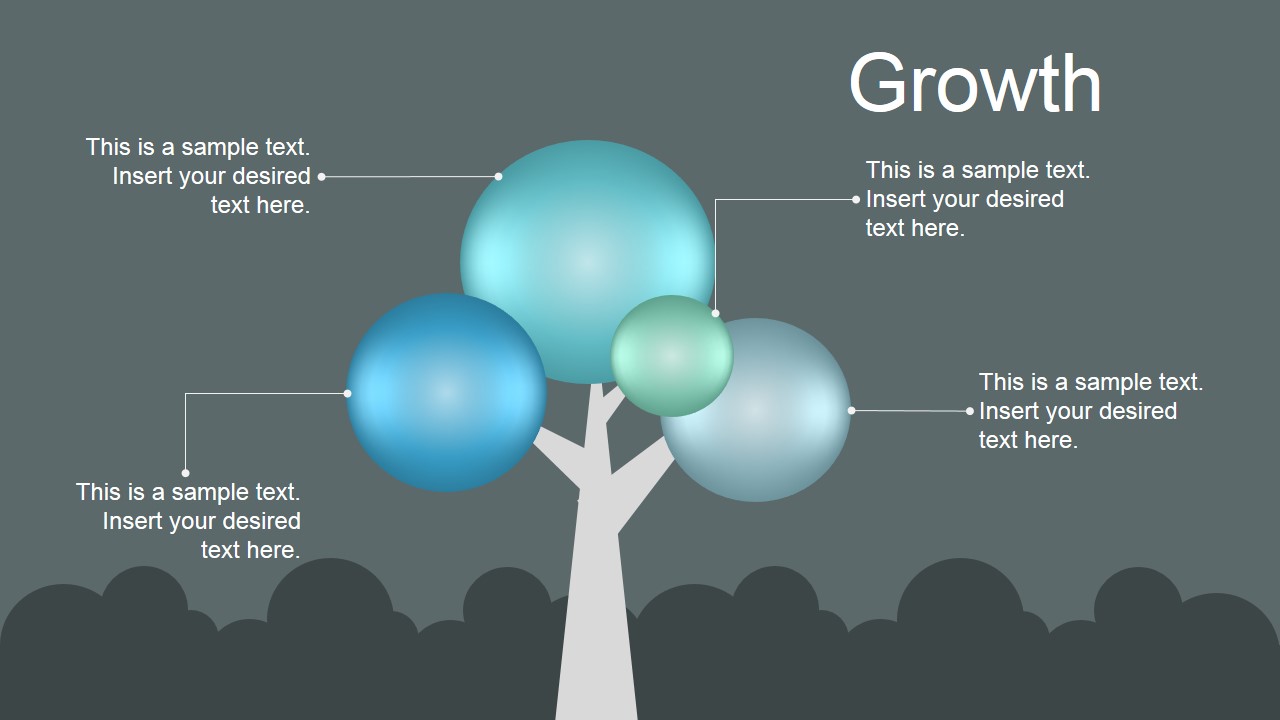
- Growth, represented as a tree with different branches groups.
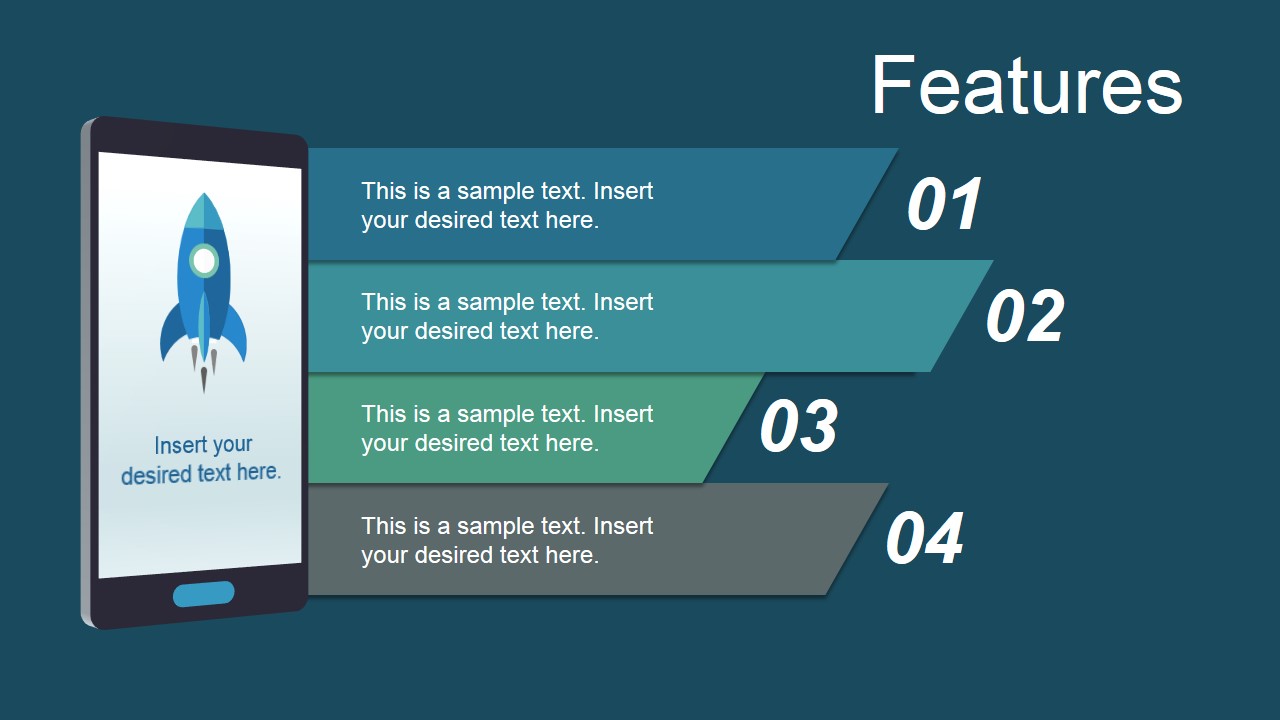
- Features, a mobile app with four text placeholders describes the product features.
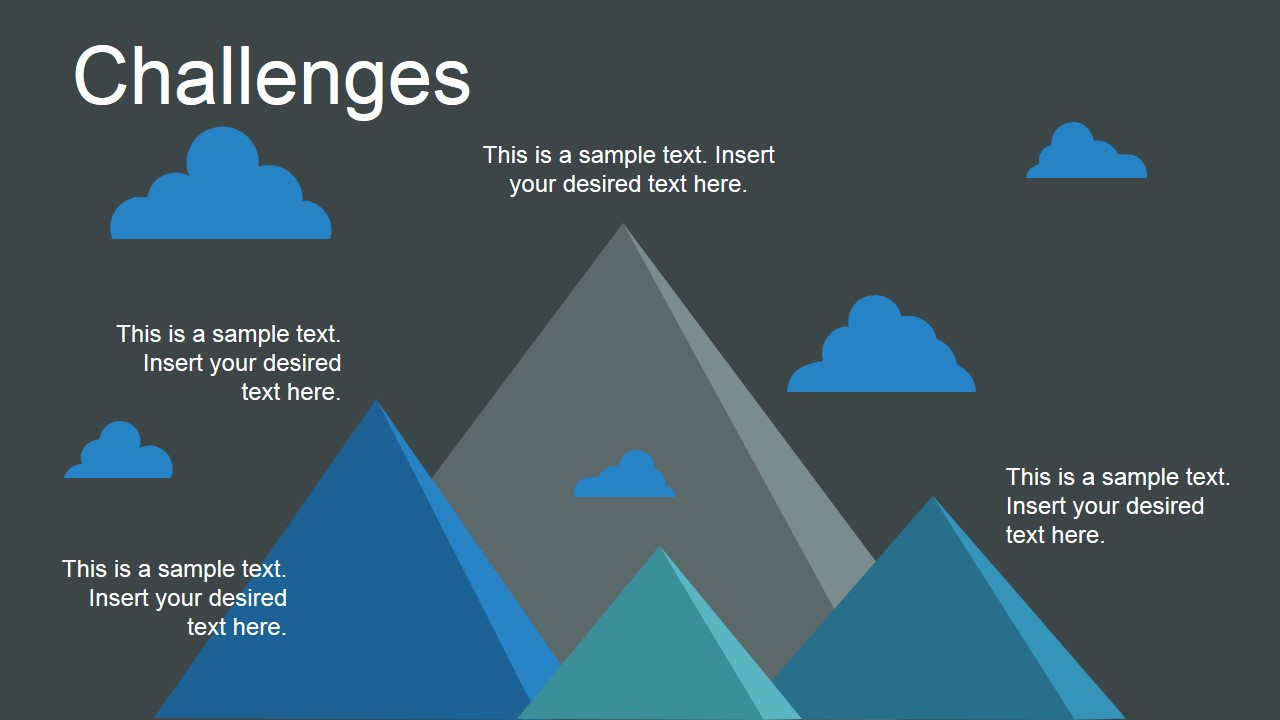
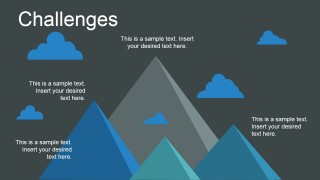
- Challenges, four mountains give the impression of future challenges.
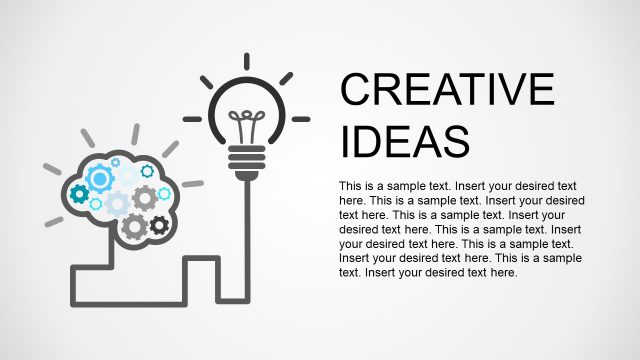
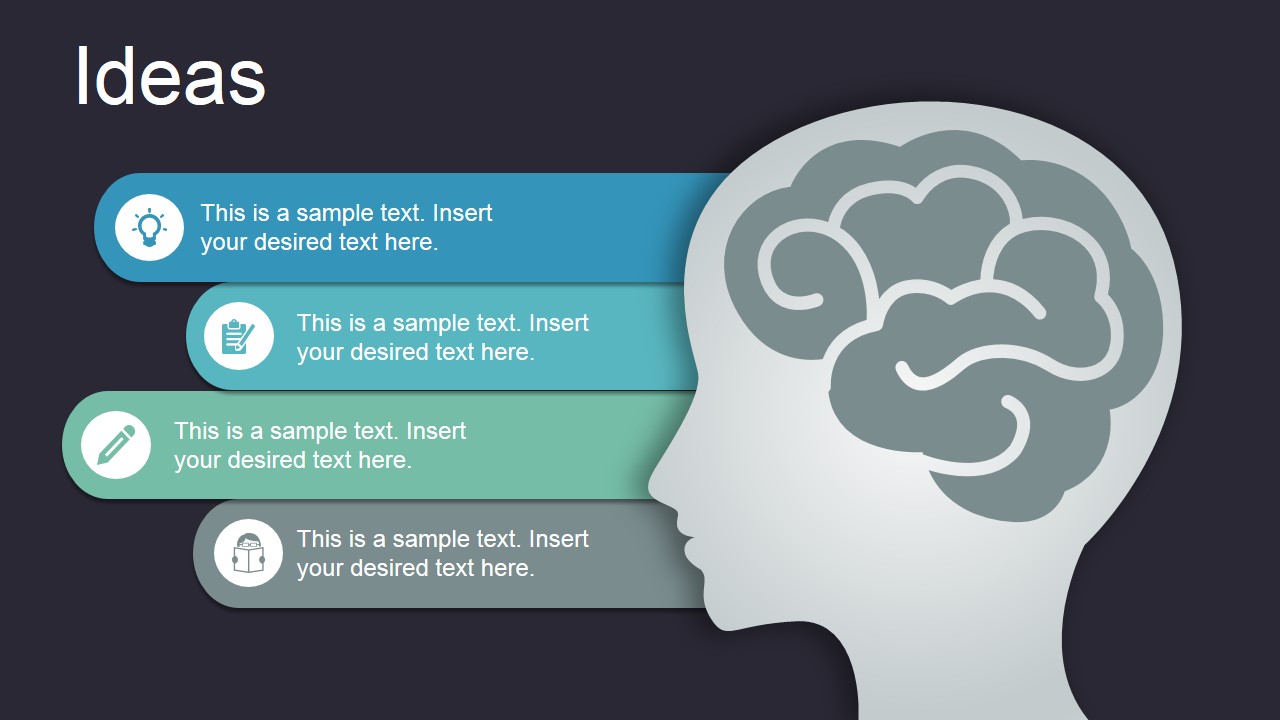
- Ideas, an open mind metaphor depicted with a head and brain clipart.
Impress your audience with high quality PowerPoint Clipart shapes, created with ease of use in mind. Applicable for business contexts.
What’s inside this template
Example presentation scenarios
- A consultant can use the roadmap slide to walk a client team through phased milestones and use the keyhole opportunity scene to frame the strategic opening being evaluated.
- A product manager can present a feature update with the mobile features slide, then connect expected adoption to the momentum column chart or success rocket chart.
- A training facilitator can use the knowledge, ideas, and challenges slides to teach abstract business concepts with memorable visual anchors and short discussion prompts.
- A marketing or strategy team can use the differentiators diamond slide to compare competitive strengths and the feedback slide to summarize customer input in a visual review.
Features
- 100% editable presentation template
- Compatible with Microsoft PowerPoint and Google Slides
- 16:9 aspect ratio slides
- Scalable vector shapes, icons and illustrations
- AI-Ready for Microsoft Copilot and Claude
- Instant access and download
Frequently asked questions
Q: How should I build a clear message with metaphor slides rather than making them feel decorative?
A: Assign one business idea to each metaphor and write the slide title as the conclusion, not just the topic. For example, use the keyhole slide to state the opportunity, the roadmap to explain sequence, and the growth tree to show expansion paths. Keep each text placeholder short so the illustration carries the memory cue.
Q: Who is this template best suited for in a business presentation?
A: This template fits presenters who need to explain abstract concepts quickly: consultants, product leads, marketing teams, trainers, and founders. It is strongest when the audience needs a memorable mental model for strategy, opportunities, differentiators, feedback, or challenges rather than dense tables or formal financial reporting.
Q: Why do the visual metaphors help the audience understand the message?
A: The slides translate business language into familiar images: a key for opportunity, rockets for success, mountains for challenges, and a tree for growth. These metaphors reduce cognitive load because viewers can grasp the meaning before reading details. The large central artwork also creates a clear focal point for discussion.














Flat Business Metaphor PowerPoint Shapes
13-slide presentation template with flat business metaphors, roadmap, keyhole opportunity, and growth visuals
Flat Business Metaphor PowerPoint Shapes is a 13-slide presentation template of flat editable metaphor illustrations for business concepts. Visible layouts include a four-milestone roadmap, keyhole opportunity scene, momentum column chart, customer feedback row, mobile features list, growth tree, and challenges mountains. It is designed for Microsoft PowerPoint and Google Slides presentations.
- Category
- Shapes
- Rating


 Loading...
- Aspect ratio
- 16:9, 4:3
- Item ID
- 12000-02
- Colors
 Microsoft PowerPoint
  Microsoft Copilot
  Claude for PowerPoint
 Other formats supported
Subscribe today and get immediate
access to download our PowerPoint templates.